The network for creativity
Join 1.25M professional creatives like you
Connect with clients, get discovered, and run your business 100% commission-free
Creatives on Contra have earned over $150M and we are just getting started
Back to feedPost

Built A Real Time Voice AI Agent To Help With Customer Service And Its Fully Autonomous


The network for creativity
Join 1.25M professional creatives like you
Connect with clients, get discovered, and run your business 100% commission-free
Creatives on Contra have earned over $150M and we are just getting started
Related posts


ThisDay 3.0 is live on the App Store
Pay-once day planner for iPhone, iPad, Watch and Mac:
- New UI and D / W / M / Y zoom slider
- New Library
- Native split layout for iPhone Duo
- On-device SiriAI for charts and day planning
- Tasks, events, habits, notes, voice memos, photos and places on one timeline


pay once in 2026, respect 🙌 everyone pushes subscriptions now. the zoom slider from day to year is a really nice way to move through a planner

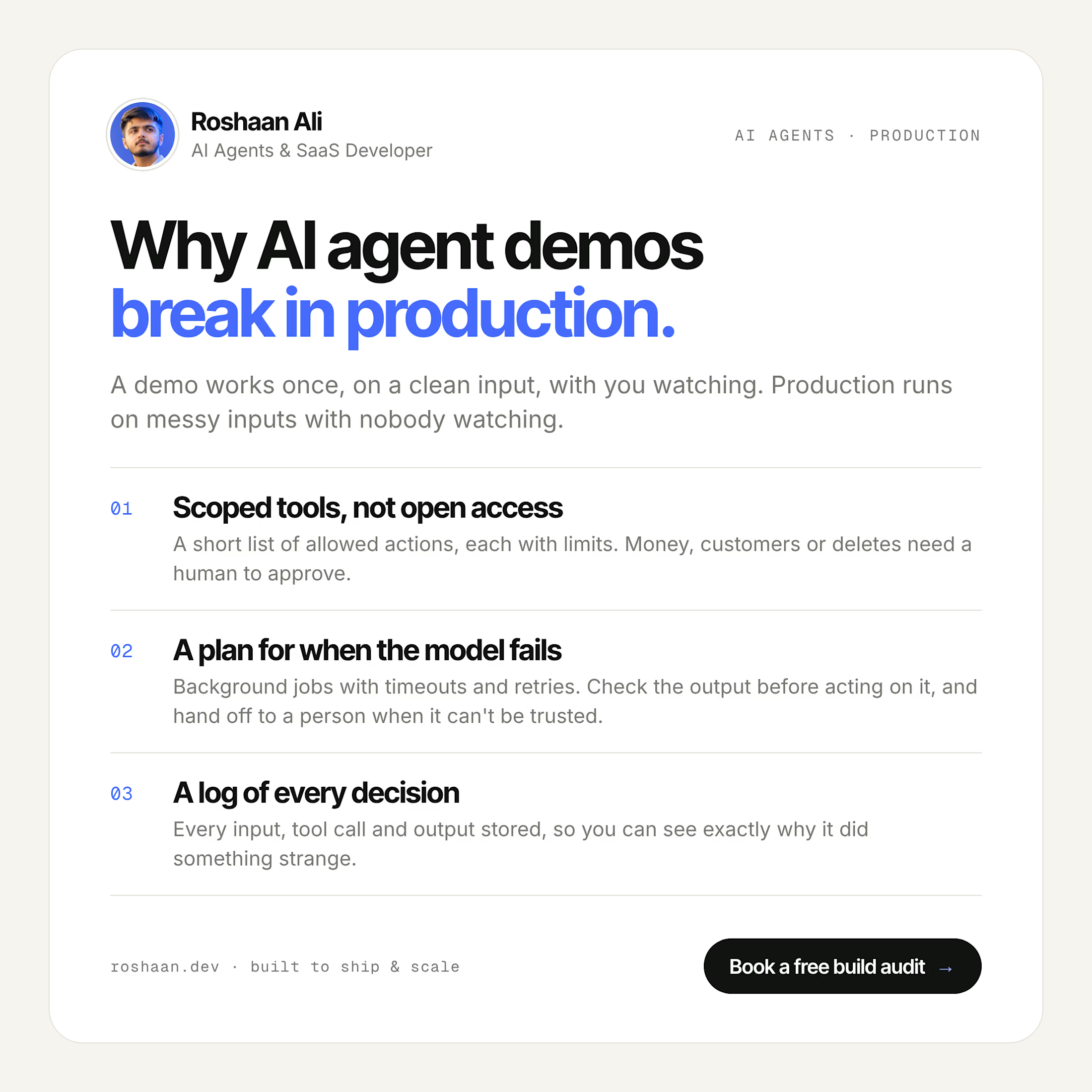
Why AI Agent Demos Break in Production
An AI agent demo only has to work once, on a clean input, with you watching. In production it runs again and again on messy real inputs, and nobody's watching.
I've built AI into real products, from a repricing engine that runs 24/7 for a US Amazon seller to a voice automation platform for a company in Germany. These are the three things I put in place before any agent goes live:
1. Scoped tools, not open access
Give the agent a short list of actions it's allowed to take, each with its own limits, instead of raw access to your database or APIs. Anything that touches money, customers or deleting data needs a human to approve it.
2. A plan for when the model fails
Model calls are slow, they time out, and sometimes they return something that makes no sense. Run agent work in background jobs with timeouts and retries, check the output before acting on it, and hand the task to a person when it still can't be trusted.
3. A log of every decision
Store every input, tool call and output. When the agent does something strange (and at some point it will), you can see exactly why and fix it instead of guessing.
None of this shows up in a demo. All of it decides whether the agent is still running a month later.
Planning an AI agent for your product? I offer a free build audit: calendly.com/roshaanali-business


I wanted to see how far I could take an idea using AI, so I built something.
Meet Instant CSV Dashboard 🚀
It's an experiment in making data easier to explore by turning CSV files into interactive dashboards.
I built it using AI tools, moving beyond static designs to create something people can actually try.
I'm sharing a short demo of the experience, and I'd love to hear what you think.
Have a look: https://interactive-csv-dashboards.ai.studio/
If you work with data regularly, what would you want a tool like this to do for you?
#ProductDesign #AI #DataVisualization
@Google USA


Nice one. I'd want it to pick the right chart for each column on its own. That's where most people get stuck.