The network for creativity
Join 1.25M professional creatives like you
Connect with clients, get discovered, and run your business 100% commission-free
Creatives on Contra have earned over $150M and we are just getting started
Back to feedPost
Connected a Framer site to Shopify with Framer Commerce today. Products synced, but the Add to Cart button stayed on "loading" forever.
No error on the page. The Storefront API answered 200 OK with an empty list.
The cause was one unticked box. Framer Commerce asks Shopify for stock levels, and the Headless storefront token did not have unauthenticated_read_product_inventory. Shopify rejects the whole query and the component just waits.
If your Framer Commerce buttons never load, open Shopify → Headless → Storefront API permissions and tick product inventory first.
The store is a ceramics shop (Bisque, Shopify Edition) with live glaze variants, a cart drawer and Shopify checkout


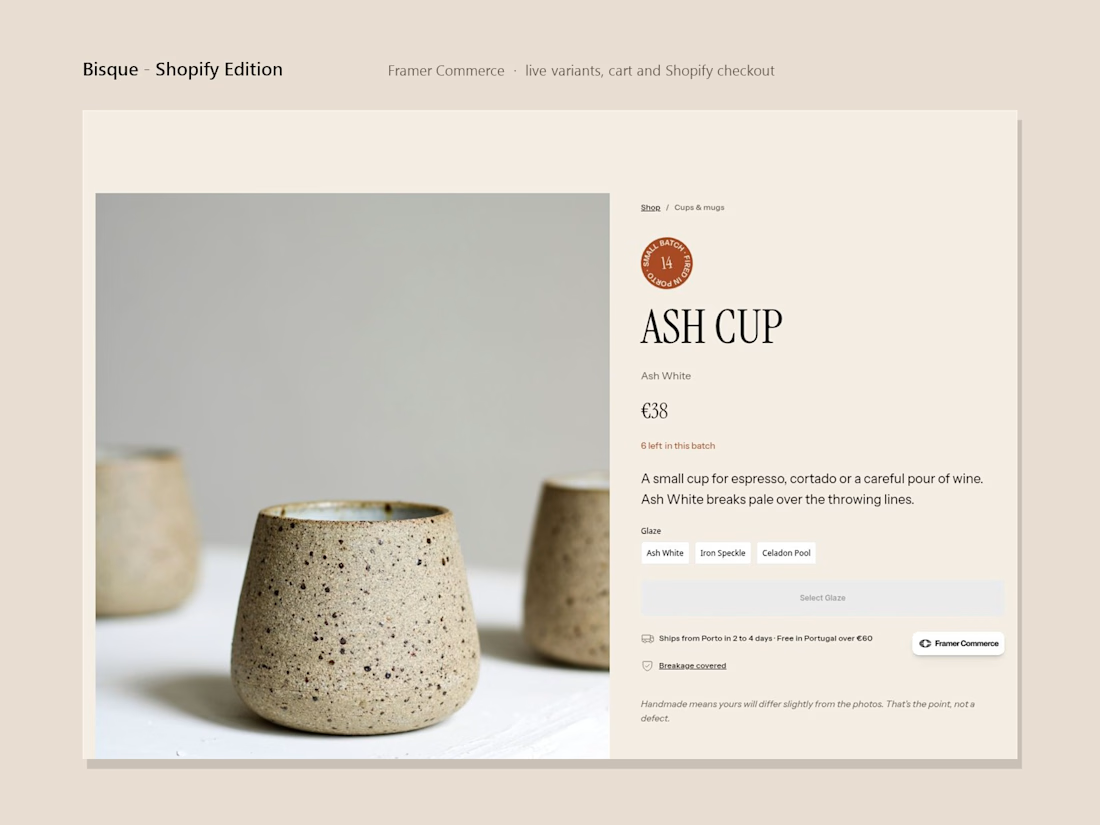

To be clear, this is the demo store of my own Bisque template (Shopify Edition), not a client project. Ledra Ceramics is a fictional brand I use for the demo. If you want the same setup for your real shop, I build it as a service on my Contra profile.
The network for creativity
Join 1.25M professional creatives like you
Connect with clients, get discovered, and run your business 100% commission-free
Creatives on Contra have earned over $150M and we are just getting started



Related posts

What a great way to start the week! My Möbius Framer template just received an Honorable Mention on Awwwards
I'm particularly happy about this one, since it's one of my favorite projects.
Check it out if you haven't already: https://mobius.framer.website/

Yay, congrats!!

Counter Pre-loader is now available on the Framer Marketplace, free to use.
A simple preloader featuring dynamic number progression synced with a smooth expanding overlay bar.
Explore it here: https://www.framer.com/marketplace/components/counter-pre-loader/

Nice 👍

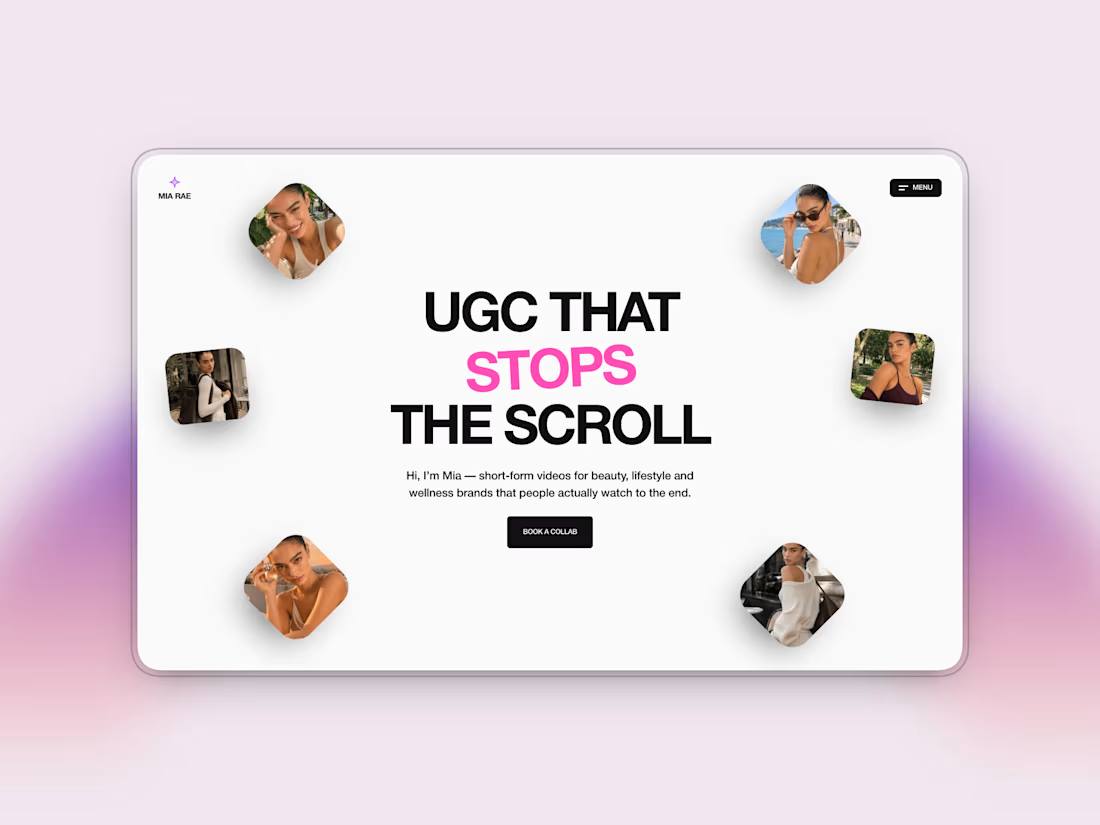
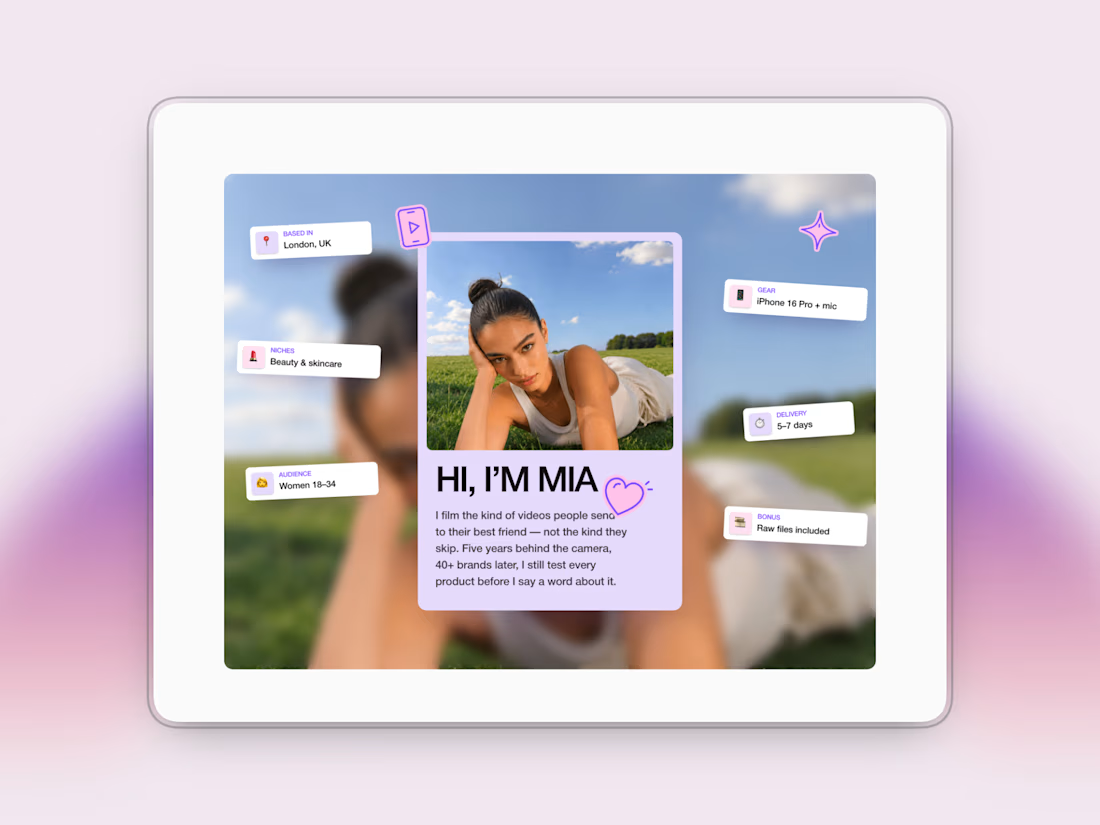
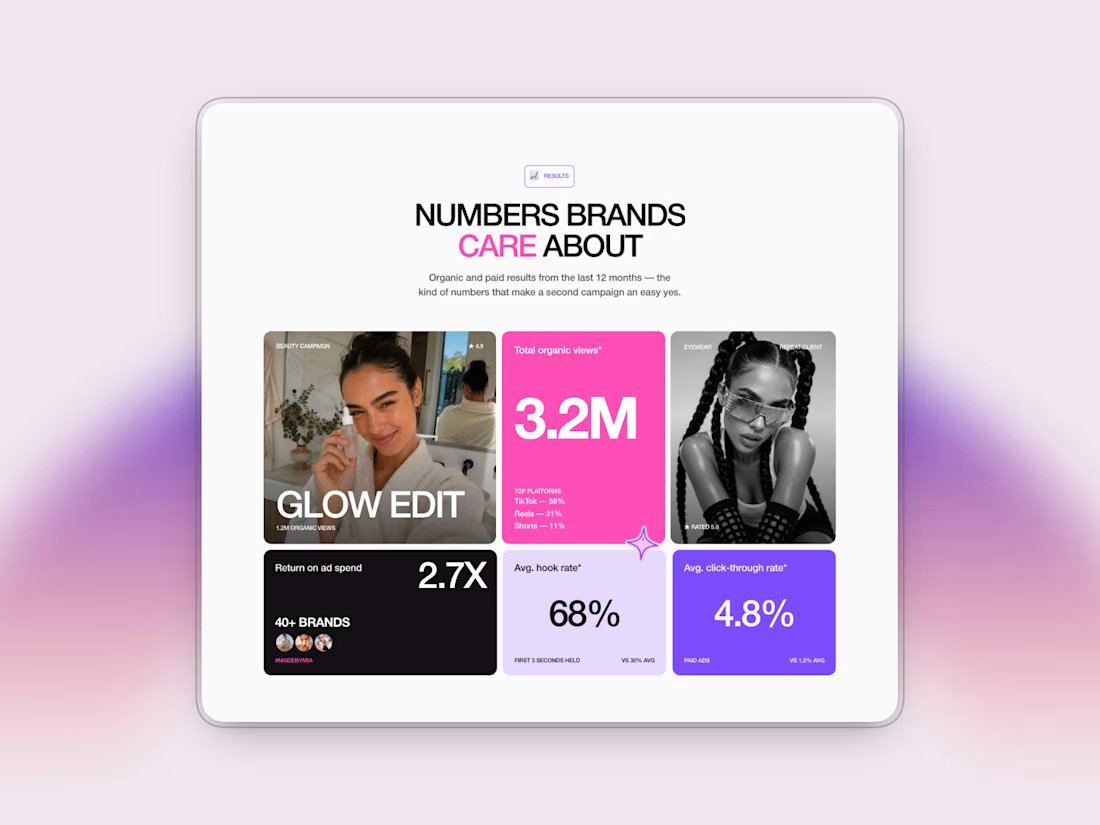
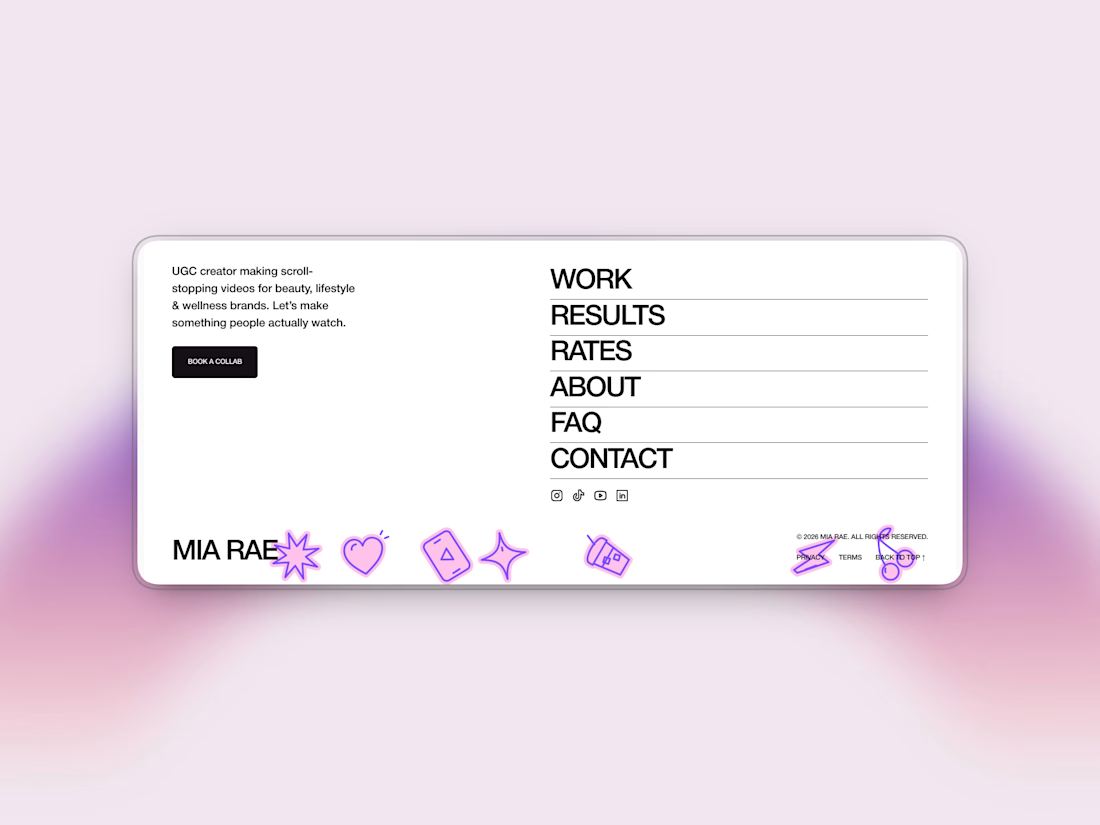
A bold, playful portfolio concept for a UGC creator who knows how to stop the scroll. 💗
Designed with personality in mind — oversized typography, vibrant pink and purple accents, floating imagery, playful illustrations, and a clean, conversion-focused layout.
The goal was to create something that feels more like a personal brand experience than a traditional portfolio, while making it easy for brands to explore the creator's work, see real results, and book a collaboration.
Built with Framer.
Would love to hear your thoughts! ✨

Very impressive, I am speechless! your design was really damn good!