The network for creativity
Join 1.25M professional creatives like you
Connect with clients, get discovered, and run your business 100% commission-free
Creatives on Contra have earned over $150M and we are just getting started
Back to feedPost
Don't worry, I haven't forgotten to answer the question I asked!
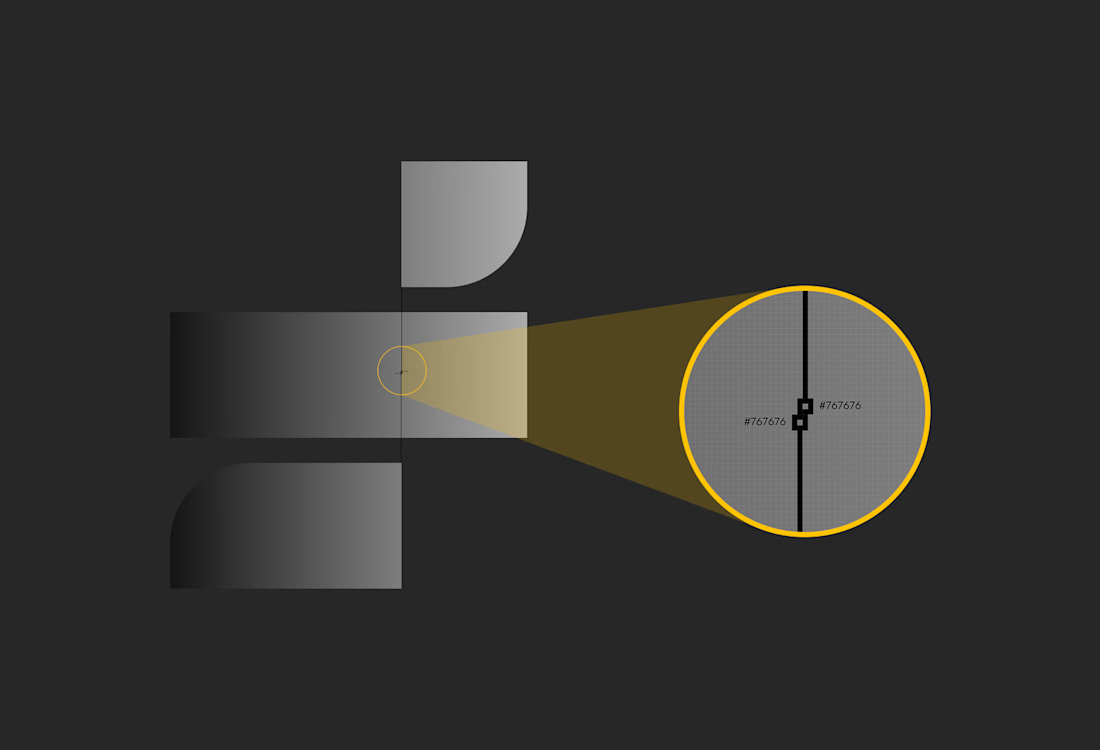
I wanted to know how many parts the responsive shape below was made of.
The answer is 8!
I've also explained in the comments how I created the responsive gradient between two adjacent elements.
Check it out! 👇


This Auto Layout test I made in Figma is trickier than it looks! 😮
The shapes expand and overlap while keeping their corner radiuses intact and gradients...

For the responsive gradient, I merged a copy of the two pieces, applied the desired gradient, then sampled the connecting pixel. In this case, both pieces had the same HEX color. I applied a separate gradient to each piece, matching that color at the connection point.
That's it!
The network for creativity
Join 1.25M professional creatives like you
Connect with clients, get discovered, and run your business 100% commission-free
Creatives on Contra have earned over $150M and we are just getting started


Related posts

A few months ago I got to work with Coderhouse, one of the leading education brands in Argentina, and the place where I took several courses myself.
So this one feels like a full circle. A brand that shaped my career and helped me grow as a designer, and now I got to design for it.
The funny part is Chris had no idea I was a former student when he reached out. I was really happy when that message came in.
I built a visual system for their 60+ course covers, made so their team can keep producing them on their own. Today it lives across their app, website and Meta ads.
Thanks Chris for trusting my work and for the opportunity 🧡 And thanks @Contra HQ for making connections like this one possible.


This looks great

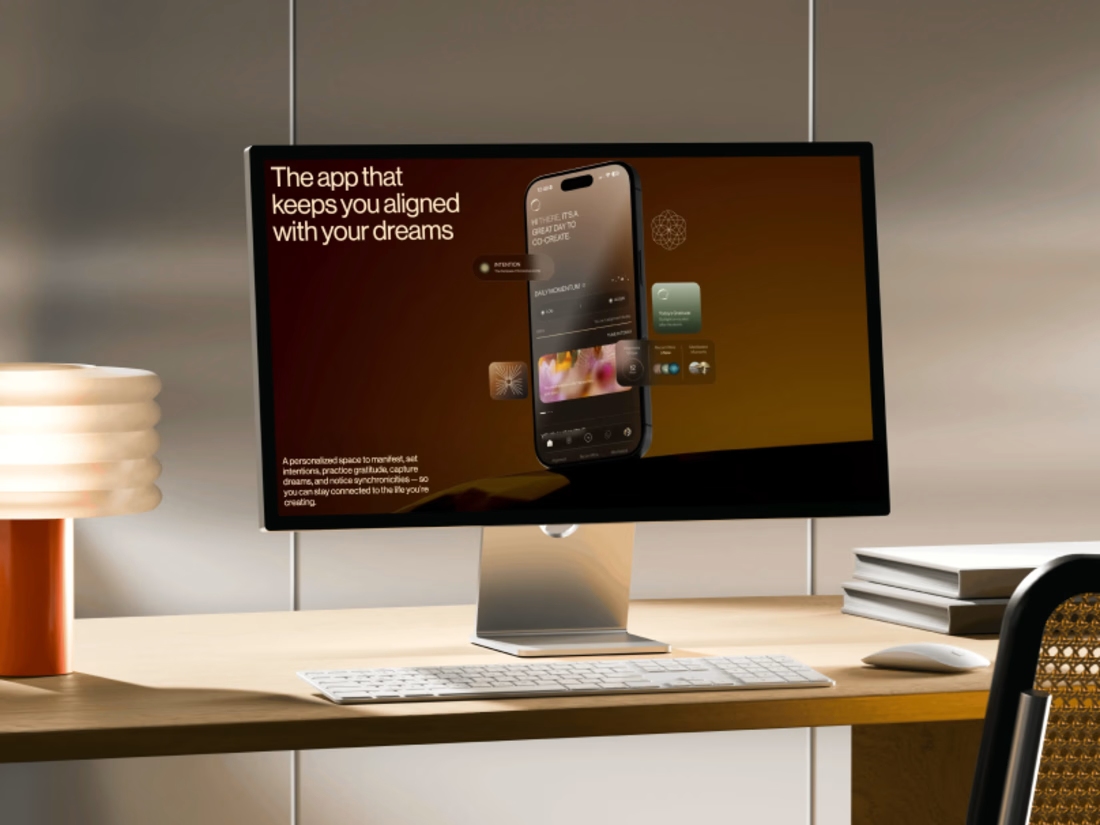
Promo video for a manifestation and wellness app. 48 seconds of kinetic type, UI motion and warm footage that show what the app does.


The warm footage really suits a wellness app, it keeps the kinetic type from feeling too techy. Lovely pacing for 48 seconds

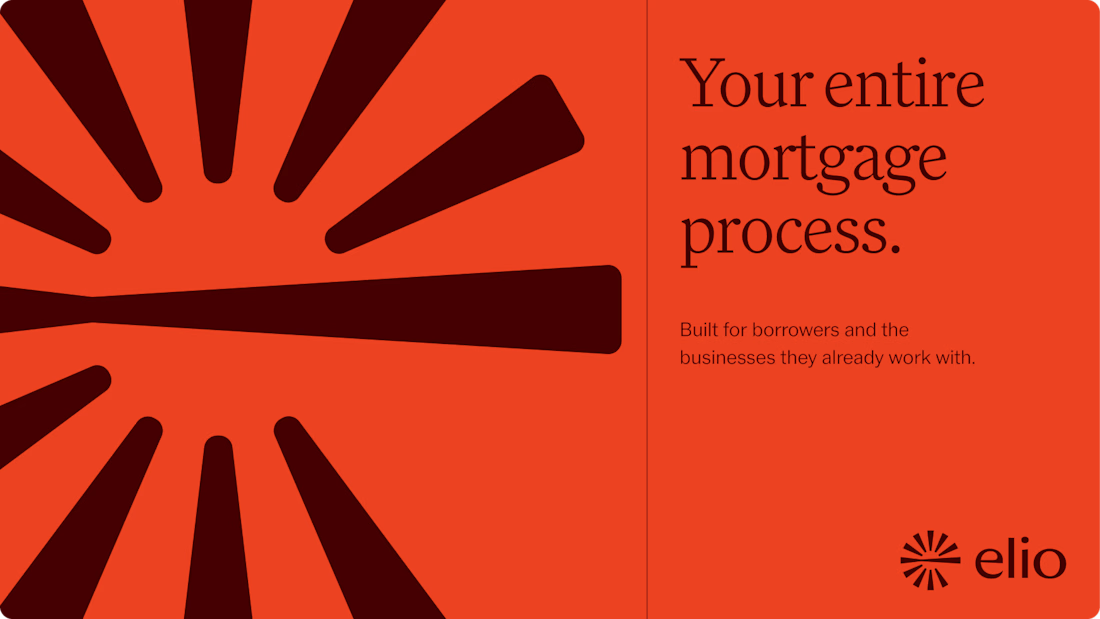
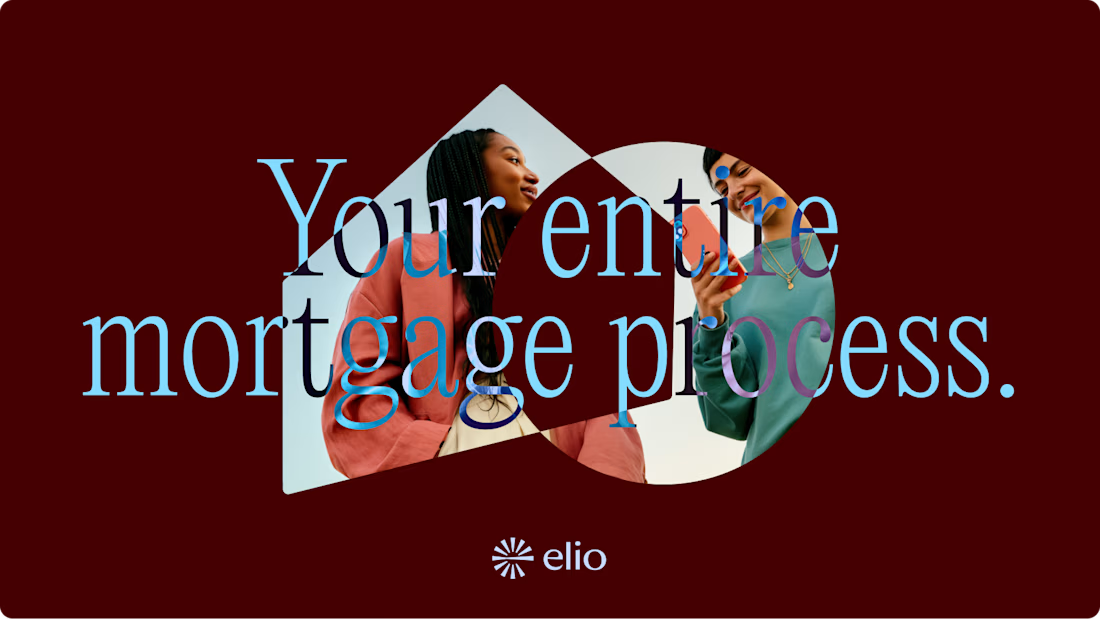
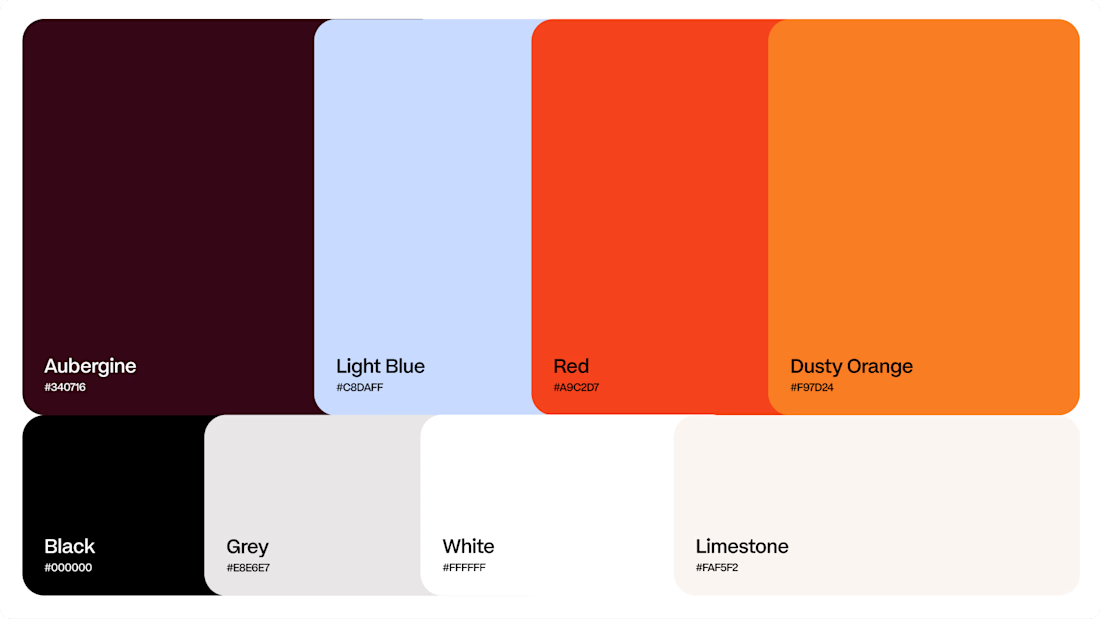
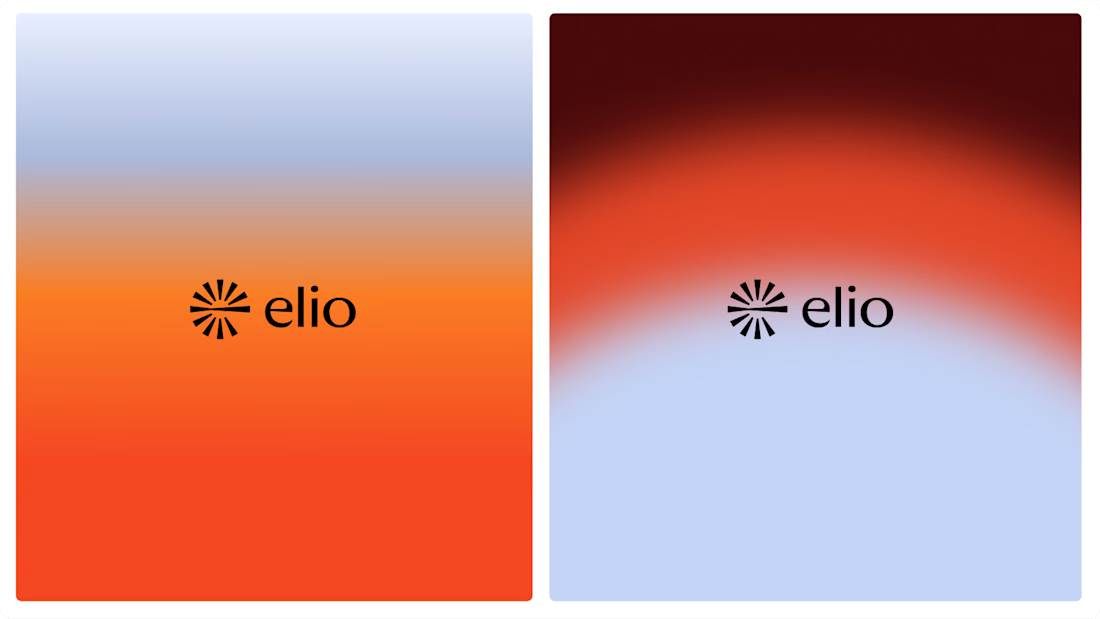
Another very cool brand Identity project I got to work on this year for Elio Mortgage.
Bringing warmth and love to a brand that is usually cold and stressful. Elio are doing things differently to make mortgages easier to deal with. We made a brand that felt more approachable.
Full case study here:

Warm, approachable identity for stressful mortgages.