The network for creativity
Join 1.25M professional creatives like you
Connect with clients, get discovered, and run your business 100% commission-free
Creatives on Contra have earned over $150M and we are just getting started
Back to feedPost
Model Arena - https://app.fuser.studio/view/b7a2a296-6121-45f7-bd0e-dfe1ae54bc32
For the community a tool to help you on the last day with video, the tedious type of testing setup to build for the longterm.
🏃♂️For your fuser.studio project are you in a rush but still need to pick video models for your ideas?
😵 Or are you not sure how to go about comparison and the organization of everything without ending up with a confusing mess?
I made the Model Arena template just for you to speed UP shortlisting generative video models text-to-video comparison on fuser.studio.
🐐 Goat if this helps you or you think i should make other version so of this for image-to-video vid-to-vid etc
The brand concept
In the template for the #fusercocreate hackathon is a teddy bear brand working on lookdev for adspots, commercials, marketing videos and potential tv series DEFENDERS OF IMAGINATION.
(on contra I'll provide ~3 sample vids)
What a Model Arena does,
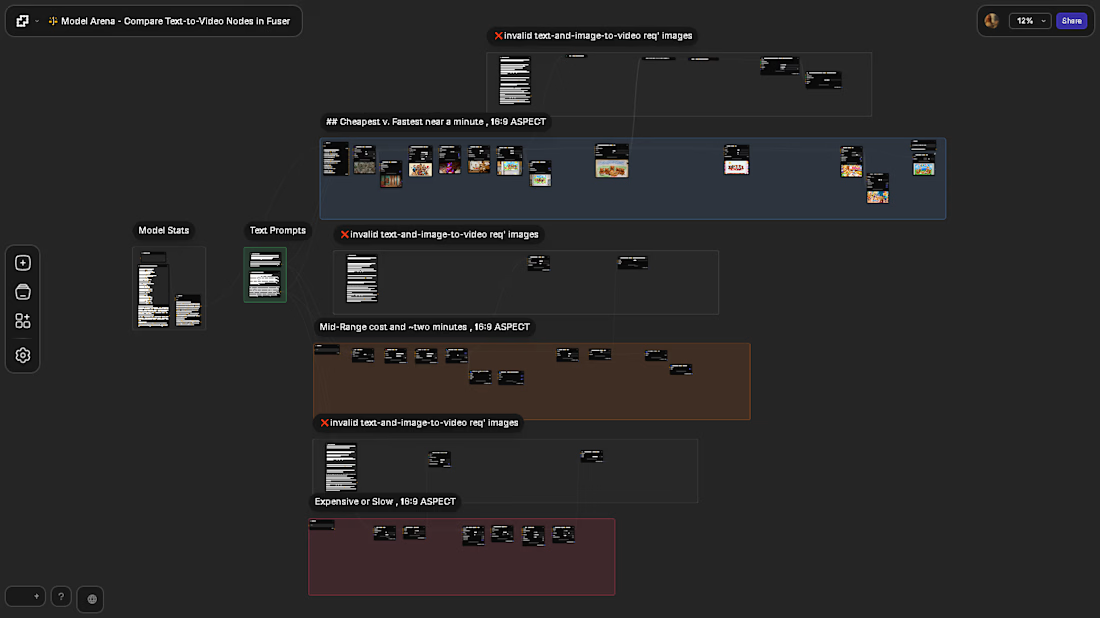
It breaks down fuser.studio's available text-to-video models across three categories based on cost and speed put right on the canvas for quick iteration.
Then a creative-code node to make a video review gallery with categorization and yay or nay voting for stakeholders (vibe coding in progress 👓 🏖️ ).
With a compositor to bring a final three videos together with a text overlay of the prompt or a narrative you add (NOTE , this is WIP as the compositor is not working from an error for me "Video is not supported in compositor on this device." prolly cuz I work on a potato 🥔)
The questions I used for the categories are: does it run in under minute or does it cost under 600 credits.
Cheapest v. Fastest near a minute, Mid-Range cost and ~two minutes, Expensive or Slow.
Node labels includes a cost(💸) & speed(⚡) info on each node for convenient reference.
Examples, Fast SVD Video Generator 💸69 ⚡92s which is cheap and fast but subpar results with a quicky prompt. Meanwhile there's Pika 💸276+ ⚡237 which is cheap but it is slooow so it goes in the mid-range.
So to run a test on the cheapest category is ~2260 credits if you run EVERYTHING.
But how to craft prompts to test video models?
There's a lot of writing about prompt engineering.
For me one of my approaches for testing generative models is INCOHERENT storytelling.
Things that could make sense to a person but whose keywords and context are confusing to a machine.
The example prompt I used in the Model Arena template is basically this:
teddy bears at a picnic defending against monsters under the bed that is a crayon drawing on a fridge.
So any model has to convey how a picnic is happening but also there to be a bed in the scene. Will it put a bed in a park, or a picnic in a bedroom, where does the fridge exist and how does it appear, will the crayon drawing be applied inconsistently or not.
I also set it up with heavy negative-prompt.
How I went through building, configuring and organizing this
I used fuser.studios add nodes ui(shift+A) to search and filter to the text-to-video models then favorited them so I wouldn't have to repeat searching & filtering for dozens of models.
Then going down that favorites list I broke out the costs and speed.
📝One issue is some "text-to-video" models are NOT purely text only capable, and require images and or video; those nodes I put in their own groups above each category and set the image/video properties to be exposed.
For configuration,
I set it to hide common excess properties while exposing other important properties shared by most models , or unique capabilities for some nodes.
Common properties shown list (non-exhaustive):
Prompt, Negative Prompt , Duration, Seed, Model , Expand/Enhance Prompt (disabled), Turbo/Fast mode(disabled), LOOP, NSFW filter(enabled).
For consistent aspect ratio I set them all to 16:9 and hid that input.
I also disabled any Turbo/Fast or Expand/Enhance Prompt settings so there's more initial control.
I enabled the NSFW filter when available to help prevent surprises while at work 😲.
Additionally for TURBO/FAST & LOOP capabilities I broke out separate copy nodes for comparison to normal model nodes wiring them to a parent.
👀 Notice how on some by using counter-wiring for Turbo & Loop I made a soft conditional logic for child nodes capabilities to still be controlled by that model-nodes primary parent it's a copy of.
On some models I've exposed their special characteristics such as motion.
Canvas organization
I used groups for the three categories, and the invalid nodes requiring media input.
Used a PROMPT node to show the text list of models which is formatted with a three dashes delimiter(---) that lets the list be piped to a TEXT-SPLITTER(pattern) that itself sends it splits to a text-splitter in each category group. This makes it so there is a category specific list on each group for faster cross referencing but editable in one place.
So if you decide to edit/add/remove nodes this minimizes the amount of places to edit.
(you'll still need to keep labels of individual nodes & groups updated, no way to automate that so far afaik)


There's some polish this still needs but having computer issues.
Not sure if were allowed to clean things up after submissions end /shrug
The network for creativity
Join 1.25M professional creatives like you
Connect with clients, get discovered, and run your business 100% commission-free
Creatives on Contra have earned over $150M and we are just getting started








Related posts

Which shot hits hard?
GOT themed short film drooping soon!

2 voted
33%
4 voted
67%
6 votes
Closed

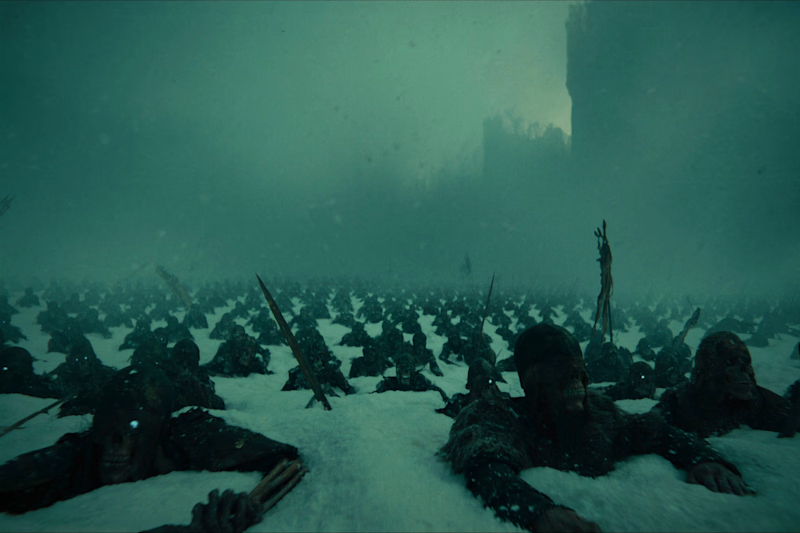
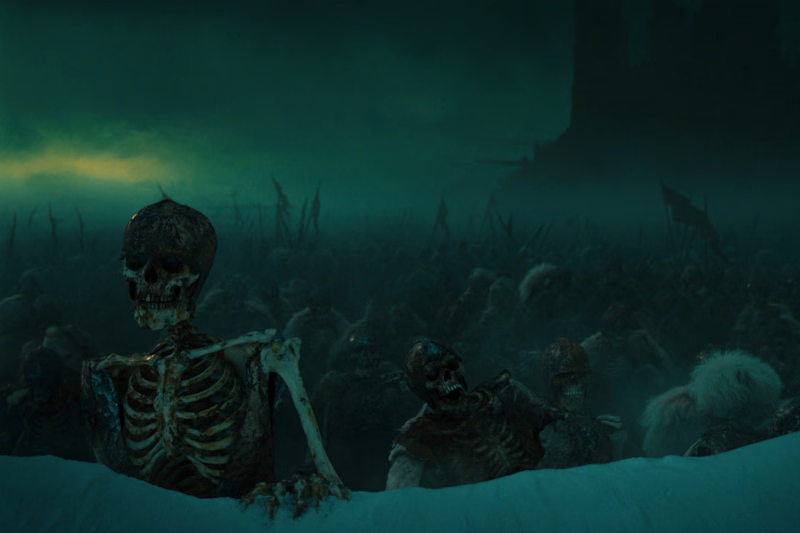
I prefer shot 2 it’s darker, grimmer; I find shot 1 a bit too clean.

Being a Challenge winner was unexpected yet beyond rewarding.
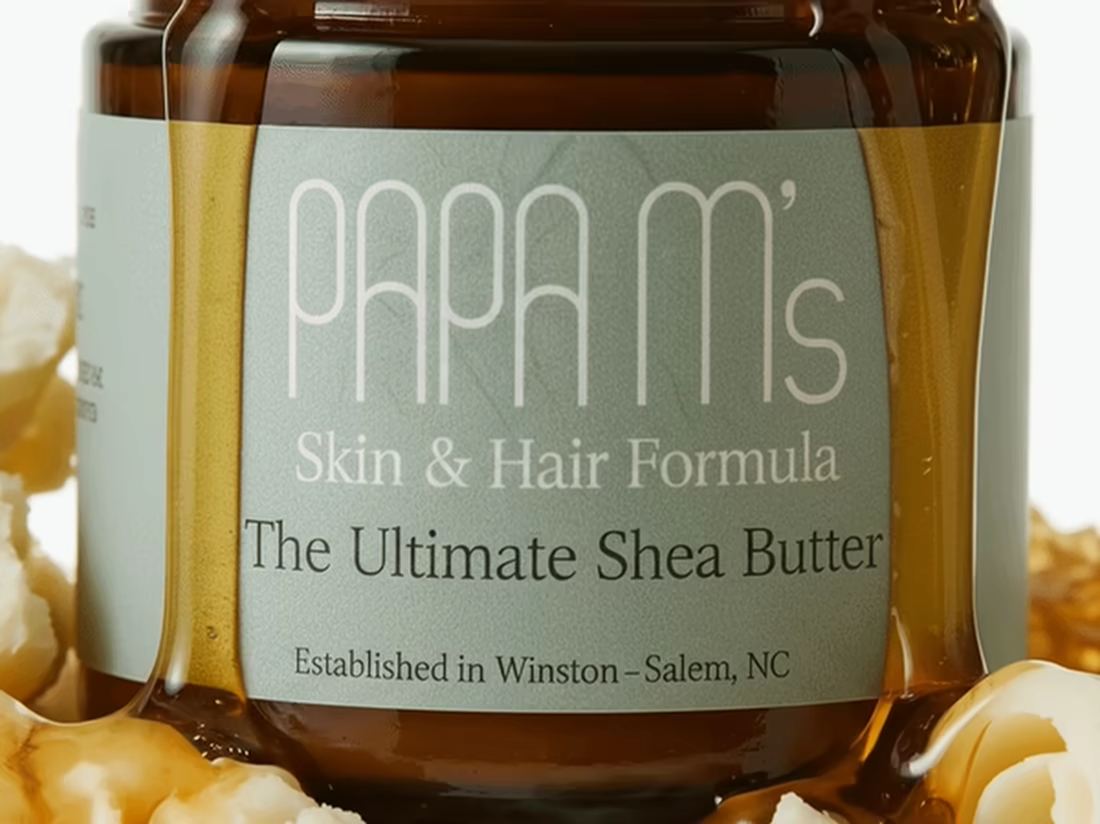
I had goosebumps while creating this product launch and was well worth the long nights.
This was my first introduction to language prompting with Kittl's AI workflow so I'd figure I'll build out a full portfolio piece instead of pushing productivity today.
A lot of pieces came together for the final buildout and worth sharing.
I had a lot of fun bringing this one to life and I hope it feels like the kind of video that makes you want to stop and click buy immediately. 😊


Huge congratulations on the Kittl challenge win, Anjyla. Turning a first language-prompting experiment into a full portfolio piece is a smart move. The Papa M's launch looks like it was worth every long night.

🍊 YOUR BRAND. YOUR ENERGY. YOUR VISUAL WORLD.
What if your product could become the hero of an entire visual experience?
I create AI video ads for brands — from concept development and visual direction to AI generation, motion design, and final editing.
Looking for scroll-stopping visuals for your brand or next campaign?
DM me to discuss your project.
aivideoadsbrandcampaignadvertisingvideoAI Content CreationMotion DesignVideo EditingAdobe After EffectsAdobe Photoshop


The visual direction turns the product into a convincing campaign world.