The network for creativity
Join 1.25M professional creatives like you
Connect with clients, get discovered, and run your business 100% commission-free
Creatives on Contra have earned over $150M and we are just getting started
Back to feedPost

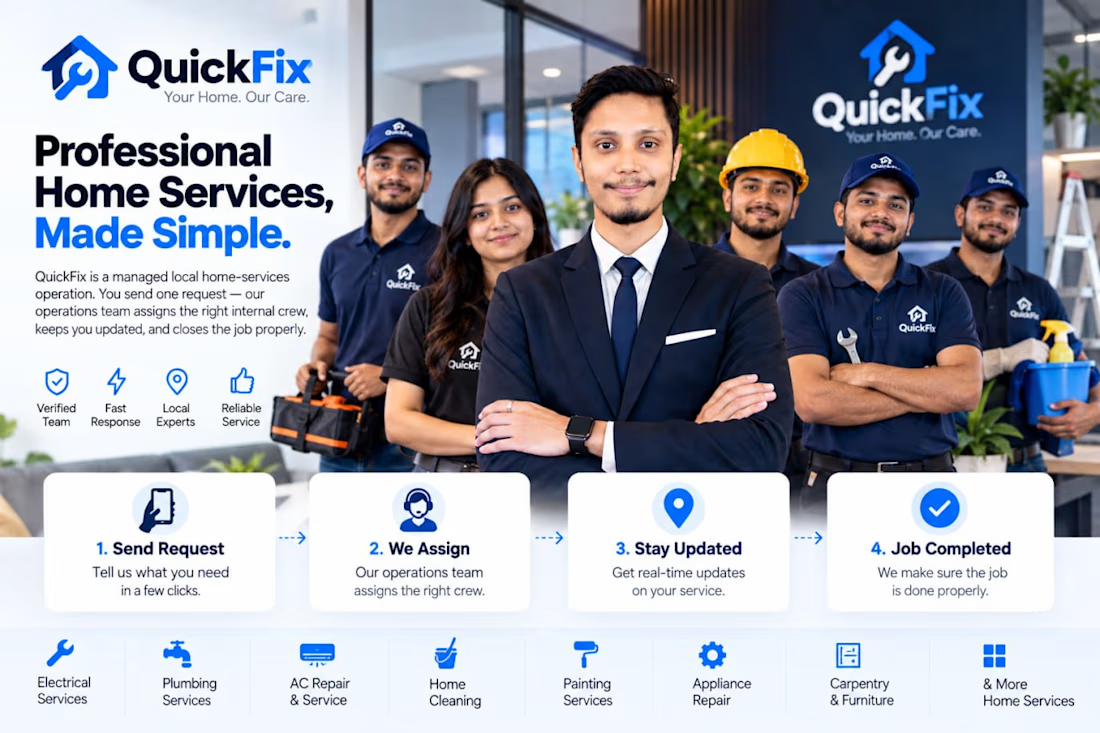
I built QuickFix for the Lovable Challenge.
The idea started with a simple question:
What happens after a customer requests a home service?
Booking is only the beginning. The real challenge is managing everything that happens afterward — operations, crew assignment, service progress, and completion.
So I built QuickFix around the operation behind the service:
Customer Request → Operations → Crew Assignment → Service Execution → Completion
QuickFix is a managed home-services platform where customers submit one request, and the internal operations team manages the workflow from there.
What I built
• Customer service requests
• Centralized operations management
• Internal crew assignment
• Job and status tracking
• Service workflow management
• Operational dashboard
• End-to-end request management
The goal wasn't to build just another booking interface.
It was to build the operational system behind the service.
The product is fully developed, QA-tested, polished, and ready for the challenge.
Built with Lovable.
You send one request. QuickFix manages the operation from there.
#LovableChallenge #Lovable #BuildWithLovable #QuickFix #SaaS #ProductDevelopment



Don't forget to upload your demo video here!
The network for creativity
Join 1.25M professional creatives like you
Connect with clients, get discovered, and run your business 100% commission-free
Creatives on Contra have earned over $150M and we are just getting started











Related posts


📢 Quick Update on Free Credits & Challenge Guidelines!
Hi creators!
We have already processed the first batch of credit top-ups! For those who haven't received yours yet, our approval and top-up team was off over the weekend. As the new business week starts, your 8,000 credits will be processed and rolling out shortly!
In the meantime, feel free to start brainstorming and planning your video ideas! We can’t wait to see what you create.
⚠️ Important Reminder: Please make sure to carefully review the submission requirements on this page before posting! Don't forget to:
Post on IG, X, TikTok, or LinkedIn with #CapCutWorld #CapCutWorldLA and tag @capcutapp (on IG) or @CapCut (on TikTok/X/YT).
Submit your final 15–60s video, CapCut project link, prompt/workflow breakdown, and social post link on Contra to qualify for the $10K prize pool!
Happy creating! 🎬


This is the kind of work I want to do more of.
A strong visual direction and plenty of room to get creative with the development. Built in Webflow, animated with GSAP.
Here’s a look around.


Outstanding Work❤️

Building a Modern Restaurant Management Dashboard with Lovable (Light ☀️ vs. Dark 🌙)
I’ve been working on the dashboard interface for ReserveTable (Eat Pro Japan), focusing on giving restaurant managers and users a clean, modern, and intuitive interface to manage bookings, tables, and analytics.
Using Lovable, I was able to rapidly prototype and construct a modern UI system complete with smooth component transitions and native theme switching.
✨ Key Design & Tech Highlights:
⚡ Built with Lovable: Leveraged AI-powered design-to-code workflows to assemble clean component hierarchies, responsive search/filter bars, and sleek cards rapidly.
🌗 Seamless Light & Dark Mode: Designed a flexible color system using modern CSS variables / Tailwind tokens so the entire interface gracefully shifts between an elegant light aesthetic and a moody, dark dining ambience.
🎯 Contextual UI Elements: Styled input controls, select menus, and primary CTA buttons to maintain legibility and contrast across both light and dark themes.


For reservation and table states, the same semantic color tokens need to stay clear in light and dark mode. Did you define status tokens once and map both themes to them, or tune those colors per component?