The network for creativity
Join 1.25M professional creatives like you
Connect with clients, get discovered, and run your business 100% commission-free
Creatives on Contra have earned over $150M and we are just getting started
Back to feedPost

Would you merge two stock rows with the same SKU?
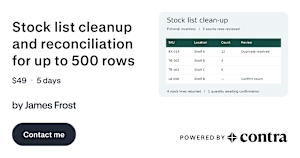
In this fictional stock list, Shelf B holds four rolls of tape and Shelf C holds six. Both rows use TB-002. Keep both and you can find all ten rolls. Remove duplicates by SKU alone and one shelf disappears from the count.
The packing boxes are a different case. The same count was entered twice for Shelf A, so the agreed rule keeps one row with 12 boxes. The label packs have a blank count, which stays open for someone to check.
My first question before cleaning a stock sheet is what one row represents. Here, the shelf matters as much as the product code.
Stock-list cleanup and reconciliation: https://contra.com/s/XFvmFgmE-stock-list-cleanup-and-reconciliation-for-up-to-500-rows
contra.com
Stock list cleanup and reconciliation for up to 500 rows by James Frost
Read more about Stock list cleanup and reconciliation for up to 500 rows by James Frost on Contra.
The network for creativity
Join 1.25M professional creatives like you
Connect with clients, get discovered, and run your business 100% commission-free
Creatives on Contra have earned over $150M and we are just getting started






Related posts

Invoice emails into a Google Sheet, automatically, every hour.
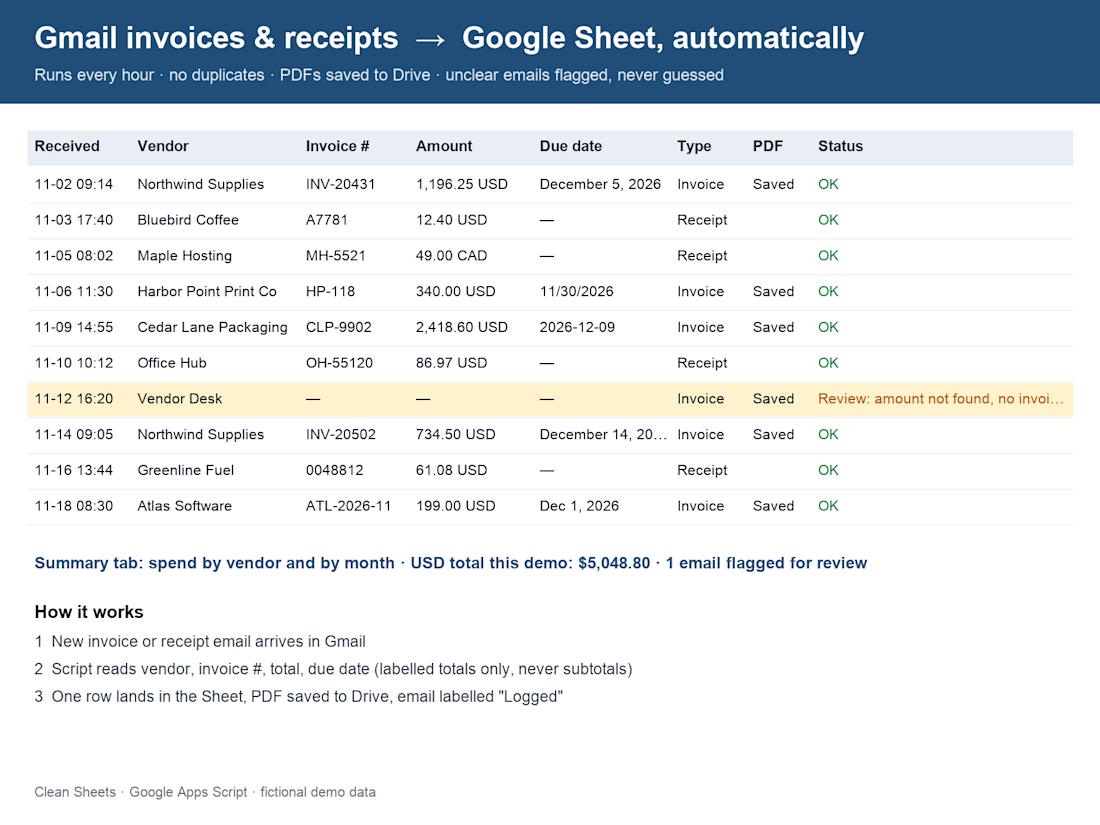
If you copy-paste invoices and receipts from Gmail into a spreadsheet, this one's for you. I built a small Google Apps Script that runs inside your own Google account. Each hour it finds new invoice and receipt emails and adds one row per email: date, vendor, invoice number, total, currency, due date and a link back to the email. PDFs get saved to a Drive folder.
Three rules I built it around:
1. Never guess. If the total isn't clearly labelled, the row is flagged "Needs review".
2. Never log the same email twice.
3. Read-only. It never changes or deletes your mail (it only adds one label).
The screenshot shows the output on 10 fictional sample emails. Spend by vendor and by month is on a Summary tab. Built with AI assistance and checked by hand.


Quick question for small business owners.
Which job eats more of your week?
A) Fixing messy spreadsheets
B) Copying data from one app to another
Both can be automated. I'm curious which one hurts more.


1 vote
Ends in 23h


B for sure, copy paste between apps is pain

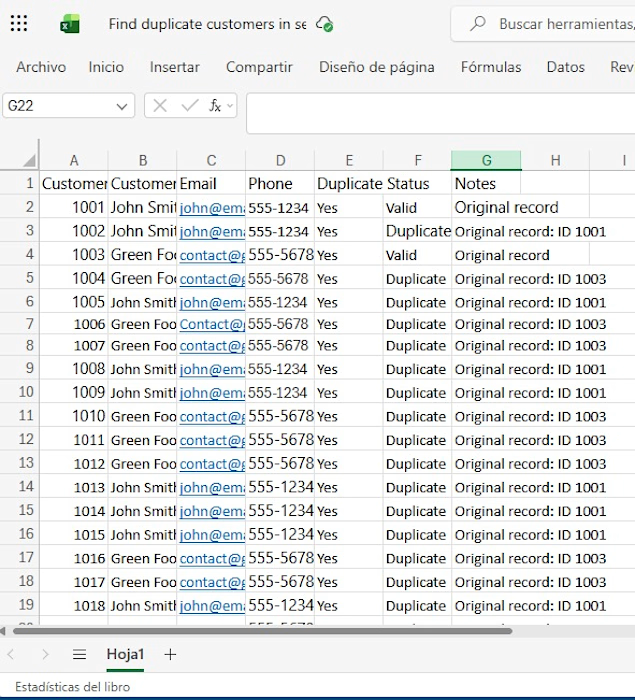
Manually checking hundreds of rows for repeated emails or phone numbers is exhausting. Using smart Excel logic (IF functions and automated status tracking), I turn chaotic spreadsheets into organized, error-free tables.