The network for creativity
Join 1.25M professional creatives like you
Connect with clients, get discovered, and run your business 100% commission-free
Creatives on Contra have earned over $150M and we are just getting started
Back to feedPost

I built a gamified coding app in Flowstep this week. 18 screens. Here's the part nobody posts.
Bracket is a learn-to-code app built on language-app mechanics — streaks, XP, hearts, a winding skill path — across HTML, CSS, Python, JavaScript, C++, Java and SQL.
I generated every screen by connecting Flowstep's MCP to Claude. No Figma file, no pixel-pushing.
But "prompt it and it appears" is not what happened.
What actually happened: I set design guidelines at the file level first — colour, type, screen chrome, motion — so all 18 screens inherited one system. Then I generated. Then I read the code of what came back, and found what had drifted. Borders set to 1% opacity, invisible. Text left near-white on a white background. A button stuck permanently in its pressed state. A screen I was told existed that didn't, and one I thought was missing that was there all along.
None of that showed up in a preview. It only showed up in the markup.
This is the junior-employee-versus-senior-collaborator thing I keep coming back to. AI executed 18 screens faster than I could have drawn three. It did not know that neon lime on white is 1.4:1 contrast and unreadable — that's why Bracket's light mode uses warm paper instead of white, and why the neons became fills and borders, never text. That call was mine. The judgment checkpoints are the job.
The flow, if you want to tap through it:
Launch → Intro → Create Account → Choose Language → Path → Lesson → Correct → Lesson Complete → back to Path.
Plus the branch most learning apps quietly skip: wrong answer → heart lost → out of hearts → practice to earn one back. A learning app that only demos its happy path isn't showing the interesting half.
Navigation is wired element by element on the canvas. Every button, link and tab icon has its own destination, so it runs like an app instead of a slideshow.
Built for the @Flowstep x @Contra HQ challenge.
Tools used: Flowstep X @Claude.ai
Project: BRACKET
#buildinpublic #AIworkflow #FlowstepMCP #UIdesign #prototyping
The network for creativity
Join 1.25M professional creatives like you
Connect with clients, get discovered, and run your business 100% commission-free
Creatives on Contra have earned over $150M and we are just getting started



Related posts


With AI, anyone can make a decent-looking screen now. So a lot of the work is knowing what to cut.
If you one-shot it with AI, it usually looks like everyone else's, because it learned from everyone else's.

I designed this using Gemini.
I explored this mobile app UI design concept as part of my project management and design workflow. As a manager and developer, I often need to closely review and handle product architecture, UI/UX layouts, and user flows. This design is a part of that operational oversight and practical execution.
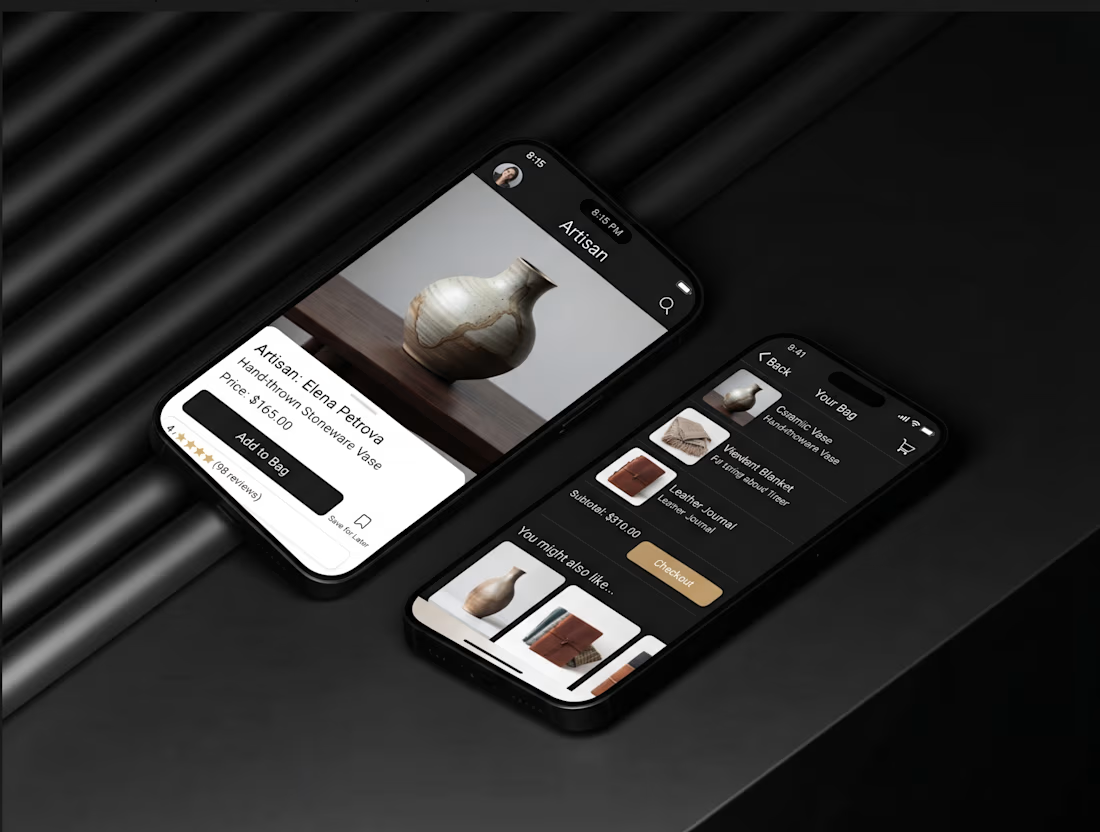
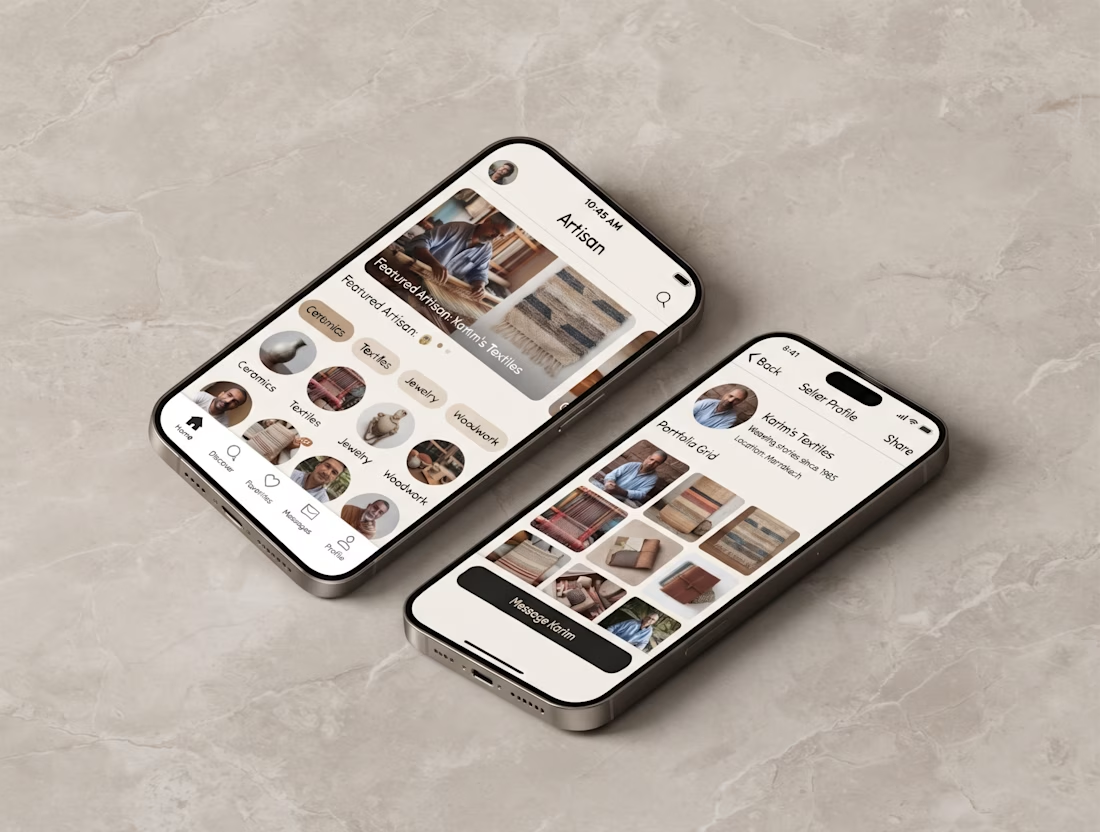

Showing the same app in dark and warm light themes side by side is a smart way to present it, and the pottery photo pops most on the dark card. Which theme would you ship first?


I just added an in-app AI builder to Pro Studio, and I’m excited to share it with the Contra community.
Pro Studio is a tool I built for creating Kajabi websites and landing pages. Now you can describe what you want to build directly inside the app, and the AI can create it for you. You can keep refining the page through conversation, then export it as a Kajabi theme.
You can sign up, build, and experiment for free. You only pay when you’re ready to export to Kajabi.
I think this could be especially useful for designers and Kajabi professionals who want to explore ideas and build out pages before committing to an export.
Give it a try: https://tryprostudio.com
I’d love to hear what you think!



Exporting straight to a Kajabi theme after refining through conversation is a really practical loop, Kajabi layouts can be fiddly to build by hand. Nice addition to Pro Studio.