The network for creativity
Join 1.25M professional creatives like you
Connect with clients, get discovered, and run your business 100% commission-free
Creatives on Contra have earned over $150M and we are just getting started
Back to feedPost

Low-Latency Wireless Display
I had a Windows laptop sitting around and wanted to use it as a second display for my Mac.
The problem: the laptop had no video input. Its HDMI/USB-C ports could output video, but couldn't receive it. I also wasn't interested in paying for a subscription just to mirror a screen.
So I built my own wireless display pipeline over the local network.
Mac → WebRTC → Windows
What I built
Native macOS capture using Swift + ScreenCaptureKit
Hardware-accelerated video encoding with VideoToolbox
Direct LAN streaming using WebRTC
Lightweight WebSocket signaling
Windows desktop client built with Tauri + React
GPU hardware decoding on Windows
4K / 60 FPS streaming
Essentially zero noticeable display latency
The first working version was surprisingly fast to build — just 2 prompts — and then I spent the time tuning the actual pipeline, decoding, networking, and performance.
No cloud streaming. No subscription. No capture card.
Just a Mac and a Windows laptop communicating directly over Wi-Fi.


The two prompts got you to a working version, but the tuning is what made it usable. I'd test it on a busy home network next, because 4K at 60 FPS can feel perfect in a quiet room and fall apart when other devices start competing for Wi-Fi.
The network for creativity
Join 1.25M professional creatives like you
Connect with clients, get discovered, and run your business 100% commission-free
Creatives on Contra have earned over $150M and we are just getting started
Trending
retrofuturism
Share your favorite designs from the past exploring the distant future. Or your own take on the aesthetic 🚀
halftone
Dots. Texture. Grain. Let's see your designs using the halftone technique.

Midjourney
Creatives are showing off what they're making with Midjourney.
colorgrade
Video editors sound off: How do you enhance the mood of your video in color grading?


Related posts


Not every company needs to look like the next big startup.
Reforma was created for established businesses, the kind that already have the experience, results, and reputation, but need a website that reflects it.
Inside the template:
• 3 distinct homepage layouts
• Multiple About and Contact pages
• CMS-powered services, case studies, and blog
• Carefully built interactions throughout
• Fully responsive Webflow development
Developed by me in Webflow.


Clean interface and advanced chatbot for your service, claim yours.:
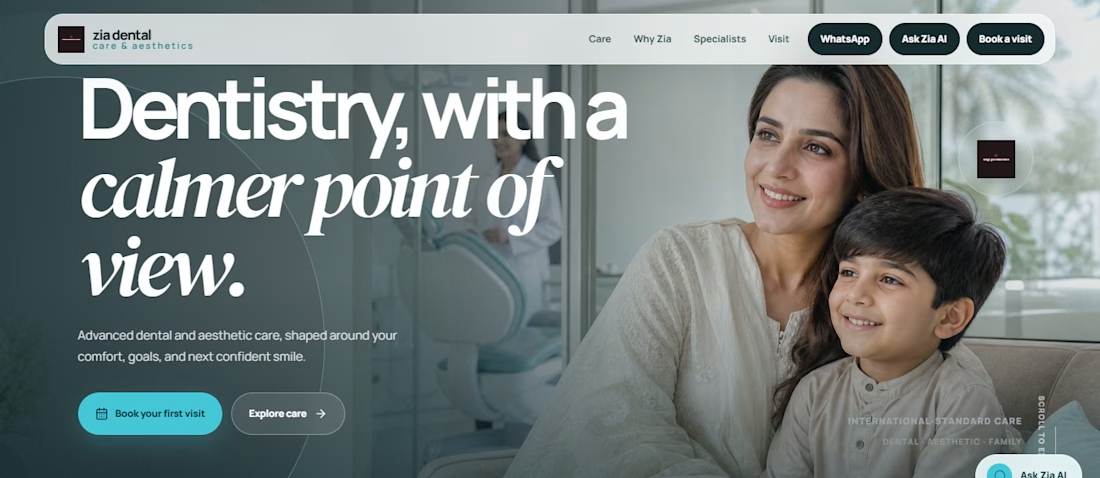
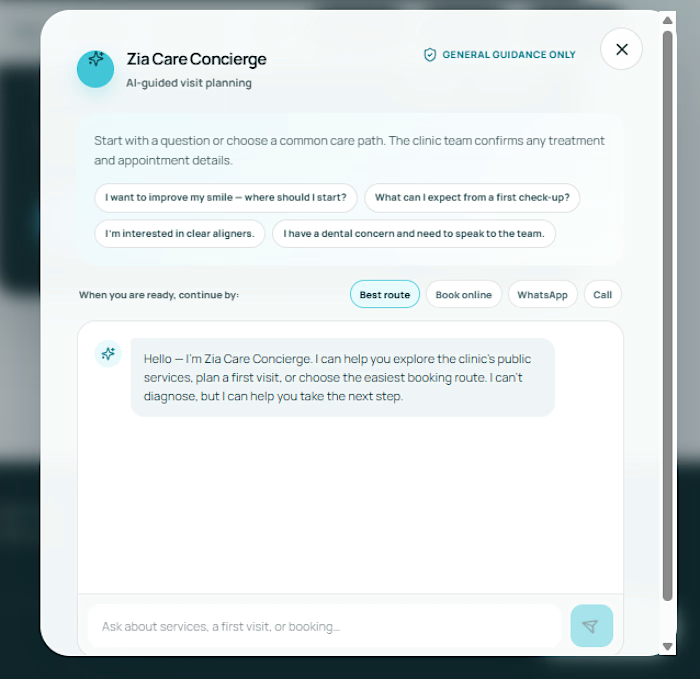

This is Great

Latest project I worked on for pipeline.tech
Would love to hear your thoughts!