The network for creativity
Join 1.25M professional creatives like you
Connect with clients, get discovered, and run your business 100% commission-free
Creatives on Contra have earned over $150M and we are just getting started
Back to feedPost

Online Course Video
I worked on this online course video from the raw green screen footage through to the final edited lesson. I first removed the original background from the presenter and cleaned up the edges around the subject so the replacement background looked natural and professional rather than like a simple background removal.
After the visual cleanup, I worked on the presenter’s voice to improve the overall sound quality and make the lesson easier to listen to. I then edited the footage around the course content, adding three custom animated sections to give the lesson more visual variety and help keep the viewer engaged.
For the animation work, I used Adobe After Effects and Blender to create the more advanced visual elements. I then brought those elements into Adobe Premiere Pro, where I handled the main video editing, timing, audio, transitions, and final assembly.
The process involved combining green screen editing, audio enhancement, motion graphics, 3D animation, and video editing into one finished course video that feels more polished and engaging than the original raw footage.


The voice cleanup deserves as much attention as the green screen in a lesson; learners need to follow the explanation before the animation can help. I’d tie each animated section to one concept and leave a short pause afterward for it to land, especially when someone is watching on a phone.
The network for creativity
Join 1.25M professional creatives like you
Connect with clients, get discovered, and run your business 100% commission-free
Creatives on Contra have earned over $150M and we are just getting started
Related posts

Stressa here (again)! for my second entry, I wanted to make another little cinematic adventure, but this time it’s about Stressella’s frens going to CapCut World LA 🦆✨
It all started when these little guys had been hearing about CapCut World NONSTOP. Every day, it’s CapCut World this, CapCut World that. And honestly? They got a little TOO invested lol.
And off they went. No proper travel plans, no tickets, just an expired Wishing Dust and colossal yellow duck with a propeller helmet. They flew through the clouds, startled half the birds in Cornwall, splashed down in Marina del Rey, and started running through LA like they had an actual appointment to keep.
I wanted to turn all that CapCut World hype into a chaotic little adventure, with cinematic scenery, ridiculous characters, and the kind of journey that absolutely did not need a 12-metre duck but got one anyway.
This was alsoooo genuinely so much fun to make! I hope you have as much fun watching it as I did creating it! wml 🤞🥹

Ughhh i love the idea 🙌

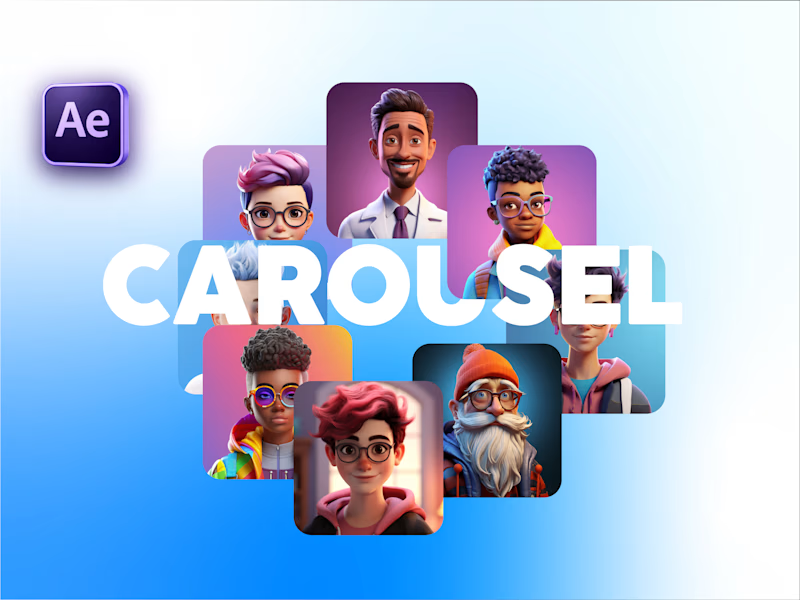
Carousel Animation vs Thumbnail
Description: A quick test to see how the animation and thumbnail work together. What do you think?

5 voted
71%
2 voted
29%
7 votes
Closed

Seamless

DARI — Armor, Leaves & Glass
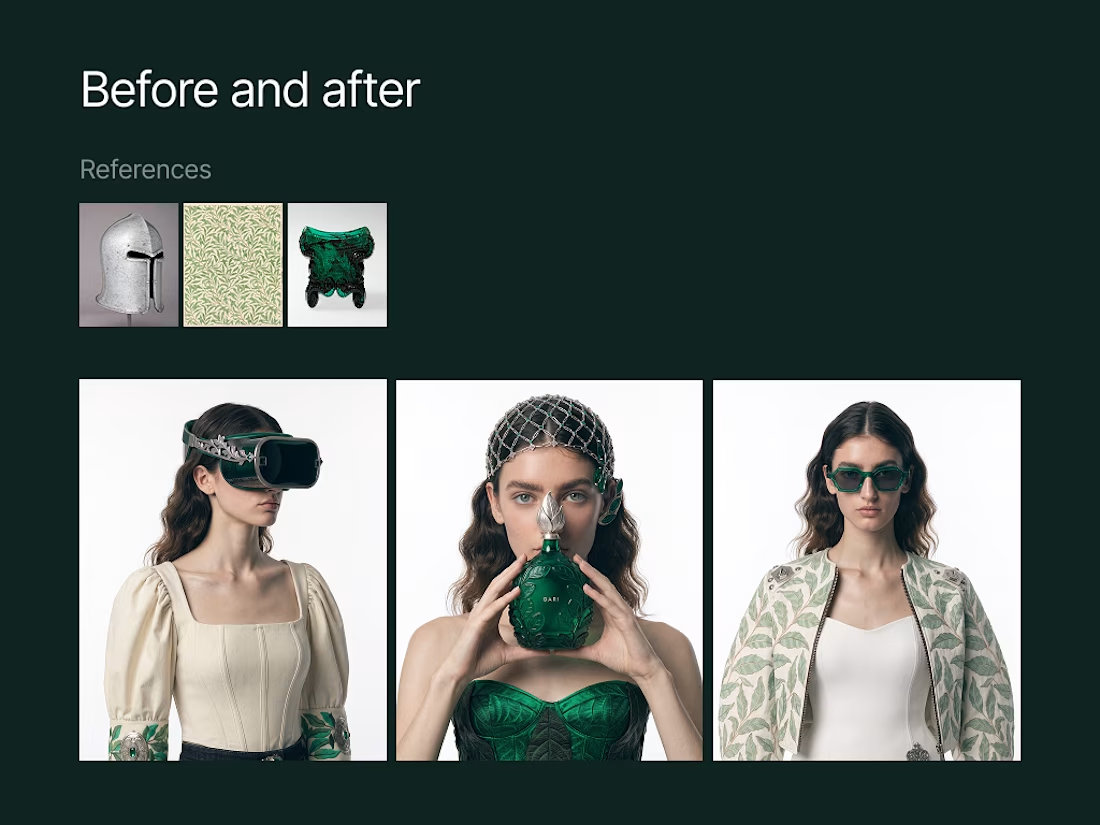
DARI is a contemporary fashion collection that brings historical design into a modern wardrobe. I created a custom Recraft Style using three references from The Metropolitan Museum of Art: a Milanese steel helmet from around 1475, William Morris’s Willow Bough wallpaper from 1887, and an American pressed-glass salt cellar from 1830–1840.
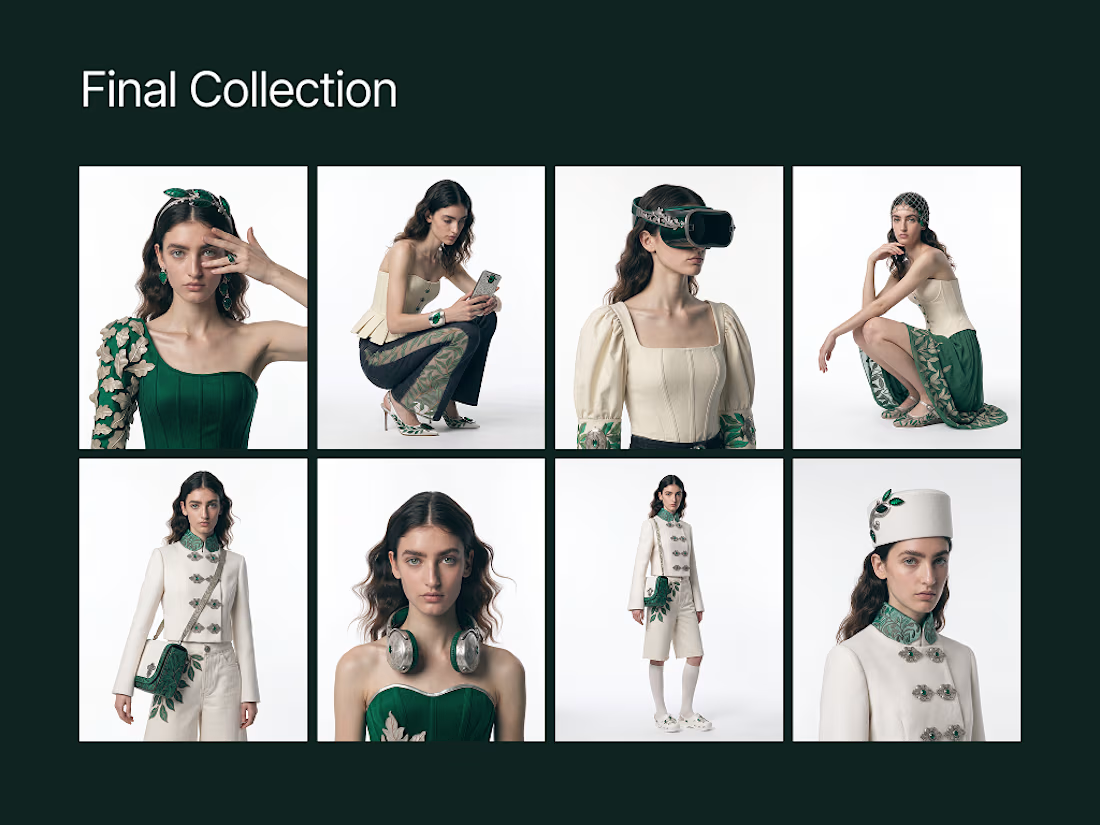
Their contrasting qualities—armor, foliage, and glass—informed an emerald-led collection of clothing, accessories, and tech objects. The Recraft project includes 27 individual item studies and a final series of 10 fashion campaign images.
The accompanying film brings four selected images into motion and presents the references, development, final collection, and before-and-after comparisons.
SOCIAL POST
https://www.instagram.com/reels/De_iKxMCdAF/



Wow, this looks absolutely stunning!