The network for creativity
Join 1.25M professional creatives like you
Connect with clients, get discovered, and run your business 100% commission-free
Creatives on Contra have earned over $150M and we are just getting started
Back to feedPost

HubSpot CRM implementation for a B2B SaaS company — migrated 5,000+ contacts, built pipeline stages, automated lead scoring and lifecycle workflows. Result: 40% faster sales cycle.

The network for creativity
Join 1.25M professional creatives like you
Connect with clients, get discovered, and run your business 100% commission-free
Creatives on Contra have earned over $150M and we are just getting started
Related posts

Your SaaS product might be solving the wrong problem. And most designers don't realize it.
Before jumping into Figma, designing dashboards, or creating beautiful interfaces, there's something much more important to understand.
The difference between a Business Problem and a User Problem.
In Part 01 of my SaaS Product Design Masterclass, I'm breaking down:
🔹 1.1 — Start with the Business Problem
🔹 1.2 — Understand the Business Impact
🔹 1.3 — Identify the User Problem
🔹 1.4 — How Business Problems and User Problems are connected, but different.
Here's an important thought:
A business wants to achieve a goal.
A user wants to solve a problem.
Great digital products understand both.
This is where meaningful product differentiation begins — not with UI, but with problem understanding.
🎯 This is Part 01 of my 10-hour practical SaaS Product Design series, where I'll walk through the complete process of understanding and designing a SaaS product.
If you're a UX/UI Designer, Product Designer, aspiring designer, or SaaS founder, this series is for you.
One question: Do you start your design process with business problems or user problems?
Share your thoughts below!
#SaaSProductDesign #UXDesign #ProductDesign #UXResearch #DigitalProduct


Useful way to explain it.

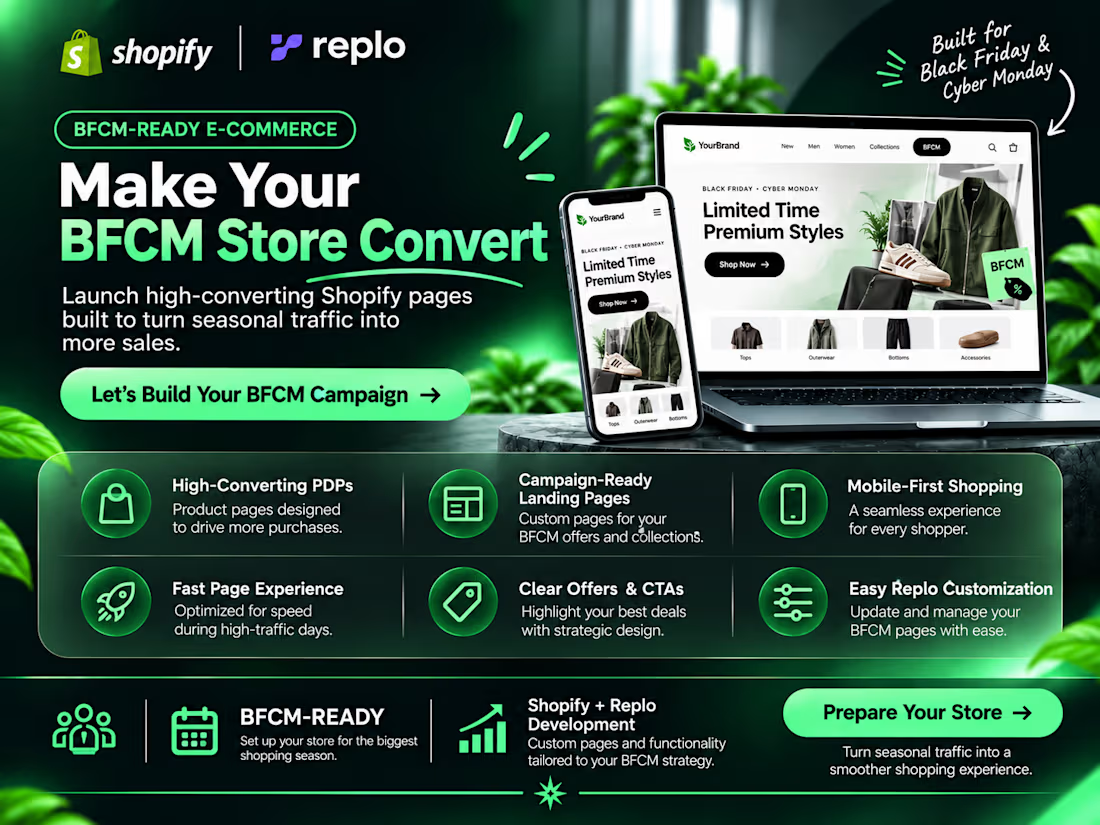
White-Label BFCM Landing Pages for Agencies 🚀
Your agency wins the client. I handle the build — completely behind the scenes.
BFCM is approaching, and agencies need extra development capacity to deliver landing pages on time.
I partner with agencies to build conversion-focused Shopify & Replo landing pages without competing for your clients.
What You Get:
👉 100% White-Label & NDA-Friendly Collaboration
👉 7-Day Delivery
👉 Conversion-Focused Design
👉 A/B Testing Variant
👉 Pre-Launch Quality Checks
👉 Agreed Launch-Weekend Support
Flat Rate: $800 per landing page.
You manage the client. You set your pricing. I handle the development.
⚡ Only 5 BFCM project slots available.
Have upcoming agency projects? Send me a message on Contra to discuss a white-label partnership.



A flat rate, 7-day delivery and only 5 slots is a clean offer for agencies at BFCM. In the A/B variant, do you usually test the headline or the hero visual first?

In a product with thousands of envelopes, search is how people find anything. So I made it useful before you type: your recent searches, quick links and what’s waiting for you, right when it opens. Type three letters and the suggestions do the rest.