The network for creativity
Join 1.25M professional creatives like you
Connect with clients, get discovered, and run your business 100% commission-free
Creatives on Contra have earned over $150M and we are just getting started
Back to feedPost

From Overwhelmed to On Autopilot – A GoHighLevel Automation Guide for Small Business Owners

The network for creativity
Join 1.25M professional creatives like you
Connect with clients, get discovered, and run your business 100% commission-free
Creatives on Contra have earned over $150M and we are just getting started

Challenges
View all


Related posts

This project tackles a real small-business pain point: inventory silently running out because no one's tracking stock in real time.
Order processing (webhook-triggered): Incoming orders (supporting multiple items per order) are received via webhook, split into individual line items, and logged — each order simply appends a new entry to an order log rather than directly overwriting stock numbers.
Live stock calculation: Current stock for each item is computed on the fly, using a formula that subtracts all logged order quantities from the starting count.
Daily stock monitoring (schedule-triggered): A separate scheduled trigger runs once a day, checks every item's live stock against its own custom reorder threshold, and sends a Slack alert for anything running low — so restocking happens before customers ever notice a shortage.


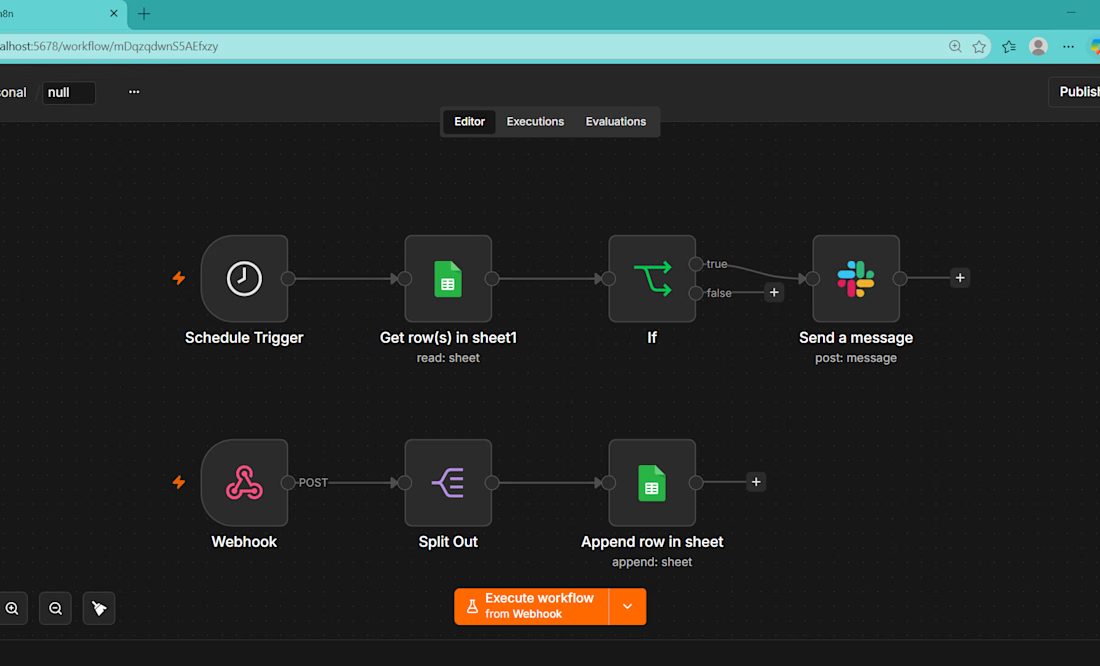

The daily trigger that checks each item's live stock against its own reorder threshold and then pushes a Slack alert seems like a practical way to stay ahead of stockouts.

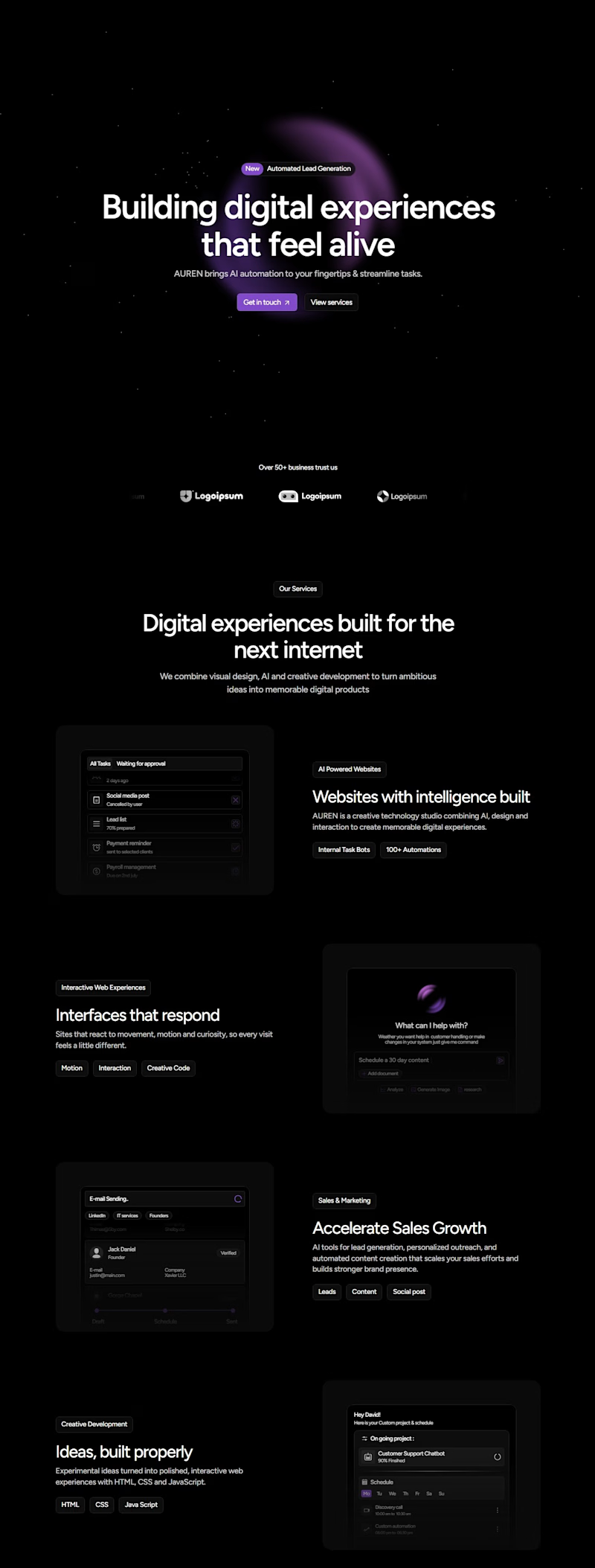
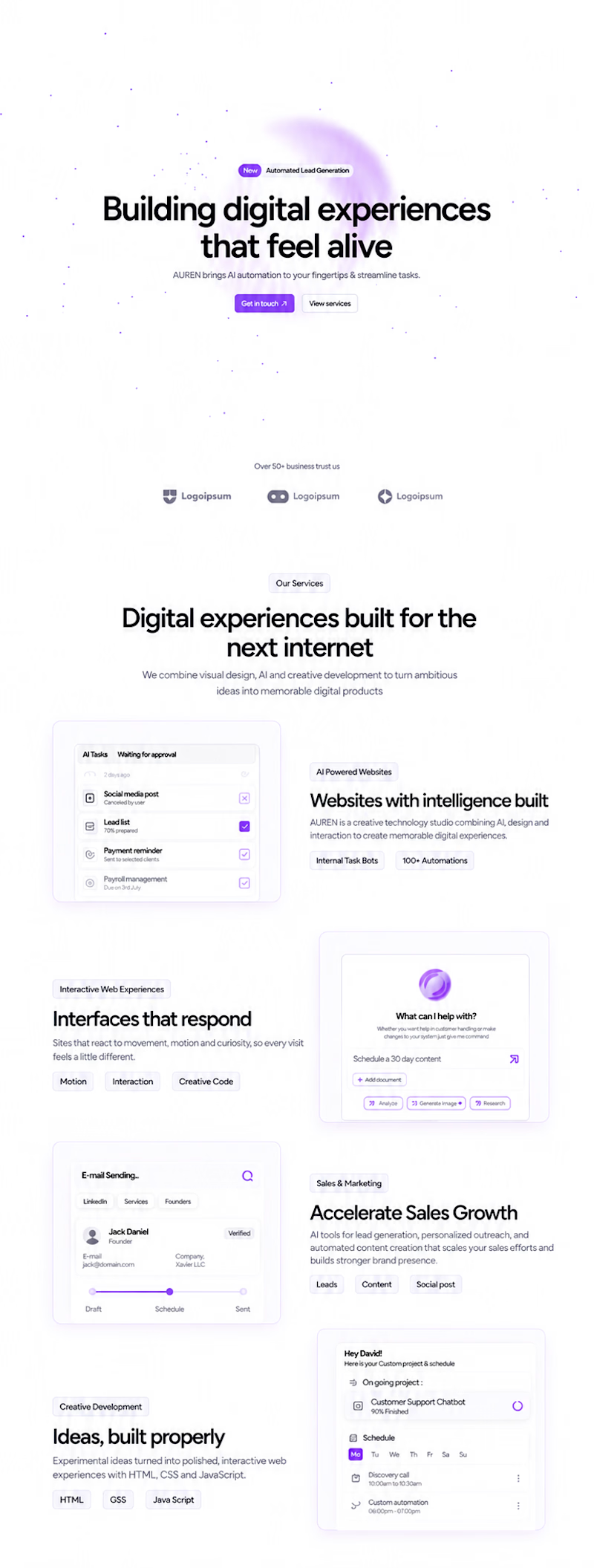
Same website. Two completely different vibes.
Which one are you shipping? 👀
3 voted
100%
0 voted
0%
3 votes
Closed


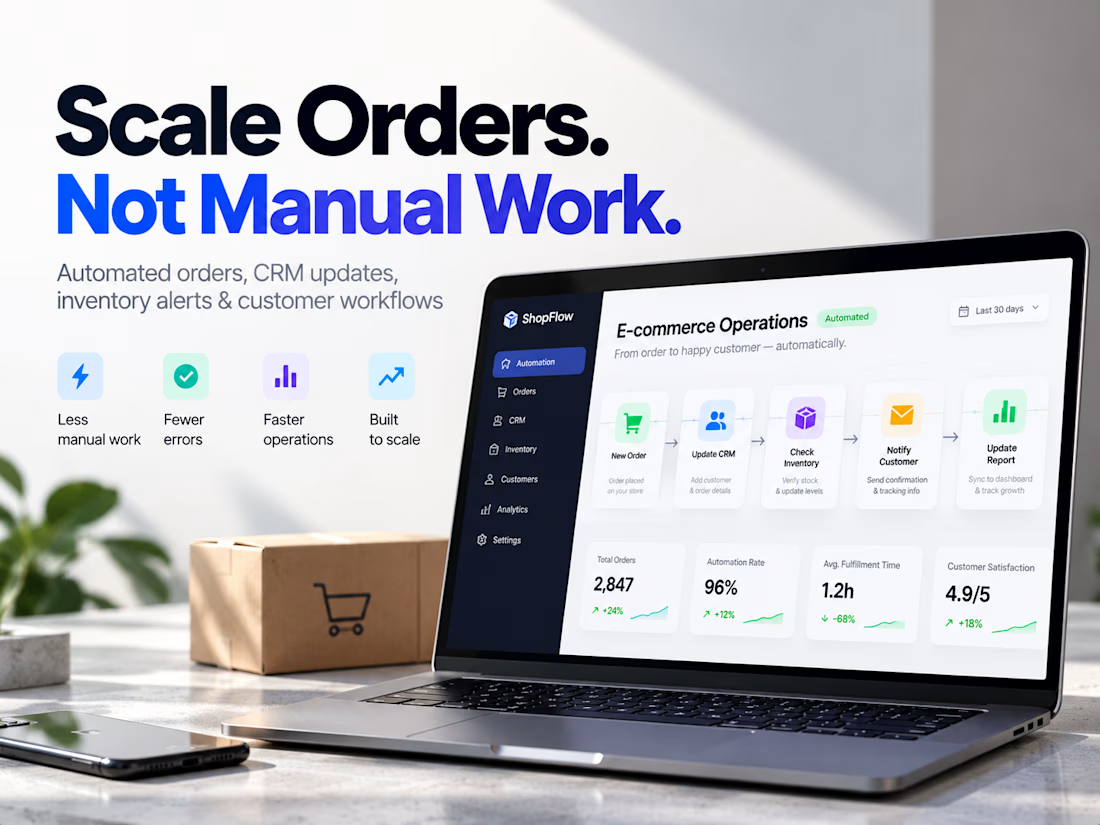
E-commerce Operations Automation & Order Management System
I designed an e-commerce operations automation system to show how a growing online store can handle increasing order volume without increasing repetitive manual work.
The system connects key operational processes—including order handling, customer data, CRM updates, inventory monitoring, customer notifications, internal alerts, and reporting—into one coordinated workflow.
Instead of teams manually transferring information between tools, checking stock, updating customer records, sending routine notifications, and preparing reports, the workflow automatically moves data and triggers the appropriate next action.
The system was designed around a simple operational flow:
Order Received → Customer Data Verified → CRM Updated → Inventory Checked → Customer Notified → Team Alerted → Reporting Updated
I also designed safeguards for exceptions and failed processes so issues can be identified instead of silently disrupting the workflow.
The result is an operational system designed to help an e-commerce business achieve:
Less manual processing • Fewer errors • Faster customer communication • Better operational visibility • Easier scaling
This project demonstrates how automation can become part of the infrastructure behind a growing e-commerce store—not just a collection of disconnected automations.
Tools & technologies: Shopify/WooCommerce workflows, n8n, Make, Zapier, CRM systems, APIs, spreadsheets, and automated reporting.


What caught my attention was the exception safeguards that surface failures instead of letting the flow die silently.