The network for creativity
Join 1.25M professional creatives like you
Connect with clients, get discovered, and run your business 100% commission-free
Creatives on Contra have earned over $150M and we are just getting started
Back to feedPost

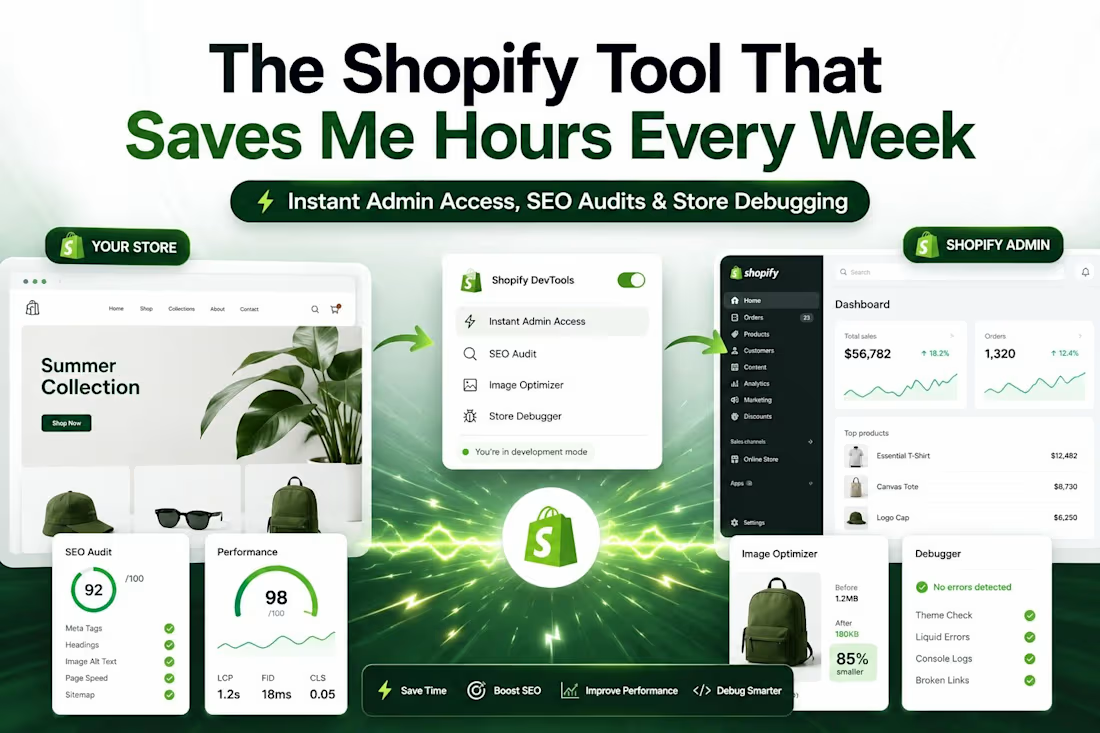
🚀 𝗦𝗵𝗼𝗽𝗶𝗳𝘆 𝗱𝗲𝘃𝗲𝗹𝗼𝗽𝗲𝗿𝘀: 𝗦𝘁𝗼𝗽 𝘄𝗮𝘀𝘁𝗶𝗻𝗴 𝘁𝗶𝗺𝗲 𝗱𝗶𝗴𝗴𝗶𝗻𝗴 𝘁𝗵𝗿𝗼𝘂𝗴𝗵 𝘁𝗵𝗲 𝗮𝗱𝗺𝗶𝗻 𝘁𝗼 𝗳𝗶𝗻𝗱 𝗽𝗿𝗼𝗱𝘂𝗰𝘁𝘀 𝘆𝗼𝘂'𝗿𝗲 𝗮𝗹𝗿𝗲𝗮𝗱𝘆 𝘃𝗶𝗲𝘄𝗶𝗻𝗴 𝗼𝗻 𝘁𝗵𝗲 𝘀𝘁𝗼𝗿𝗲𝗳𝗿𝗼𝗻𝘁.
One browser extension has become a permanent part of my Shopify toolkit.
It's called 𝗔𝗹𝗳𝗿𝗲𝗱, and it removes a lot of the friction from day-to-day development and store management.
Instead of jumping between tabs and navigating endless admin menus, you can right-click a product on the storefront and instantly:
✅ Open the product in Shopify Admin
✅ Open it in Theme Customizer
✅ Jump directly to the relevant code section
✅ Copy Product JSON
✅ Clear the cart
𝗪𝗵𝘆 𝗜 𝗟𝗶𝗸𝗲 𝗜𝘁
The quick shortcuts are useful, but that's only part of the value.
Alfred also provides 𝗶𝗻𝘀𝘁𝗮𝗻𝘁 𝘀𝘁𝗼𝗿𝗲 𝗮𝘂𝗱𝗶𝘁𝘀 that help identify issues before they become bigger problems.
For example:
🔍 𝗛𝗲𝗮𝗱𝗶𝗻𝗴 𝗔𝘂𝗱𝗶𝘁
Instantly spot:
• Duplicate H1 tags
• Missing heading levels
• Incorrect heading hierarchy
🖼️ 𝗜𝗺𝗮𝗴𝗲 𝗔𝘂𝗱𝗶𝘁
Find issues like:
• Missing alt text
• Oversized images
• Incorrect formats
• Lazy-loading vs eager-loading problems
⚡ 𝗔𝘀𝘀𝗲𝘁 𝗔𝗻𝗮𝗹𝘆𝘀𝗶𝘀
Get visibility into scripts and styles that may be impacting performance.
I've checked stores where a surprising number of assets were unnecessarily render-blocking page loads.
𝗪𝗵𝗼 𝗜𝘀 𝗜𝘁 𝗙𝗼𝗿?
𝗗𝗲𝘃𝗲𝗹𝗼𝗽𝗲𝗿𝘀: Faster debugging and auditing.
𝗦𝘁𝗼𝗿𝗲 𝗢𝘄𝗻𝗲𝗿𝘀: A quick health check before investing in SEO, CRO, or speed optimization.
Sometimes you don't need a full audit report to uncover obvious issues.
𝗬𝗼𝘂 𝗷𝘂𝘀𝘁 𝗻𝗲𝗲𝗱 𝘁𝗵𝗲 𝗿𝗶𝗴𝗵𝘁 𝘁𝗼𝗼𝗹.
I'm always looking for ways to streamline Shopify workflows.
𝗪𝗵𝗮𝘁'𝘀 𝗰𝘂𝗿𝗿𝗲𝗻𝘁𝗹𝘆 𝗶𝗻 𝘆𝗼𝘂𝗿 𝗦𝗵𝗼𝗽𝗶𝗳𝘆 𝘁𝗼𝗼𝗹𝗸𝗶𝘁 𝘁𝗵𝗮𝘁 𝘀𝗮𝘃𝗲𝘀 𝘆𝗼𝘂 𝘁𝗵𝗲 𝗺𝗼𝘀𝘁 𝘁𝗶𝗺𝗲?

The network for creativity
Join 1.25M professional creatives like you
Connect with clients, get discovered, and run your business 100% commission-free
Creatives on Contra have earned over $150M and we are just getting started
Related posts



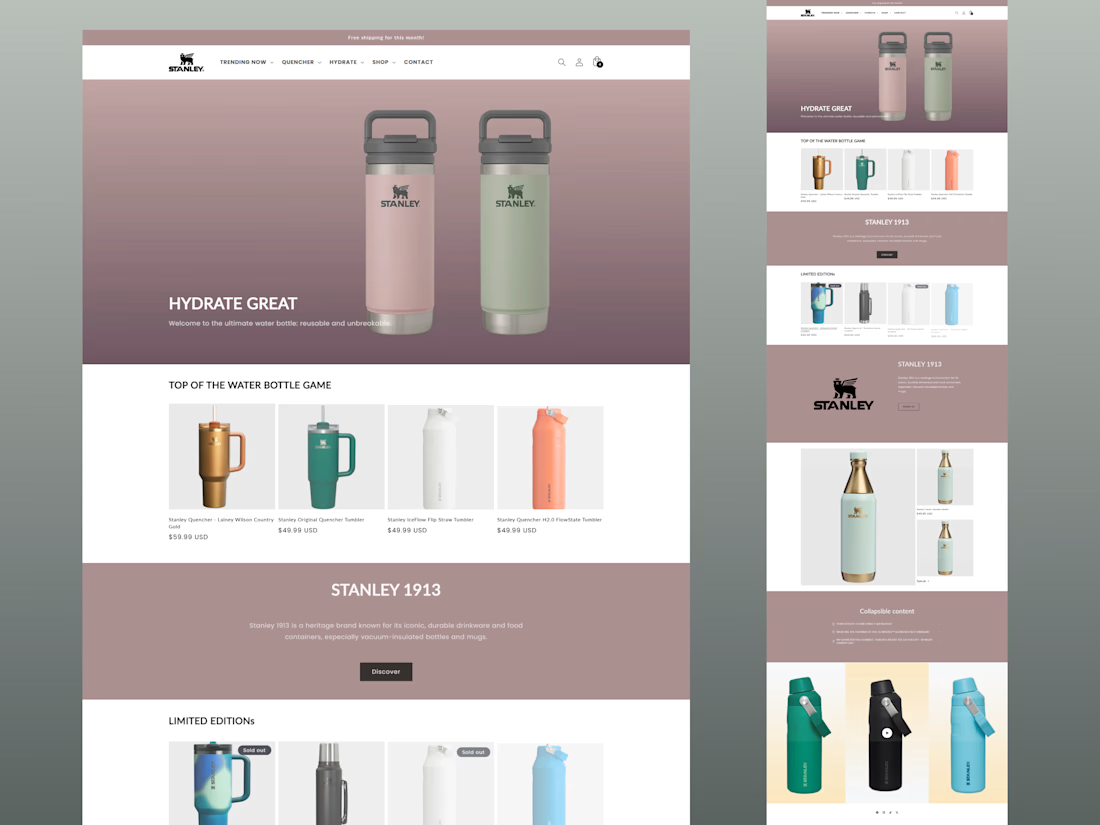

Pretty cool 😎




A full redesign of a B2C website for dropshipping home decor and accessories, rebranding the landing page, product cards, product pages and adding brand assets
Skills: Shopify Website Redesign, Shopify Development, Shopify Theme, Responsive Design, UI/UX Prototyping

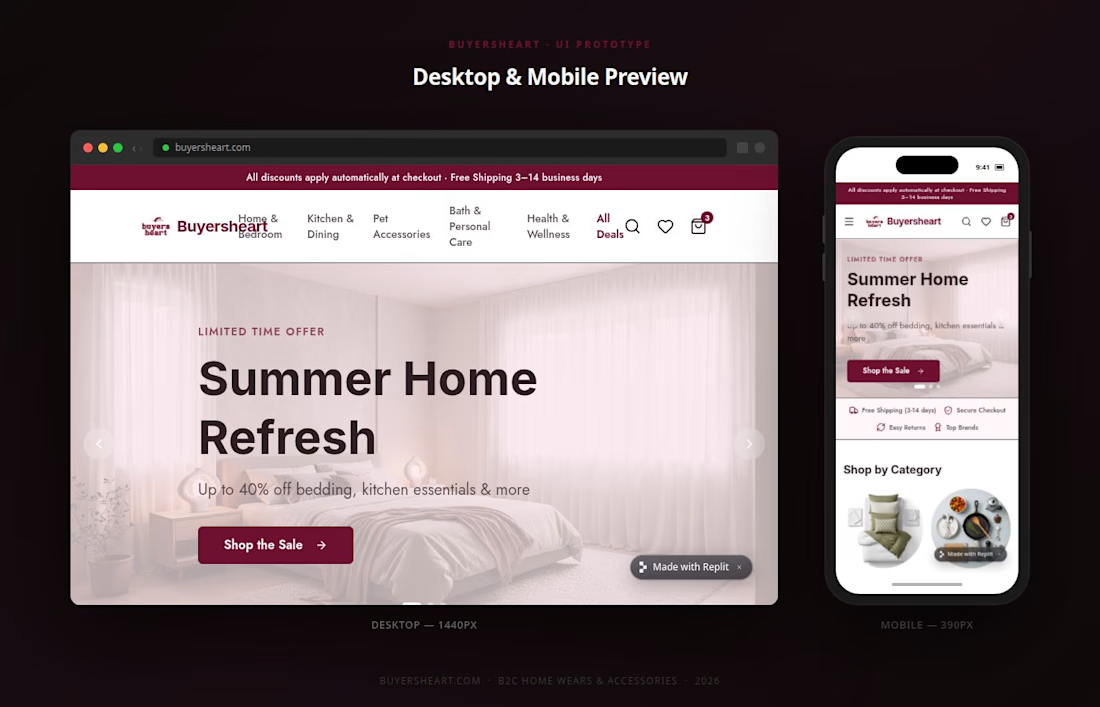
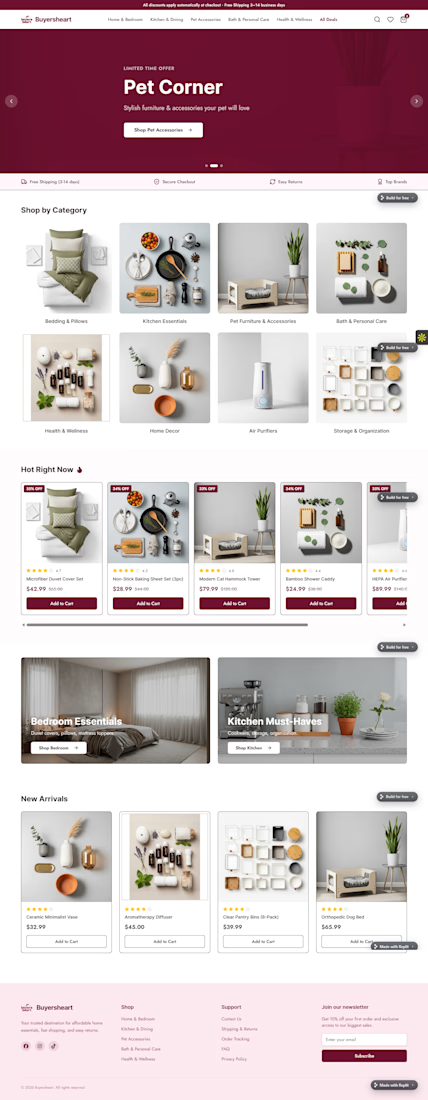

The overall presentation is outstanding 👏 Clean, modern, and easy to appreciate.




















Trending

Claude
Claude has entered the design space. How are you using Claude Design?

Contra University
Learn from expert creatives how to earn more using next-gen AI tools.

MagicPath
The canvas is infinite, and exploration is becoming the workflow. How are you using MagicPath?
creativeaiflow
Creative AI workflows are evolving. What tools do you use, and what are their strengths and weaknesses?
freelancerlife
Freelancer life is wins, pivots, and everything in between. What’s yours right now?