The network for creativity
Join 1.25M professional creatives like you
Connect with clients, get discovered, and run your business 100% commission-free
Creatives on Contra have earned over $150M and we are just getting started
Back to feedPost
At this Makeathon, I wanted to solve a personal frustration I face when working with typography digitally. My home setup is centered around a drawing tablet, and I really dislike using a mouse when I am trying to be creative. Standard digital typography tools require a lot of clicking, and you are forced to know exactly what every panel, slider, value, and term does.
To solve this, I created 'Text Sculptor.' It brings the tactile feel of digital sculpting brushes to typography. With this tool, you don't need to worry about technical concepts like 'font weight,' 'letter spacing,' or 'line spacing.' Instead, the brushes simplify the creation process. You can physically 'sculpt' the space between letters, as well as move, scale, and shape them directly on the canvas, even adding natural imperfections. For me, typography becomes purely about form and texture on the canvas.
Sculpting and drawing are widely considered therapeutic and relaxing, which is a major benefit for people who love typography and simply want to create without the stress of a strict rulebook. Additionally, it gives you the satisfaction of knowing that you created the artwork, not an AI.
My workflow with the various Figma tools began directly in Figma Make, without creating any preliminary design files. I tried using Figma Agent, but it struggled to maintain a consistent style across multiple screens. While the styles weren't wildly different, they weren't identical either, and I struggled to match them. Even after trying several prompting strategies, I couldn't get it to work consistently, so I decided to stick solely with Figma Make.
From there, I used Wavey to generate different assets using the outputs from Text Sculptor. This involved some post-processing, such as color and brightness corrections, to create images that I later used to produce videos.
Finally, I downloaded the code from Figma Make and utilized Claude alongside the Figma MCP. This allowed me to generate project documentation in FigJam for future reference and set up the design system variables directly within a Figma design file.


Found errors in previous submission, so submitted again, sorry.
The network for creativity
Join 1.25M professional creatives like you
Connect with clients, get discovered, and run your business 100% commission-free
Creatives on Contra have earned over $150M and we are just getting started
Related posts


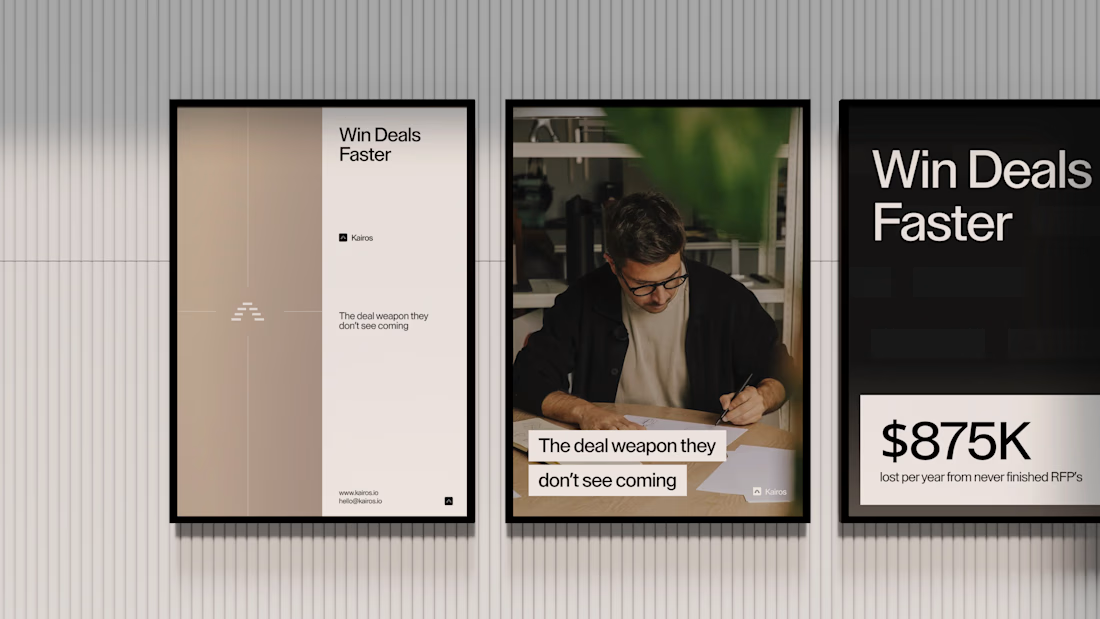
Recent Brand Work ⚡️
Kairos is a high-end sales platform helping brands work through AI-engineering their RFP's and get a competitive advantage over other manually filled out RFPs. ☁️
Client sourced via @Contra HQ - been a great collaboration so far! ✅


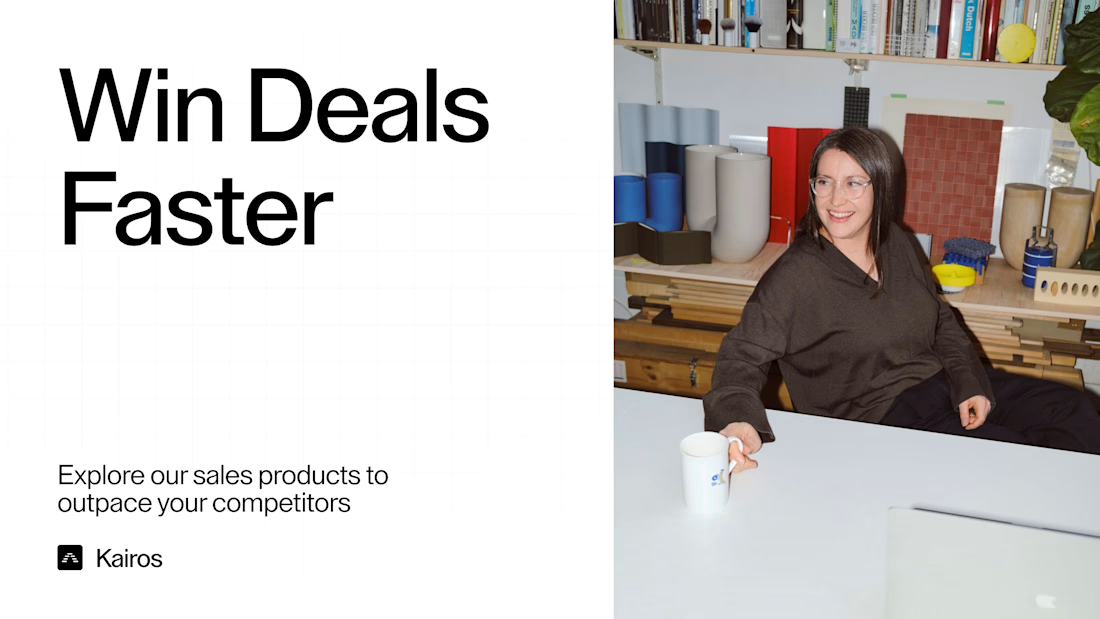

Like the logo and vibe in general! Cozy office style

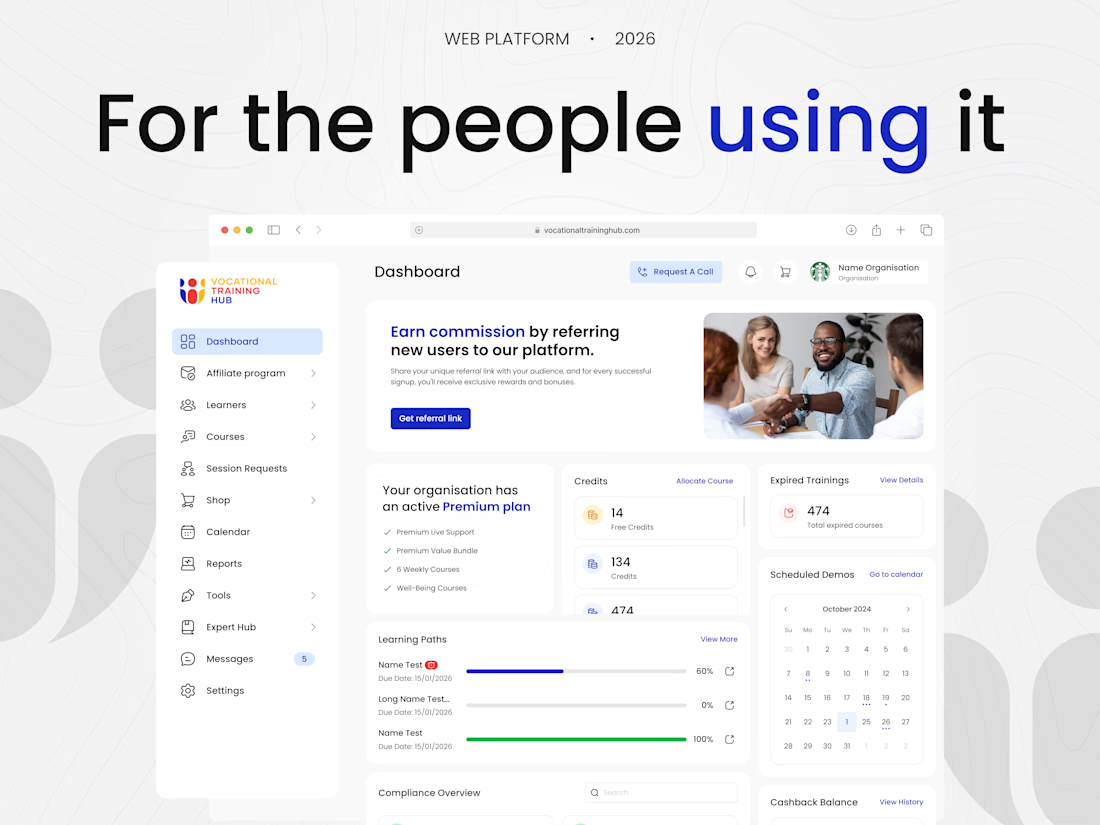
How do you simplify a platform that does absolutely everything? 🤩
Hey everyone! Mark here.
I’m super excited to share a new case study our team has been working on.
We partnered with a corporate learning platform that had courses, live sessions and credit systems. It’s an amazing product, but as it grew, it just needed a bit more order.
Our goal here was to help organize all these features into a simpler layout for everyday users. Everything started with a basic question: how do people naturally use this product?
We didn’t want them to adjust to a new design. We wanted the design to adjust to them.
Scroll down to see how these small design updates changed everything!
Check it out 🫴🏻
Would love to know what you think🔥


Designing for user habits rather than forcing new ones is top-tier product thinking. 🧠 Small design updates usually make the biggest impact on everyday usability. Awesome work, Mark!





Nice concept








Trending

Claude
Claude has entered the design space. How are you using Claude Design?

Contra University
Learn from expert creatives how to earn more using next-gen AI tools.
fifaworldcup2026
The World Cup is here and the whole world's watching. How are you designing for the world stage?
creativeaiflow
Creative AI workflows are evolving. What tools do you use, and what are their strengths and weaknesses?
freelancerlife
Freelancer life is wins, pivots, and everything in between. What’s yours right now?