The network for creativity
Join 1.25M professional creatives like you
Connect with clients, get discovered, and run your business 100% commission-free
Creatives on Contra have earned over $150M and we are just getting started
Back to feedPost

This is the full version of my video submission for #CapCutWorldLA! Because of the duration limit, I had to trim a few parts to make everything fit.
So... this time, I wanna share the camera movements & angles I used in this video! Hopefully, this can be helpful for anyone who's also learning to make cinematic AI videos.
1. Handheld Tracking
The camera follows the character with a little natural shake (that's why it's called handheld!). It makes the scene feel more alive, almost like we're walking alongside the character.
2. Handheld Over-the-Shoulder Panning
The camera pans sideways from behind the character's shoulder. It's great for showing what the character is looking at (in this scene, the MC turns to look at the cat on the stairs!).
3. Slow Dramatic Dutch-Angle Push-In
The camera slowly moves closer while tilted to one side (that's the Dutch angle). This can make a scene feel more tense, strange, or dramatic.
4. Snap-Zoom to a Tight Low-Angle Close-Up
A sudden zoom into the character's face or a specific detail from a low angle. It makes the moment feel more intense and instantly draws our attention to the character.
5. Low-Angle Tracking
The camera follows the character from a low position. This can make the character look bigger, stronger, or even more intimidating.
6. Handheld Medium Shot
A shot framed around the waist up, with a little camera shake. We can still see the character's expressions and body movements without making the shot feel too stiff.
7. Camera Whip-Pan
The camera quickly whips sideways, creating motion blur. I love this technique for transitions that feel fast and energetic!
8. Tracking Push-Through
The camera moves forward through or past an object or opening to reveal another area. It makes the audience feel like they're moving right into the scene.
9. Snap-Zoom Dutch-Angle Wide
A sudden zoom into a wider view while the camera is tilted. This combination makes the scene feel more chaotic and dramatic, while still showing the surrounding environment.
10. Extreme Low-Angle
The camera is placed extremely low and points upward. This makes the subject look much bigger, more powerful, or even monumental.
11. Sweeping Tracking Shot
The camera sweeps across the scene while following the subject's action. It's great for showing the environment while keeping the movement cinematic.
12. Shaky Handheld Extreme Close-Up
The camera gets super close to capture a specific detail, with a little natural shake. It can make a moment feel more intense, panicked, or emotional without looking too artificial.
13. High-Angle Over-the-Shoulder
The camera looks down at the character from behind their shoulder. Besides showing what they're looking at, this angle can also make the character feel smaller within the scene.
14. Low-Angle Ground Tracking
The camera follows the action from a position close to the ground. It's great for emphasizing footsteps, fast movements, and making the scene feel more immersive.
15. Wide Pull-Back Pan
The camera moves backward while panning across a wider area. It's great for revealing the environment or ending a scene with a bigger perspective (this is the final shot!).
Oh, and for this video, I used Seedance 2.5 inside CapCut Studio!
I burned around 5,500 credits in total for 5 generations, with each generation lasting around 20–30 seconds. 🥹
Hope this helps, guys! And if you're experimenting with AI filmmaking too, I hope you can use some of these techniques in your own videos.

The network for creativity
Join 1.25M professional creatives like you
Connect with clients, get discovered, and run your business 100% commission-free
Creatives on Contra have earned over $150M and we are just getting started





Related posts

JUMP IN LA — no plane ticket, just a keyboard.
A bored creator clicks "Join Challenge"… and the challenge takes him literally. He shrinks down onto his own keyboard, and the only way out is to jump key by key until the screen reads CAPCUT WORLD LA CHALLENGE. One last leap, the monitor flares, and he's pulled through the light, landing in a golden beam in the middle of CapCut World LA to a "Welcome" screen, cheers and confetti.
Why a keyboard? It's every creator's real portal. Every project starts with typing, so I turned typing into the journey itself.
100% AI: 9 clips generated in CapCut Video Studio (Seedance 2.0 & Seedance 2.5), then cut, sound-designed and exported in the CapCut timeline. No live footage.


The knitted texture and soft light feel so tangible. Did you prompt for the fabric look directly?

My Contra × CapCut Challenge Submission !
What if one invention could turn an ordinary invitation into an unexpected adventure?
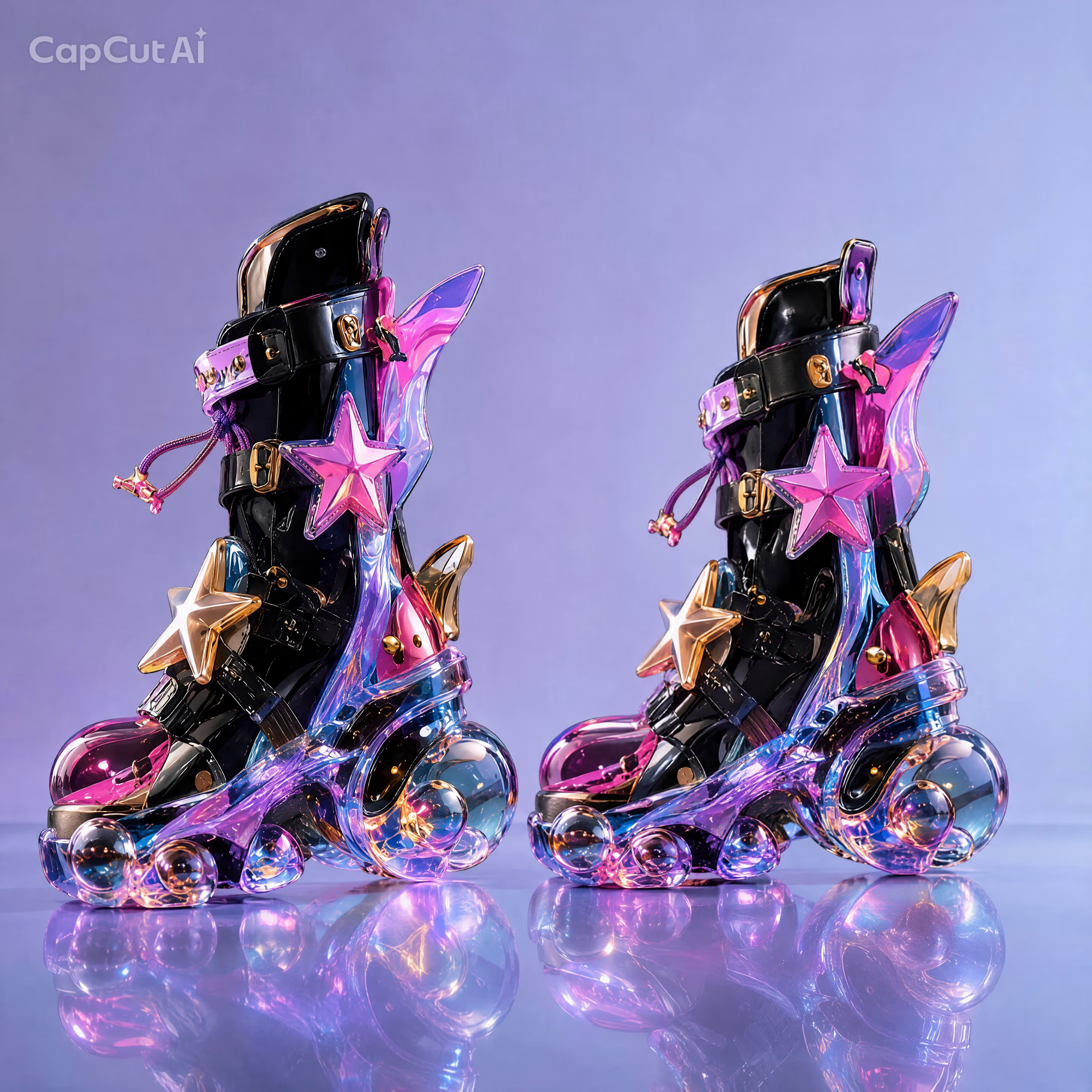
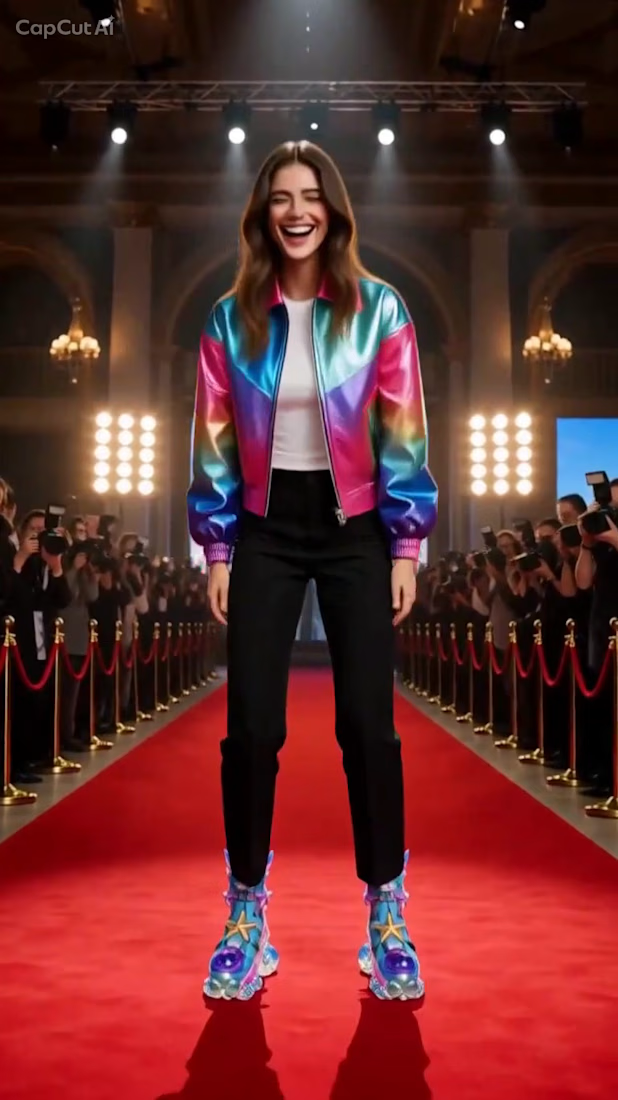
The idea started with designing a unique pair of shoes featuring bold colors and imaginative details. I then built a story around a young inventor who decides to test her creation in an extraordinary way. She walks on water, jumps through floating bubbles, and climbs into the sky before reaching the event with an unexpected, funny twist! 🫧👟
My workflow:
1. Designed the shoes, focusing on their colors and distinctive details.
2. Developed the story around the shoe design.
3. Created the scenes using AI.
Animated and assembled the scenes into the final video.
My goal was to combine product design, imagination, and visual storytelling in a short, entertaining experience.
#CapCutWorld #CapCutWorldLA #CapCut #StreetToRunway #CinematicEdit #RedCarpet #VisualVibes @capcutapp (IG) @CapCut
@contra
capcutworldlachallengePrompt WritingVideo EditingAI ArtArtlistContraInstagramVideo StarAI 3D ModelingAI VIsual DesignerTikTok CreationCapCutTikTokTikTok Ads