The network for creativity
Join 1.25M professional creatives like you
Connect with clients, get discovered, and run your business 100% commission-free
Creatives on Contra have earned over $150M and we are just getting started
Back to feedPost


Yesterday OpenAI released GPT‑Image‑2, and the generative graphics race just sped up again.
The new model finally handles text inside images properly. Posters, banners, UI mockups — the letters no longer “swim,” and both Cyrillic and hieroglyphs are readable. For anyone building interfaces and promo for a global audience, that’s a meaningful step forward.
GPT‑Image‑2 handles complex scenes better, keeps dense layouts from falling apart, and can generate series of related images. It can also pull fresh content from the web before generation, so app screenshots and interfaces look like they do now, not like they did a year ago.
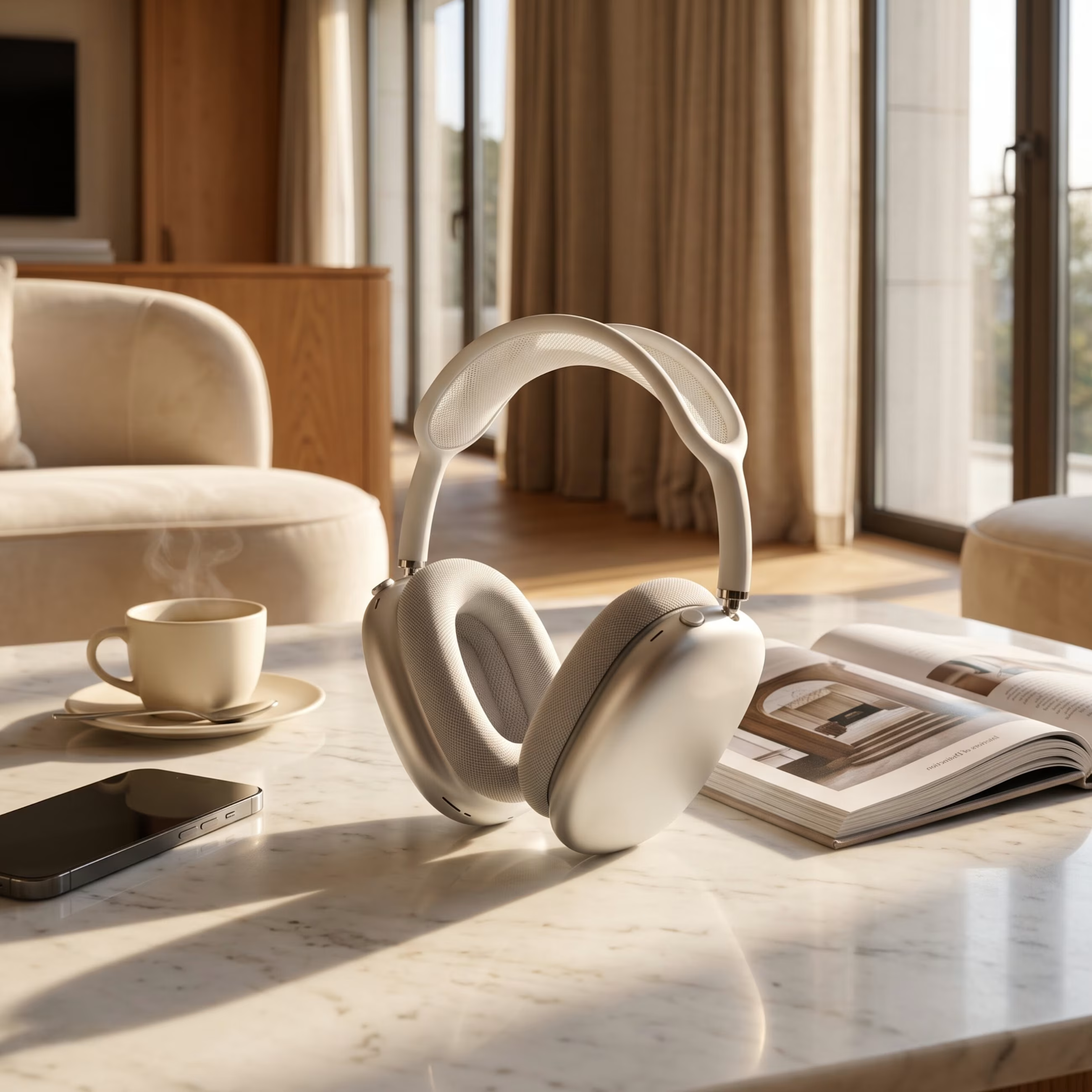
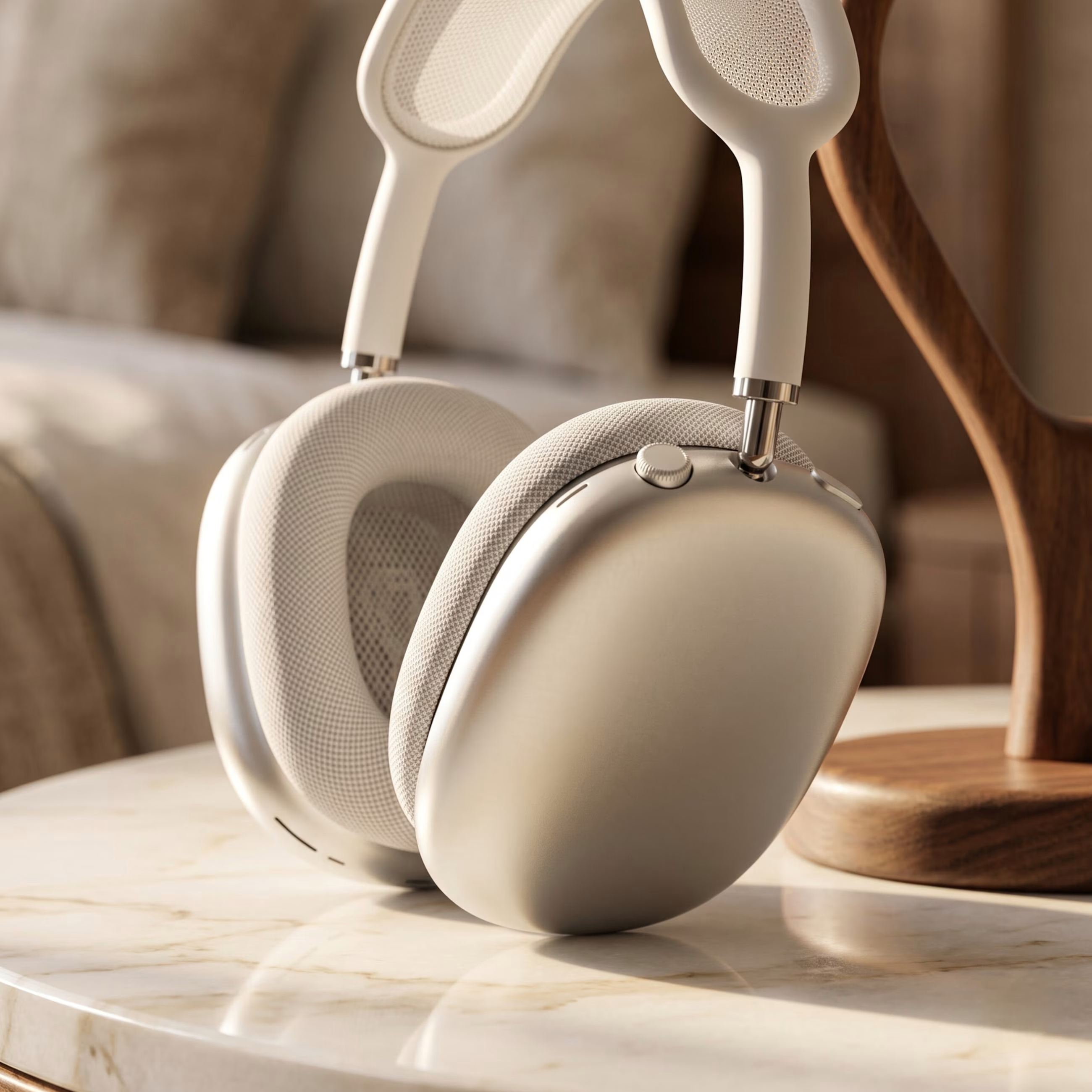
At IZUM.STUDY we’re currently preparing a new large course on front‑end layout. We needed realistic studio shots for promo and covers, so I decided to test GPT‑Image‑2 in a real scenario. The image from the model is attached to this post — just look at the level of detail. The plasticky AI look and glossy lighting are gone; the frame feels much closer to a real studio.
It’s clear the bar for generative visuals has gone up again. The only question now is who and how will integrate these capabilities into real workflows.
How do you plan to use GPT‑Image‑2: interfaces, promo, storyboards? Share your ideas in the comments 👇
The network for creativity
Join 1.25M professional creatives like you
Connect with clients, get discovered, and run your business 100% commission-free
Creatives on Contra have earned over $150M and we are just getting started
Trending

Claude
Claude has entered the design space. How are you using it?

Contra University
Learn from expert creatives how to earn more using next-gen AI tools.
Brand Design
The best brand designers are on Contra. Scroll to see what's trending in brand design. What are you building?
creativeaiflow
Creative AI workflows are evolving. What tools do you use, and what are their strengths and weaknesses?
freelancerlife
Freelancer life is wins, pivots, and everything in between. What’s yours right now?
Related posts


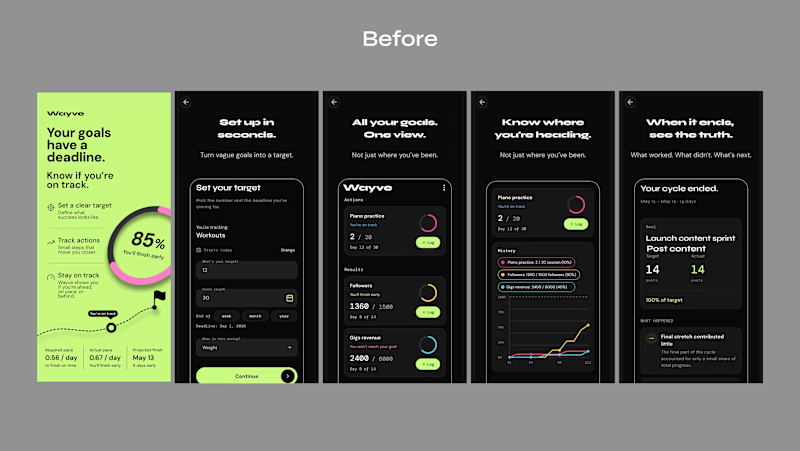
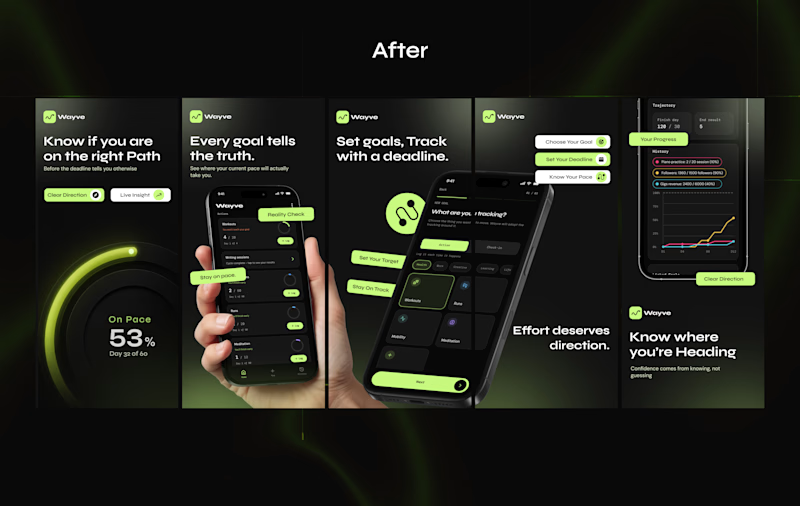
Just wrapped up a client's App Store screenshot redesign.
The original screenshots showed the app, but they weren't really communicating why someone should download it.
The UI was there, the product was there, But the story wasn't.
So I reworked the screenshots to make the value clearer, give each screen a purpose, and make the whole listing feel more like one experience.
Here’s the Before vs. After
Which one would make you stop and explore the app?

6 votes
Ends in 12h


Creating premium lifestyle visuals for consumer technology products using AI.
For this project, I transformed a standard product image into a realistic lifestyle scene with professional composition, lighting, styling, and a modern commercial aesthetic.
The final visual was designed for e-commerce, social media, digital advertising, and product marketing.
Services: AI Lifestyle Photography • Product Styling • Creative Direction • AI Image Generation