The network for creativity
Join 1.25M professional creatives like you
Connect with clients, get discovered, and run your business 100% commission-free
Creatives on Contra have earned over $150M and we are just getting started
Back to feedPost

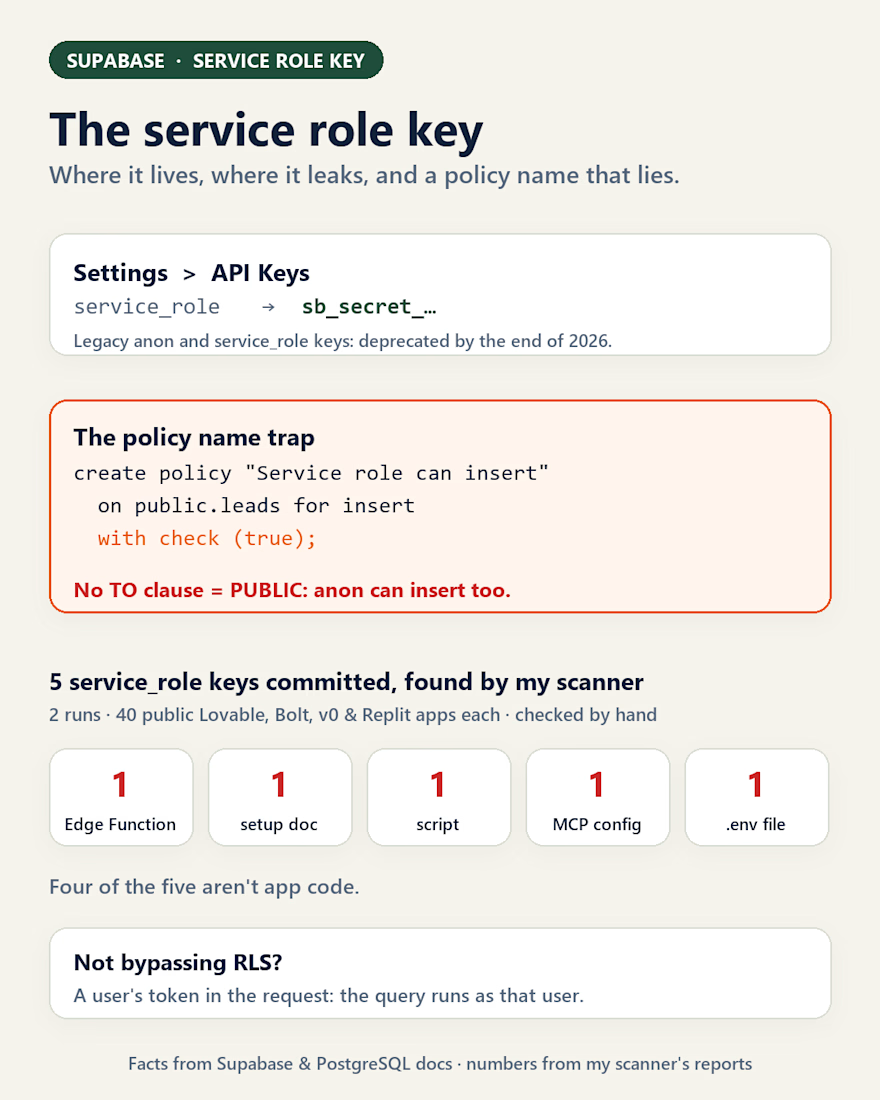
Supabase service role key: where to find it, why it sometimes doesn't bypass RLS, and the policy name that fools people.
Where to find it: Settings > API Keys in the dashboard. The legacy service_role key and the new secret key (sb_secret_…) both live there. Supabase is deprecating the anon and service_role keys by the end of 2026, so the secret key is the one to use.
"Not bypassing RLS?" The docs say a secret key bypasses RLS only when the request carries no user access token. If your Edge Function builds the client with the service key but passes on the user's Authorization header, the query runs as that user, under their policies.
The policy name trap: a policy called "Service role can insert" with WITH CHECK (true) and no TO clause. In Postgres, no TO means PUBLIC: every role, anon included. The name says service role, the table is open to everyone. And the service role never needed it: policies don't apply to it.
Where I found keys in real apps: two runs of my scanner, 40 public Lovable, Bolt, v0 and Replit apps each, every finding checked by hand. 5 service_role keys were committed: in an Edge Function, a setup document, a script, an MCP config and a .env file. Four of the five aren't app code.
Supabase now answers a secret key used in a browser with HTTP 401, but its docs warn an attacker can still use the key from other tools.
Have you checked your migrations for a "Service role can…" policy with no TO clause?


The network for creativity
Join 1.25M professional creatives like you
Connect with clients, get discovered, and run your business 100% commission-free
Creatives on Contra have earned over $150M and we are just getting started



Related posts

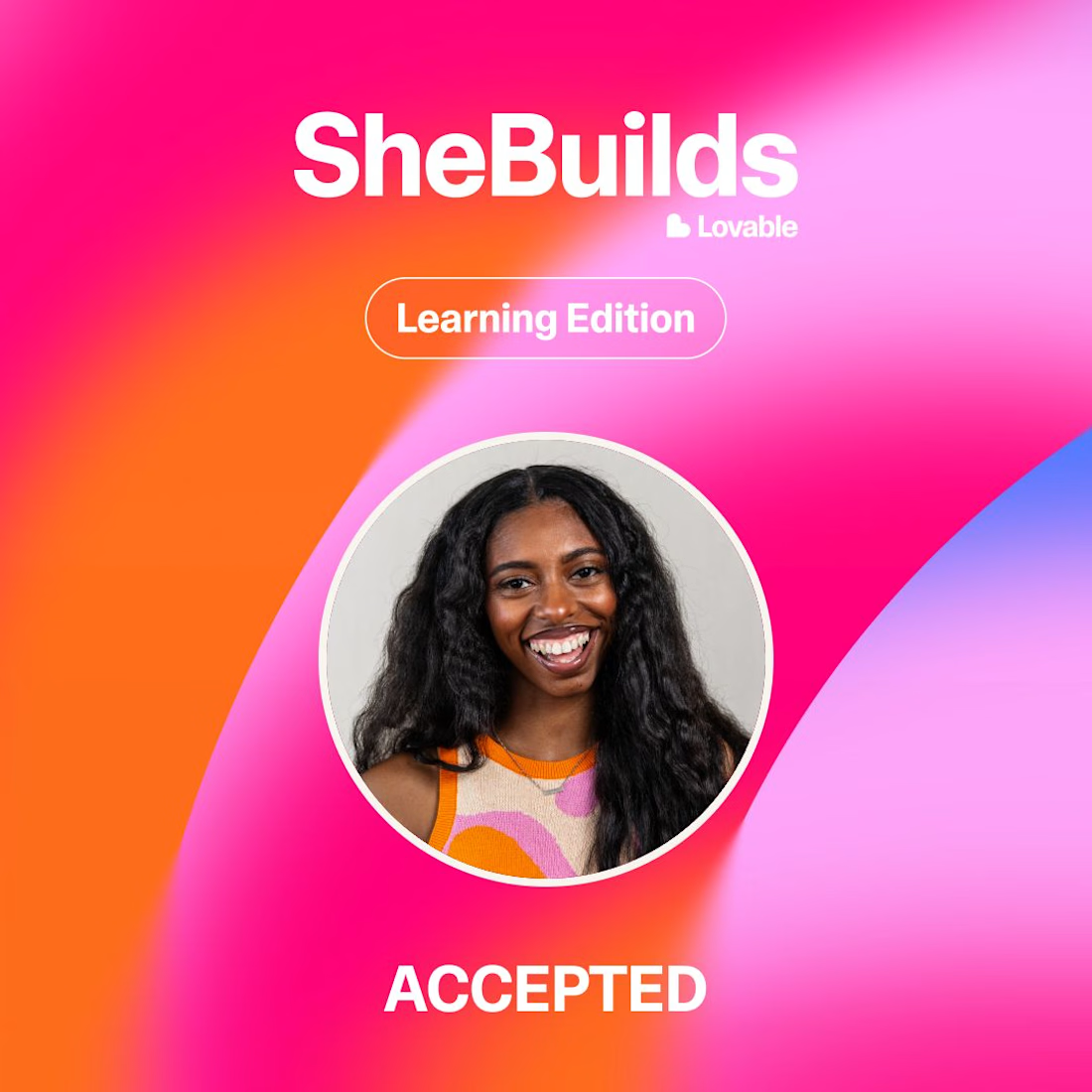
two weeks ago i had the pleasure of being accepted into SheBuilds for Lovable! 🥳
during that time i used my 150 credits to build towards a landing page for a two-day workshop i hope to hold in January for 30 creators, digitally 👀 🤫 (you're hearing about this exclusively FIRST Contra friends 🤭) more on that later though!
i loved being able to finally try Lovable because i'm truly a tech nerd at heart! as much as these types of professional development programs empower me in my career they’re also deeply fulfilling for me as a person!
i am SO excited to continue learning & building more within Lovable, as someone who was an early adopter of AI-LLM models & now is intermediate-to-expert level in those other AI products yet haven't stepped my toes into the software building products!


congrats on SheBuilds! curious how far 150 credits got you

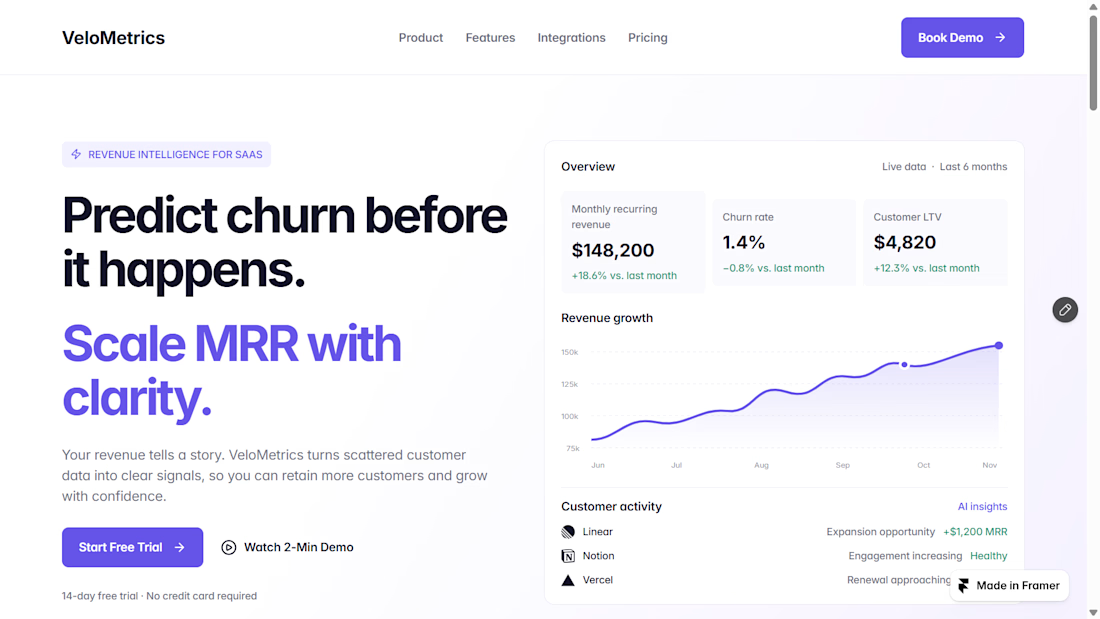
High-converting B2B SaaS landing page built in Framer featuring interactive workflow tabs, live dashboard UI, pricing tiers, and 90/100 technical SEO health.


Your onboarding has one job: get the user to their first result.
Three checks I run on every SaaS onboarding: fields before value, empty states that lead somewhere, and a checklist written for the user's goal, not yours.
Designed and shipped as code. 🛠️

Fields before value is the one I run into most. Role and team size questions can usually wait until after the first result.