The network for creativity
Join 1.25M professional creatives like you
Connect with clients, get discovered, and run your business 100% commission-free
Creatives on Contra have earned over $150M and we are just getting started
Back to feedPost

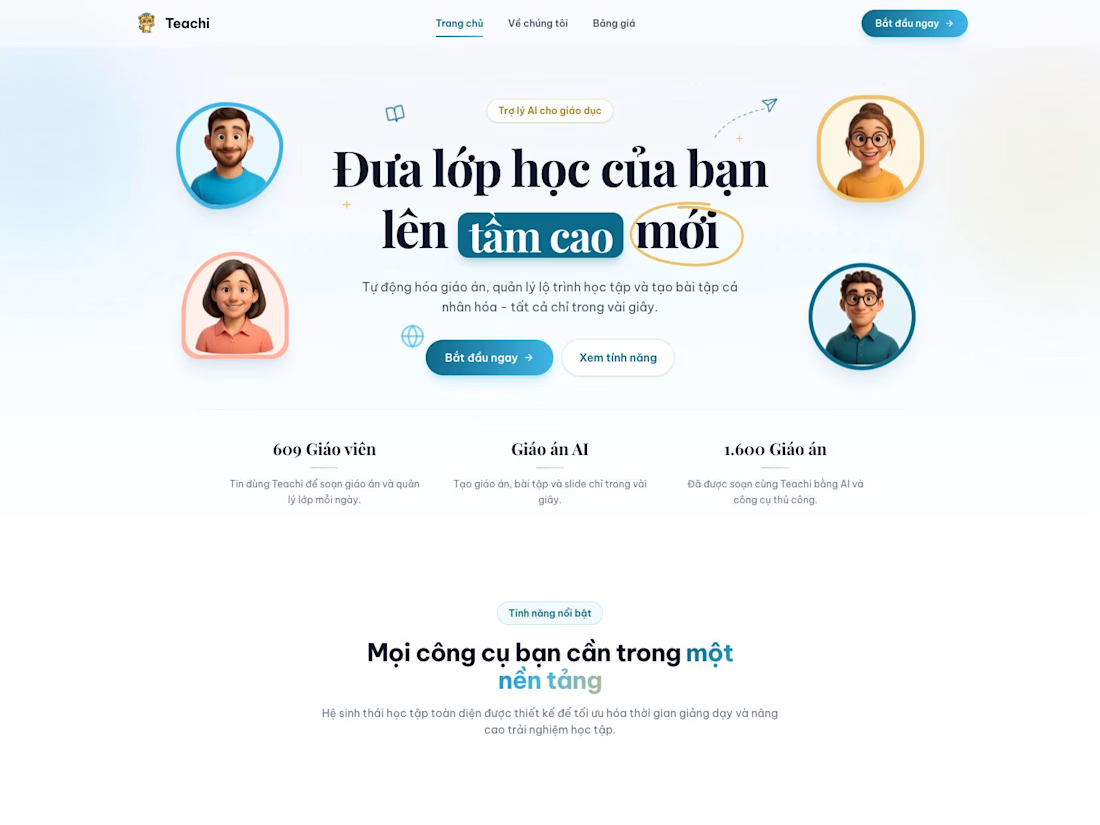
How I built "highlight → rewrite with AI" for Teachi, an AI lesson planner used by 600+ teachers.
Teachers wanted Google-Docs-style editing: type, bold, and rewrite any passage with AI, without wrecking the formatting they'd applied by hand.
What made it work:
• Tiptap editor with a floating toolbar on selection. Bold/italic apply instantly and never call an API.
• The selected range is flattened to plain text before it goes to the model. The AI reasons about words, not markup.
• The reply is inserted back at exactly that range, so every other paragraph keeps its formatting.
• Select fewer than two words and it asks for a full sentence: one word gives the AI no context.
• Plans stay in the same string field, now as HTML, so nothing needed a migration and old plans open as plain text.
• Debounced autosave (1.5s idle) persists edits once they settle.
Stack: Next.js, Supabase, OpenAI, Tiptap.
Building AI features into a Next.js app? Happy to swap notes.



When the AI response comes back asynchronously, the editor selection may have moved. Did you store a Tiptap bookmark before the request and restore it on apply, or does the user confirm the insertion point?
The network for creativity
Join 1.25M professional creatives like you
Connect with clients, get discovered, and run your business 100% commission-free
Creatives on Contra have earned over $150M and we are just getting started







Related posts


Startfrom is our template library: 12 finished websites designed at Apollo Studio. 11 of them are available as a Framer project, an Astro theme and a Next.js app, so you choose the design first and the stack second.
For founders, studios and freelancers who want a real site to start from. Five are free.


That's incredible Alex great website template 🎉🎉🔥🔥

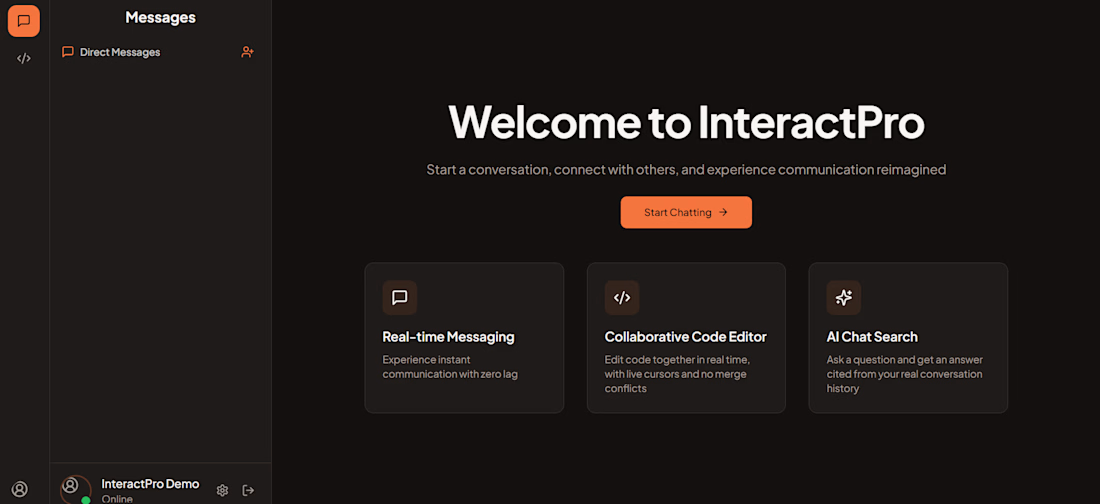
InteractPro- Realtime Collaboration & AI Chat Platform
Live link: https://interactpro.vercel.app/
Github link: https://github.com/nitinjha7/InteractPro-ChatApplication
React, TypeScript, Node.js, Express, tRPC, PostgreSQL, Prisma, Socket.IO, Yjs, Gemini, pgvector
A developer-focused platform combining real-time messaging, collaborative code editing, persistent sessions, and AI-powered semantic search over private conversations.
Key features
1) Real-time one-to-one chat and syntax-highlighted code sharing.
2) Concurrent collaborative editing using Yjs CRDTs and WebSockets.
3) Persistent code sessions with database-backed state recovery.
4) RAG-based semantic search using Gemini embeddings, PostgreSQL pgvector and HNSW indexing.
5) Answers grounded in relevant messages with citations.
6) 71 manually written server-side tests.



What was the trickiest part of getting Yjs and the saved sessions to work together? I'm curious how you handled someone reconnecting after others had kept editing.

Launching a product is just the beginning.
At Fatrion, we believe digital products should do more than just work — they should help businesses move forward.
From web and mobile applications to SaaS platforms and AI solutions, our focus is on building products around real business needs.
Build with purpose. Grow with confidence.
#Fatrion #DigitalSolutions #ProductDevelopment #SoftwareDevelopment #SaaS #BusinessGrowth


This is nice