The network for creativity
Join 1.25M professional creatives like you
Connect with clients, get discovered, and run your business 100% commission-free
Creatives on Contra have earned over $150M and we are just getting started
Back to feedPost

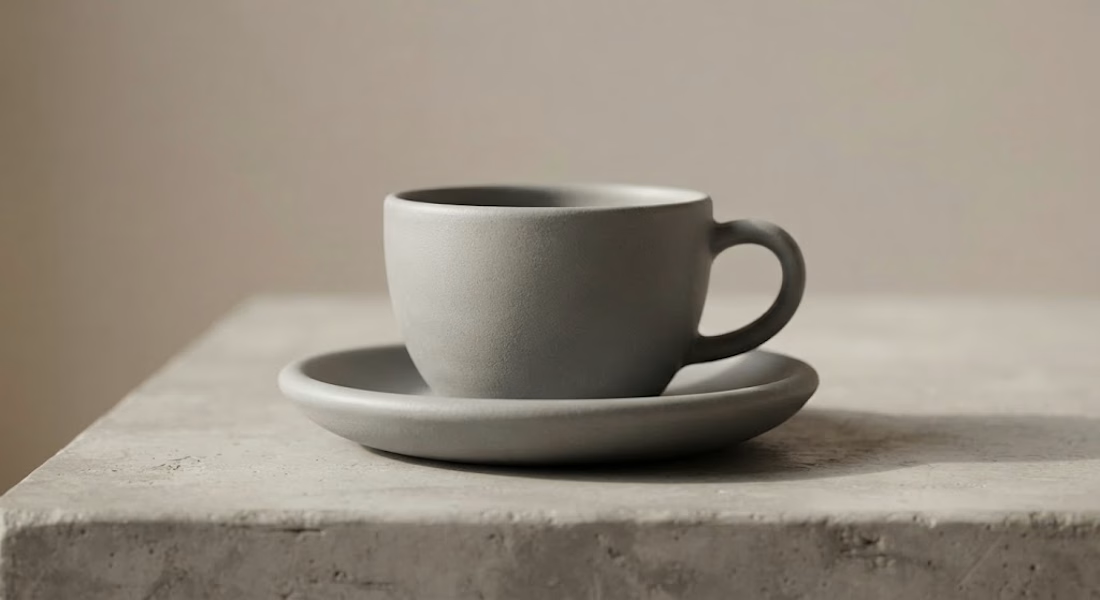
Relying solely on an HDRI is the quickest way to get a flat, uninspiring product render.
Commercial CGI requires sculpted light to build depth, direct focus, and enhance textures. Here are 4 quick rules I follow for cinematic product lighting:
• Carve silhouettes with strong rims: Place high-intensity rim lights behind the asset to separate it cleanly from the background.
• Use gobos for texture: Don’t blast flat light. Cast subtle leaf or window patterns to introduce visual rhythm and realism.
• Respect shadow density: If everything is illuminated, nothing stands out. Keep fill lights low to protect contrast.
• Contrast light temperatures: Pair a warm key light (~3200K) with a cool rim (~5600K) to create natural chromatic separation. Light sculpts form; shaders only reveal it.
What’s your go-to lighting setup: HDRI, mesh lights, or a hybrid mix? 👇

The network for creativity
Join 1.25M professional creatives like you
Connect with clients, get discovered, and run your business 100% commission-free
Creatives on Contra have earned over $150M and we are just getting started
Related posts

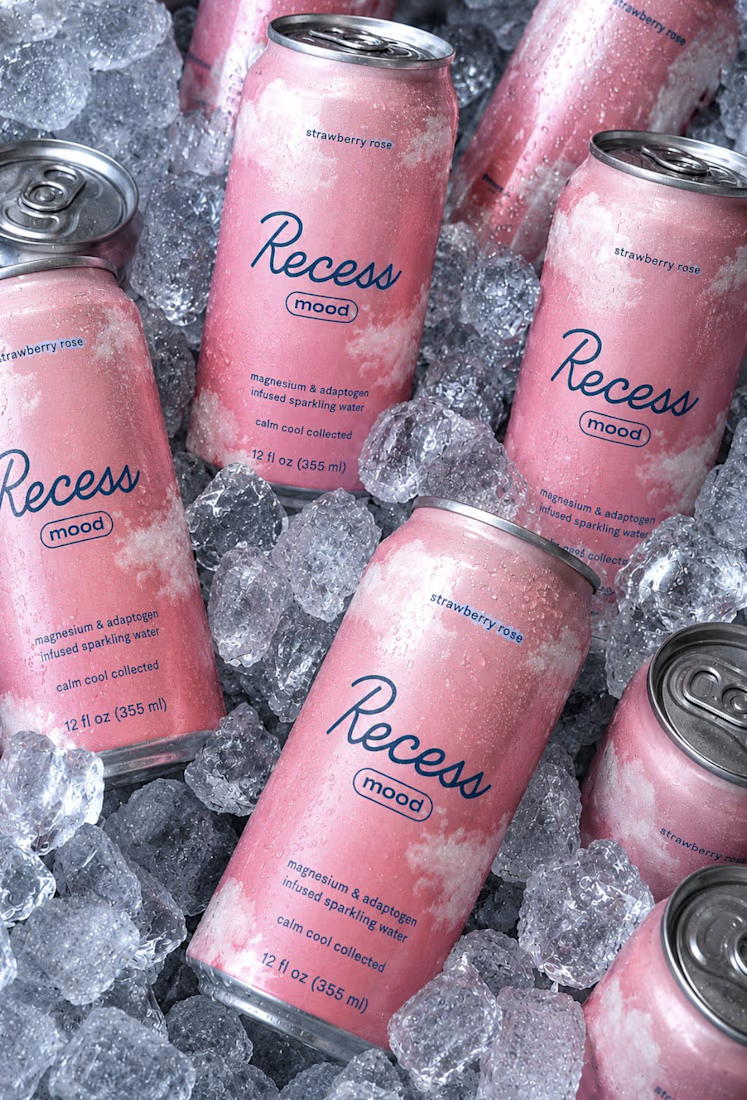
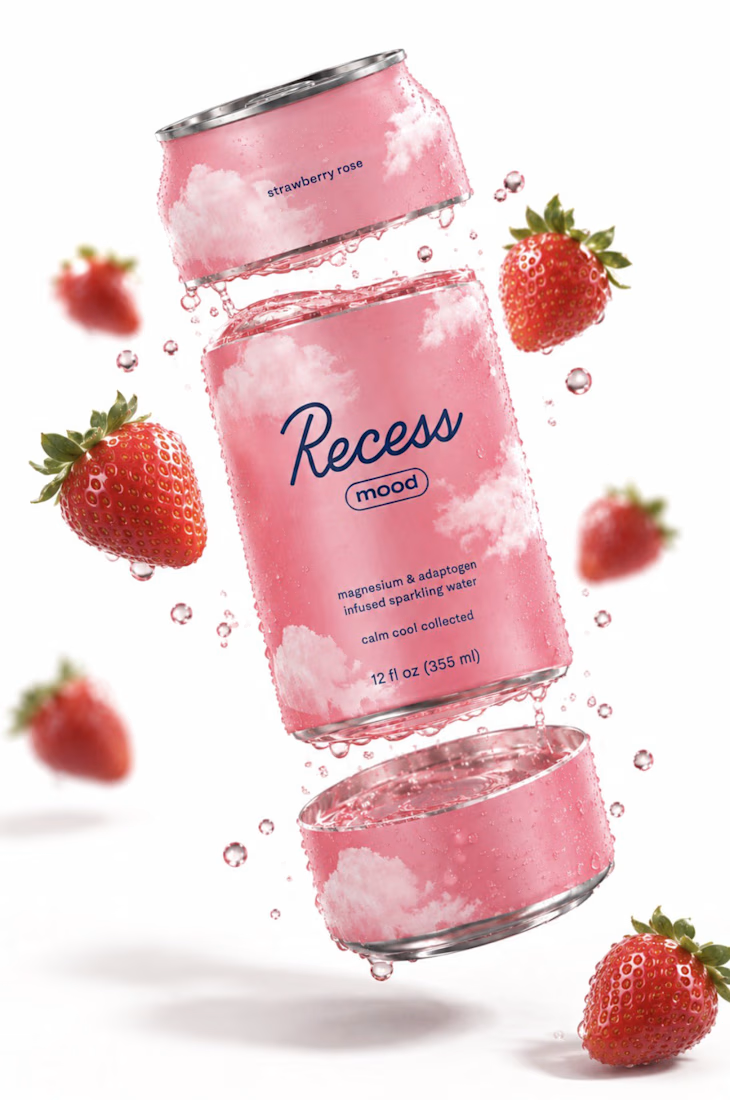

Great brand 🎉🎉

Dark luxury, Halloween edition. 🖤 Obsidian textures, spectral glass, liquid-orange lighting and kinetic typography—fully in their element.
Around 6.5 GB of production data shaped into one 20-second reel, built with Antigravity, Blender and FFmpeg.


Immersive!

Such a neat experiment in AI-assisted spatial design! Using 10 photos of a real setup to train a local model like FLUX 3 Klein is next-level prototyping.
Both options look great, but Option A totally wins on the cozy lighting front for me. Check out the post and drop your vote


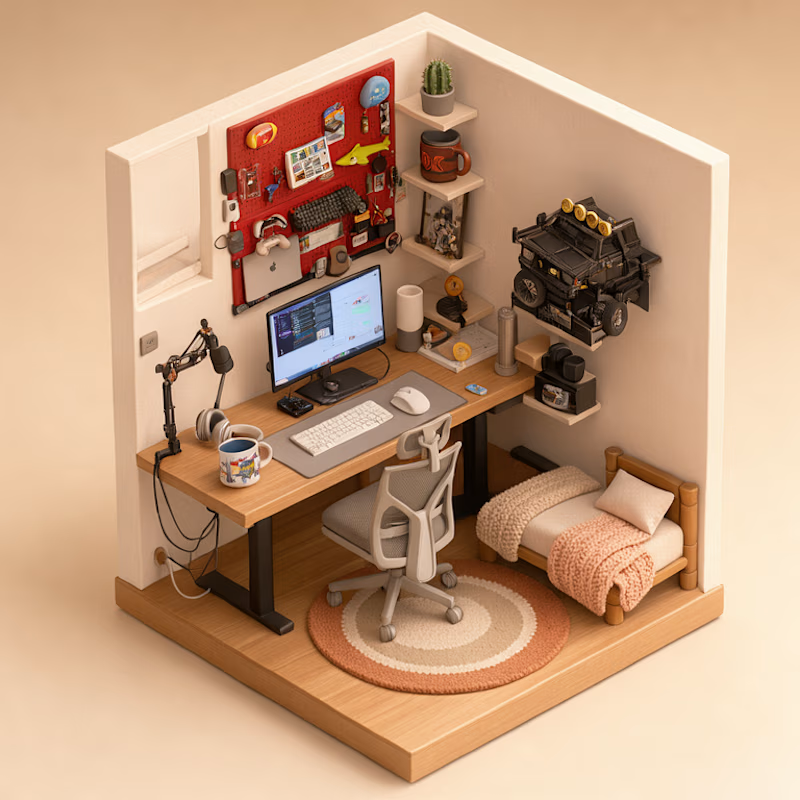
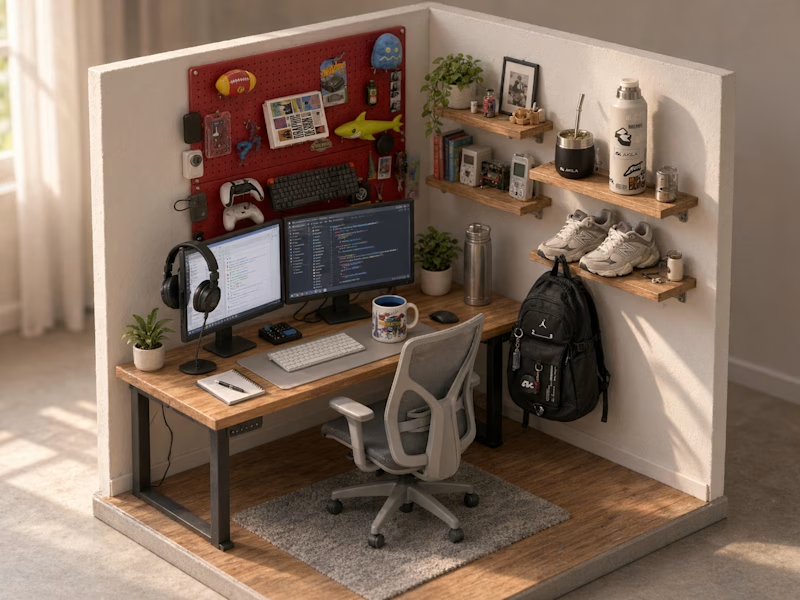
Turned my real desk into a tiny clay diorama ☕️
Made with FLUX 3 Klein running locally, using 10 photos of my actual setup as references: the pegboard wall, headphones, mug, shelves...
Which one do you like more, A or B?
21 voted
58%
15 voted
42%
36 votes
Closed
A hits to me it's so mangable❤️