The network for creativity
Join 1.25M professional creatives like you
Connect with clients, get discovered, and run your business 100% commission-free
Creatives on Contra have earned over $150M and we are just getting started
Back to feedPost

Online store pages that took over 4 seconds to load converted 22% worse. That’s stores, so your numbers will differ. But most of us haven’t timed our own site on a phone in months.
3 things I would check first:
✦ Run your main page through Google’s PageSpeed Insights. It’s free. Look at the mobile score.
✦ Check image sizes. A huge hero photo can slow a page a lot.
✦ Count your plugins and scripts. Every chat widget, tracker and pop-up adds weight.
If it feels slow on your phone, it feels slow to your customers. I am Akil. I build websites and webapp.
What’s the slowest page on your site, and have you ever timed it?
The network for creativity
Join 1.25M professional creatives like you
Connect with clients, get discovered, and run your business 100% commission-free
Creatives on Contra have earned over $150M and we are just getting started



Related posts

Our own homepage scored 54 on mobile. Here is how we got it to 99.
We build fast sites for clients. Then we ran PageSpeed on our own homepage and got 54 on mobile.
Three things were doing most of the damage:
1) An autoplaying 4K hero film. It was about 21 MB of a 22 MB page.
2) Google Tag Manager. It alone blocked the main thread for around 4 seconds.
3) A booking widget loading its scripts and cookies on every visit.
What we changed:
• The film became a small poster image. The video now starts on the visitor's first interaction.
• Tags load on first interaction or after 5 seconds. No tag was removed.
• The booking widget is gone.
• Images are served as AVIF and WebP in the right size.
Result on the mobile homepage: 54 to 99. Page weight went from about 22 MB to about 0.5 MB. Total Blocking Time went from 4,740 ms to 30 ms.
One caveat: lab scores move. The same page scored between 86 and 99 on the same day, so we report the median of three runs.
Full write-up with every number: https://codevibe.in/case-studies/website-speed-optimization
If your site feels slow, the hero video and the tag manager are the first two places I would look.


codevibe.in
Website Speed Case Study: PageSpeed 54 to 99 | Codevibe
How Codevibe took its own Next.js site from 54 to 99 on mobile PageSpeed and 100 on desktop: 22,563 KiB to 530 KiB, blocking time 4.7 s to 30 ms.


54 to 99 is wild. the cobblers kids have no shoes thing is so real lol

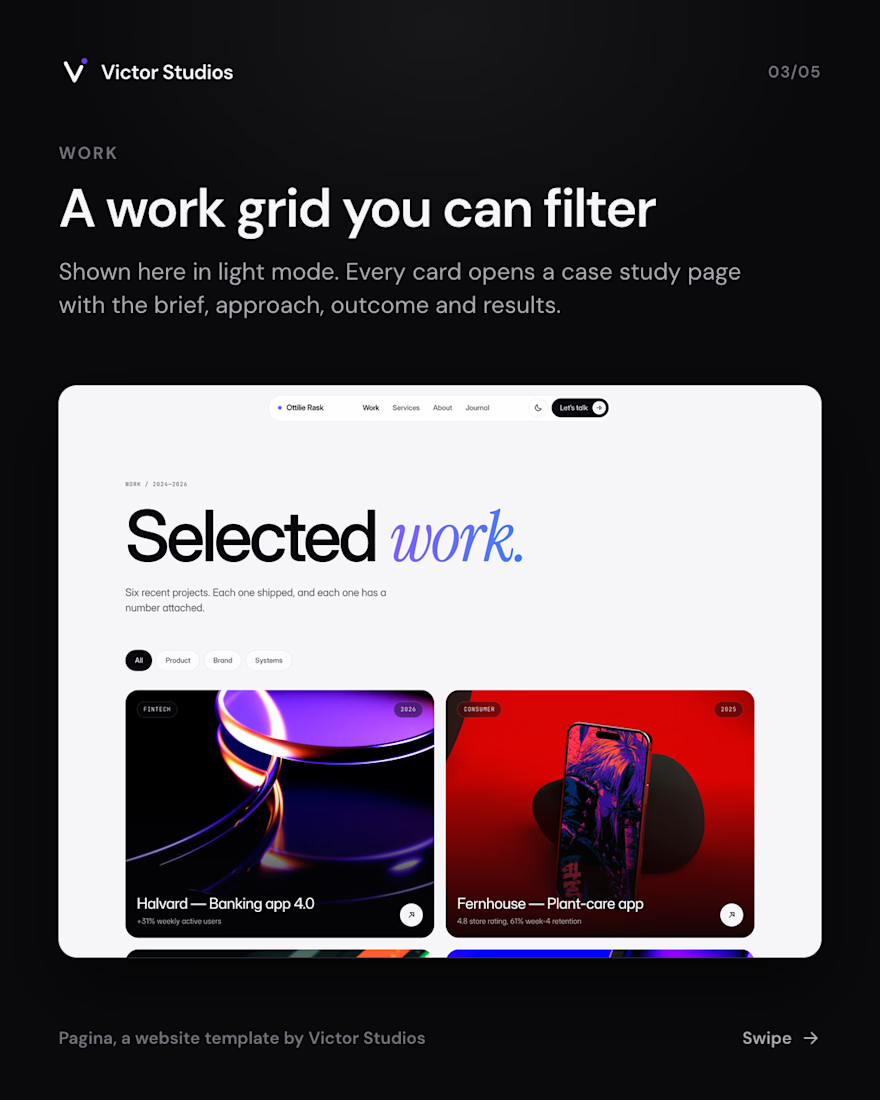
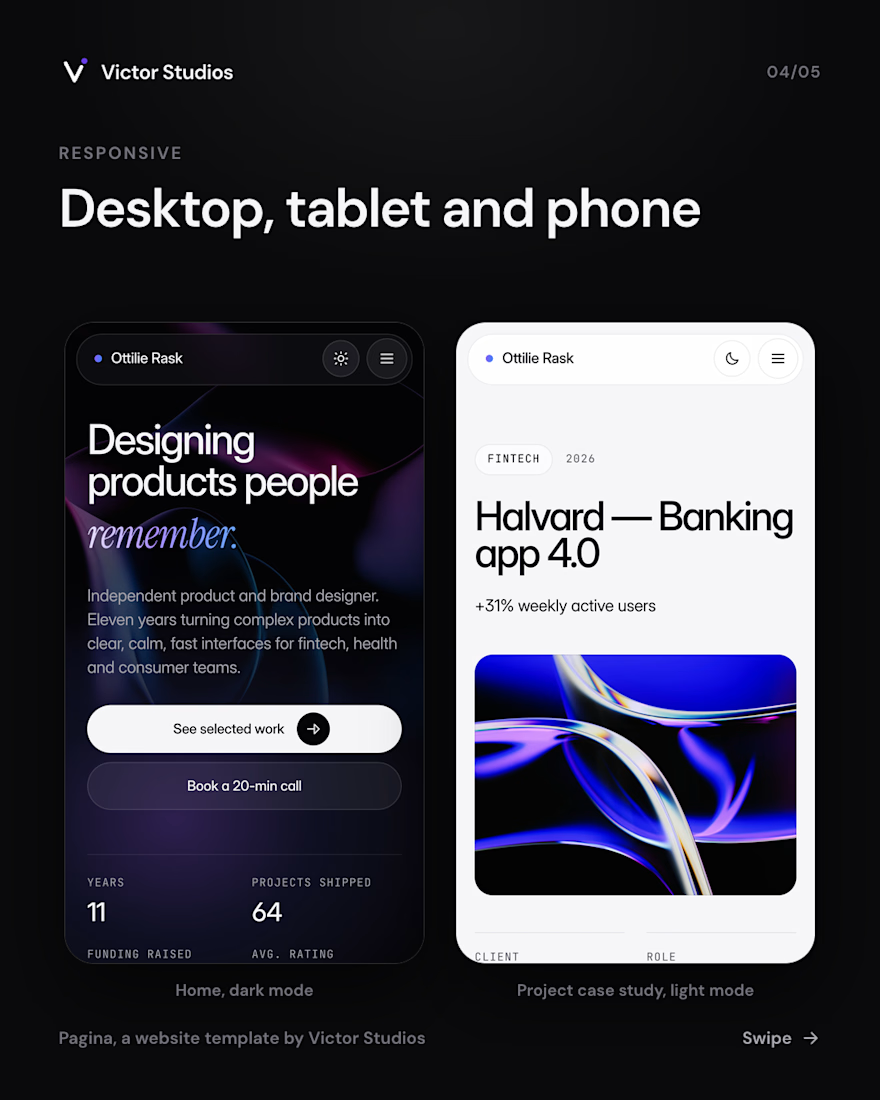
Pagina is live. It is a portfolio website template for product and brand designers and small studios, with nine page types, light and dark mode, and layouts for desktop, tablet and phone.
It is free on Framer, and the full source code is $5. Details and live demo: https://vstd.si/templates/pagina





Fix your images first
On a slow site, images are often the heaviest files on the page.
Fix them in this order:
→ Resize them to the size they're shown at (no 4000px photo in a 600px box)
→ Convert to WebP or AVIF
→ Lazy-load anything below the first screen
→ Give every image a width and height, so the page doesn't jump
→ Preload the hero image instead of lazy-loading it
How heavy is your hero image? Check it in your browser's DevTools and tell me the size below.
#WebsiteSpeed #PageSpeed #CoreWebVitals #WebPerformance #WordPress
