The network for creativity
Join 1.25M professional creatives like you
Connect with clients, get discovered, and run your business 100% commission-free
Creatives on Contra have earned over $150M and we are just getting started
Back to feedPost

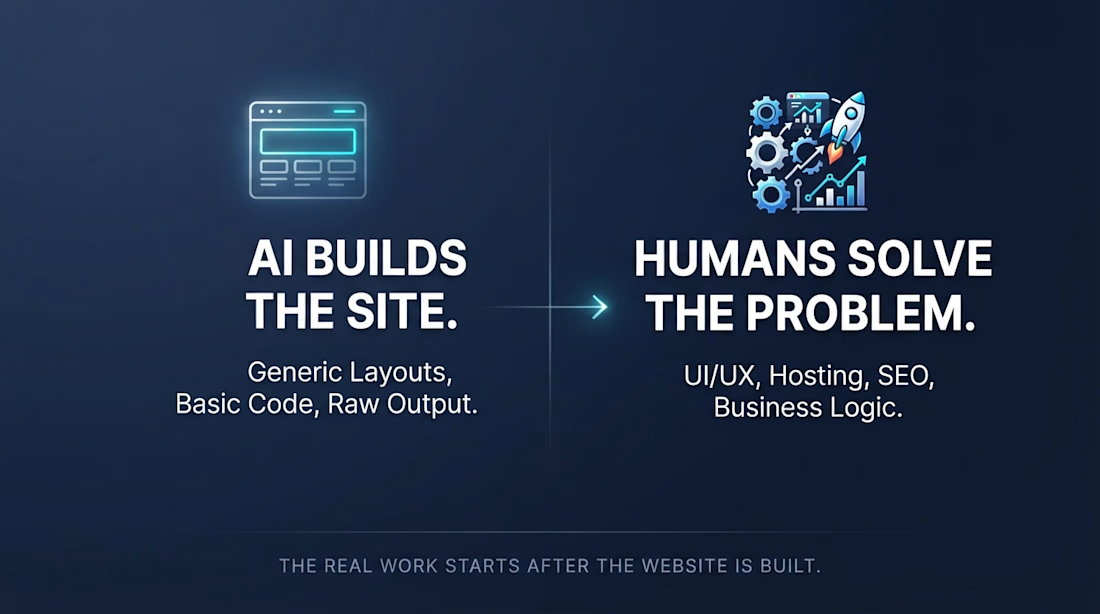
Anyone can build a website with AI now. Even clients can create basic to medium websites themselves using tools like ChatGPT.
But does building a website mean the job is done?
Not really.
The real work often starts after the website is built.
Improving UI/UX
Fixing bugs and testing functionality
Optimizing SEO, AEO, and performance
Setting up hosting, domains, and deployment
Connecting APIs, forms, and other integrations
Making content updates easy to manage
Ensuring the website actually solves business problems
Yesterday, I spoke with a potential client whose dad had built a website using ChatGPT. The website was already there, but they didn't know how to host it, connect a custom domain, or update the content later.
That's when it clicked for me.
AI can help people build websites, but building a website is only one part of the job.
Instead of fearing AI or competing against it, I believe we should learn to use it to solve more complex problems.
Understand the client's needs. Understand their business goals. Choose the right tools, use AI to speed up development, and build solutions that actually work for their business.
Sometimes that means Webflow. Sometimes it means custom code, APIs, automation, or other tools.
The goal isn't just to build a website anymore.
It's to solve the problem behind the website.
The network for creativity
Join 1.25M professional creatives like you
Connect with clients, get discovered, and run your business 100% commission-free
Creatives on Contra have earned over $150M and we are just getting started



Related posts

AI can build your website.
It cannot understand who you are, how you are different and how to explain that to people through a website.

A clear story takes judgment.
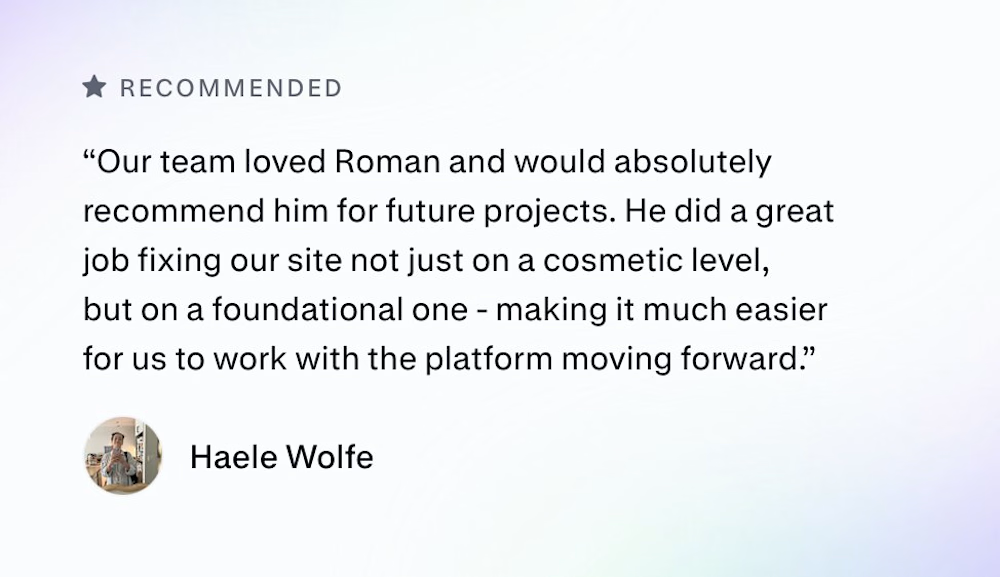
Zencastr came to us with a complex mix: they hosted their homepage on a custom server, blog on a separate platform and the rest of the pages on Webflow.
They had 3 days before the launch to tie it all together. This is their review:


Three platforms behind one domain in three days is a real test. I'd guess the reverse proxy and keeping the nav and footer identical across all three took more care than any of the page building. Did you match the shared header in Webflow or pull it from one source?

Noise Reveal, a premium reveal component for Framer
I built a component that gives Framer sites cinematic reveals for images, video and live layouts. It has a soft, film-like edge with glow and grain, and can play on load, on view, from a variant or scrubbed by scroll.
It’s built for production: the reveal is prepared before it scrolls in, it’s accessible with reduced-motion support, it falls back when WebGL isn’t available, and pages stay plain HTML when nothing is moving.
Launched on the Framer Marketplace. Open to custom Framer and interaction work.

The WebGL fallback and reduced-motion support are the parts most reveal effects skip, so it's great to see them called out. Does the fallback keep some of the grain edge with CSS, or does it drop to a simple fade?