The network for creativity
Join 1.25M professional creatives like you
Connect with clients, get discovered, and run your business 100% commission-free
Creatives on Contra have earned over $150M and we are just getting started
Back to feedPost

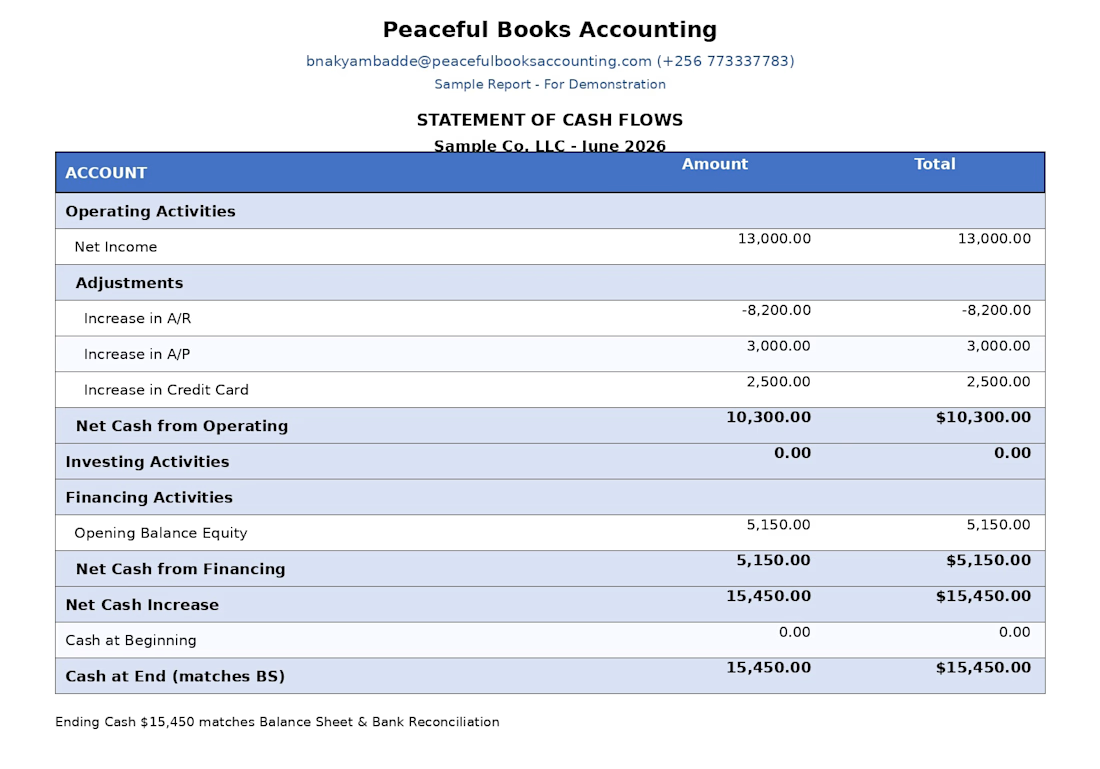
Statement of cashflows -QBO sample
Sample statement of Cash Flows generated in Quickbooks Online as part of my Month-End Close Sample pack.Prepared using QBO data for portfolio demonstration.
Scope of work:
Completed month-end close in QBO(reconciliation,review categorisation)
Generated Statement of Cash flows on accrual basis
Analyzed Cash movement from Operations,Investing and Financong activities
Ensured report ties to Profit and Loss and Balance sheet
Tools:
QuickBooks Online,Quickbooks Online Accountant
Services:
Bookkeeping,Cash Flow Reporting,Month End close,Financial Reporting
This sample demonstrates my ability to deliver complete month end reports that help US businesses understand where their Cash is going
Note:Sample data for demonstration only.Full QBO report package available on request

The network for creativity
Join 1.25M professional creatives like you
Connect with clients, get discovered, and run your business 100% commission-free
Creatives on Contra have earned over $150M and we are just getting started
Related posts

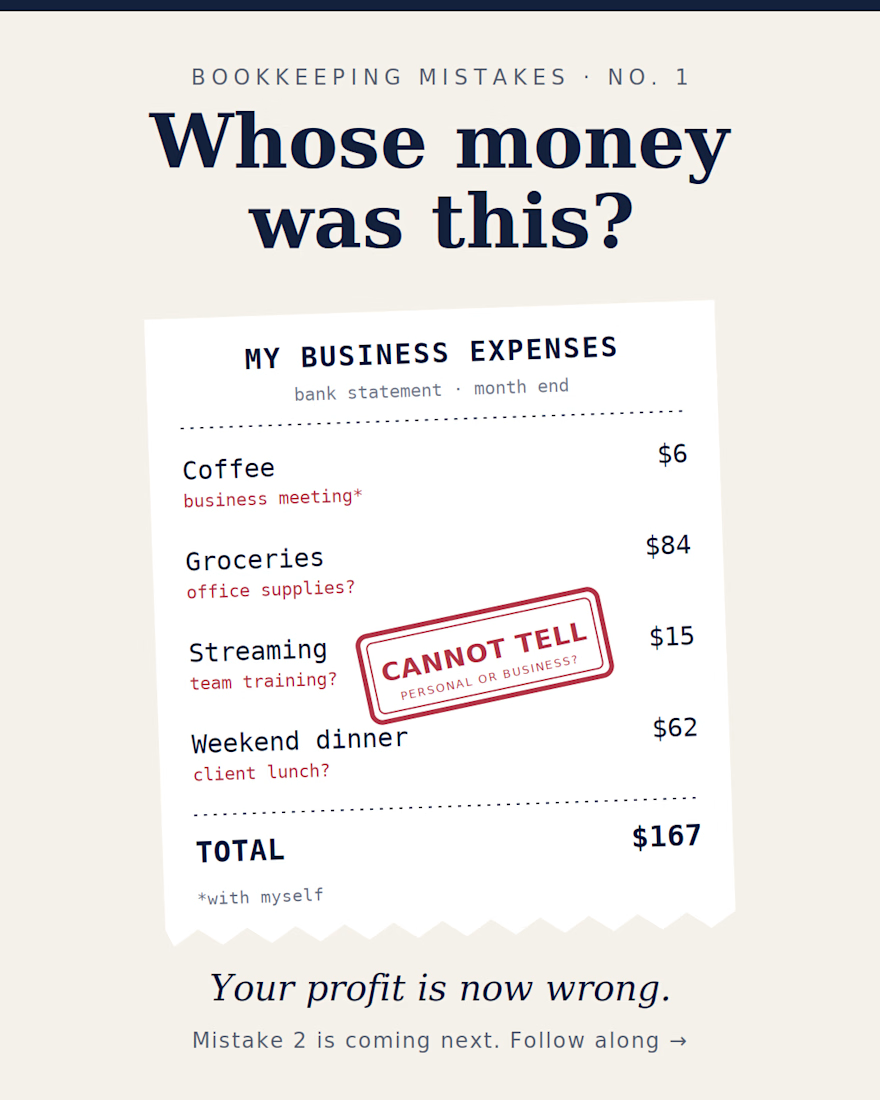
I am calling this the "Mistake post".
Wait. Did I post this by mistake?....
No, I promise. This is a bookkeeping post about the mistakes that quietly cost business owners money. There are many, so I will take one mistake at a time. This post is only about Mistake 1.
Mistake 1: Mixing personal and business spending One coffee here, one grocery bill there, and by the end of the month nobody knows whose money was spent. Yes, that coffee was a "business meeting". With yourself.
It looks small. It is not. Here is what it quietly does to your business:
Your profit becomes wrong. Personal costs sit inside business expenses, so the numbers do not show how the business is really performing.
Your bank reconciliation becomes slow. Every personal payment needs an explanation before your books can match the bank statement.
Your tax work becomes harder. When costs are mixed, it is difficult to prove which expenses truly belong to the business.
You lose clarity. You cannot tell how much the business earned and how much you took out for yourself.
Check your statement once a week. Small habit. Clean books. Much less stress at year end.
Mistake 2 is coming in the next post, so follow along so you do not miss it.



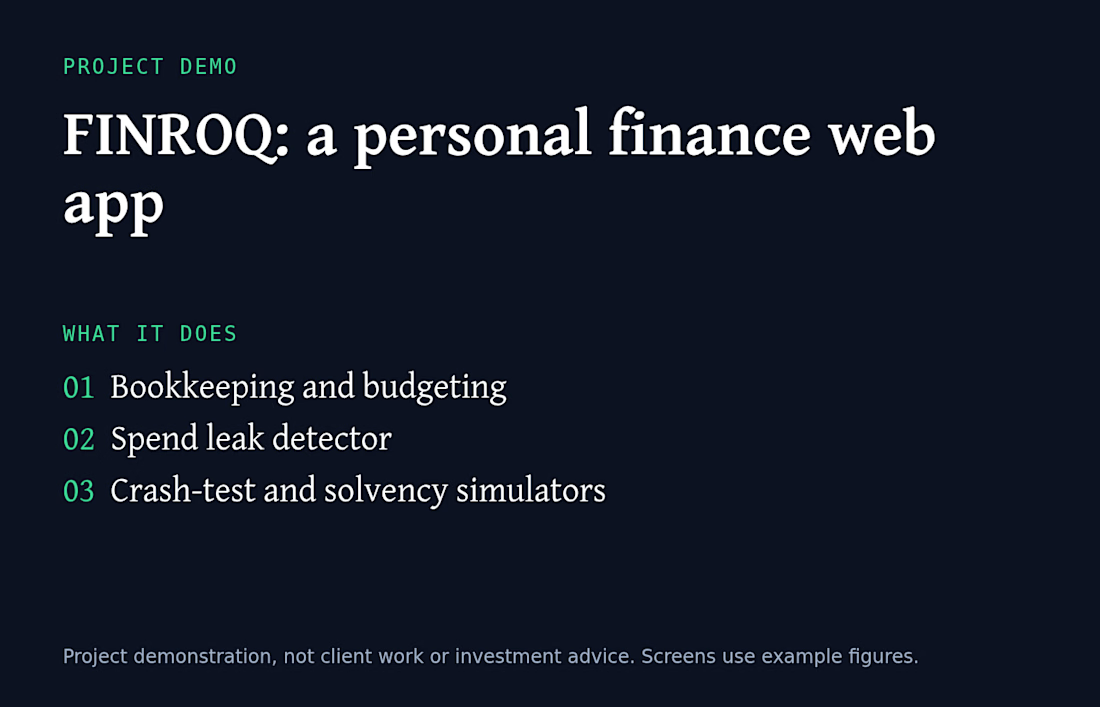
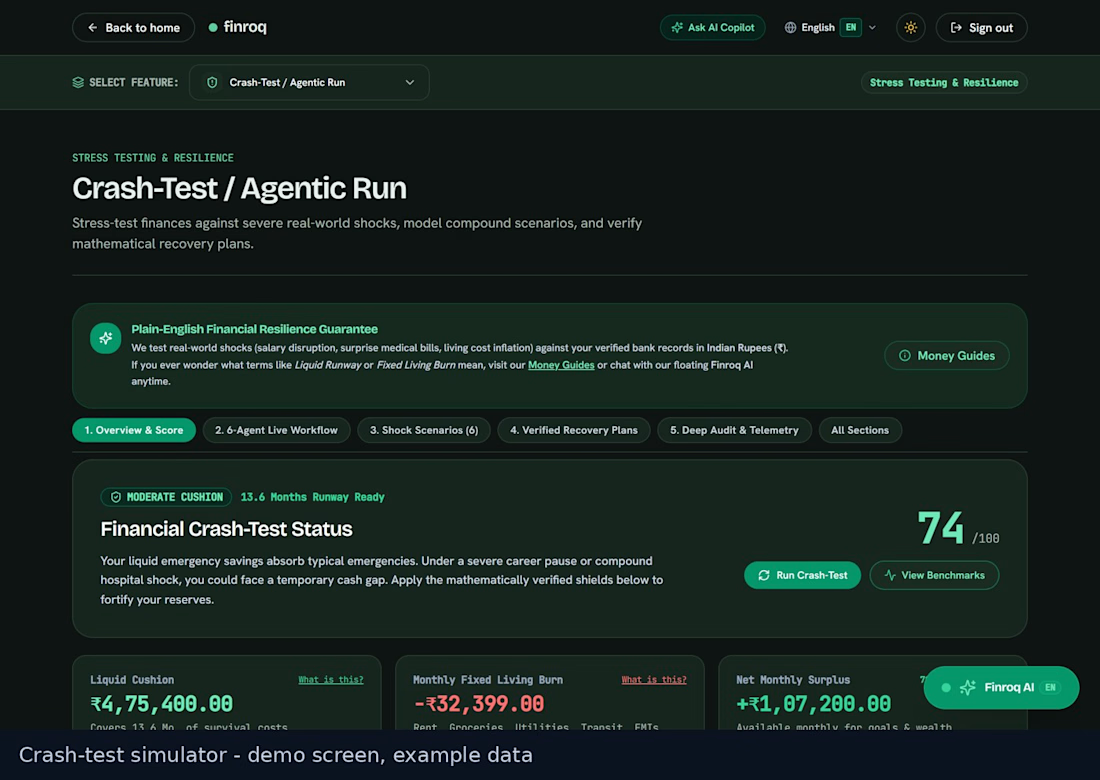
FINROQ: a personal finance web app
The idea
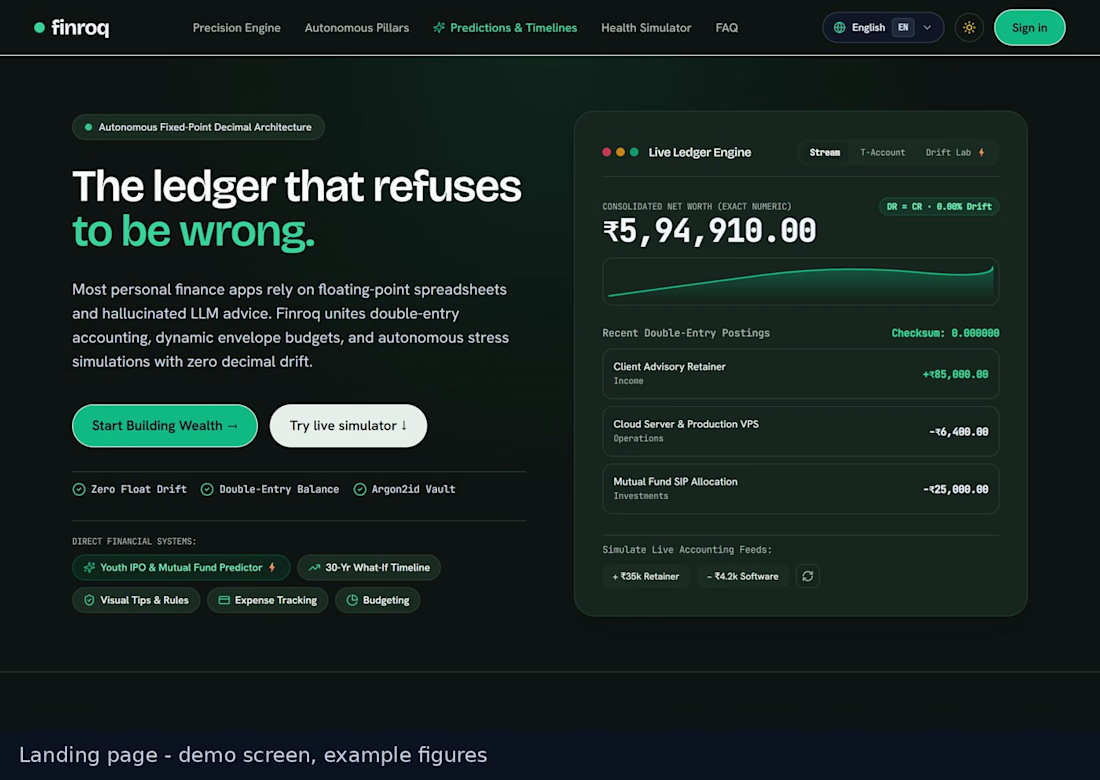
• One place for bookkeeping, budgeting and "what if" money simulations
What it does
• Bookkeeping and budgeting views
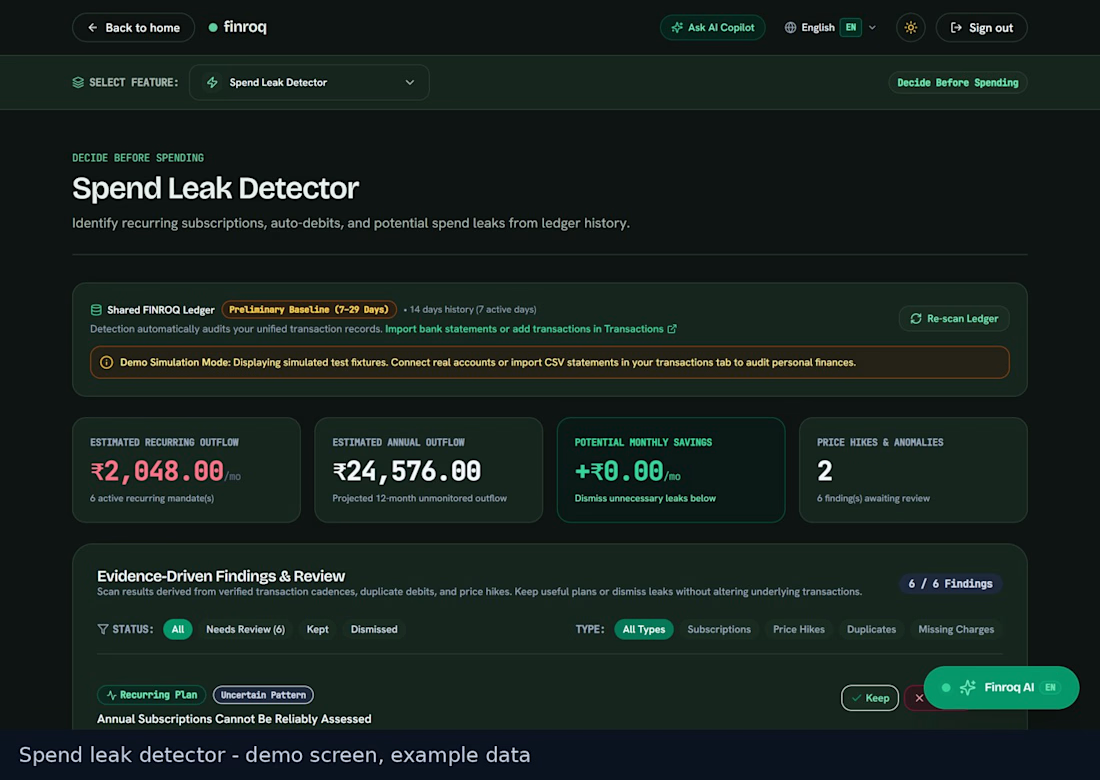
• Spend leak detector for recurring subscriptions, price hikes and duplicate debits
• Crash-test simulator that runs shocks such as job loss or a medical bill against your budget
• Pre-spend check and an interactive solvency simulator
Where it stands
• A project demonstration, not client work
• Not investment advice
• The screens below use example figures, not real financial records
Stack: Next.js, FastAPI, Python, PostgreSQL
Open to remote full-stack and AI-integration work (Next.js, FastAPI, Python).

Automated Client Statement Generator | Excel & Word VBA Automation
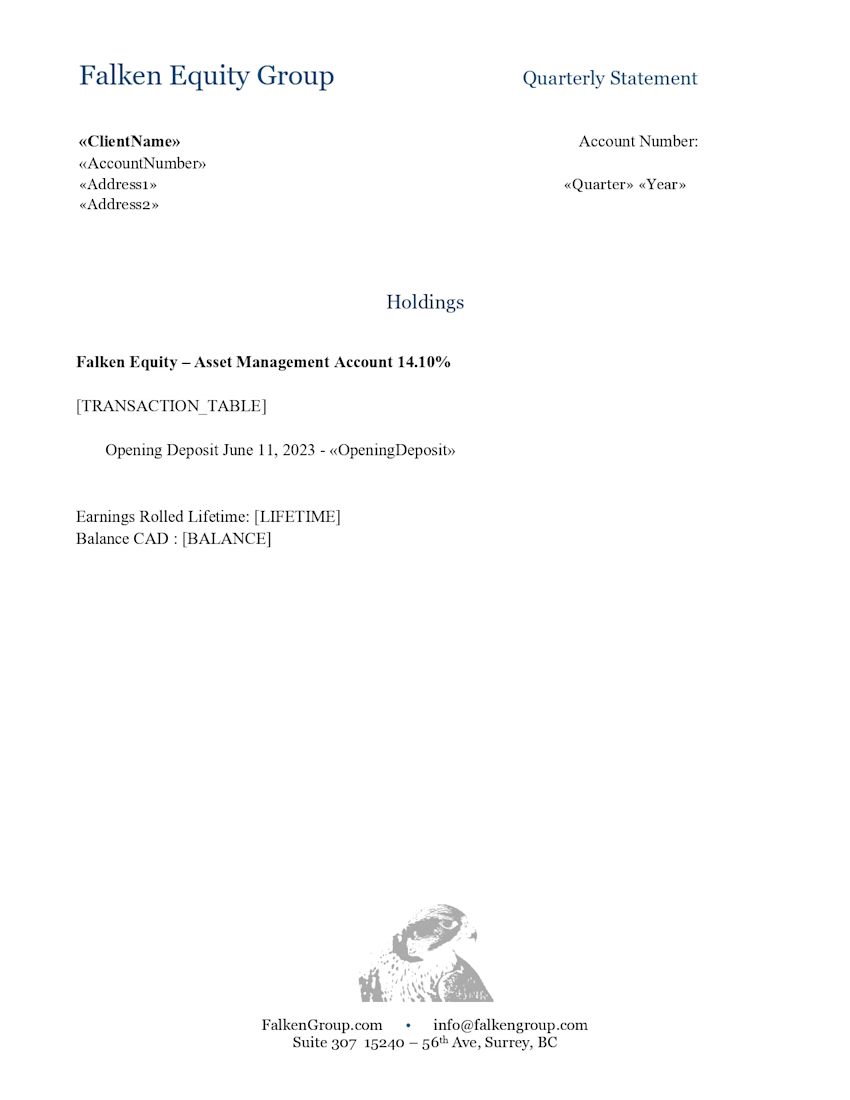
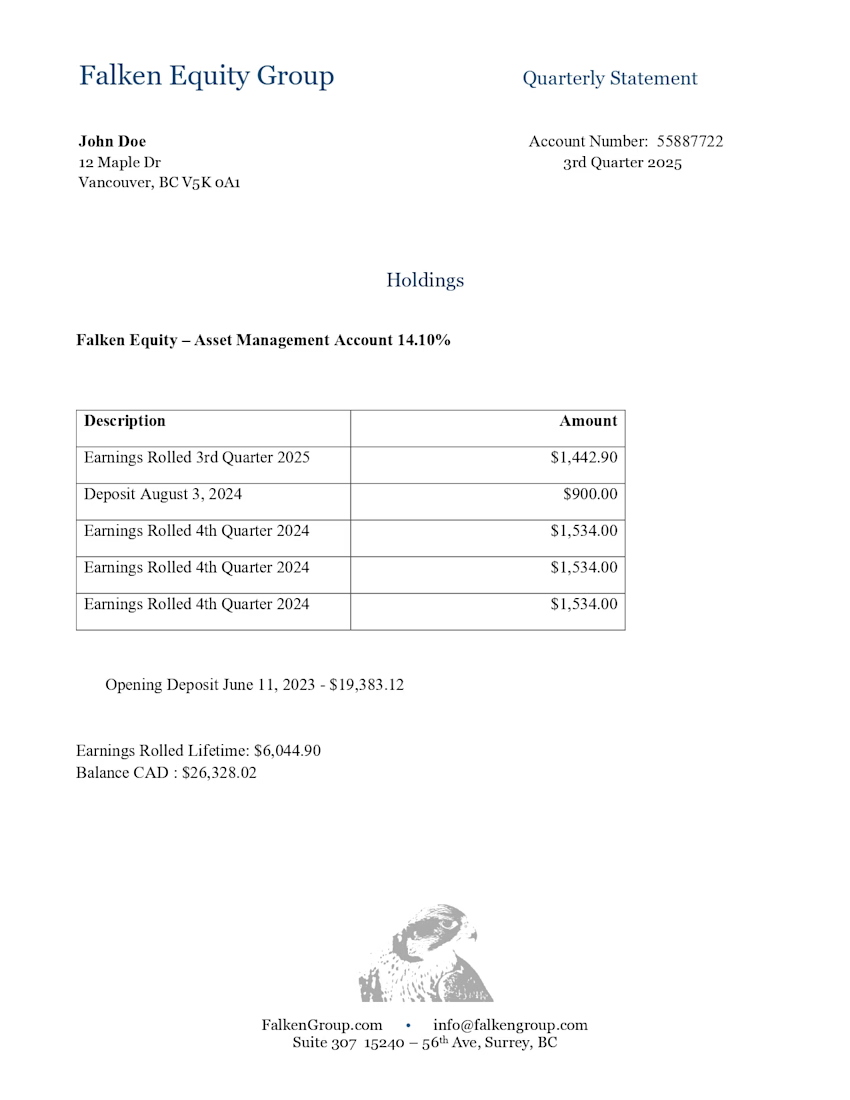
I developed an automated client statement generation system that converts Excel transaction data into individual, professionally formatted PDF statements with just one click.
The solution combines Microsoft Excel, a macro-enabled Microsoft Word template, and VBA automation to eliminate repetitive manual work and simplify quarterly statement preparation.
Key Features
One-Click PDF Generation: Generate individual PDF statements for multiple clients in a single run.
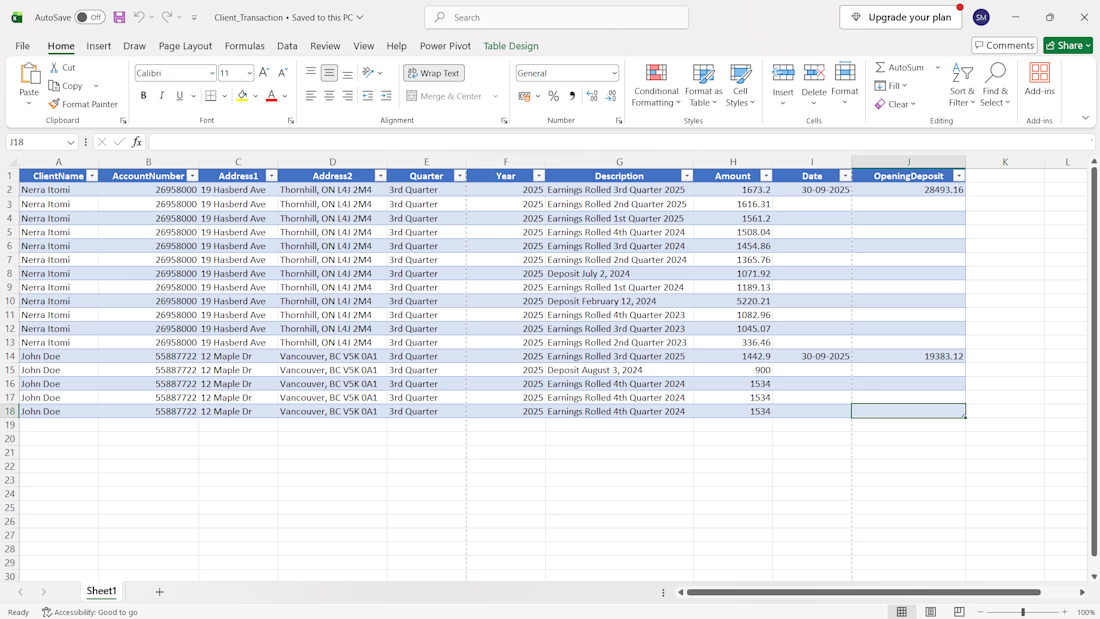
Excel Data Integration: Automatically reads client details, account numbers, transaction descriptions, dates, amounts, and opening deposits from an Excel workbook.
Automated Calculations: Processes statement data and calculates totals automatically.
Individual PDF Export: Creates a separate PDF statement for each client, using their account number and name for file naming.
Reusable Quarterly Template: Update the Excel data for the next quarter and regenerate statements without manually creating each document.
Consistent Formatting: Uses a standardized Word template to maintain a consistent statement layout.
Tools & Technologies
Microsoft Excel • Microsoft Word • VBA Macros • PDF Automation • Data Processing
Project Outcome
This system streamlines repetitive reporting tasks, reduces manual document preparation, and makes generating statements for multiple clients faster and more consistent.
I build practical Excel automation solutions that help businesses save time, simplify reporting, and improve their workflows.