The network for creativity
Join 1.25M professional creatives like you
Connect with clients, get discovered, and run your business 100% commission-free
Creatives on Contra have earned over $150M and we are just getting started
Back to feedPost

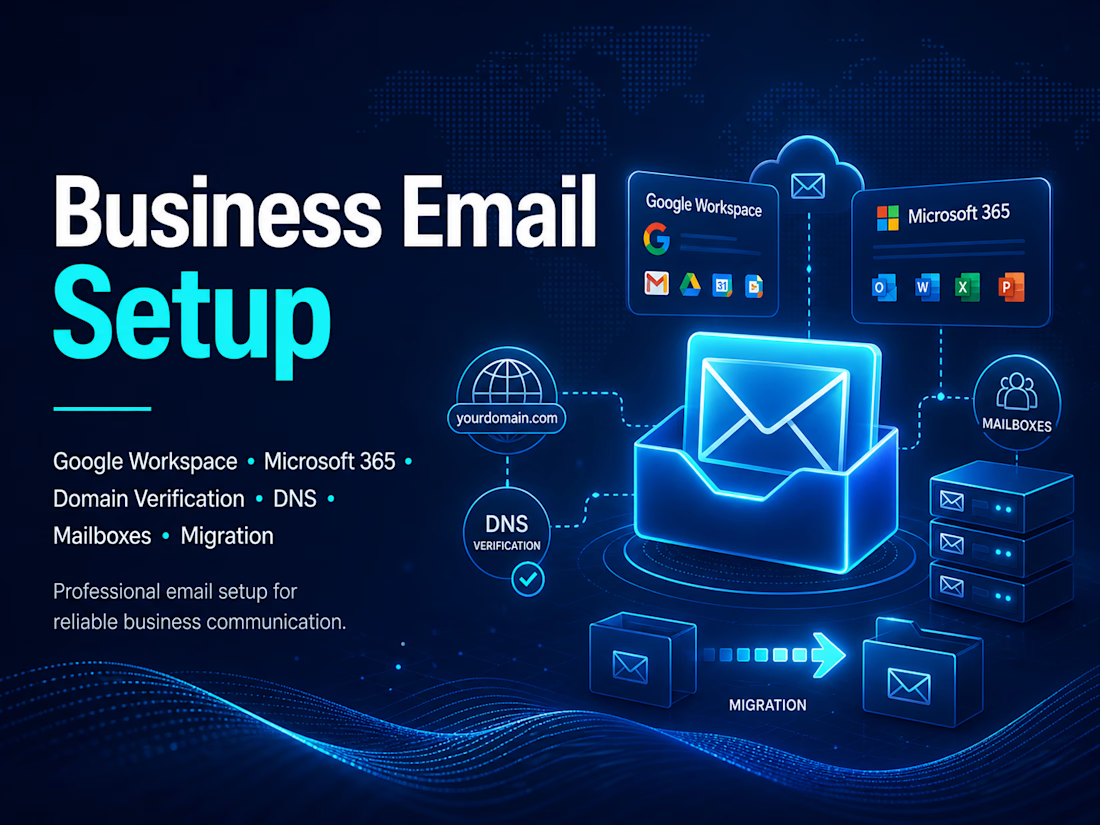
Google Workspace and Microsoft 365 Business Email Setup
Set up professional business email accounts using Google Workspace and Microsoft 365.
The work included domain verification, mailbox creation, DNS configuration, MX records, SPF, DKIM, DMARC, admin settings, and final sending/receiving tests.
This helped the business use reliable email accounts for daily communication, team operations, and outreach.
My role:
I handled the business email setup, DNS configuration, mailbox setup, and final testing.
Tools used:
Google Workspace, Microsoft 365, Google Admin Console, Microsoft Admin Center, Cloudflare, and DNS tools.


The network for creativity
Join 1.25M professional creatives like you
Connect with clients, get discovered, and run your business 100% commission-free
Creatives on Contra have earned over $150M and we are just getting started





Related posts

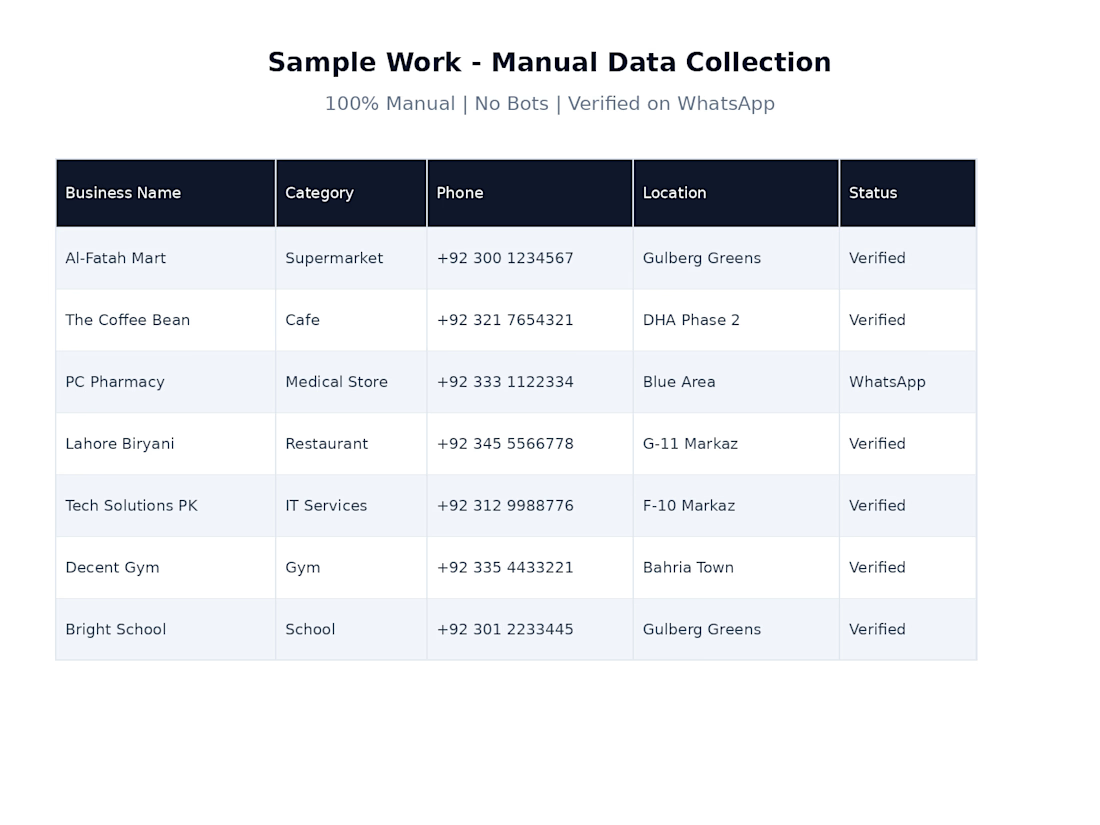
Sample of my manual business data collection work using Google Maps. I verified business details and organized the information into a clean, structured Excel sheet for marketing and lead generation.



Hello is there any #Dataentry jobs available?

Built a custom internal workspace that runs an entire marketing team from one dashboard — tasks, targets, reports, and a unified social inbox, all in a single place instead of scattered across five different apps.
Engineered it as a secure multi-user system: two-factor authentication with authenticator-app support, backup codes, and admin-controlled access — not just a UI, but proper auth architecture built to protect real business data.
Handled it end to end: scoping, backend logic, frontend, deployment, delivery.
Stack: Full-stack · Backend · REST APIs · Authentication (2FA) · Dashboard
Open to similar internal tools, SaaS dashboards & team-management systems.


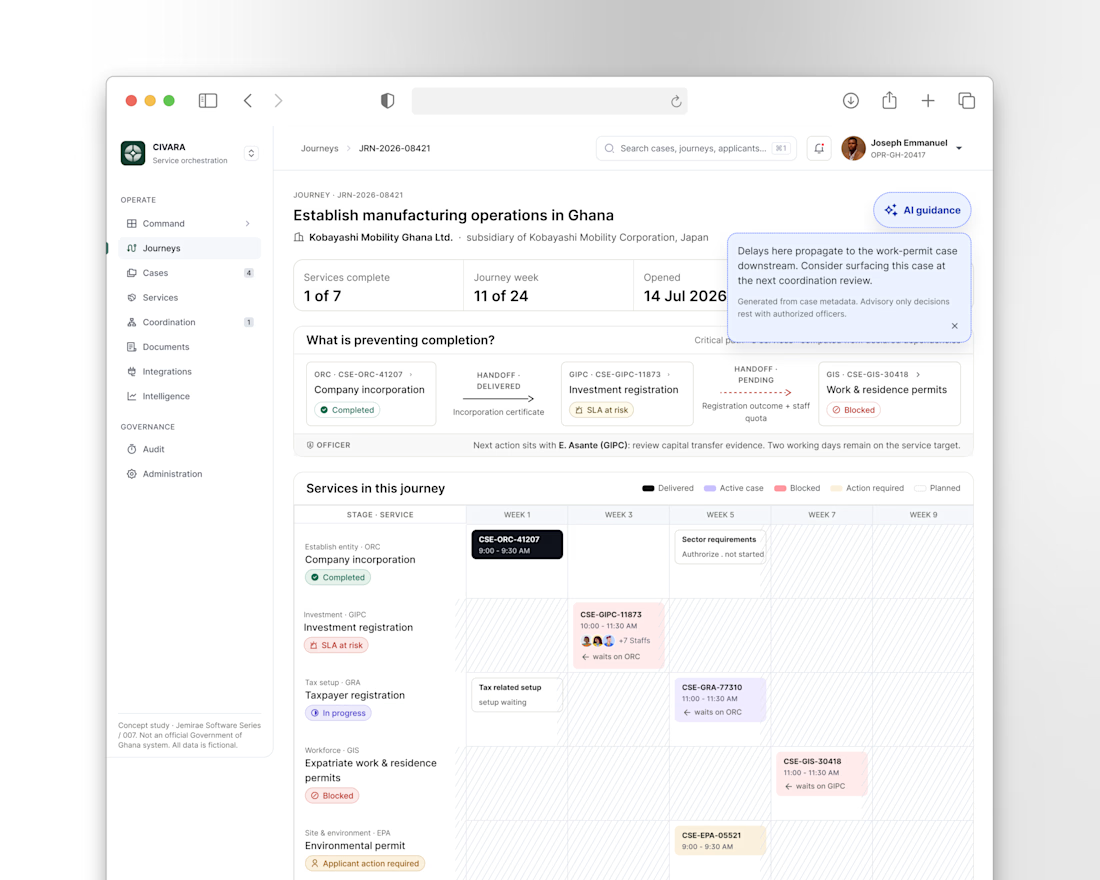
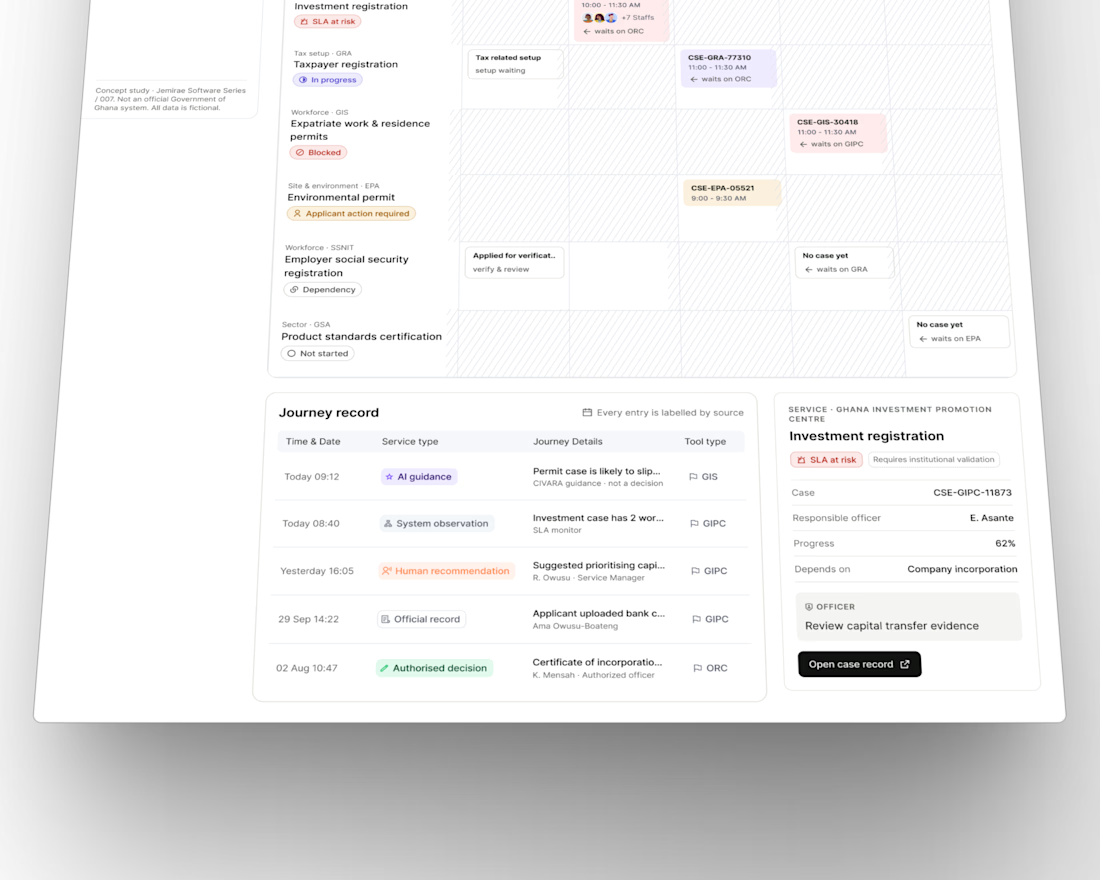
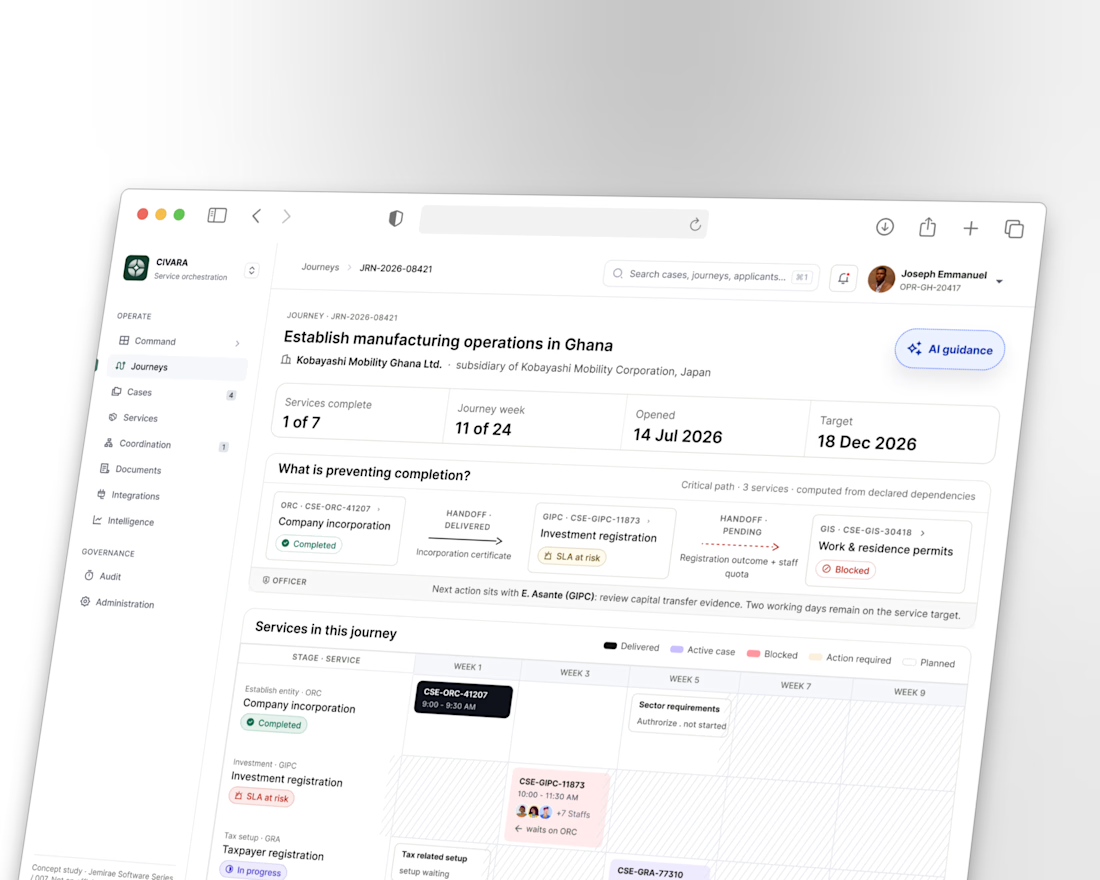
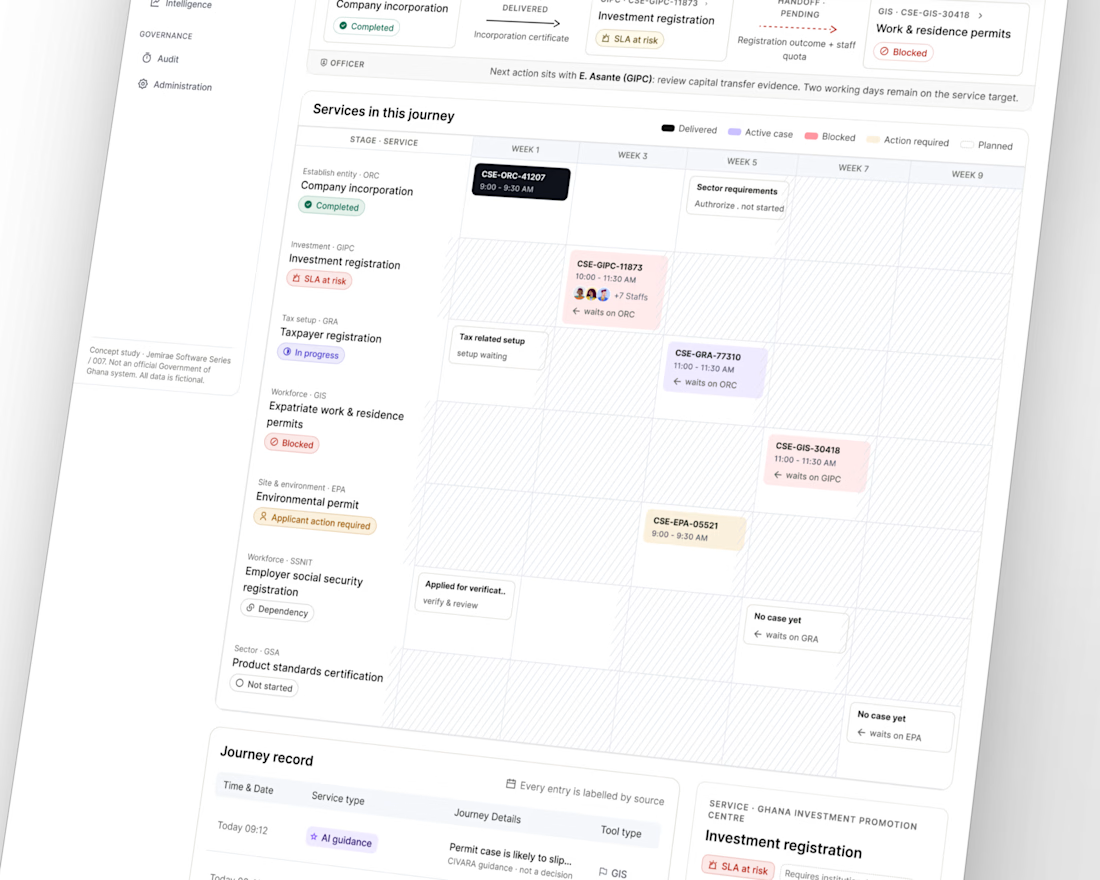
One thing I keep coming back to when designing complex systems: the user shouldn’t have to understand the complexity behind the system to get something done.
With CIVARA, we’re exploring how multiple services, dependencies and processes can come together around one clear human outcome.
Complexity can exist underneath. The experience above it should still feel simple.

Brilliant execution!