The network for creativity
Join 1.25M professional creatives like you
Connect with clients, get discovered, and run your business 100% commission-free
Creatives on Contra have earned over $150M and we are just getting started
Back to feedPost

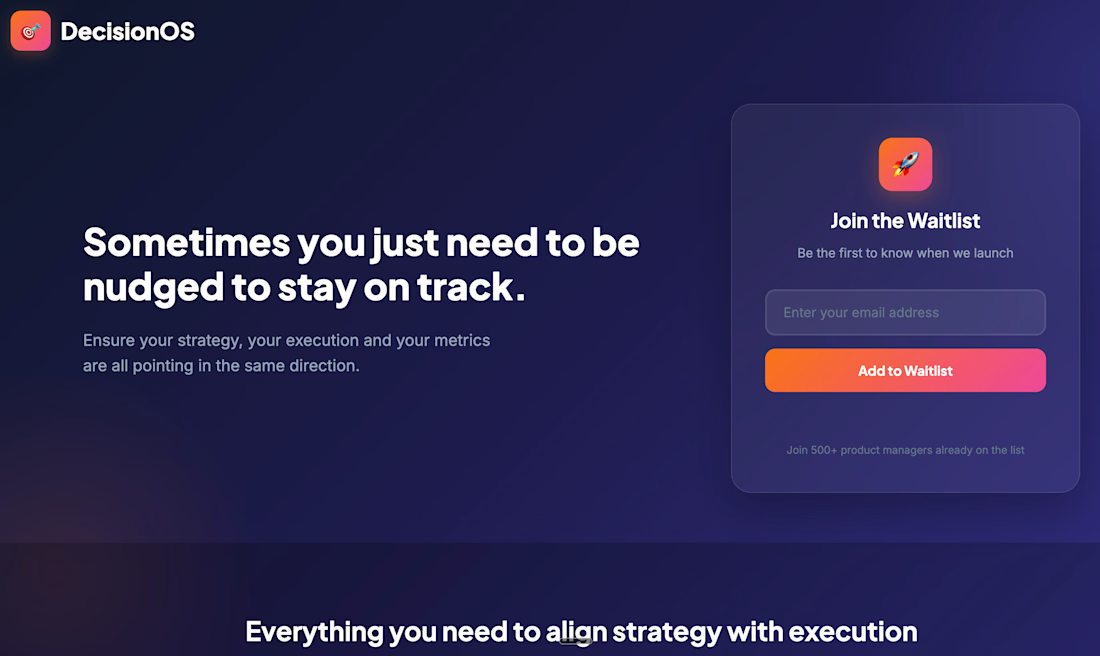
Waitlist for a Decision OS - how to define strategy, document execution and track results
The network for creativity
Join 1.25M professional creatives like you
Connect with clients, get discovered, and run your business 100% commission-free
Creatives on Contra have earned over $150M and we are just getting started





Related posts

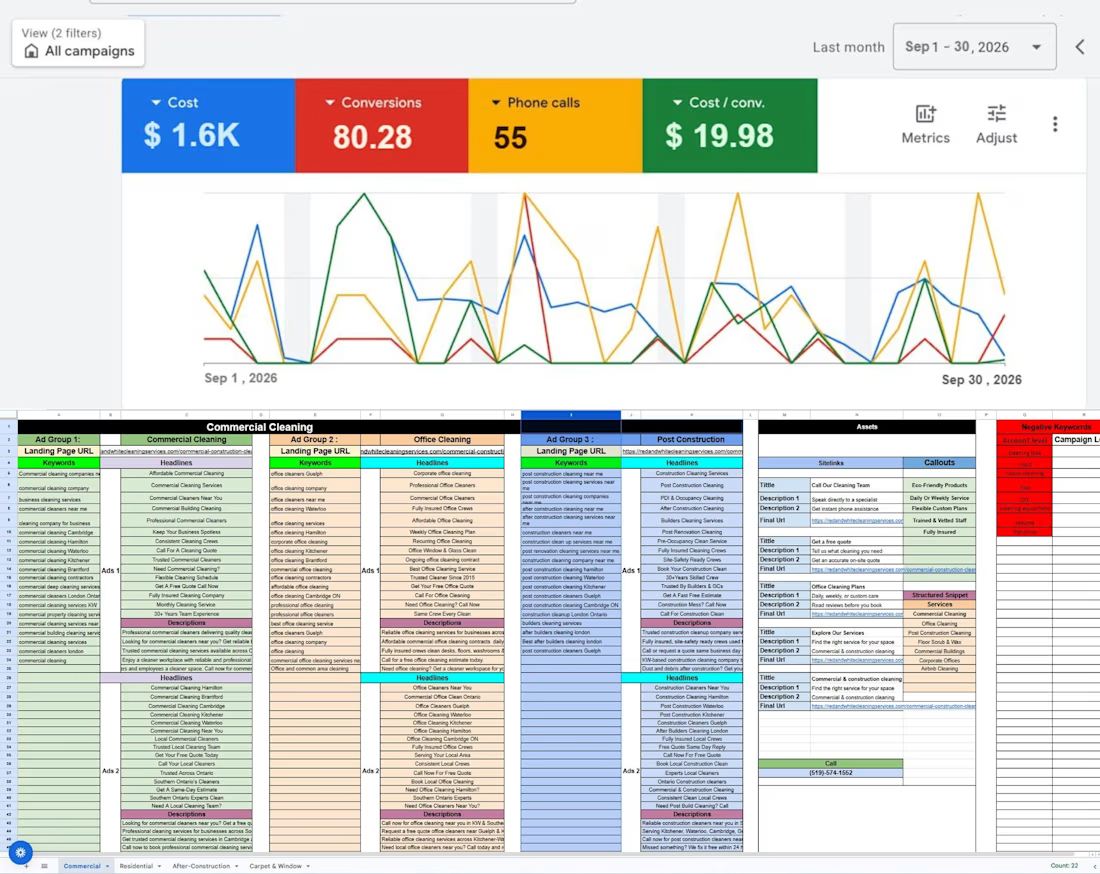
Most relevant strategy for Commercial Cleaning Services with- Result



The client's inventory wasn't organized. Products weren't consistently recorded, there was no SKU structure, and the system's stock figures didn't match what was physically on the shelves. That made it hard to know what they really had, what it was worth, and what their cost of sales should be.
What I did
Chose the right tool. I recommended QuickBooks Plus, which handles inventory tracking properly, rather than patching up spreadsheets.
Built the product list. I added every product to the system and allocated a clear SKU to each one.
Sorted the inventory. I organized the stock records so each item could be identified and tracked.
Reconciled to a physical count. I compared the system quantities with the actual stock on hand and resolved the differences.


PROJECT 1:
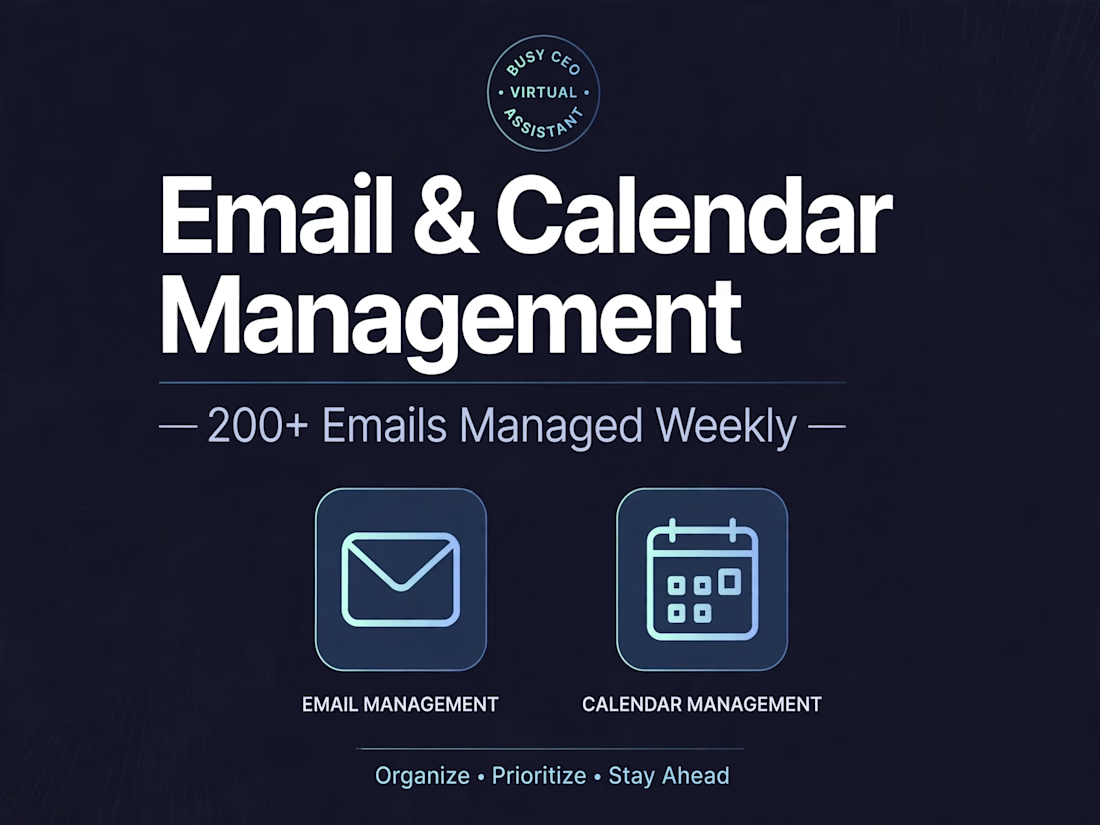
Title: Email & Calendar Management for Busy CEO
Description:
Managed 200+ emails weekly, organized calendar, scheduled meetings across time zones, and set up email filters to save 10+ hours per week for the client. Tools used: Gmail, Google Calendar, Calendly.
Skills: Email Management, Calendar Management and others