The network for creativity
Join 1.25M professional creatives like you
Connect with clients, get discovered, and run your business 100% commission-free
Creatives on Contra have earned over $150M and we are just getting started
Back to feedPost

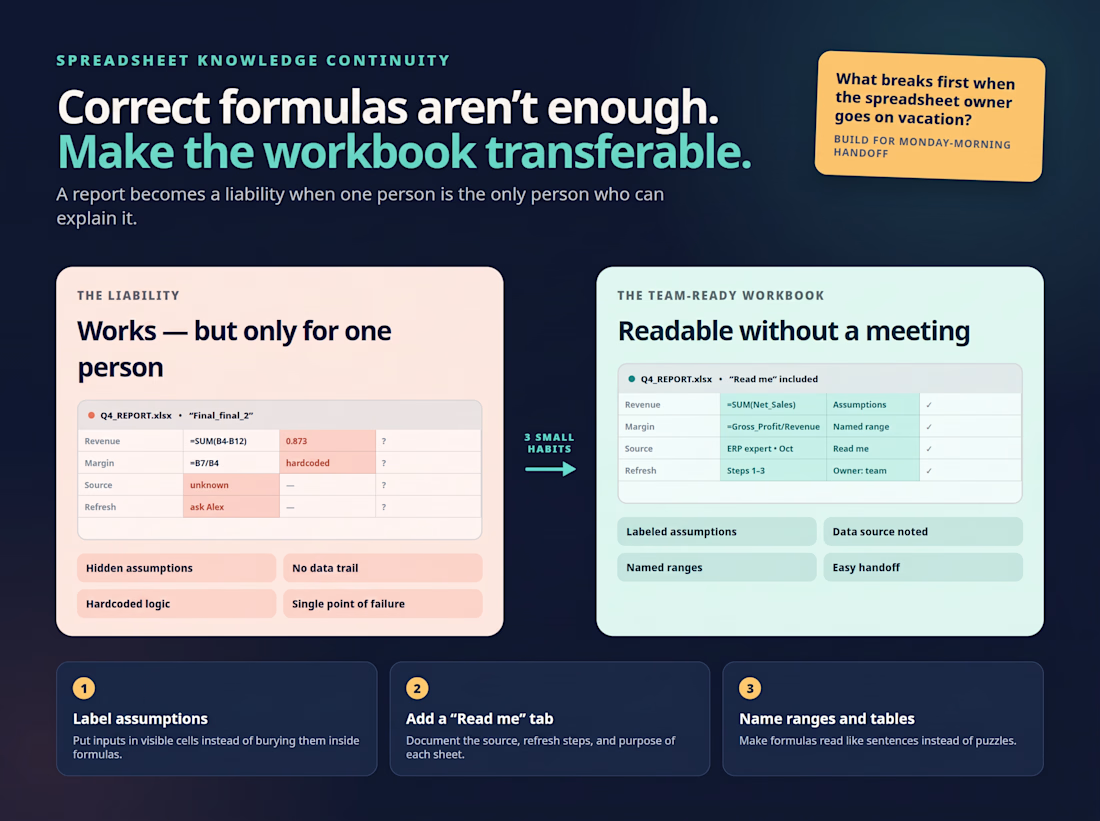
A spreadsheet that only one person understands is a liability, even when every formula in it is correct.
I’ve opened workbooks where the logic was solid but nothing explained it. No labels on the assumptions, no note on where the data came from, and a hardcoded number in the middle of a formula that nobody could account for. The owner was out for a week, and the report stopped being usable.
Three small habits fix most of this:
- Put assumptions in labeled cells instead of burying them inside formulas
- Add a short “read me” tab covering the data source, the refresh steps, and what each sheet is for
- Name your ranges and tables so a formula reads like a sentence instead of a puzzle
None of it makes the spreadsheet more powerful. It makes it something a teammate can pick up on a Monday without calling you.
If your team’s key report lives in one person’s head, what would break first if that person went on vacation?

The network for creativity
Join 1.25M professional creatives like you
Connect with clients, get discovered, and run your business 100% commission-free
Creatives on Contra have earned over $150M and we are just getting started








Related posts

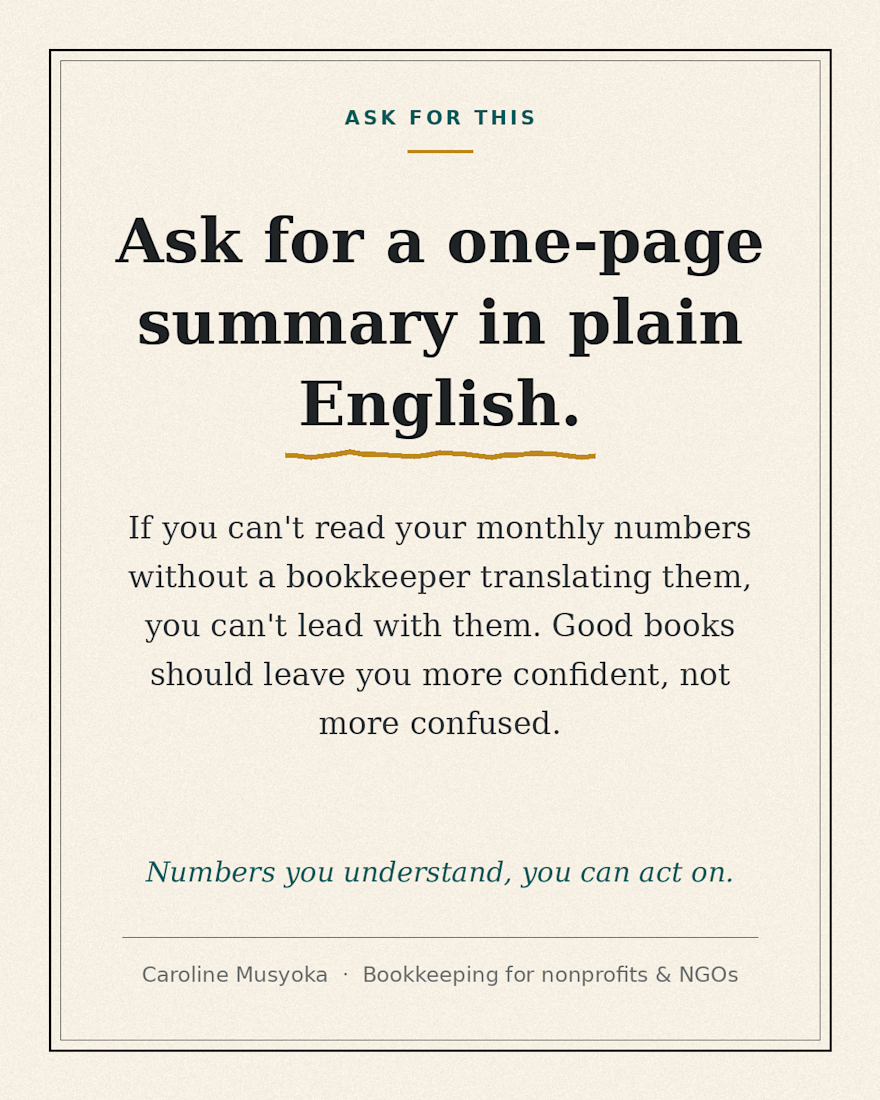
Here's something worth asking whoever handles your books: a one-page summary of your monthly numbers, in plain English.
If you can't read your financials without someone translating them, you can't lead with them. Good books should leave you more confident, not more confused.
If your bookkeeper can't explain the numbers simply, that's worth noticing.

Hey everyone! 👋
Excited to share my latest project: the Local Business Operations Dashboard a custom Google Sheets dashboard designed for home-service businesses, contractors, and local service providers looking to streamline daily workflow automation. 📊
Instead of juggling multiple complex CRM and task management tools, this all-in-one solution helps service businesses:
⚙️ Automate workflow tracking & daily task management
📈 Monitor sales pipelines & track service revenue metrics
🛠️ Optimize operations management directly within Google Sheets
Whether you need a custom Google Sheets tracker or tailored workflow automation to scale your business, let’s connect! Drop a comment or reach out to discuss building a custom operational setup for your business. 🚀
googlesheetsOperations ManagementworkflowautomationGoogle SheetsData AnalysisStreamlitBusiness Workflow AutomationApps Script


A machine learning project focused on analyzing global GDP data and predicting economic output using historical data.
The project uses a world GDP dataset, data processing, and a trained machine learning model to explore economic trends and generate GDP predictions. It includes a Python application, helper functions, and a saved model for making predictions.
Built to demonstrate practical skills in machine learning, data analysis, Python development, and predictive modeling.

