The network for creativity
Join 1.25M professional creatives like you
Connect with clients, get discovered, and run your business 100% commission-free
Creatives on Contra have earned over $150M and we are just getting started
Back to feedPost

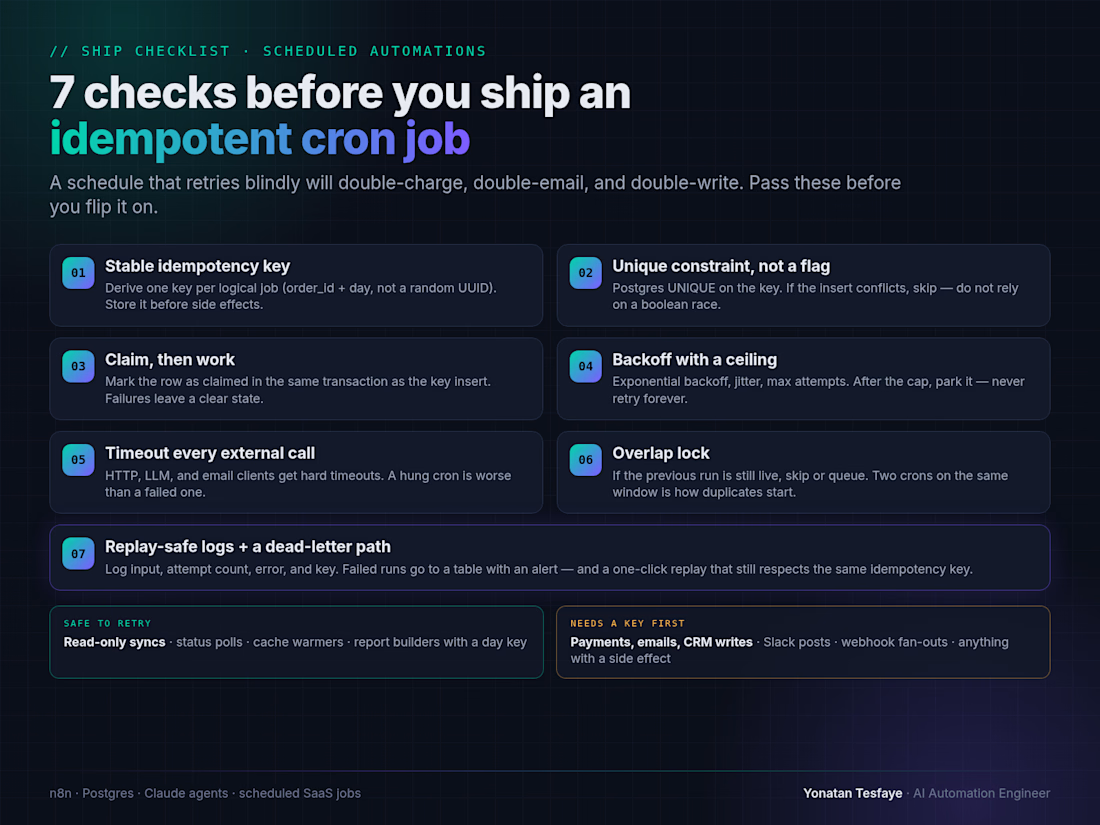
A schedule that retries blindly will double-charge, double-email, and double-write.
Before you flip on a cron job (n8n, Railway cron, or a Next.js scheduled route), run this checklist:
1. Stable idempotency key — one key per logical job (order_id + day), not a random UUID
2. Unique constraint in Postgres — conflict means skip, not a boolean race
3. Claim, then work — mark claimed in the same transaction as the key insert
4. Backoff with a ceiling — jitter + max attempts, then park it
5. Timeout every external call — a hung cron is worse than a failed one
6. Overlap lock — if the previous run is still live, skip or queue
7. Replay-safe logs + dead-letter — alert on failure, replay still respects the same key
Read-only syncs can retry freely. Payments, emails, CRM writes, and Slack posts need a key first.
Which of these do your scheduled jobs still skip?

The network for creativity
Join 1.25M professional creatives like you
Connect with clients, get discovered, and run your business 100% commission-free
Creatives on Contra have earned over $150M and we are just getting started



Related posts

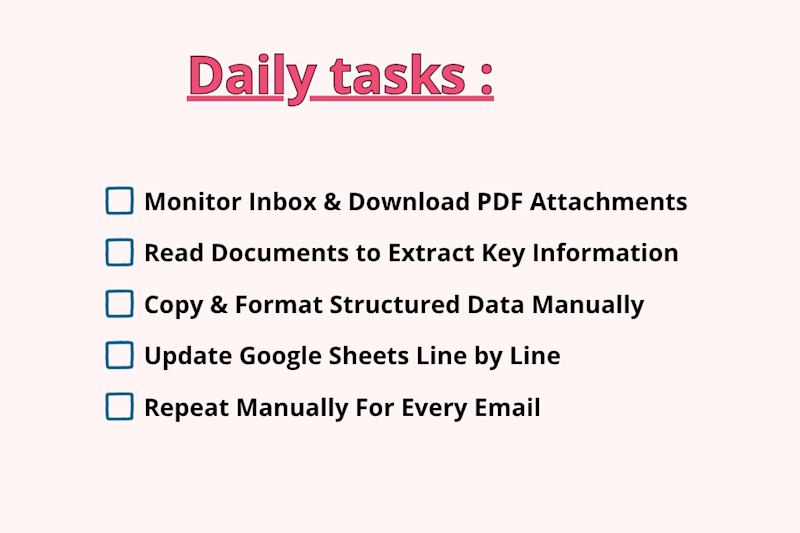
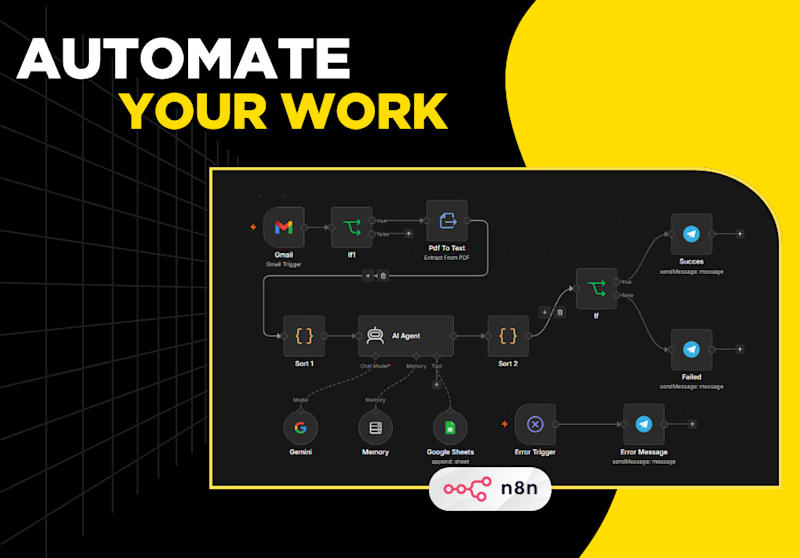
Processing incoming PDF attachments and logging key email data manually takes hours of tedious, repetitive work. Every time a new invoice, quote, or report lands in your inbox, you have to manually open the email, download the PDF, read through dense pages to extract important details, format the data, and log it into Google Sheets row by row.
Which one is faster, saves more time, and prevents mistakes?

1 voted
25%
3 voted
75%
4 votes
Closed
The manual-vs-automated framing is clear, but I'm curious how the workflow copes with PDFs that don't share a layout, like scanned invoices versus quotes. Do you parse them with a fixed template or an extraction step, and what happens to rows it can't read confidently?

Two people open the same class. Both screens say one spot left, both tap Reserve, and both get a confirmation. Each app read the counter, saw space, and wrote its booking before the other write landed.
Disabling the button after the first tap does not help, because each phone only knows about its own button. Running the transaction from the Flutter client is the wrong place too: the client would need permission to write the shared counter, and anything that can write it can set it to whatever it likes. Put the check and the claim in one Firestore transaction on a trusted server, which reads capacity, refuses the request when it is full, and otherwise creates a hold and increments the counter in the same commit.
The retry is the easy part to miss. Give each attempt a request ID generated once on the device, so a replay returns the original hold instead of taking a second seat.
https://www.duskolicanin.com/blog/flutter-firestore-transactions-limited-capacity



duskolicanin.com
Reserve Limited Slots With Firestore Transactions
Stop Firestore overbooking in Flutter: claim the last slot in a server transaction, retry with one request ID, and expire unpaid holds safely.

The retry part is the bit people miss. Generating the request ID once on the device is a neat way to avoid a second seat.

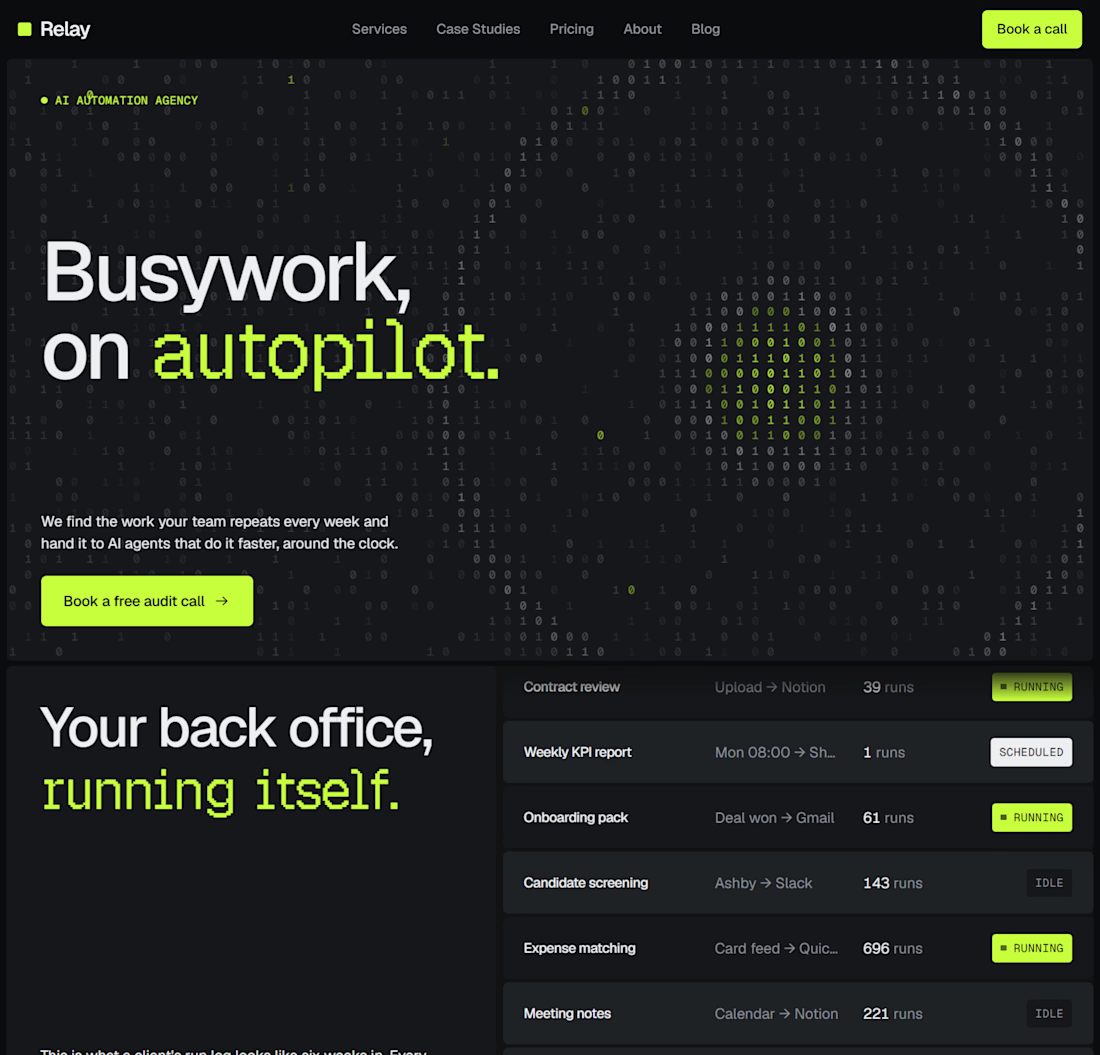
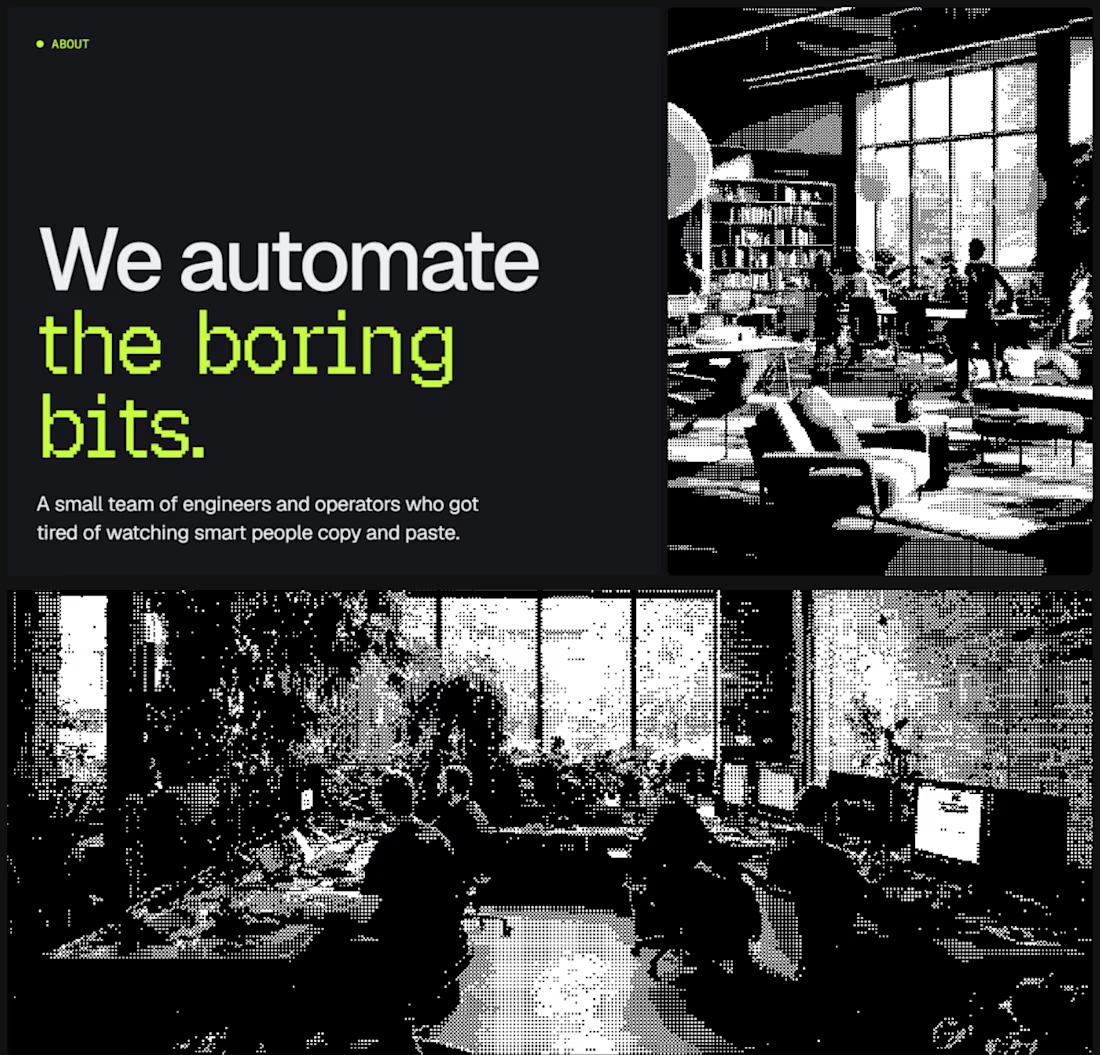
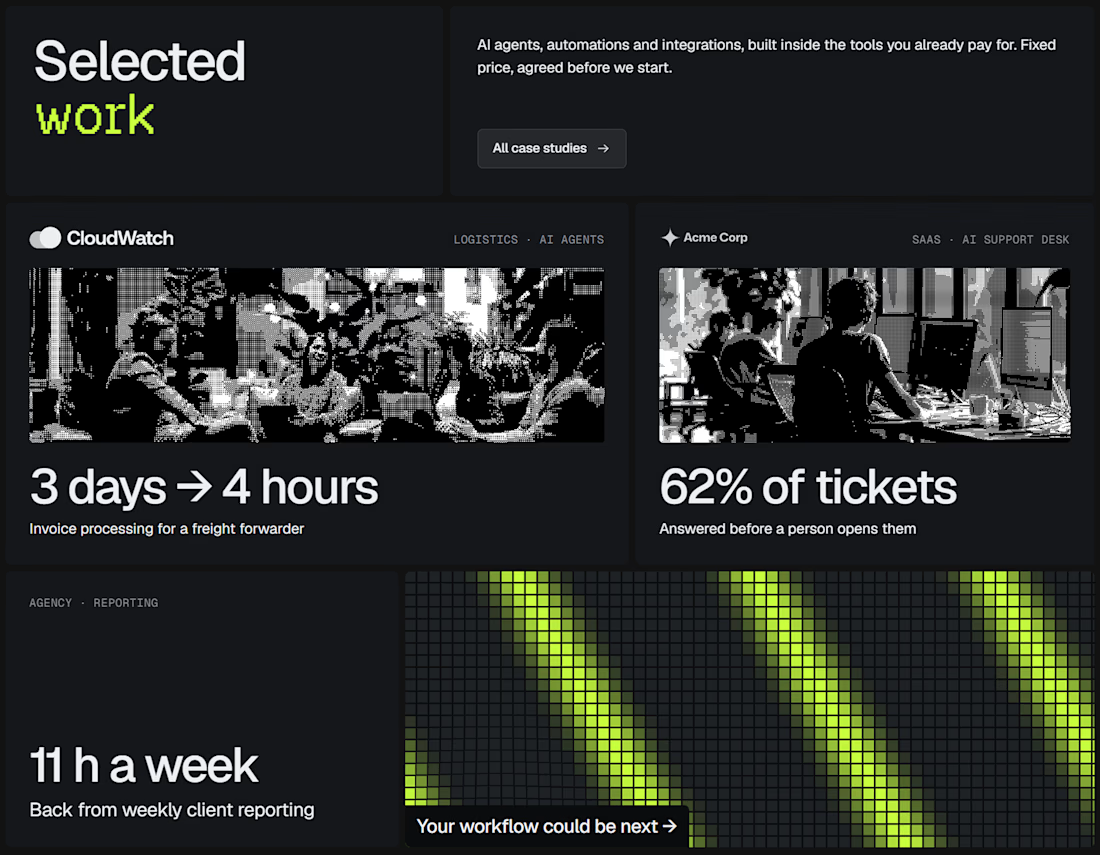
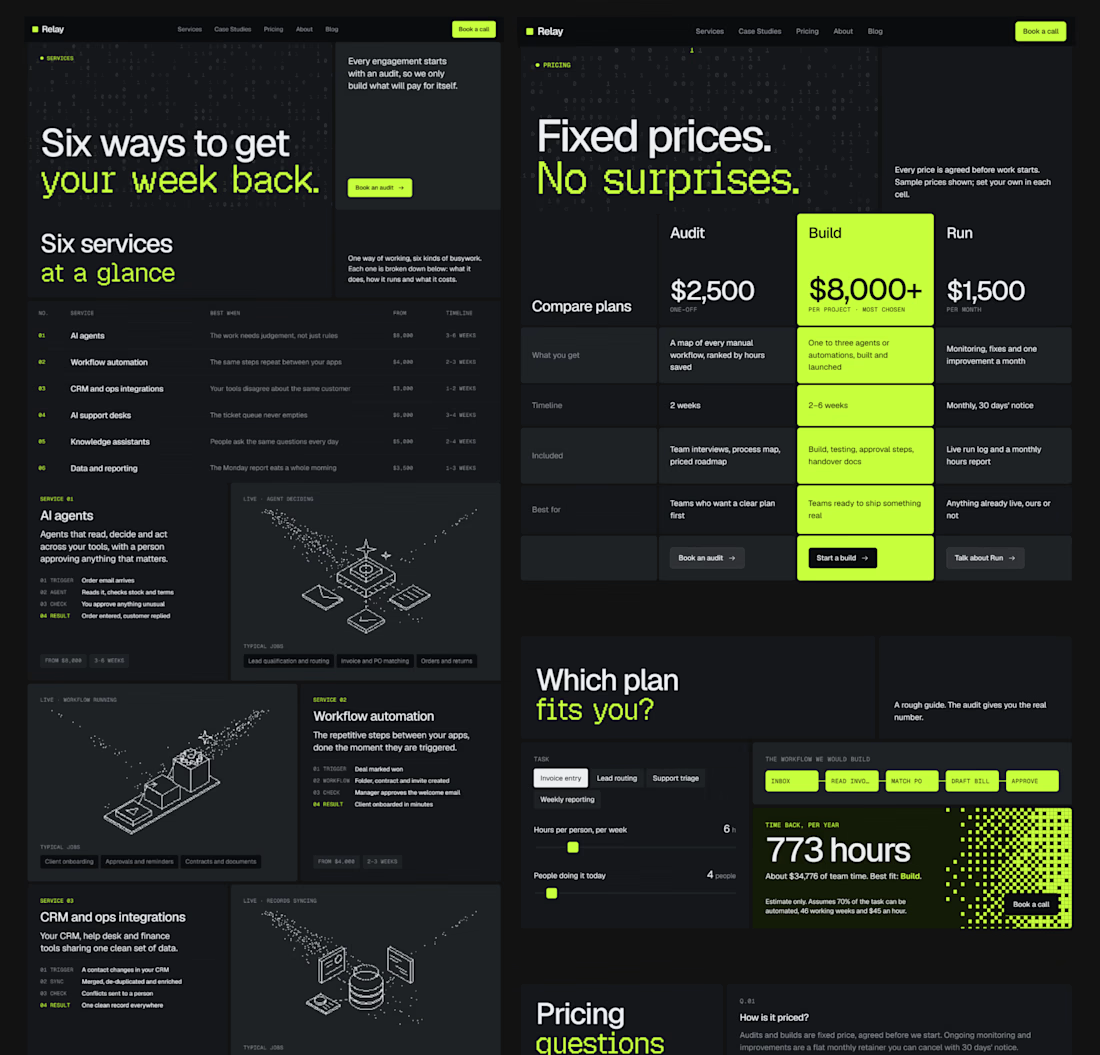
Dropped our next premium framer template for AI automation agencies, workflow consultancies & the people selling agents to businesses that still run on copy and paste.
Check it out


good work!!