The network for creativity
Join 1.25M professional creatives like you
Connect with clients, get discovered, and run your business 100% commission-free
Creatives on Contra have earned over $150M and we are just getting started
Back to feedPost

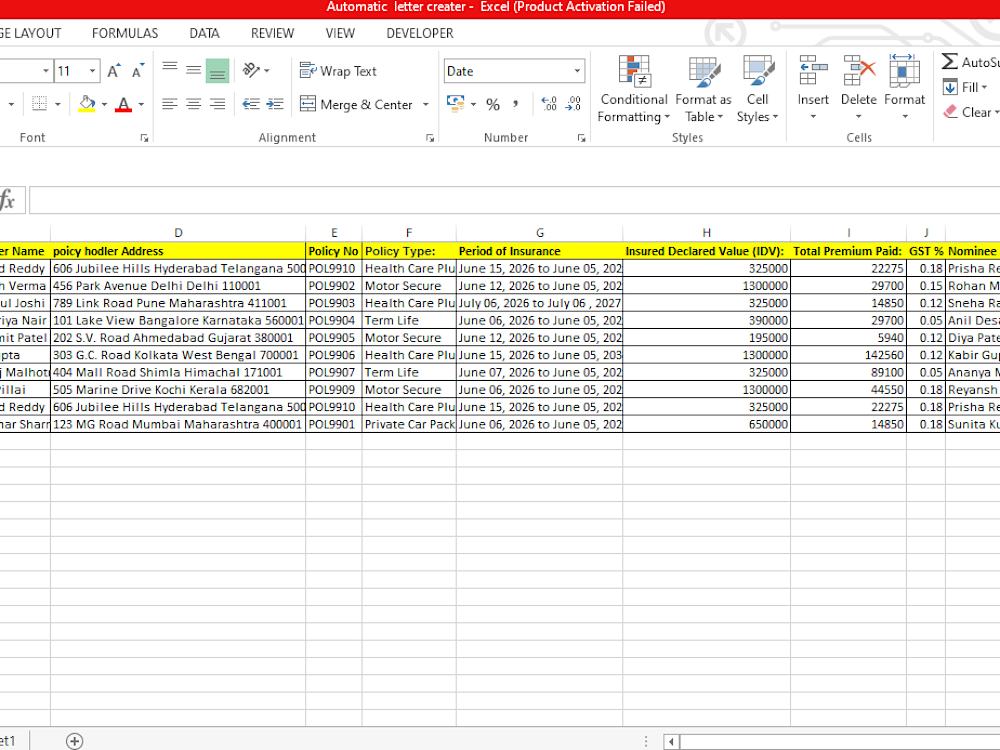
Auto Generator Letter & Invoice


The network for creativity
Join 1.25M professional creatives like you
Connect with clients, get discovered, and run your business 100% commission-free
Creatives on Contra have earned over $150M and we are just getting started











Related posts

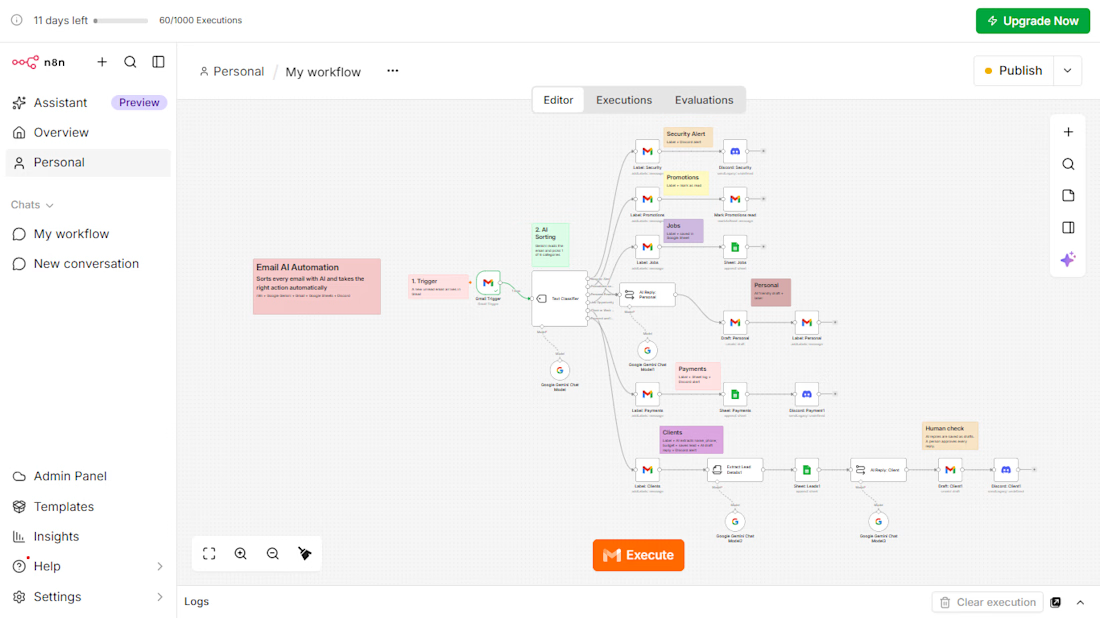
AI Email Automation with n8n and Google Gemini
An AI workflow that reads every incoming email, sorts it into 6 categories, and takes the right action automatically.
The problem: businesses lose time and leads because customer emails are mixed with promotions, job alerts, and security emails.
What I built:
Gmail Trigger that picks up each new email
AI Text Classifier (Google Gemini) with 6 categories: Security Alert, Promotions, Jobs, Personal, Payments, and Client Inquiries
Automatic Gmail labels for every category
Google Sheets log for jobs, leads, and payments
AI information extraction for client emails (name, phone, service, budget)
AI-written reply drafts for client emails, saved as drafts so a person approves every reply
Instant Discord alerts for security, payment, and client emails
Tools: n8n, Google Gemini, Gmail, Google Sheets, Discord
This project is a working demo built on my own inbox. The same system can be adapted to any business email, such as travel agencies, event venues, stores, recruiters, and consultants.


Impressive workflow! I especially like the human approval step for AI-written replies. Automation with the right oversight makes a real difference. 🙌

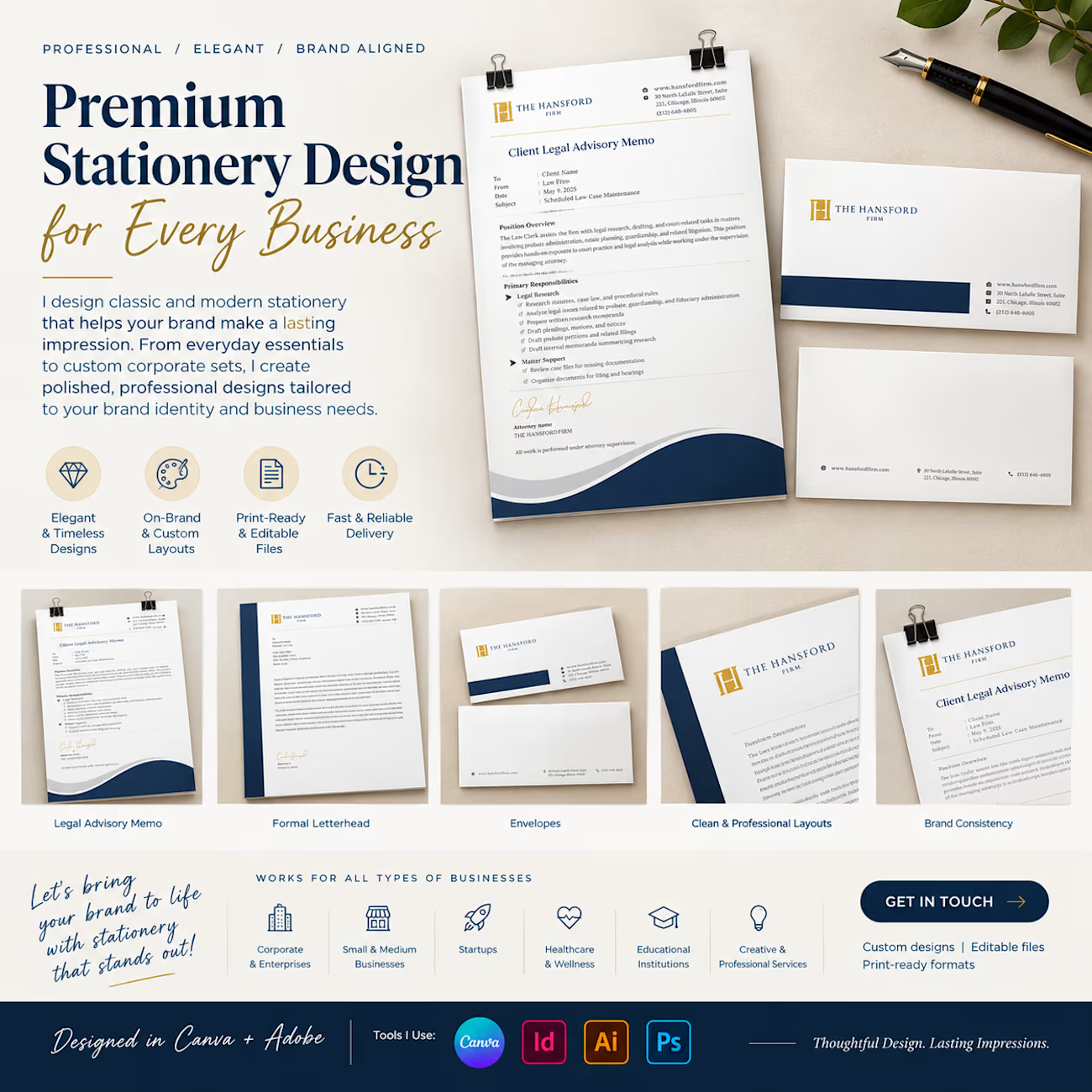
Your stationery is more than paper — it's an extension of your brand identity.
I design premium, classic, and modern stationery for businesses of all sizes, creating cohesive designs that reflect your brand's personality and professionalism.
My stationery design services include:
✦ Business cards
✦ Letterheads and envelopes
✦ Corporate folders and presentation sets
✦ Notepads and compliment slips
✦ Custom branded stationery collections
From individual stationery pieces to a complete corporate identity suite, every detail matters.
Looking to give your brand a more polished, professional appearance? Let's connect!
#StationeryDesign #BrandIdentity #GraphicDesign #BusinessBranding #CanvaDesigner #CorporateDesign #BrandDesign



a full matching set like this just makes a desk feel put together.. compliment slips included

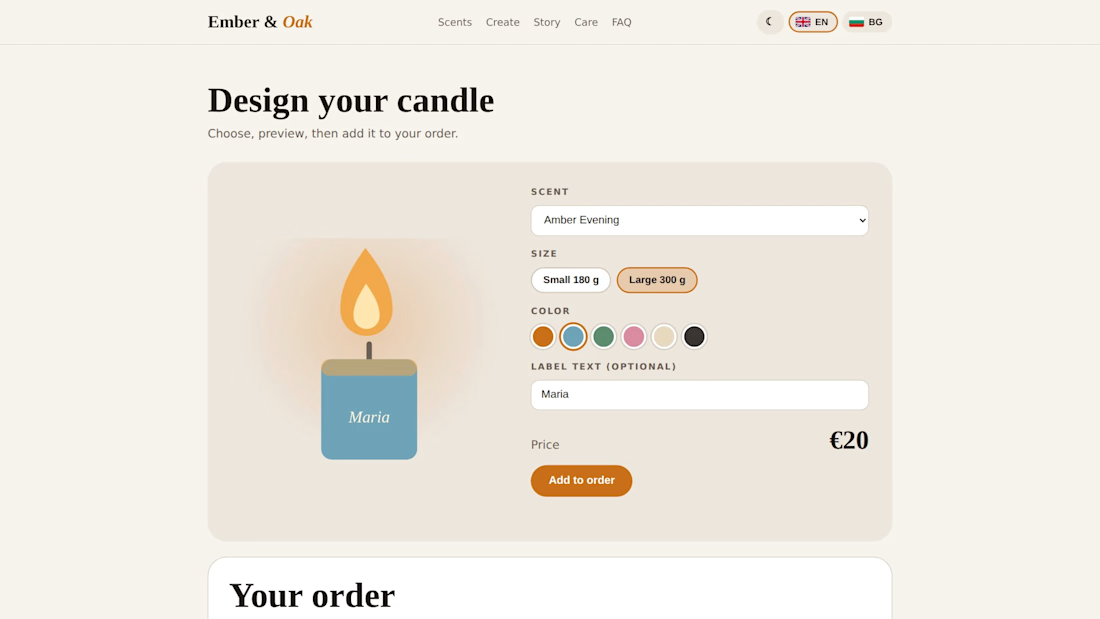
Many small shops take orders by Instagram message. I built a demo where customers pick a scent, size, and color, and the site writes the order message for them. 💯

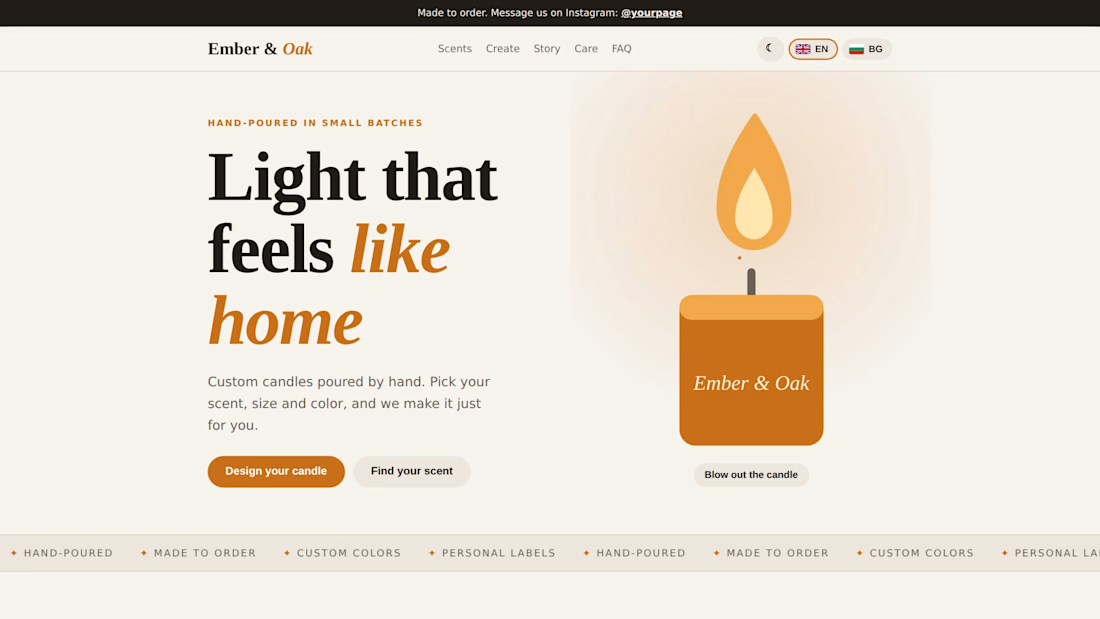

Where does the order message get built, in the browser or on a server? And does the shop owner see each order somewhere, or only in the customer's chat app?