The network for creativity
Join 1.25M professional creatives like you
Connect with clients, get discovered, and run your business 100% commission-free
Creatives on Contra have earned over $150M and we are just getting started
Back to feedPost

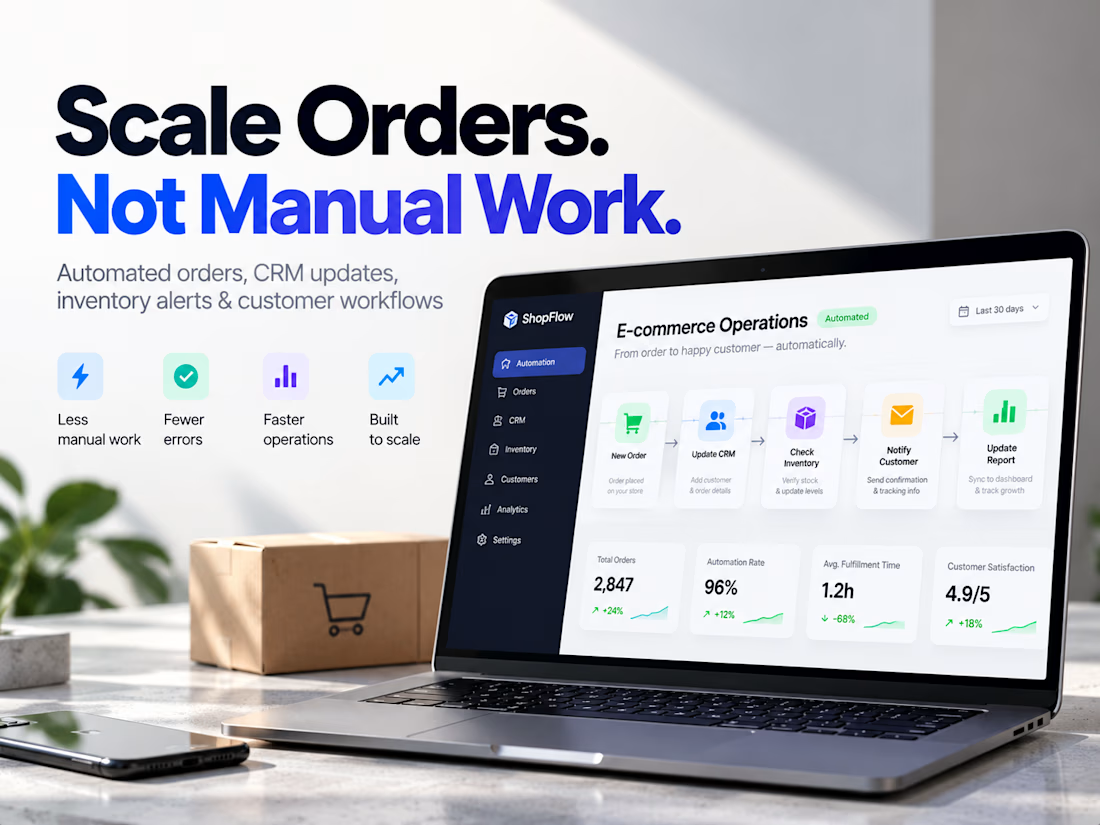
i`m refining an e-commerce operations automation system designed for stores that are growing faster than their internal processes.
As order volume increases, teams often end up doing more manual work: updating CRM records, checking stock, moving data between tools, sending customer notifications, assigning internal tasks, and fixing missed handoffs.
The system I’m building connects those processes into one coordinated workflow:
Order received → customer data validated → CRM updated → inventory checked → customer notified → team alerted → reporting updated
The part I’m most focused on is reliability.
A workflow isn’t useful if failures happen silently. So the system also accounts for failed API calls, missing data, inventory mismatches, and interrupted processes—surfacing exceptions before they become customer problems.
The business outcome is simple:
Handle more orders with less manual work, fewer errors, and better operational visibility.
If an e-commerce team is growing but its internal workflows are starting to feel fragmented, this is exactly the kind of system I’m focused on solving.
Tags: E-Commerce · Business Workflow Automation · Shopify · n8n · Make


The network for creativity
Join 1.25M professional creatives like you
Connect with clients, get discovered, and run your business 100% commission-free
Creatives on Contra have earned over $150M and we are just getting started






Related posts

Concept Shopify store for an AI voice recorder, designed and built end to end in Framer with Frameship: CMS-synced products, live cart and Shopify checkout.


This is a quick look at how an MCP workflow handles a request from start to finish.
When a prompt comes in, the MCP host and client check the server for available tools and pass those options along to the LLM.
Once the model picks the right tool for the job, the client runs the call across your code repo, database, or API, pulls in the context, and sends it back so the LLM can generate the final output.
It makes connecting an AI model to multiple tools much simpler than setting up separate custom integrations for each one.

Clear walkthrough. One detail worth adding for anyone building the server side: the tool descriptions are basically the prompt. When I build MCP servers in Go, rewriting a vague description like "get data" into "get orders by status and date range, max 50" fixed more wrong tool...

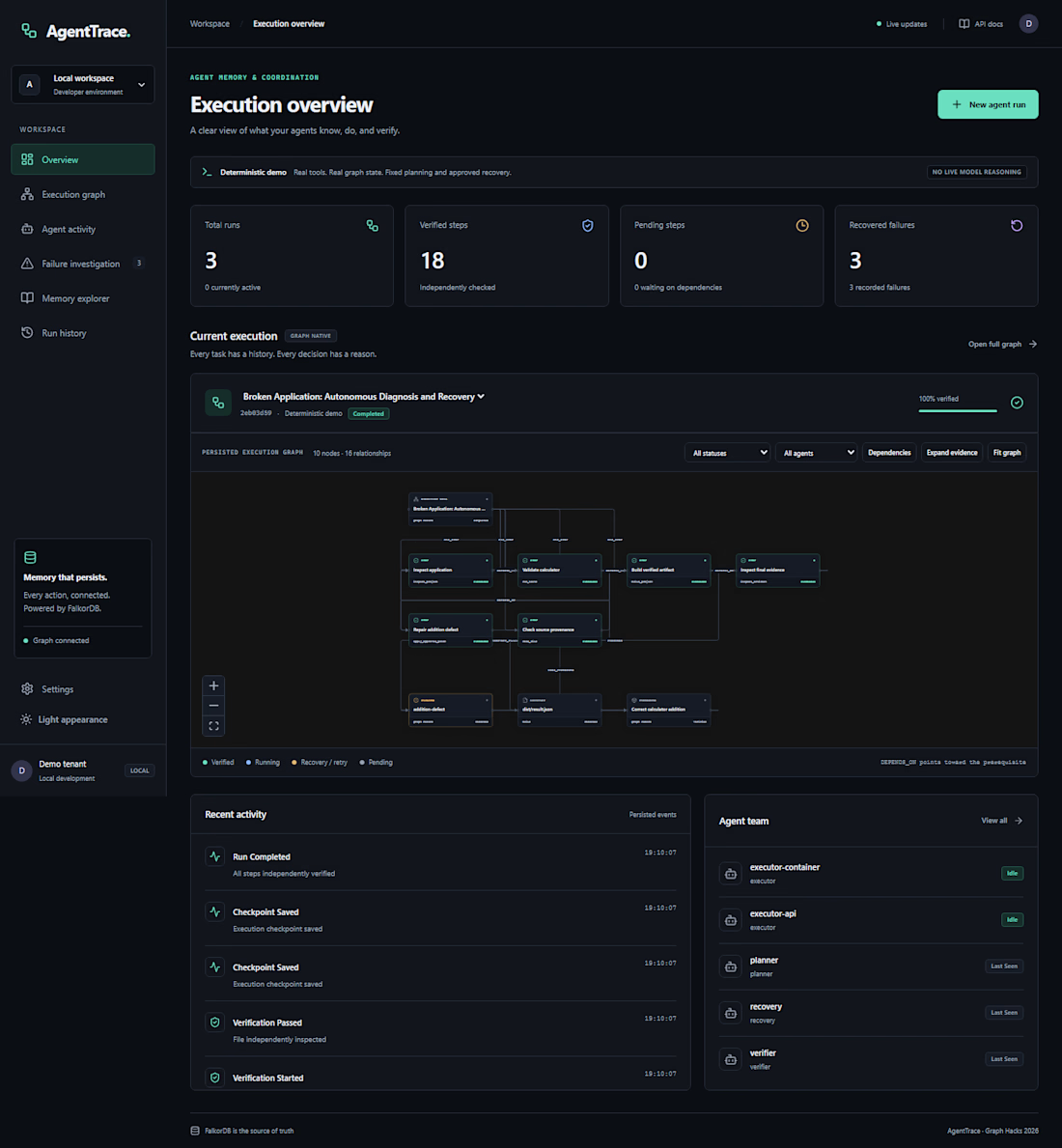
An AI agent fails halfway through a job. What should it remember when it tries again?
That question led me to build AgentTrace, a Python and FalkorDB project for keeping track of agent runs. It records task progress and decisions in a graph so you can inspect what happened and see where a run stopped. That’s especially useful when several agents share a workflow.
When you debug an agent run, what do you look for first: the failed step, the input that caused it, or the decision that sent it down that path?