The network for creativity
Join 1.25M professional creatives like you
Connect with clients, get discovered, and run your business 100% commission-free
Creatives on Contra have earned over $150M and we are just getting started
Back to feedPost


The network for creativity
Join 1.25M professional creatives like you
Connect with clients, get discovered, and run your business 100% commission-free
Creatives on Contra have earned over $150M and we are just getting started







Related posts


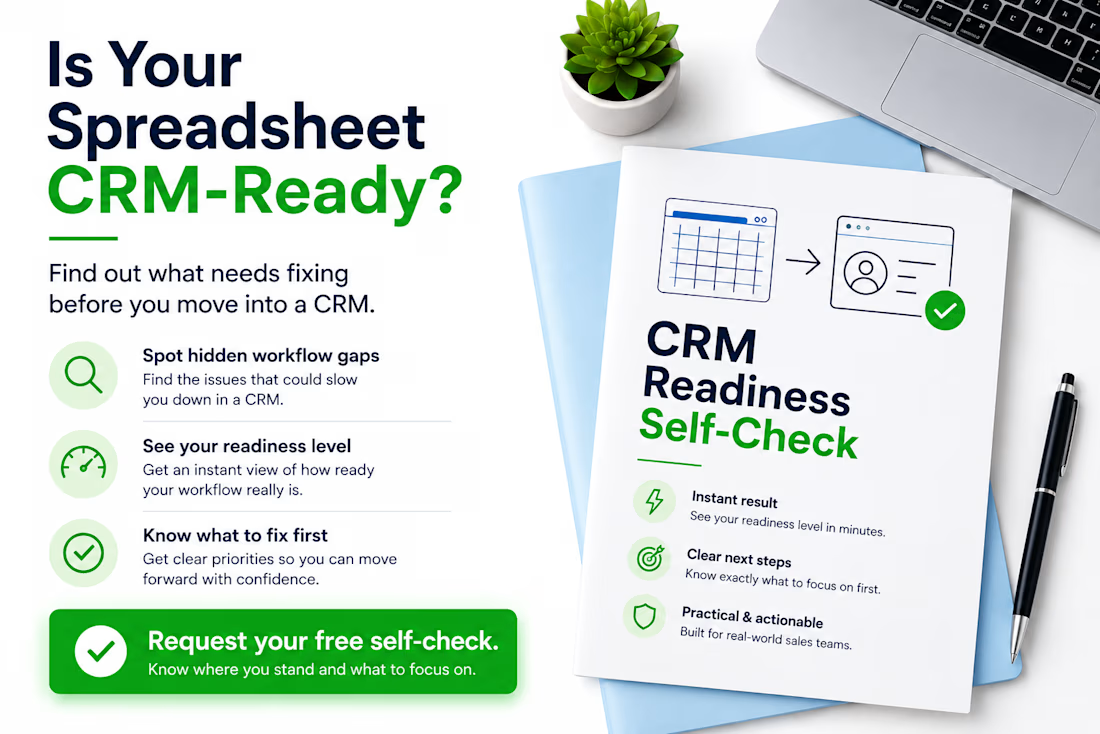
Thinking about moving from Excel or Google Sheets to a CRM? Don’t migrate the problems with the data.
Before choosing or configuring a CRM, I usually check five things:
• Does every active lead have a clear owner?
• Is there always a defined next action?
• Are follow-up dates consistently tracked?
• Are lead statuses clear and used consistently?
• Could another team member understand the spreadsheet without asking for help?
If several answers are “no”, the problem may not be the CRM yet — it may be the workflow behind it.
A CRM works much better when the sales process is clear before migration starts. I created a free CRM Readiness Self-Check for small teams that want to identify these gaps before investing more time or money in a CRM.
If you’re currently working from spreadsheets and considering a CRM, comment “CHECK” or send me a message and I’ll send it to you.
#CRM #CRMReadiness #SalesOperations #RevOps #WorkflowOptimization #GoogleSheets #Excel #BusinessProcess


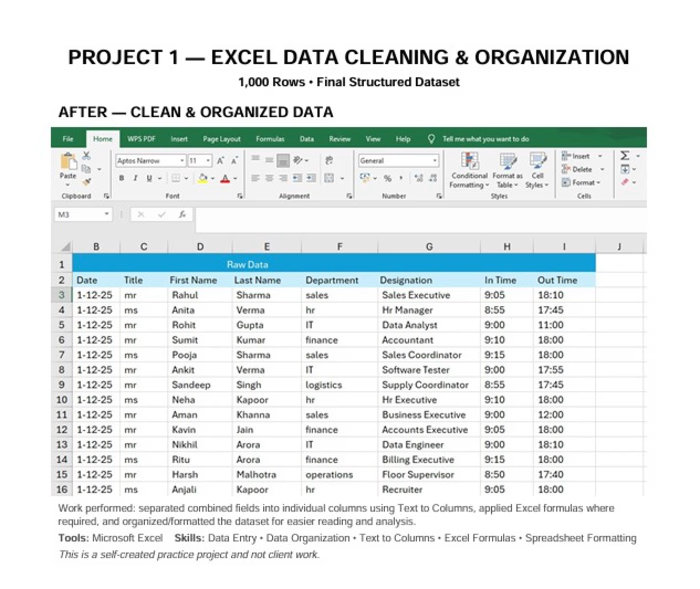
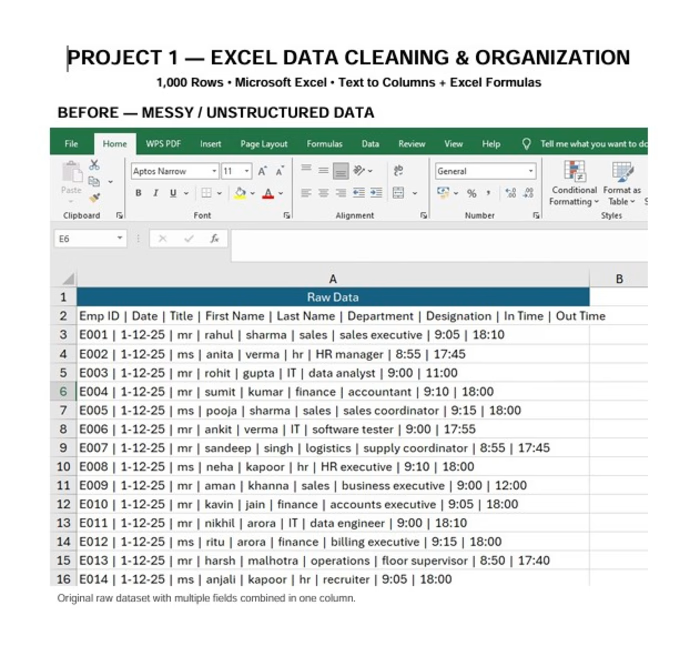
📊 Excel Data Cleaning & Text to Columns – 1,000 Rows
I created a self-practice project to demonstrate my Microsoft Excel and data cleaning skills.
🔹 Worked with a 1,000-row dataset
🔹 Converted unstructured data into separate columns using Text to Columns
🔹 Used Excel formulas for data processing
🔹 Organized and formatted the dataset
🔹 Prepared the data for easier filtering and analysis
Tools: Microsoft Excel
Skills: Data Entry | Data Cleaning | Text to Columns | Excel Formulas
This is a self-created practice project and not client work.
#MicrosoftExcel #DataEntry #DataCleaning #Excel #TextToColumns #Freelancing