The network for creativity
Join 1.25M professional creatives like you
Connect with clients, get discovered, and run your business 100% commission-free
Creatives on Contra have earned over $150M and we are just getting started
Back to feedPost


The network for creativity
Join 1.25M professional creatives like you
Connect with clients, get discovered, and run your business 100% commission-free
Creatives on Contra have earned over $150M and we are just getting started







Related posts

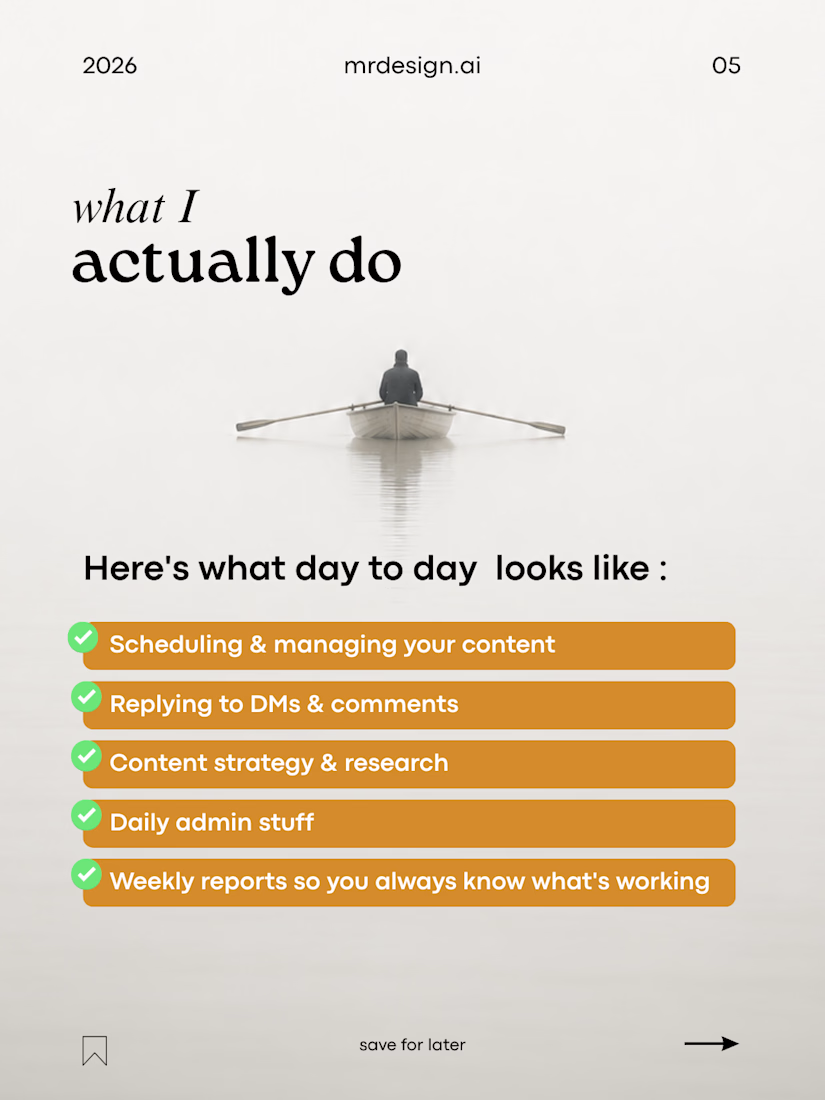
This is me, now as a Social Media Manager.
My journey started in graphic design, but over time I found myself enjoying more than just creating visuals.
I started learning about content strategy, planning, audience research, analytics, and how social media can actually support a business.
Now, I work as a Social Media Manager, combining my design background with strategy, content, and AI to help brands build a stronger online presence.
Still learning, still growing, and excited for what comes next.
SMM • Design • Content • AI




Great journey. Your design background gives you a strong edge in social media.

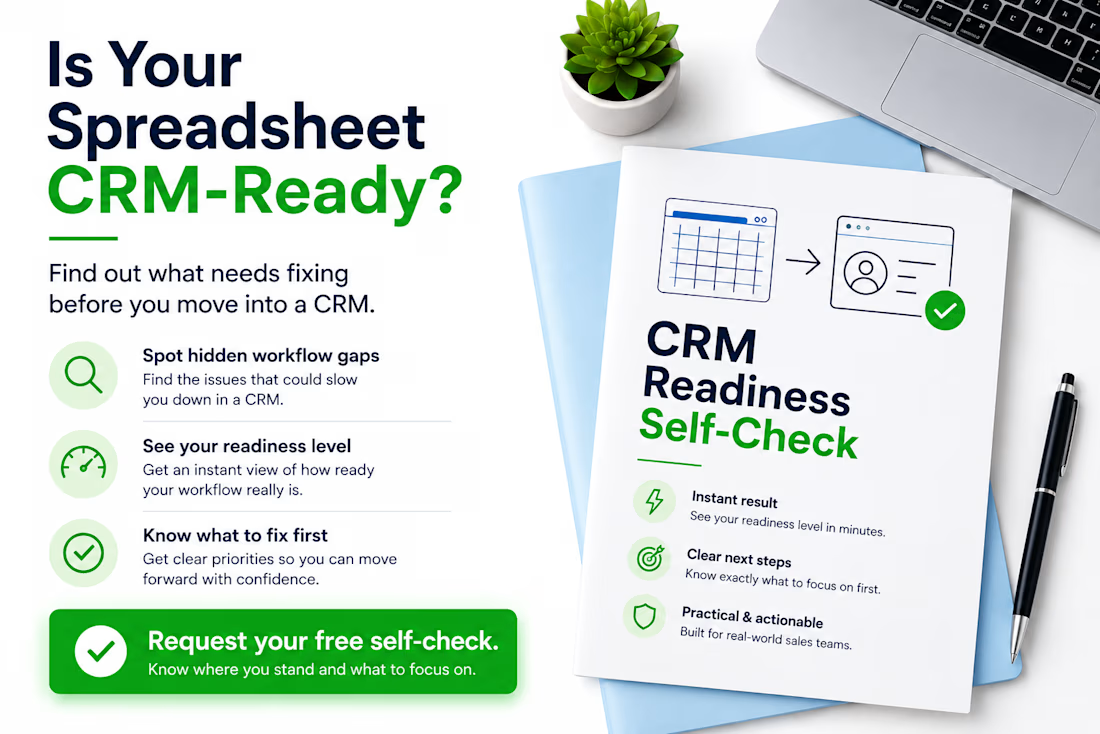
Thinking about moving from Excel or Google Sheets to a CRM? Don’t migrate the problems with the data.
Before choosing or configuring a CRM, I usually check five things:
• Does every active lead have a clear owner?
• Is there always a defined next action?
• Are follow-up dates consistently tracked?
• Are lead statuses clear and used consistently?
• Could another team member understand the spreadsheet without asking for help?
If several answers are “no”, the problem may not be the CRM yet — it may be the workflow behind it.
A CRM works much better when the sales process is clear before migration starts. I created a free CRM Readiness Self-Check for small teams that want to identify these gaps before investing more time or money in a CRM.
If you’re currently working from spreadsheets and considering a CRM, comment “CHECK” or send me a message and I’ll send it to you.
#CRM #CRMReadiness #SalesOperations #RevOps #WorkflowOptimization #GoogleSheets #Excel #BusinessProcess


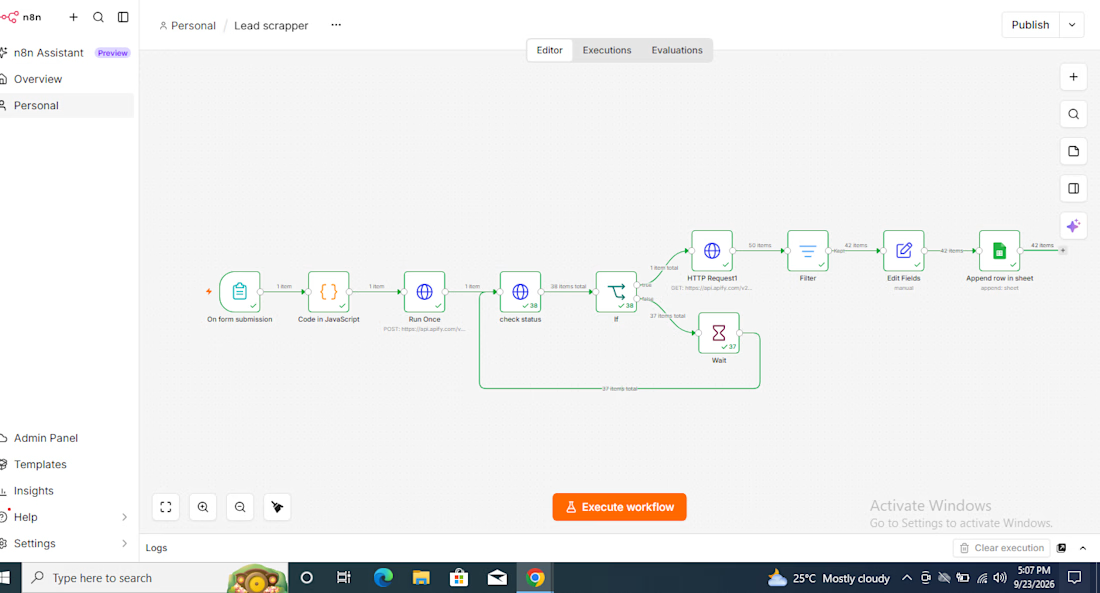
Built a lead-scraping automation in n8n.
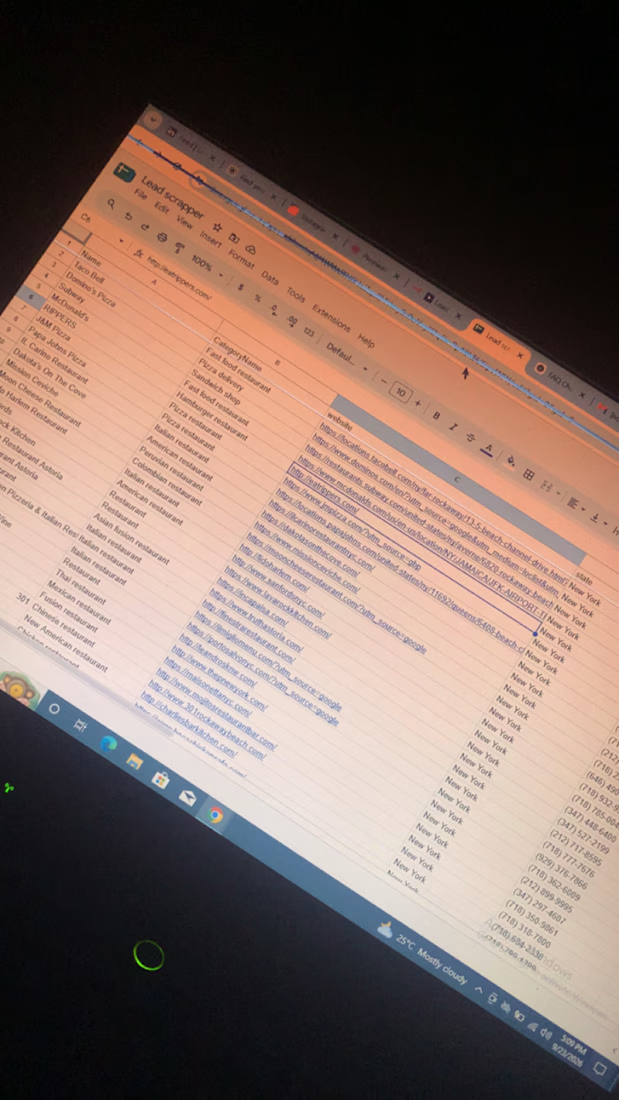
For this one, I focused on local restaurants in New York and automated the process of collecting their business information from Google Maps.
The workflow pulls things like:
Restaurant name
Website
Business category
Instead of manually searching Google Maps, opening businesses one by one, and copying their details into a spreadsheet, the workflow handles the repetitive part automatically and saves the leads directly into Google Sheets.
This is just one use case. The same setup can be adapted for different locations, industries, and lead-generation needs.