The network for creativity
Join 1.25M professional creatives like you
Connect with clients, get discovered, and run your business 100% commission-free
Creatives on Contra have earned over $150M and we are just getting started
Back to feedPost
☀️ Light Mode vs. 🌙 Dark Mode — Which vibe fits the dining experience better?
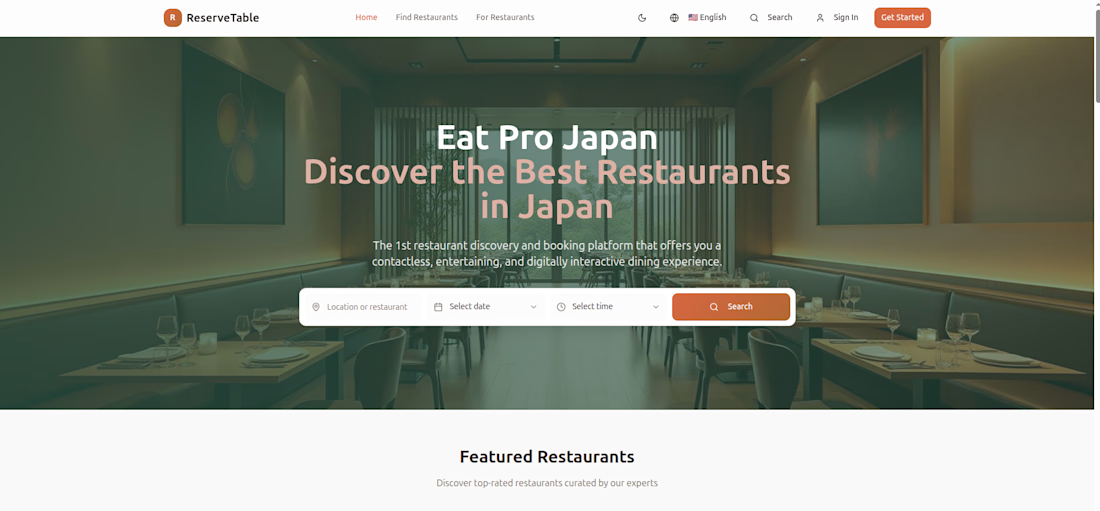
I’ve been refining the UI for ReserveTable (Eat Pro Japan), a restaurant discovery and booking platform tailored for seamless, contactless dining experiences.
When designing the booking bar and hero section, creating the right visual atmosphere was key to matching the premium aesthetic of Japanese dining.
Here’s how the two directions compare:
☀️ Option A: Light Theme
The Vibe: Clean, modern, high-contrast readability.
Key Features: Crisp white search bar container, bright section contrast, and an inviting, open hero section.
🌙 Option B: Dark Theme
The Vibe: Sleek, moody, and immersive.
Key Features: Darkened search bar inputs blending smoothly into the ambient background, lower visual fatigue, and an intimate dining feel.


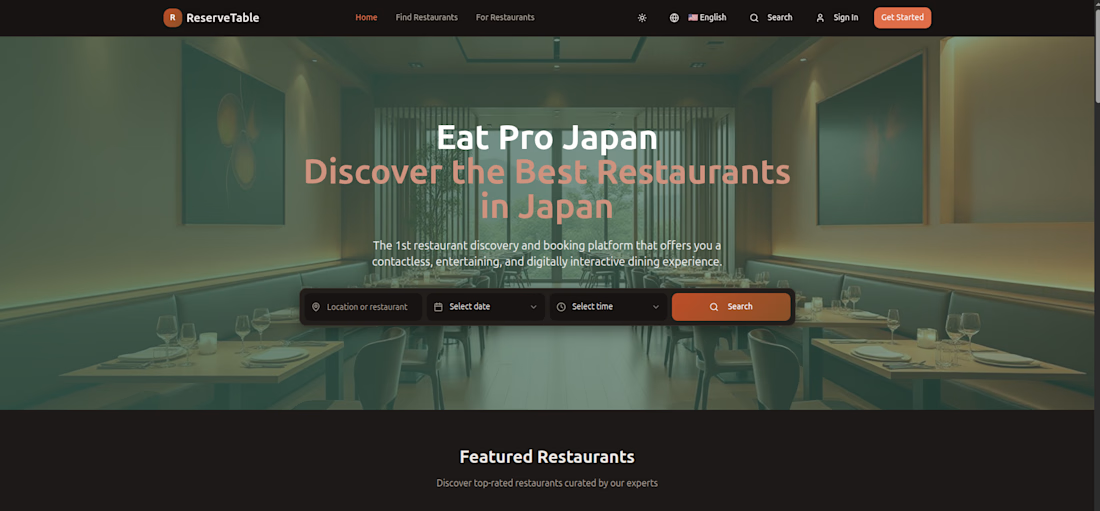

For a booking flow, I’d follow the system theme by default but remember a guest’s manual choice for the next visit. That keeps the look intentional without the page switching mid-booking. Does ReserveTable persist the theme choice?

Yes it does... And it's got a a manual button for switching themes..
Thanks for your feedback
The network for creativity
Join 1.25M professional creatives like you
Connect with clients, get discovered, and run your business 100% commission-free
Creatives on Contra have earned over $150M and we are just getting started









Related posts


I don’t avoid templates just to make things look different.
I avoid flattening a physical brand into a generic digital experience.
A restaurant, studio, fashion label or product can have incredible character in the real world, then lose all of it the moment it becomes a website.
That gap is what interests me.
The website should be able to carry the atmosphere through layout, typography, pacing, motion and interaction, and ideally attract people before they ever experience the physical space.
Not every project needs to be highly expressive.
Some websites should stay simple, direct and functional.
But even simplicity can carry identity.
Bolluni was built with that in mind: translating the character of the restaurant into a digital experience rather than simply presenting information.
Embrace the Creativity.

So well said. That's exactly the problem - a restaurant can have so much soul IRL then become another generic grid online. Love that you don't just avoid templates to be different, but to protect the brand's actual character. 100% agree.

Sunny Rock — Cinematic Paris Travel Website | Creative Web Development
Experience Paris through Sunny Rock, a cinematic travel website concept designed to combine immersive visuals, elegant UI/UX, and interactive scrolling into a premium digital experience.
This self-directed project explores modern web design through cinematic imagery, scroll-driven animations, glassmorphism, smooth transitions, and responsive layouts.
🛠️ Technologies & Skills
HTML5 & CSS3 — Semantic structure, modern styling, and responsive layouts
JavaScript (ES6+) / TypeScript — Interactive behavior and animation logic
React.js — Reusable components, hooks, and state management
Tailwind CSS — Utility-first styling and responsive design
HTML5 Canvas API — 2D rendering for visual effects and image sequences
Scroll-Driven Animation — Frame-by-frame image sequences synchronized with scrolling
requestAnimationFrame & Linear Interpolation (Lerp) — Smooth animation updates
Lenis Smooth Scrolling — Fluid scrolling experiences
Intersection Observer API — Scroll-triggered reveals and entrance animations
UI/UX & Visual Design — Visual hierarchy, typography, glassmorphism, and interaction design
SVG Graphics — Scalable icons and vector elements
AI Visual Generation & Prompt Engineering — Cinematic visual assets
Cloudinary — Media hosting and image optimization
Performance Optimization — Efficient asset loading and animation rendering
Python & Browser Automation — Development utilities, asset processing, and testing
✨ Design Highlights
Cinematic, immersive visual storytelling
Premium travel-inspired aesthetic
Smooth, scroll-based animation sequences
Modern glassmorphism interface
Responsive layouts for different screen sizes
Interactive elements and refined micro-interactions
Project Type: Self-Directed Portfolio Project
Focus Areas: Creative Front-End Development · Web Design · UI/UX Design · Interactive Experiences · Animation
Designed and developed by Ubaid | Ubaid Web Studio.🔥


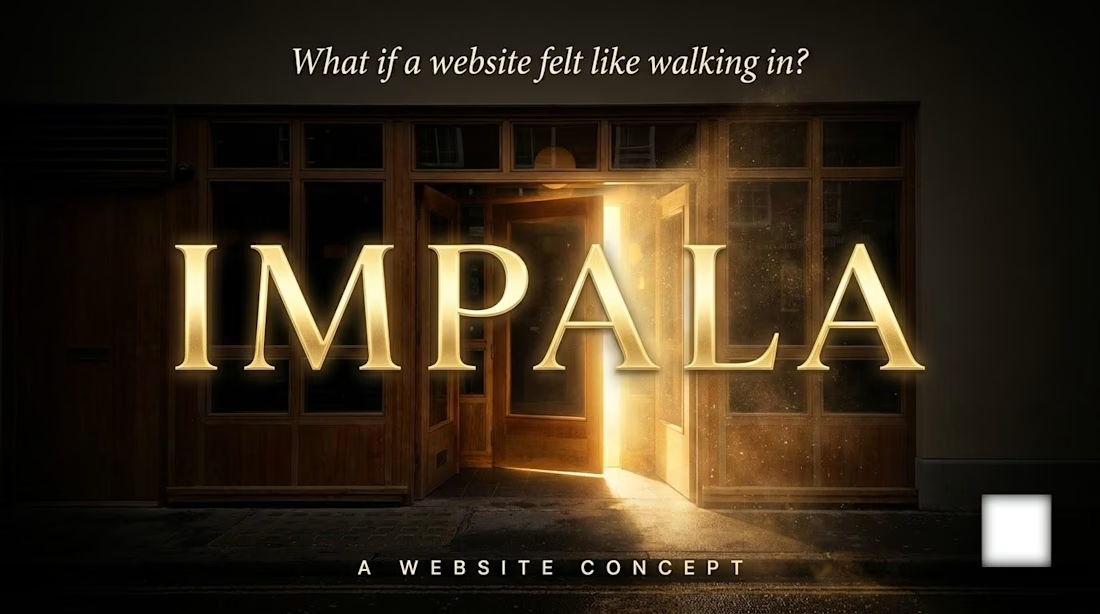
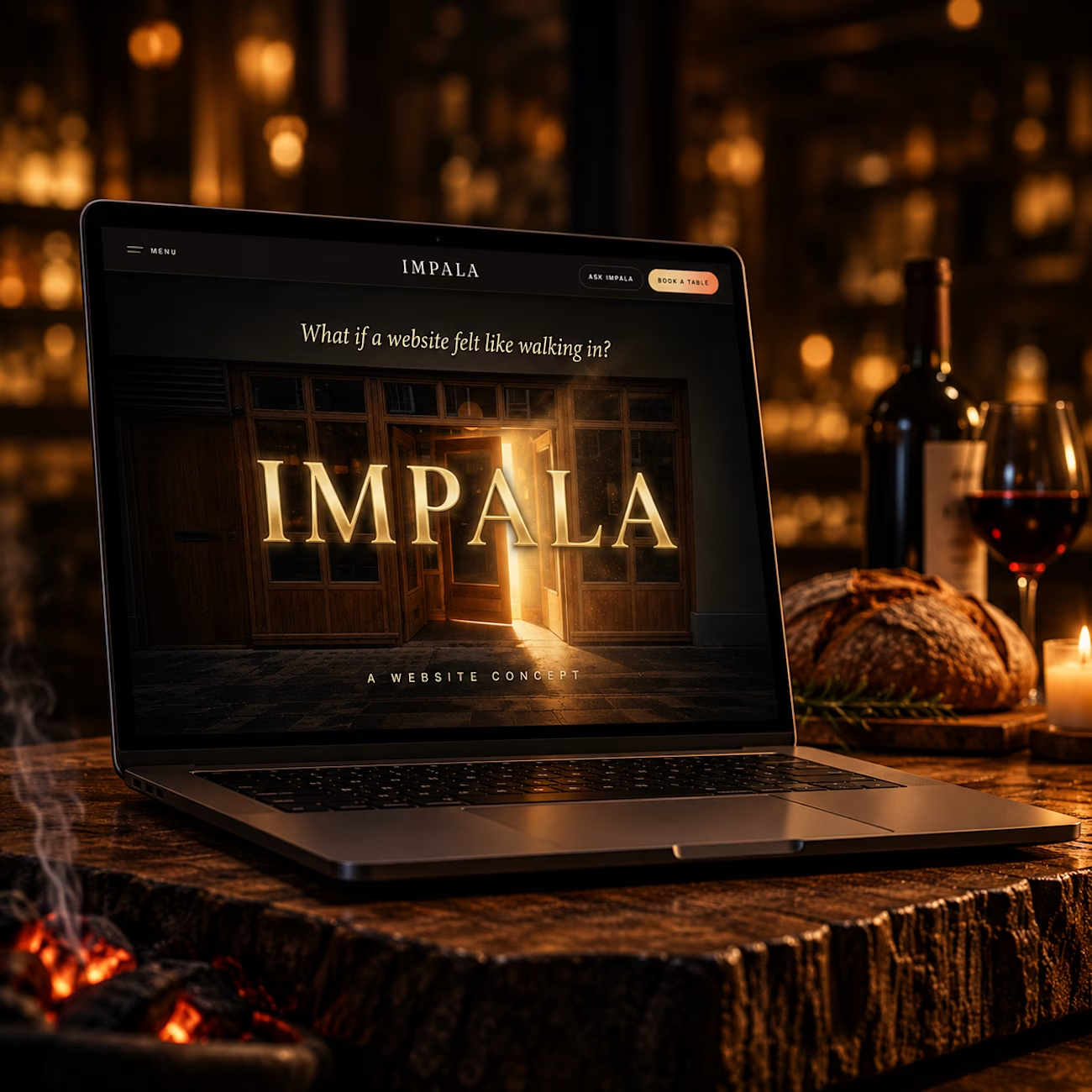
What if a restaurant website felt like walking in?
I wanted to try something different with IMPALA.
Instead of making another restaurant website that simply shows the menu, location and a few photos, I wanted the website itself to carry some of the feeling of being inside the restaurant.
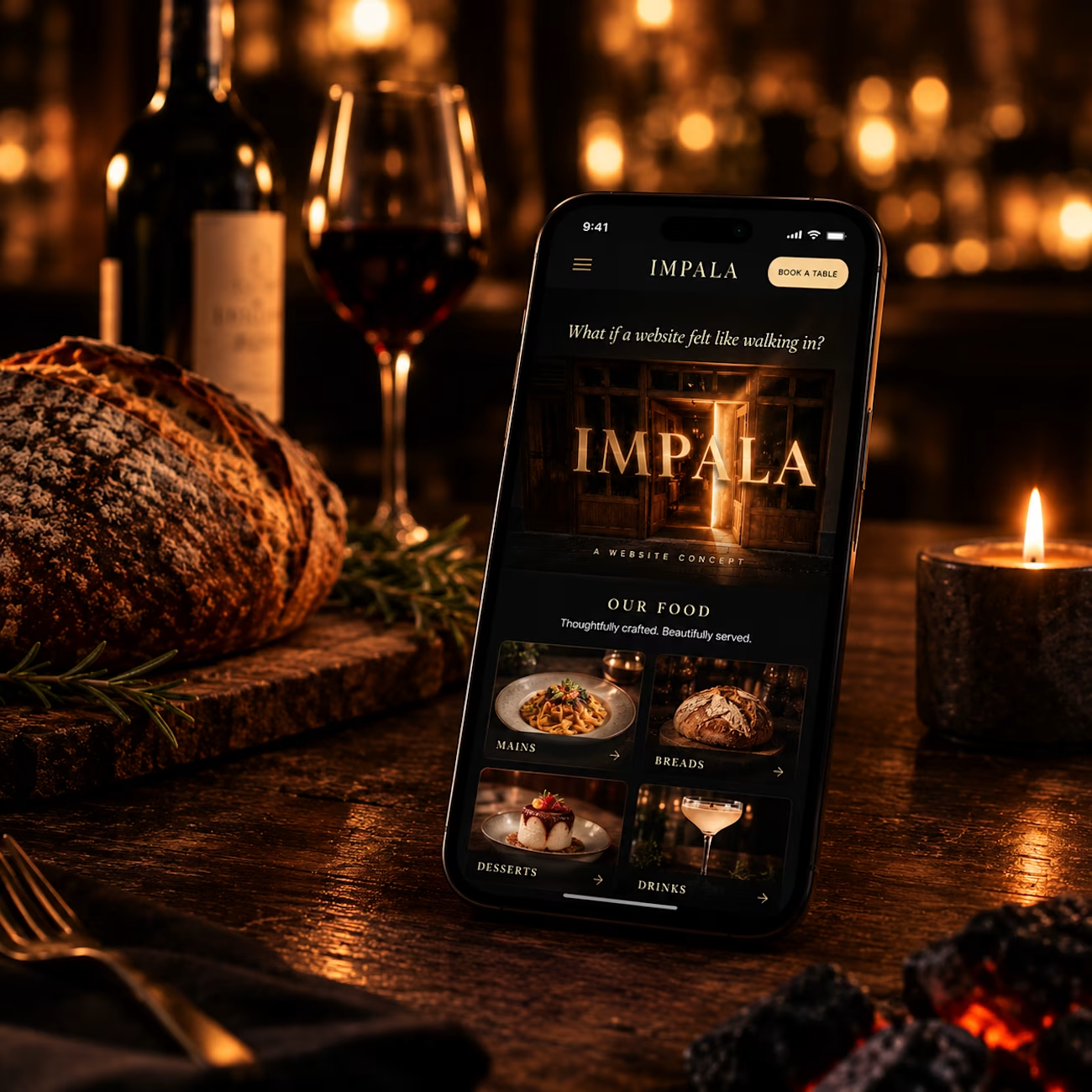
Warm visuals, immersive storytelling, subtle interactions, and a menu experience that feels a little different.
One of my favourite parts is the menu instead of presenting dishes as a typical grid of cards, I designed them around a playing-card inspired interaction, where the menu unfolds and reveals each dish in a more tactile way.
The idea was pretty simple:
Don’t just show the restaurant. Make people feel it.
Designed and built for IMPALA across desktop and mobile.
How did you guys like it?
Drop your thoughts in the comments I’d genuinely love to hear them.
#RestaurantWebsite #WebDesign #UIUXDesign #HospitalityDesign #RestaurantDesign #CreativeWebDesign #WebDevelopment