The network for creativity
Join 1.25M professional creatives like you
Connect with clients, get discovered, and run your business 100% commission-free
Creatives on Contra have earned over $150M and we are just getting started
Back to feedPost

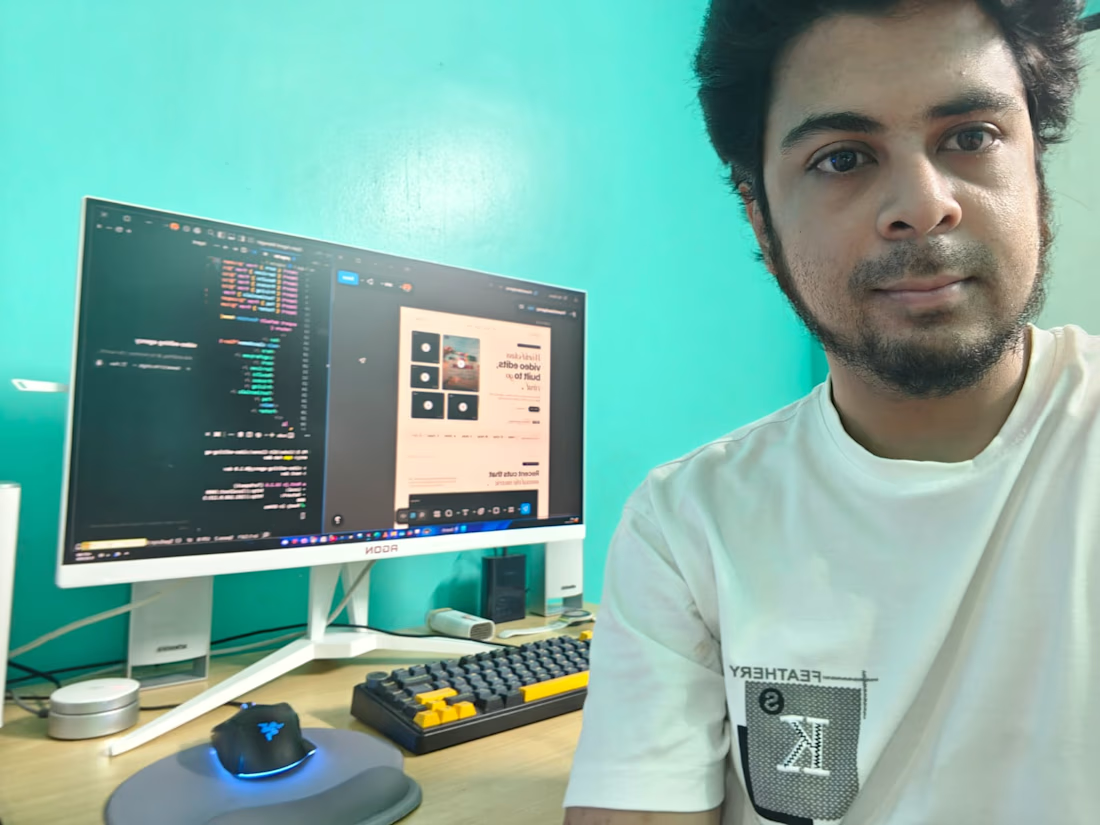
WIP 🚧 Video Editing Agency Landing Page
The network for creativity
Join 1.25M professional creatives like you
Connect with clients, get discovered, and run your business 100% commission-free
Creatives on Contra have earned over $150M and we are just getting started



Related posts

The biggest challenge on my new Portfolio was the content.
Making from the projects I want to showcase on the site videos and images to place it all over the page.
This took like forever. I used here Jitter as it’s for me the easiest tool to work with videos like that. But I needed to restart the browser so many times or add new files because it was always at some point too much videos.
Also recording every video. Different formats. Adjusting the file size for every video.. Was worth it I think and it’s cool to see every project I helped on this and last year in motion.

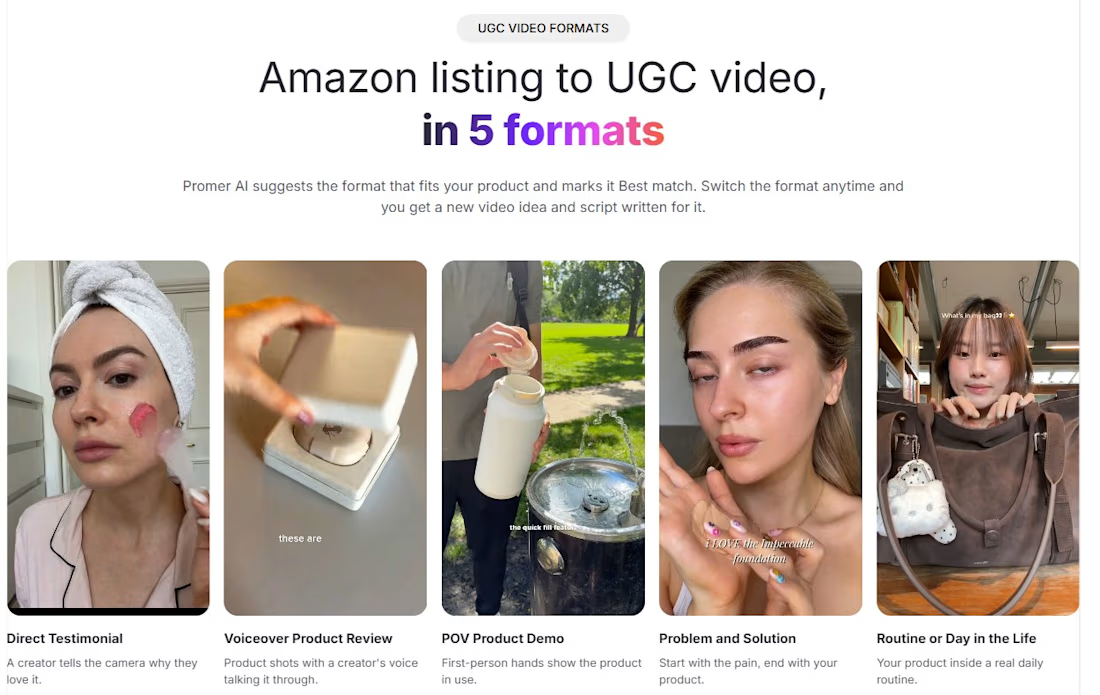
Amazon product link to video: listing in, UGC ad out
Amazon clients keep asking for TikTok and Reels videos, and the old answer was shipping samples to creators and waiting weeks. Now I start from the listing itself. The workflow:
1. Paste the Amazon product URL: images, title, description and price come in
2. Fill missing views: white-background-only listings get an AI side, detail or in-use shot
3. Pick an AI video idea and UGC format: testimonial, voiceover review, POV demo, problem-solution or routine
4. Choose an AI creator and voice, then edit the script line by line
5. Export 9:16 for TikTok/Reels, 16:9 for the listing or Sponsored Brands
Tip: make two formats from one listing and let the ad results pick the winner.
Link to the tool is in the replies.

The footage is simple - The editing makes the difference...
A simple talking-head video deserves thoughtful editing.
Clean cuts, simple/smooth transitions, engaging typography, well-placed sound effects, and a little motion graphics bring a simple talking-head video to life. 🎬
Looking for a video editor who can turn raw footage into engaging short-form content? Let's connect!
#videoeditor #videoediting #shortformvideo #editor #youtube #socialmedia