The network for creativity
Join 1.25M professional creatives like you
Connect with clients, get discovered, and run your business 100% commission-free
Creatives on Contra have earned over $150M and we are just getting started
Back to feedPost
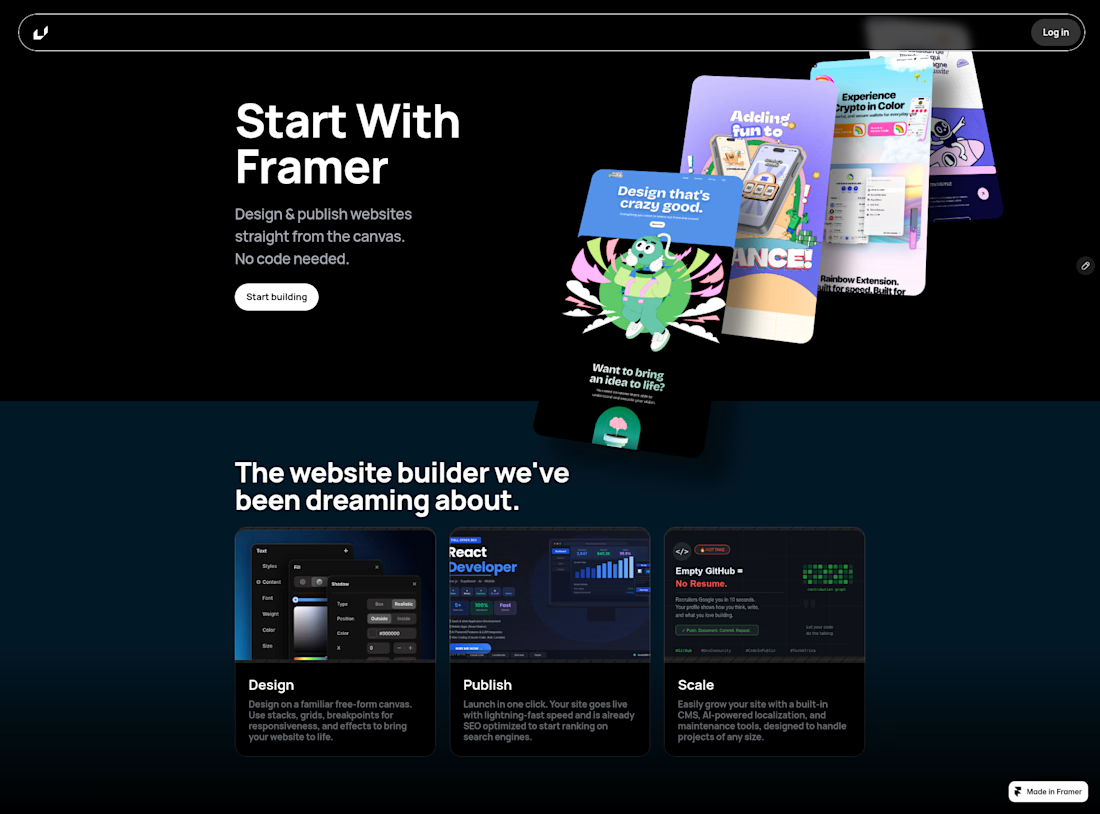
🚀 Stepping Outside the Code Editor: Exploring No-Code with Framer
As a developer accustomed to writing code line-by-line, I’ve always been curious about how modern visual tools bridge the gap between design and production-ready sites.
To explore this, I recently decided to take a step back from pure code, take on a Framer tutorial, and dive into the world of no-code web design! 🎨
What I Built
Using Framer’s free-form canvas, stacks, grids, and responsiveness controls, I published a modern landing page concept featuring:
Clean layout structuring & responsive breakpoints
Smooth visual stacks and typography hierarchy
Instant publishing with optimized loading speed
Key Takeaway
Seeing how fast high-fidelity designs can transition into fully published, responsive web pages without touching a traditional backend or CSS file was an eye-opener. While custom code will always hold a special place in my stack, tools like Framer are an amazing asset for rapid prototyping, landing pages, and getting concepts live in record time.
🔗 Check out the live build here: https://magical-patterns-810875.framer.app/
I’d love to hear from other devs or designers What was it like when you got started with Framer


Great exploration of the design-to-build workflow!

Thanks a lot Donny
The network for creativity
Join 1.25M professional creatives like you
Connect with clients, get discovered, and run your business 100% commission-free
Creatives on Contra have earned over $150M and we are just getting started
Challenges
View all


Related posts


the scroll recording felt too plain, so i had opus 5.5 make a launch film for eave. it used the real pages, wrote a storyboard and coded every frame
sound on 🔊


Branding design and Framer Development for an AI real estate tool
See full Case study

amazing work!🚀