The network for creativity
Join 1.25M professional creatives like you
Connect with clients, get discovered, and run your business 100% commission-free
Creatives on Contra have earned over $150M and we are just getting started
Back to feedPost

The power of the "Pre-Click" preview in UX.
When designing this website navigation concept, my primary goal was to drastically reduce the friction of user exploration.
By embedding interactive imagery into the menu hover states, users get an instantaneous visual cue of what lies behind each tab—like "Home," "Work," or "Studio"—without waiting for a brand new page to load.
It changes the website navigation experience from a blind click into an interactive map.
Design takeaways used here:
Keep typography massive so the hitboxes are easily accessible.
Use smooth easing curves on the transitional page wipe to keep it feeling light and fast.
Fellow interaction designers—do you prefer hidden full-screen menus like this, or persistent top-bar navigation layout models? Let me know below! 👇


Top bar for content sites, full-screen menus for portfolios. Hover previews help either way.
The network for creativity
Join 1.25M professional creatives like you
Connect with clients, get discovered, and run your business 100% commission-free
Creatives on Contra have earned over $150M and we are just getting started











Related posts


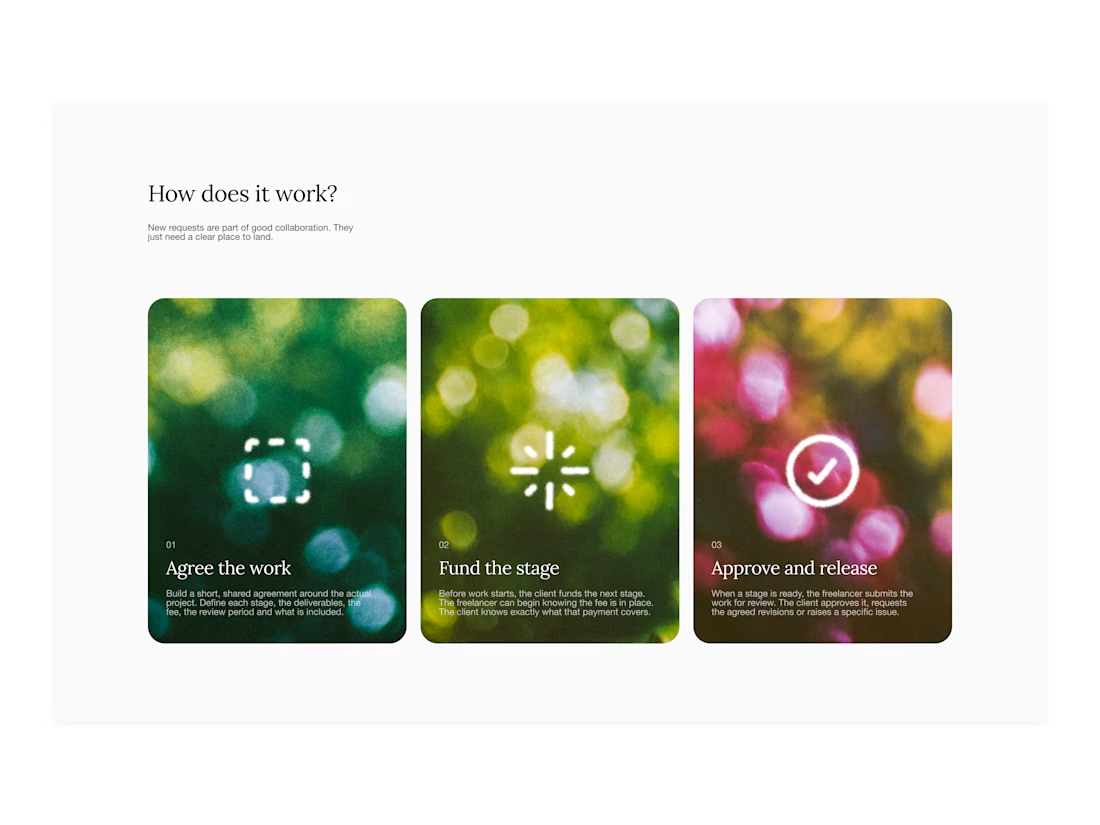

Your web sections always have such strong art direction. Great to see the brand carried right into the layout.

I’ve spent the last three months building this.
Deframer is finally here.
It started with the same conversation with clients: they wanted to leave Framer but felt stuck, since moving meant rebuilding their sites.
I felt it too. Pricing kept getting harder to justify, and the product experience felt worse.
Our template sales also took a hit after the marketplace and community changes.
Other template creators have been seeing their revenue dip too.
So I built Deframer.
Some exporters just package what the browser loads from your published URL.
Deframer writes a clean Next.js + TypeScript project, following Next.js best practices. Code you can read, maintain and run yourself.
It also optimizes for SEO, AEO and speed.
Paste your Framer URL, verify it’s yours, and convert. Your pages, components, layouts and motion come along.
Three months later, it’s ready for you to try.
https://deframer.co
If you’ve been wanting to move off Framer, I’d love to hear how it works for you.


Nobody wakes up excited to measure a room 😂. At least we tried to make it look good while you do it. Did we succeed?


