The network for creativity
Join 1.25M professional creatives like you
Connect with clients, get discovered, and run your business 100% commission-free
Creatives on Contra have earned over $150M and we are just getting started
Back to feedPost

Live Retro & Texture Shaders for Figma
As designers, we often have to jump between Photoshop and Figma just to apply complex textures, halftones, or dither effects to our imagery. To streamline this workflow, I developed a native Figma file that acts as a real-time, non-destructive image processing engine.
This file contains 6 bespoke visual styles engineered using Figma's native blending modes, masks, and vector overlays. It allows UI/UX designers, marketing artists, and content creators to instantly apply high-end graphic styling to any photograph without leaving their canvas.
Key Features & Included Engines:
The Dither Cam: Recreates low-fi, retro-tech noise with a controlled, limited color palette, mimicking early computing monitors.
The Collapsing Grid: A structural, rounded modular rasterization effect that creates a clean, pixelated mosaic look.
The Pistons: Generates dense vertical scanlines that dynamically shift in thickness based on the image's underlying shadows and highlights.
The Dots: A classic CMYK-inspired halftone pattern, perfect for comic book aesthetics, pop-art designs, or vintage print styling.
ASCII Wave: A matrix-like digital pattern that turns photographic values into flowing code and abstract waves on dark backdrops.
Halftone Engine: A high-contrast, aggressive two-color split raster designed for bold typography backdrops, posters, and brutalist web layouts.
How it Works & Workflow Integration:
Plug & Play: Simply copy the chosen effect component into your active workspace.
Instant Replacement: Select the nested source layer and swap the default placeholder image with your own asset via the Figma Fill menu.
Non-Destructive Customization: Adjust the background color layers and layer opacity settings to seamlessly match your product's design system or brand guidelines.
Why Use It?
Zero Dependencies: It requires absolutely no third-party plugins, meaning your files stay lightweight, secure, and perfectly collaborative.
Infinite Scalability: Built utilizing vector-aligned boundaries, ensuring that the effects scale cleanly from small mobile UI elements up to high-resolution web hero sections.
Rapid Prototyping: Drastically reduces asset creation time for creative web layouts, app onboarding screens, and social media banners.
Explore the file in the Figma Community and duplicate it to level up your presentation visuals!
https://www.figma.com/community/file/1657415863151629988/custom-shaders-by-kris

The network for creativity
Join 1.25M professional creatives like you
Connect with clients, get discovered, and run your business 100% commission-free
Creatives on Contra have earned over $150M and we are just getting started
Related posts

Wire Me is live 🟢
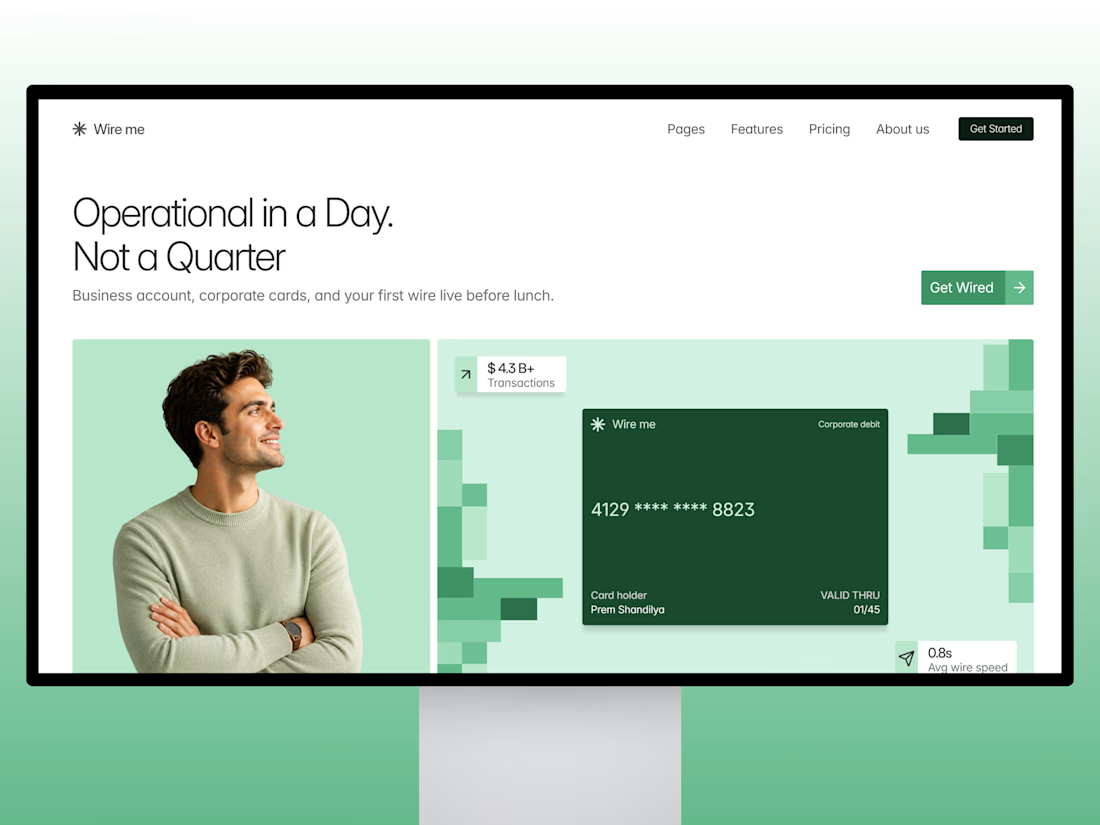
A premium B2B Finance SaaS template for Framer built for products like corporate cards, bill pay, and expense management.
What's inside:
12 pages including 3 pricing layouts, style guide, and legal pages
Full component library: navbar, cards, CTA banners, all reusable
Scroll-pinned features section with custom animated components
24-style type system (Inter Display + Inter), fully responsive across desktop, tablet, and mobile
Rebrand it in minutes swap the colors, drop in your copy, publish.
Launch price: $39 going up soon, so grab it early.
Live preview: https://wireme.framer.website/
Get Wire Me for $39: https://contra.com/payment-link/4rLxQn1i-wire-me-premium-fintech-saa-s-template


It's absolutely worth purchasing for anyone building a fintech product. Amazing work🔥🔥

Crafting an Iconic Brand Identity. Check it out 👇
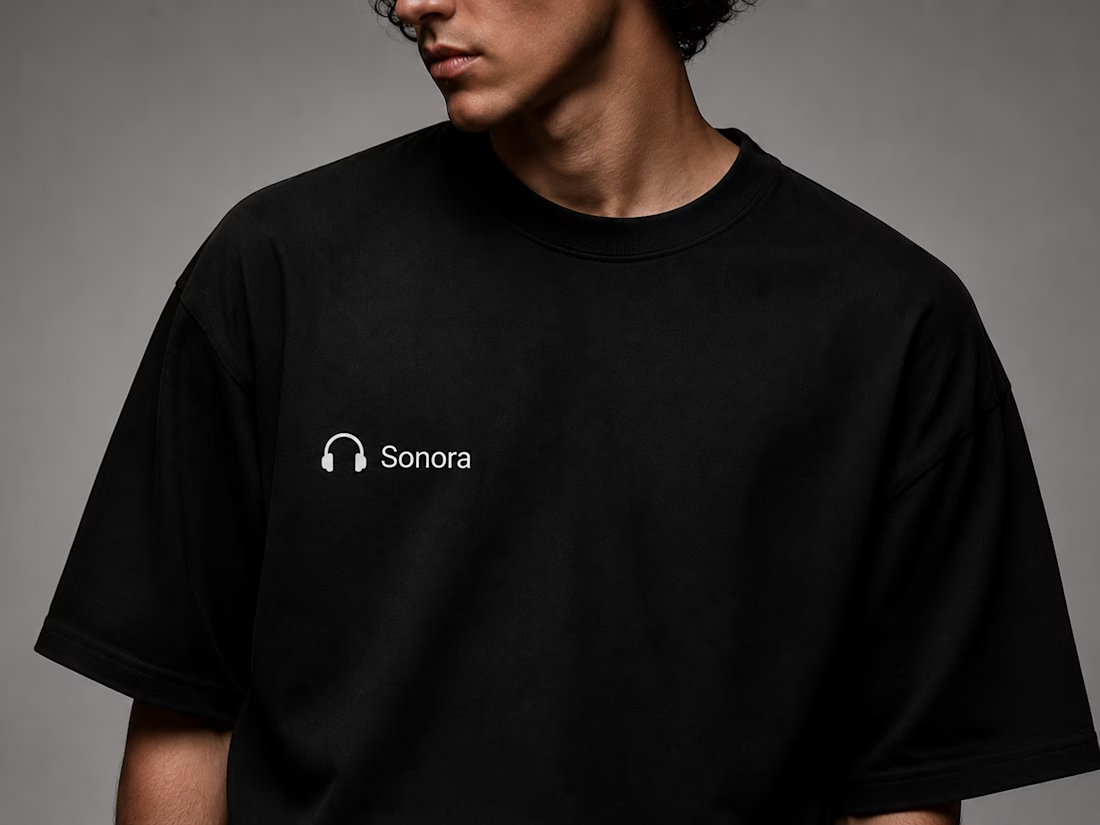
Every great brand begins with a clear vision. For Sonora, the goal was to create a premium identity that feels modern, memorable, and timeless. From the first sketch to the final brand system, every detail was designed with purpose.
This project showcases a complete branding journey—featuring a distinctive logo, carefully selected typography, a refined color palette, and versatile brand applications across digital and physical touchpoints. The result is a cohesive visual identity that reflects Sonora's commitment to innovation, quality, and exceptional audio experiences.
A strong brand is more than just a logo; it's a story, a personality, and a lasting impression. Every element works together to build recognition, trust, and consistency across every customer interaction.
✨ Brand Strategy
🎨 Logo Design
🔤 Typography System
🎯 Color Palette
📦 Brand Applications
👕 Merchandise Design
💻 Digital Experience
💬 What do you think about this branding? I'd love to hear your feedback in the comments!





Challenges
View all



Trending

Claude
Claude has entered the design space. How are you using Claude Design?

Contra University
Learn from expert creatives how to earn more using next-gen AI tools.
fifaworldcup2026
The World Cup is here and the whole world's watching. How are you designing for the world stage?
creativeaiflow
Creative AI workflows are evolving. What tools do you use, and what are their strengths and weaknesses?
freelancerlife
Freelancer life is wins, pivots, and everything in between. What’s yours right now?