The network for creativity
Join 1.25M professional creatives like you
Connect with clients, get discovered, and run your business 100% commission-free
Creatives on Contra have earned over $150M and we are just getting started
Back to feedPost

Building high-converting Shopify stores for e-commerce brands.
Optimizing Shopify stores for better performance and higher sales.
The network for creativity
Join 1.25M professional creatives like you
Connect with clients, get discovered, and run your business 100% commission-free
Creatives on Contra have earned over $150M and we are just getting started





Related posts




Custom shopify website for your plant business, indoor plant shop, gardening brand, or online plant store.


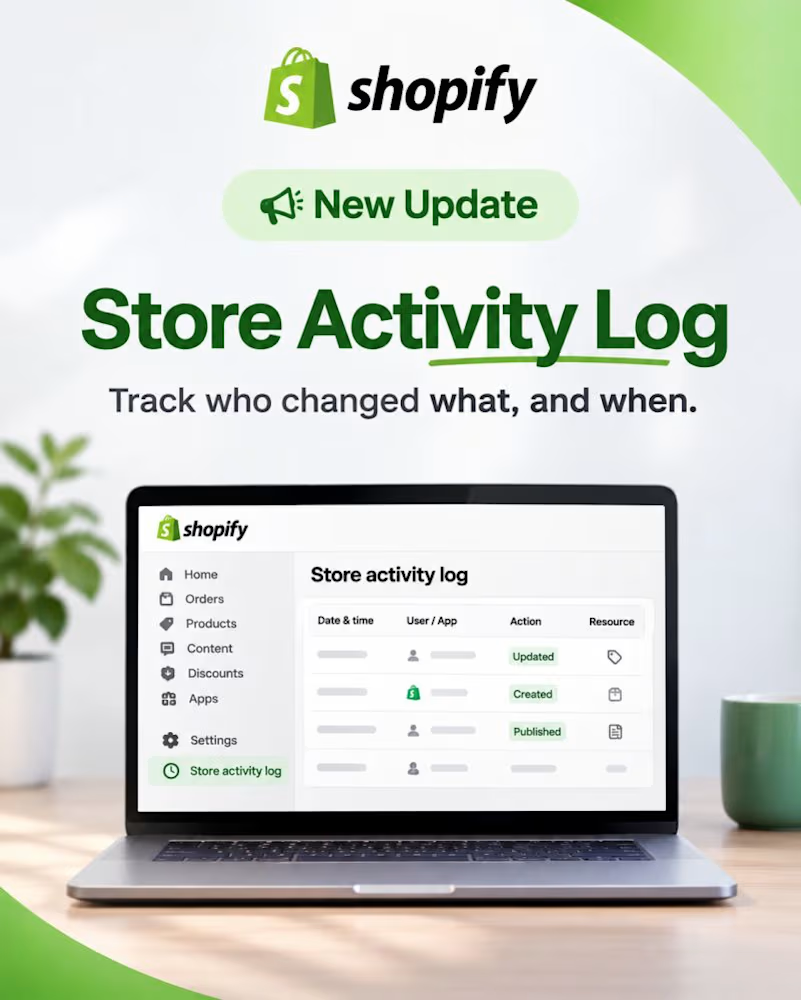
🚀 Shopify has upgraded the Store Activity Log!
Ever wondered who changed a product, updated an order, modified a theme, or changed an important store setting?
Shopify's new Store Activity Log makes tracking store changes much easier.
Here's what's new 👇
🔹 One place for everything
Track changes across products, orders, discounts, themes, apps, staff, payments, and store settings.
🔹 Know who made the change
See whether an action was performed by a staff member, collaborator, app, or Shopify.
🔹 Advanced filters
Filter activity by user, action type, resource, changed field, and date range.
🔹 See exactly what changed
Open any activity entry to compare previous and new values wherever available.
🔹 Up to 18 months of history
Previously, the log was limited to 250 recent events. Now you can review up to 18 months of recorded activity.
🔹 Activity tracking directly from admin pages
Products, orders, discounts, gift cards, collections, and domains now include a View activity option.
📍 Where to find it?
Shopify Admin → Settings → General → Store activity log
Why does this matter?
For Shopify store owners and developers managing multiple people, apps, and ongoing changes, tracking down unexpected changes can be frustrating.
This update makes store management more transparent and troubleshooting easier.
⚠️ A quick note: Historical records only start from when Shopify began recording each type of change. Not every admin action is tracked yet.
What do you think about this update?