The network for creativity
Join 1.25M professional creatives like you
Connect with clients, get discovered, and run your business 100% commission-free
Creatives on Contra have earned over $150M and we are just getting started
Back to feedPost

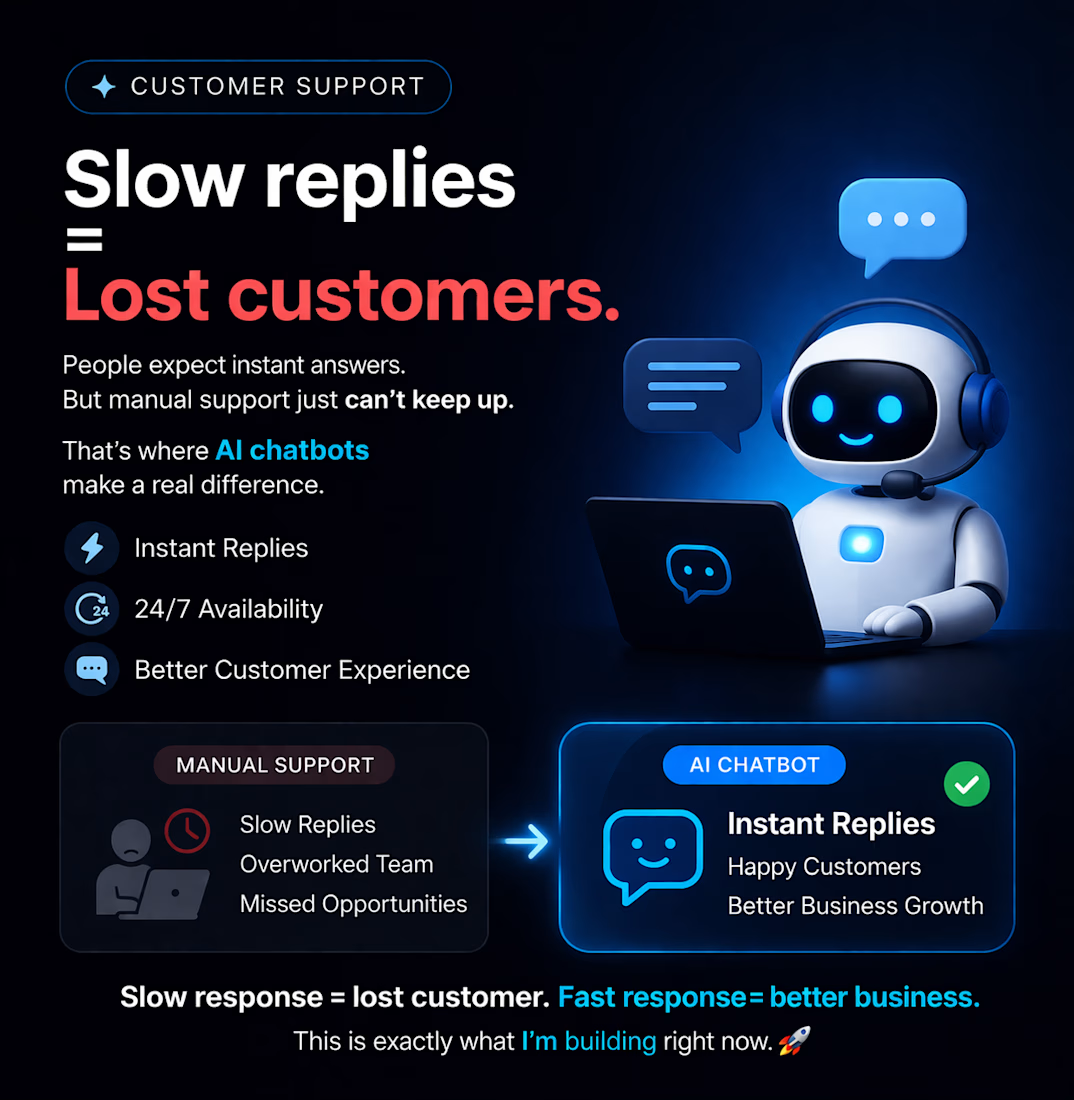
Most businesses lose customers because they reply too late.
AI chatbots can solve this by replying instantly and working 24/7.
🚀 This is exactly what I’m building right now.
The network for creativity
Join 1.25M professional creatives like you
Connect with clients, get discovered, and run your business 100% commission-free
Creatives on Contra have earned over $150M and we are just getting started
Related posts

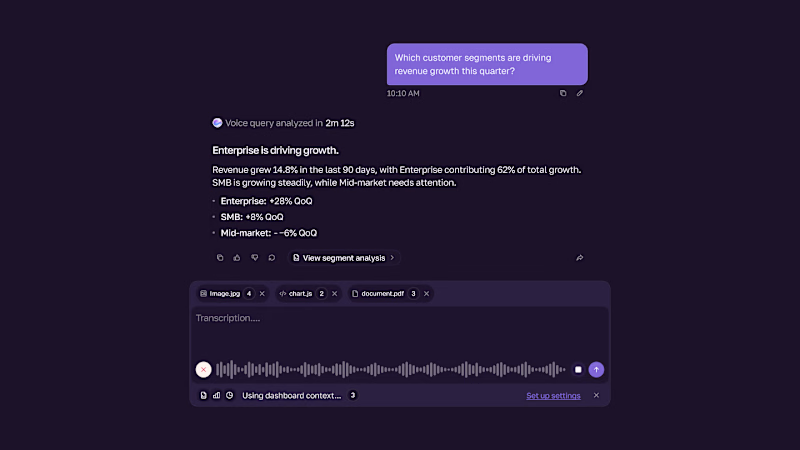
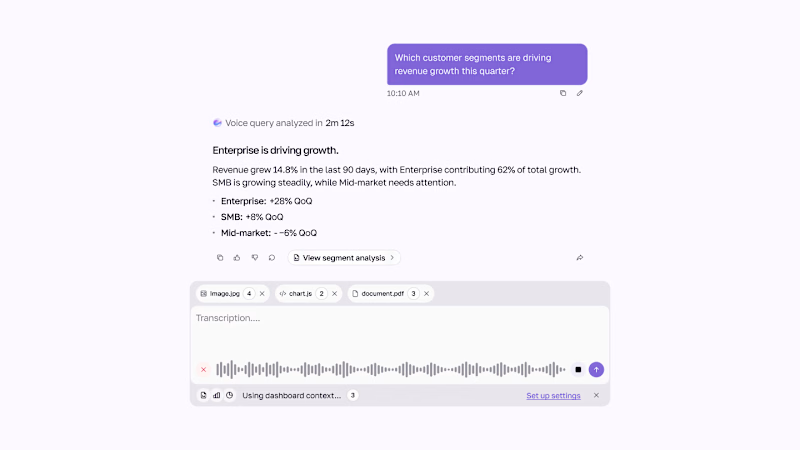
Voice-first AI chat UI — dark & light.
Ask your question, then get a clear, data-backed response with key insights.
0 votes
Ends in 1h

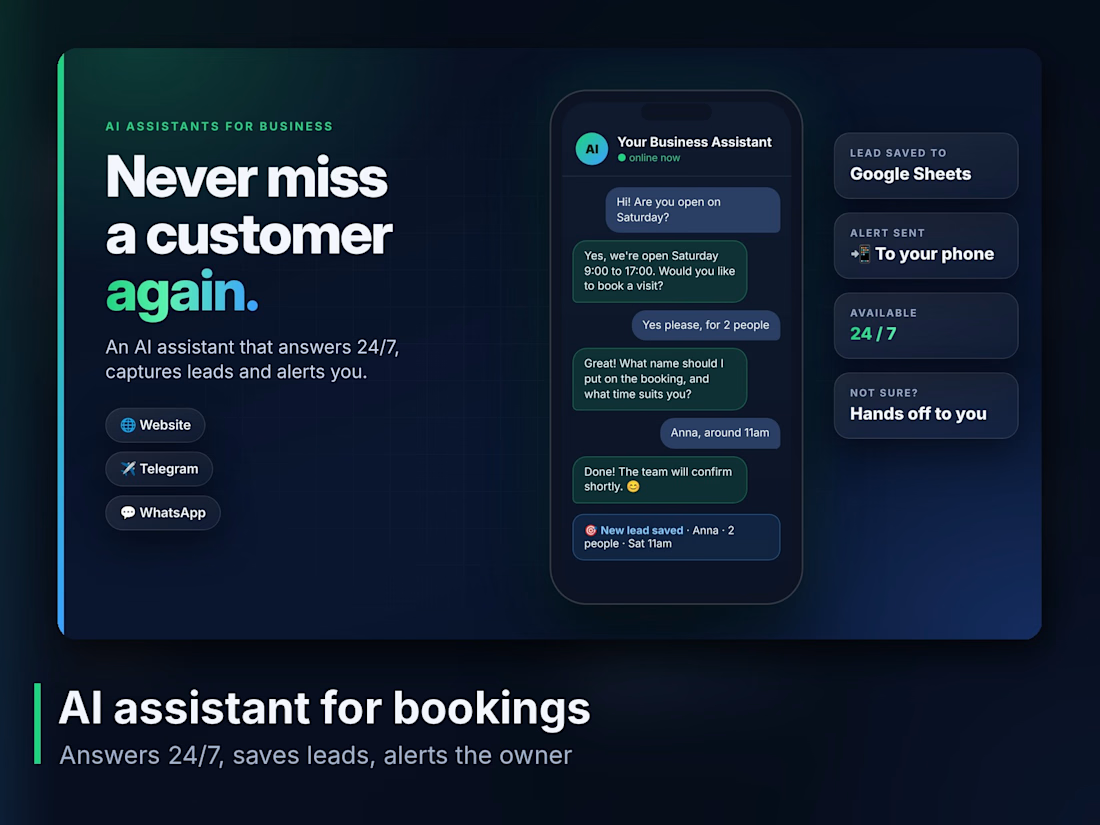
An AI assistant can take customer questions off your plate and keep you in the loop.
I build systems that answer from the business’s own information, so replies stay consistent and useful.
When something needs your attention, it pings you on Telegram straight away.
It’s a simple way to stay responsive without being tied to every message.
Would this kind of setup help your business?

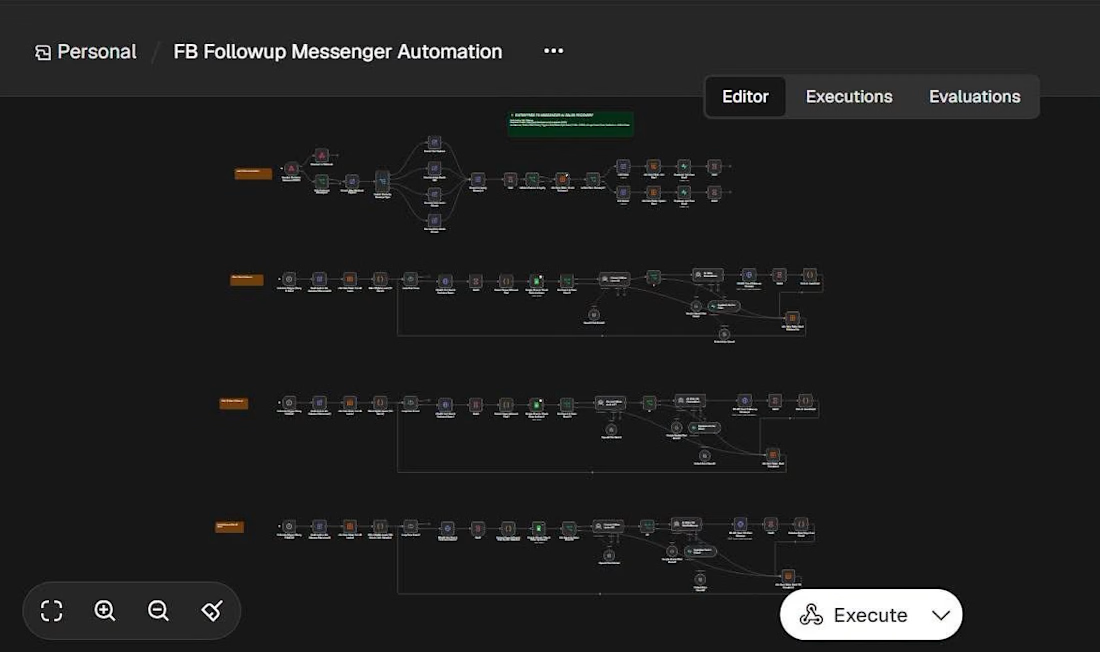
AI-Powered Facebook Messenger Follow-Up Automation | n8n
I built an AI-powered Facebook Messenger Follow-up Automation workflow using n8n to help businesses reconnect with potential customers and reduce missed sales opportunities.
When a customer asks about a product but stops replying, businesses often lose track of the conversation. This workflow helps automate timely, personalized follow-ups while keeping customer experience in mind.
What the Workflow Does
Automated Follow-ups: Sends follow-up messages at the right time.
AI-Powered Personalization: Uses AI to generate personalized messages based on customer conversations.
Order Verification: Checks order status before sending reminders.
Communication Scheduling: Avoids sending messages during late-night hours.
Sales Support: Helps businesses reconnect with interested buyers and reduce manual follow-up tasks.
Tools & Technologies
n8n | AI | Facebook Messenger | Workflow Automation | Order Verification
Project Goal
Demonstrate how AI-powered automation can improve customer communication, streamline sales follow-ups, and create more opportunities for businesses to convert interested buyers.
This is a demo workflow showcasing the potential of AI automation for eCommerce businesses.
Services
I help businesses build AI-powered workflows, sales automation systems, customer support automations, and custom n8n integrations.
#n8n #AIAutomation #FacebookMessenger #eCommerce #SalesAutomation #WorkflowAutomation #Contra



The late-night quiet hours are a nice touch. When a follow-up gets held for the morning, does the workflow re-check the order status at send time, or only when the reminder is first queued?