The network for creativity
Join 1.25M professional creatives like you
Connect with clients, get discovered, and run your business 100% commission-free
Creatives on Contra have earned over $150M and we are just getting started
Back to feedPost

I create AI videos that feel cinematic — not "AI-generated."
Using tools like Veo 3, Sora 2, Kling 3, and Seedance 2, I bring ideas to life frame by frame, then polish everything in Adobe Premiere Pro (5+ years of editing experience) for a final result with real cinematic quality.
What I help clients create:
AI cinematic ads & brand promos
AI music videos, beat-synced
AI movie trailers & short films
AI animation, including Pixar-style storytelling
AI product ads for fashion, beauty, automotive
Lip-synced videos in multiple languages
I've completed 35+ projects with a 4.9 rating, working with clients across the US, UK, Philippines, Israel, and beyond — turning music into visual stories, books into cinematic worlds, and brand ideas into scroll-stopping content.
If you have a story, a song, or a brand idea you want turned into something people actually stop to watch, I'd love to help.
#AIVideo #ContentCreation #VideoEditing #AIAnimation #CreativeServices


nice visual

Love the restraint in your visual style. Nothing feels overdesigned, yet every frame has a premium feel.
The network for creativity
Join 1.25M professional creatives like you
Connect with clients, get discovered, and run your business 100% commission-free
Creatives on Contra have earned over $150M and we are just getting started







Related posts

Happy to share submission for the invideo Editor Challenge! 🚀✨
For this video, I created an effect I call "Ao Dai Flicker" - blocks of light that flicker across the frame and flip the colours underneath every time the outfit changes.
AO DAI FLICKER
Nobody saw her go through the door.
But every time the light flickered, she stepped back out as someone new.
Seven flashes. Seven looks. One quiet street.
Where does she change? No one knows - and honestly, that's the fun part. ✨
Why fashion? Because fashion lives in the moment of change, and it never slows down. Trends turn over in a week, and every look deserves its own big reveal, not a copy-paste cut. So I made every cut a flash: pink and blue halftone bursts that feel like a printed magazine, a stream of binary code for the screen era, and Difference-blended shapes that turn each reveal into a little flashbulb moment.
It's the kind of edit fashion creators want on every post but rarely have the hours to build by hand. That's exactly what I wanted invideo Editor to take off our plate: the same impact on every single cut, built from a description instead of hours of keyframing, while every creative call (the colours, the rhythm, which look gets the loudest flash) stays ours.
Behind the scenes:
Primary effect: Shape Flicker — Mixed-Media Outfit Transitions
Large squares and rectangles flash across each outfit change, creating bold colour inversions through Difference blending. Blue and pink halftone flashes, black-and-white print textures, and small data-style digits add a mixed-media finish. Each burst clears quickly to reveal the next outfit, with a clean final shot.
Process note:
I started with my own fashion footage, filmed from a fixed camera position with outfit changes at matching poses. I asked invideo Editor’s timeline agent to build the transitions using editable shape layers and Difference blending, without rotoscoping or object tracking. My refinements focused on the shapes’ size, placement, drift, and flicker timing, then adding halftone and data textures while keeping each outfit clearly visible.
Which look is yours? Drop the number 1–7 below 👇
LINKS
invideo timeline: https://invideo.io/share/Ao-dai-Flicker-v1BryMJao80
Instagram post:
invideo Editor is free to try.
@invideo.io @invideo.creators
#invideocontrachallenge #invideoeditor


The flickering light effect sounds really creative! 🔥 Love how you connected the lighting transitions with the outfit changes. Such a unique visual concept and great execution! 👏✨

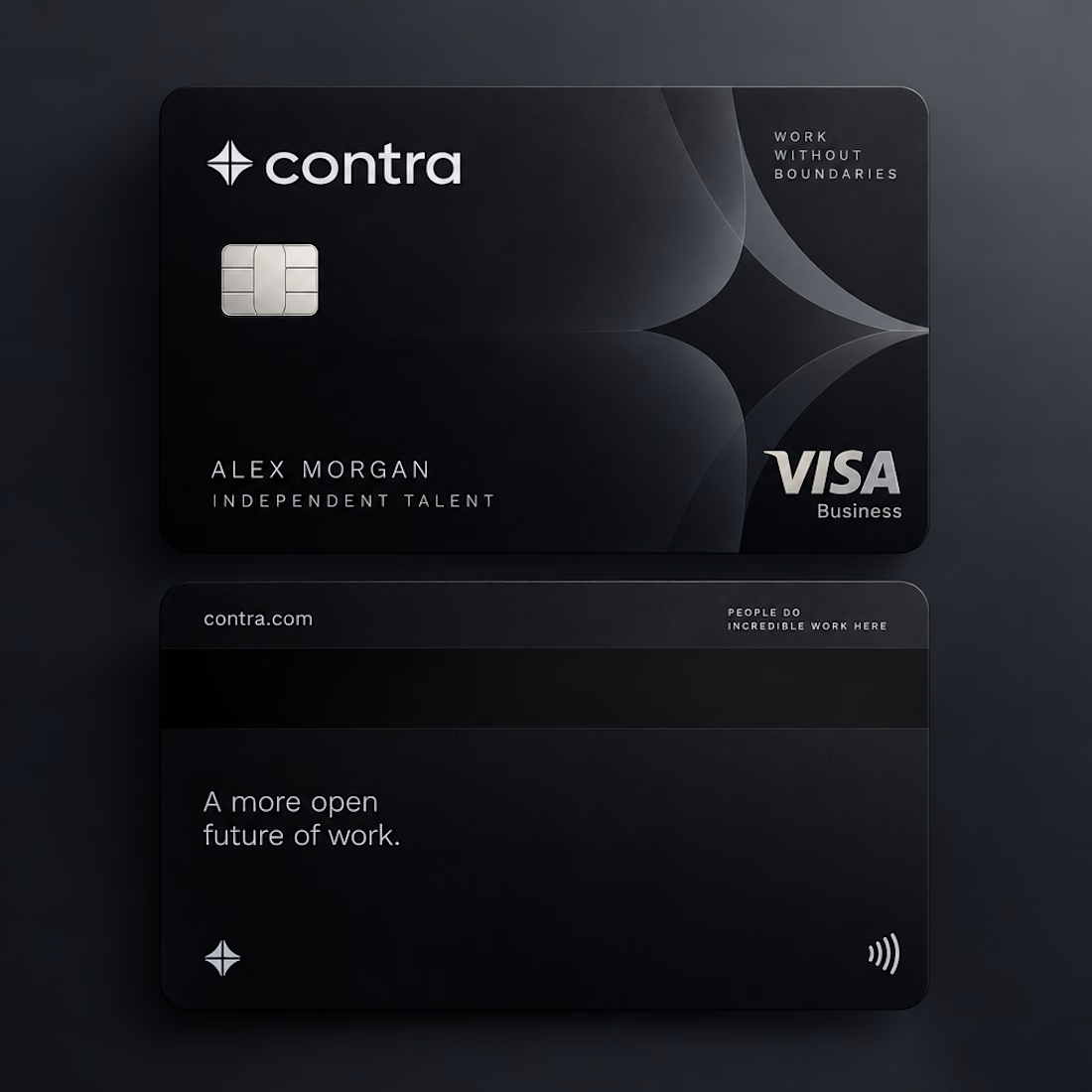
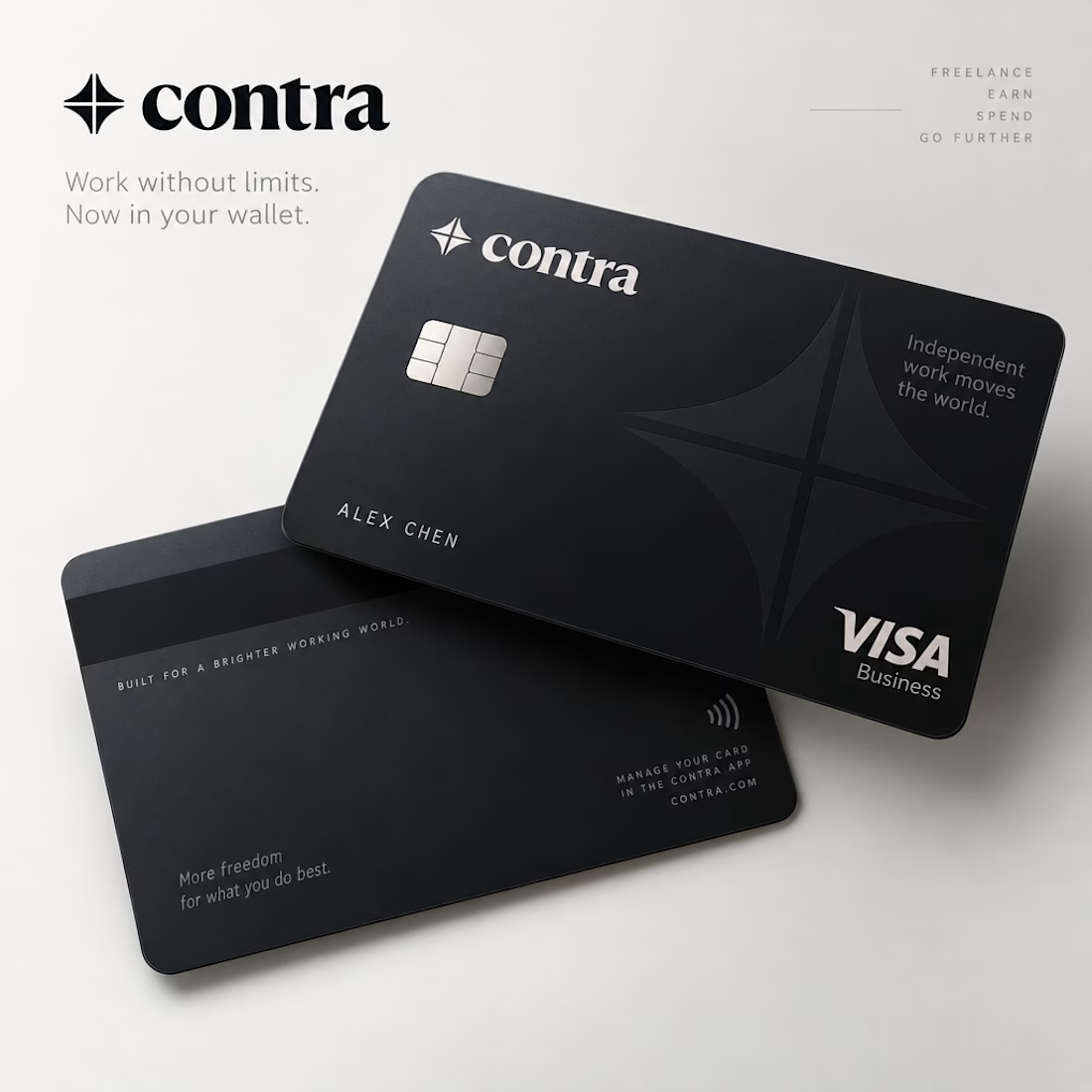
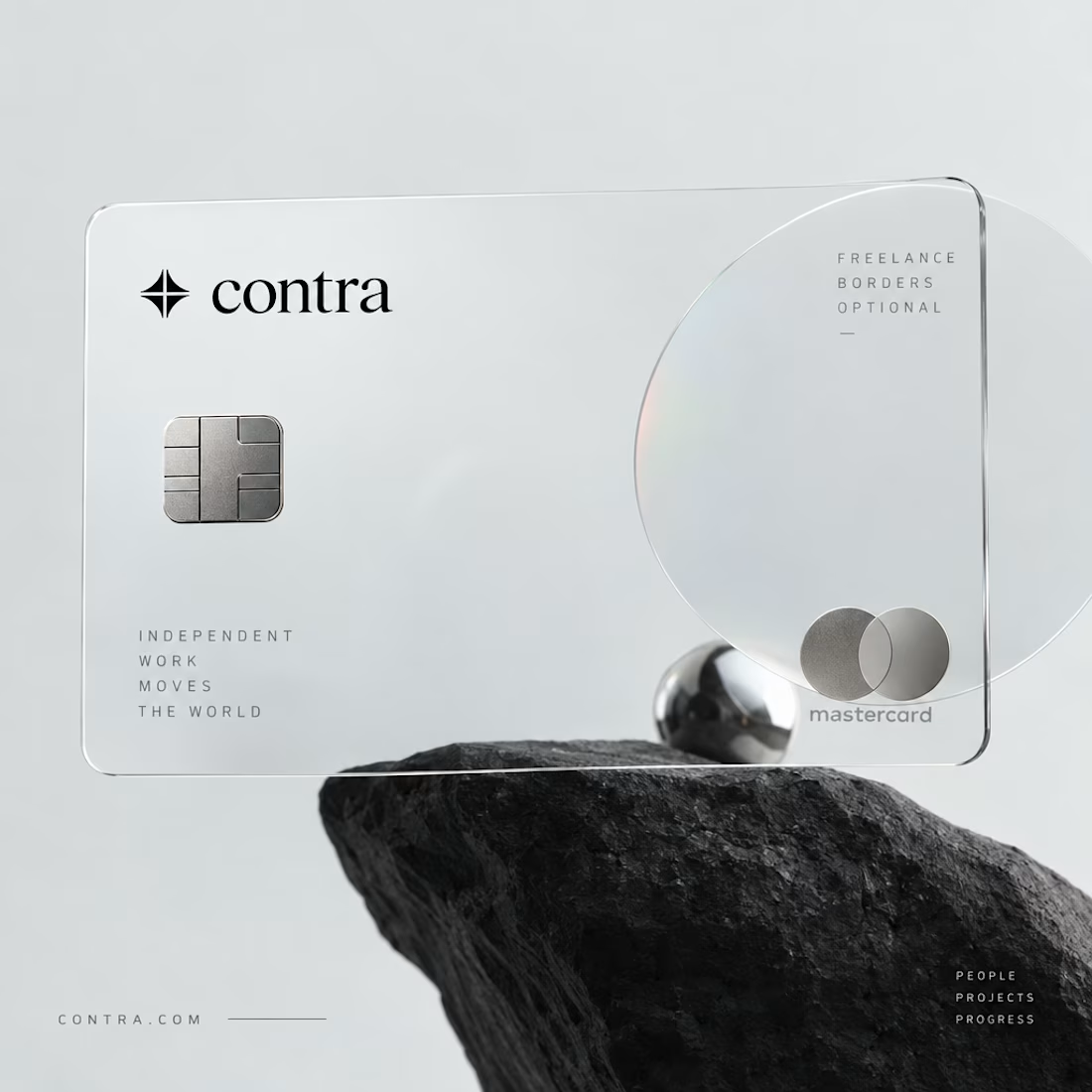
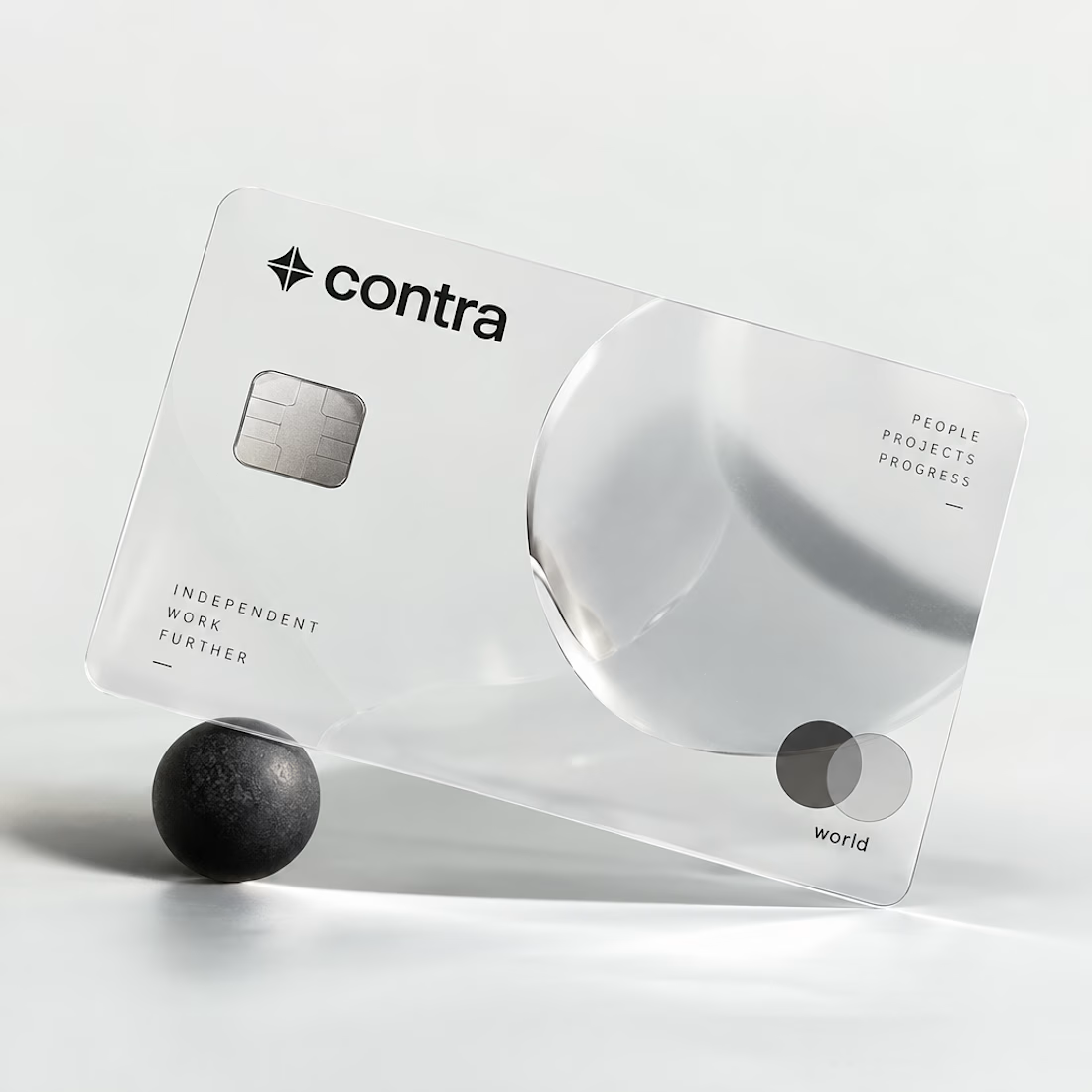
I’d definitely go with black. 🖤 It feels sharper, more premium, and timeless. The transparent concept is creative, but the black version has a stronger visual identity.
