The network for creativity
Join 1.25M professional creatives like you
Connect with clients, get discovered, and run your business 100% commission-free
Creatives on Contra have earned over $150M and we are just getting started
Back to feedPost

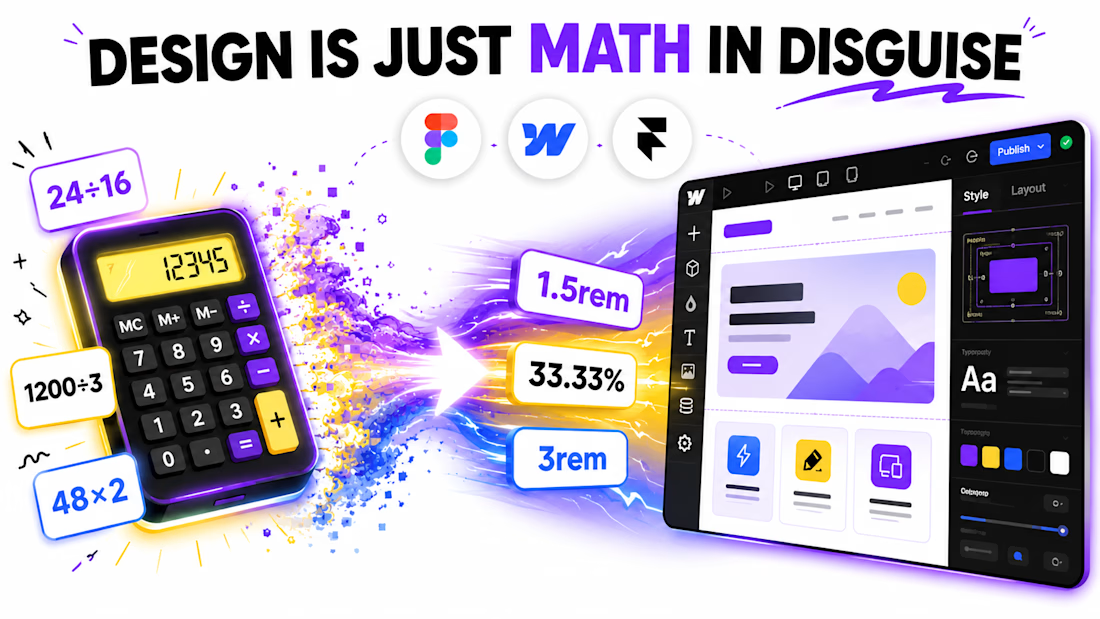
Something I wish I knew on day one of using Webflow:
You don’t need a calculator open. Ever.
Seriously.
For the longest time, I had a calculator tab open every single time I built something.
Converting px to rem.
Adjusting spacing.
Dividing widths.
Tweaking layouts.
Back and forth. Every day.
Then I found out you can type math directly inside most Webflow size fields.
Need to convert 24px into rem?
Just type:
24/16rem
Webflow instantly turns it into 1.5rem.
Need to divide a section width?
Multiply spacing?
Adjust percentages?
Do it right there.
No switching tabs.
No mental math.
No breaking focus.
And what made this even better:
Figma supports similar math inputs too.
That means your design-to-development workflow stays way more consistent.
It sounds small.
But honestly, tiny workflow improvements like this compound fast.
Saving 10 seconds, 20 times a day?
That adds up.
I spent months doing it the hard way before finding this by accident.
Now it’s one of those things I use without even thinking.
What’s one “small” feature in your workflow that changed how you work?
Always looking for those.


The network for creativity
Join 1.25M professional creatives like you
Connect with clients, get discovered, and run your business 100% commission-free
Creatives on Contra have earned over $150M and we are just getting started
Related posts





May I ask what your inspiration was?🔥




Tamer amazing work

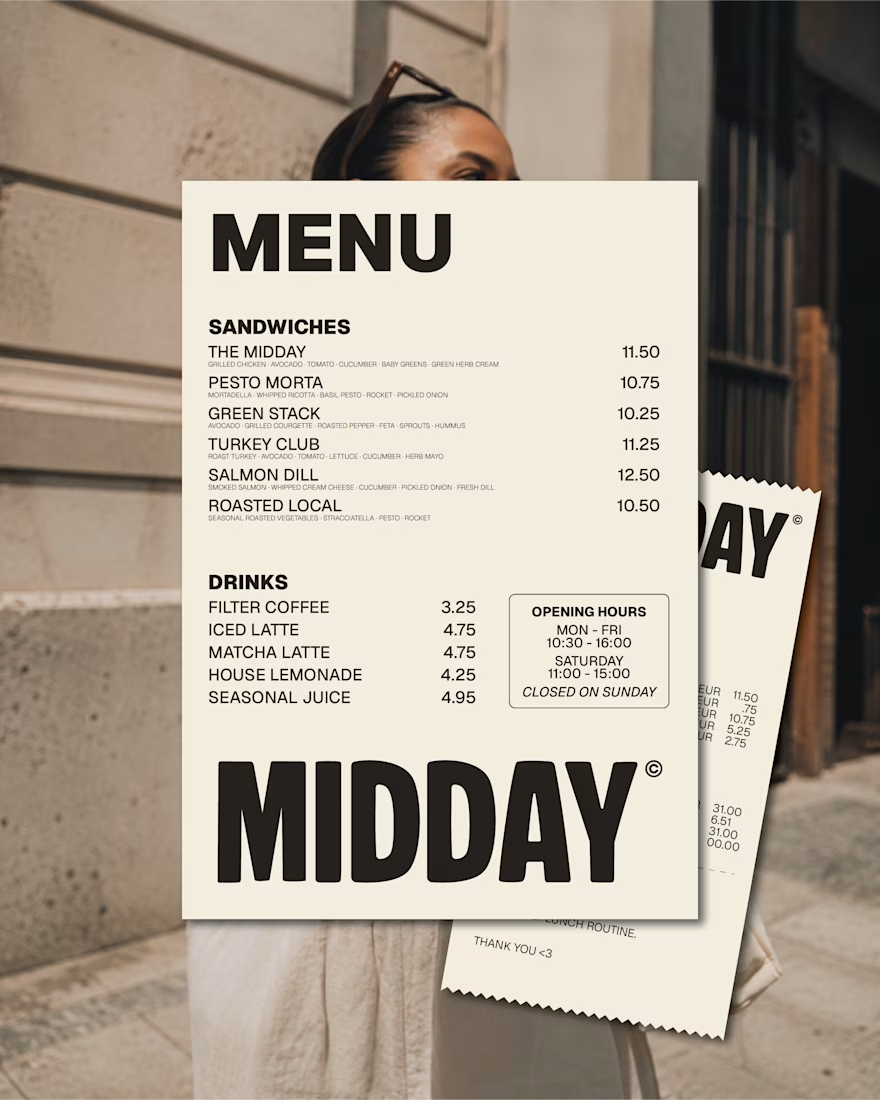
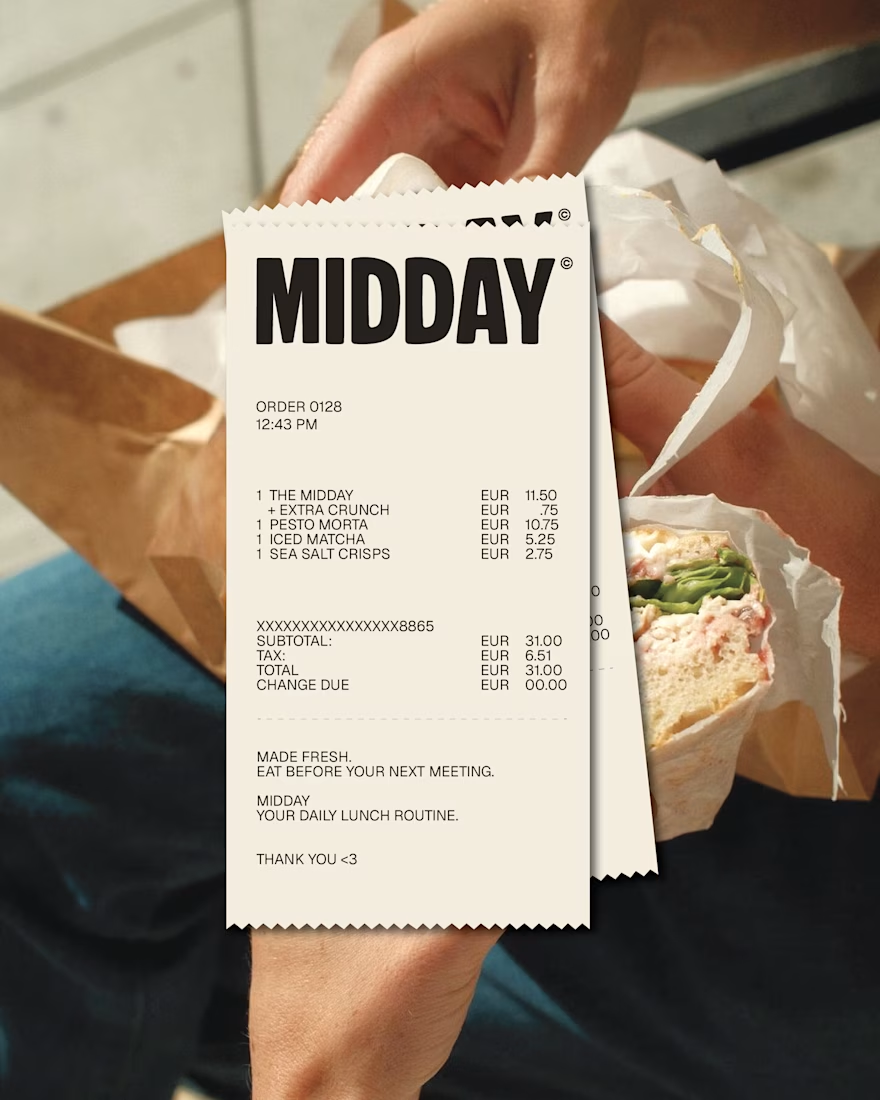
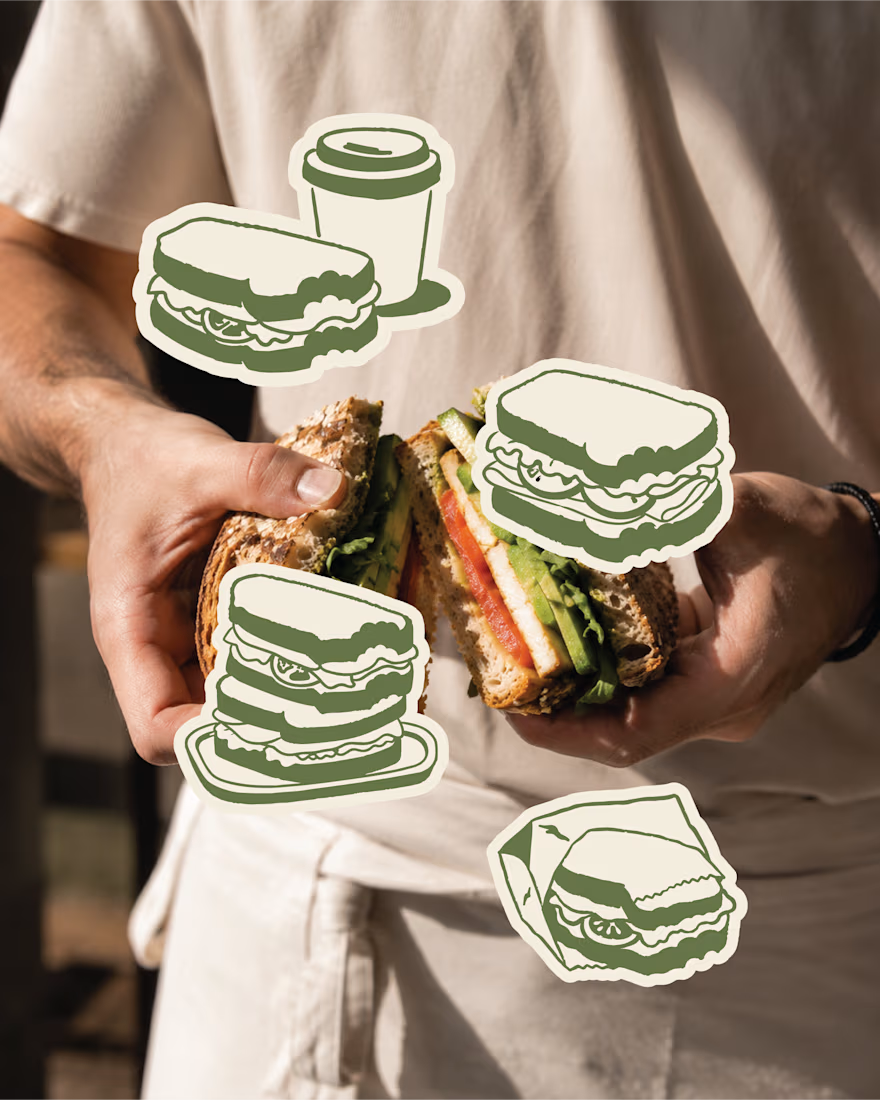
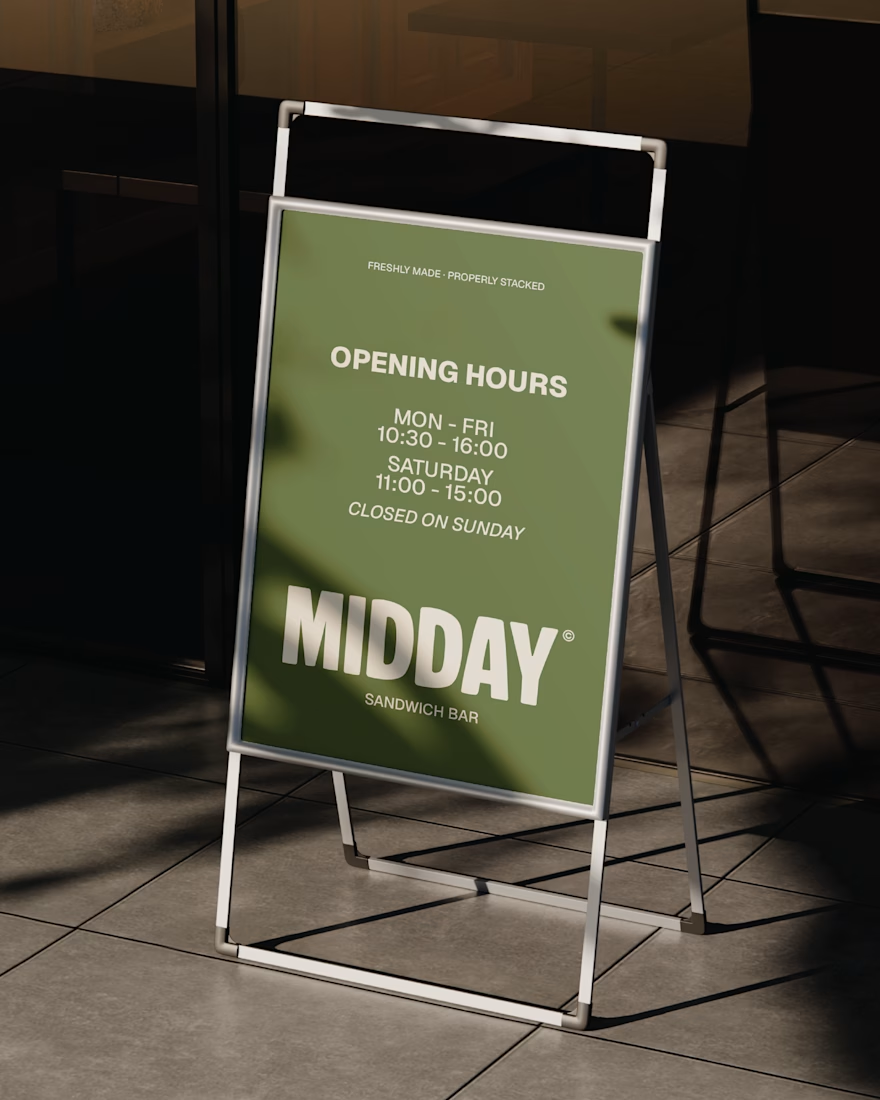
MIDDAY | Visual Identity System
The MIDDAY identity was designed to work hardest in the everyday touchpoints, from menus and receipts to signage and takeaway moments.
A compact colour palette, oversized typography and loose illustrated assets keep the brand recognisable while giving it enough flexibility to feel relaxed, playful and human.
A system made for real lunch breaks, not just polished mockups.
Last part before the case study on this personal project.
It may only exist in mockups for now, but the brand is ready whenever someone wants to make it real.
brandingbrandingassetsvisualidentityBrand DesignLogo DesignVisual DesignAdobe IllustratorAdobe PhotoshopFigma



This deserves more than just liking, this deserves to be featured! 🏆 The cohesive branding assets are perfect for translating into a premium website.












Trending

Claude
Claude has entered the design space. How are you using Claude Design?

Contra University
Learn from expert creatives how to earn more using next-gen AI tools.
creativeaiflow
Creative AI workflows are evolving. What tools do you use, and what are their strengths and weaknesses?
freelancerlife
Freelancer life is wins, pivots, and everything in between. What’s yours right now?