The network for creativity
Join 1.25M professional creatives like you
Connect with clients, get discovered, and run your business 100% commission-free
Creatives on Contra have earned over $150M and we are just getting started
Back to feedPost


More fields create more friction.
More friction = less applications, inquiries, and call bookings.
If you want more clients from your website, then it's time to take a good look at how hard you're making it to work with you!

The network for creativity
Join 1.25M professional creatives like you
Connect with clients, get discovered, and run your business 100% commission-free
Creatives on Contra have earned over $150M and we are just getting started











Related posts
🖐️ Yep, that's me!
Your business deserves so much MORE than pretty design.
So grateful for my talented team that makes this possible ♥️

So true! Design that doesn't convert is just decoration. Love how you lead with business goals first. Amazing mindset! 🙌

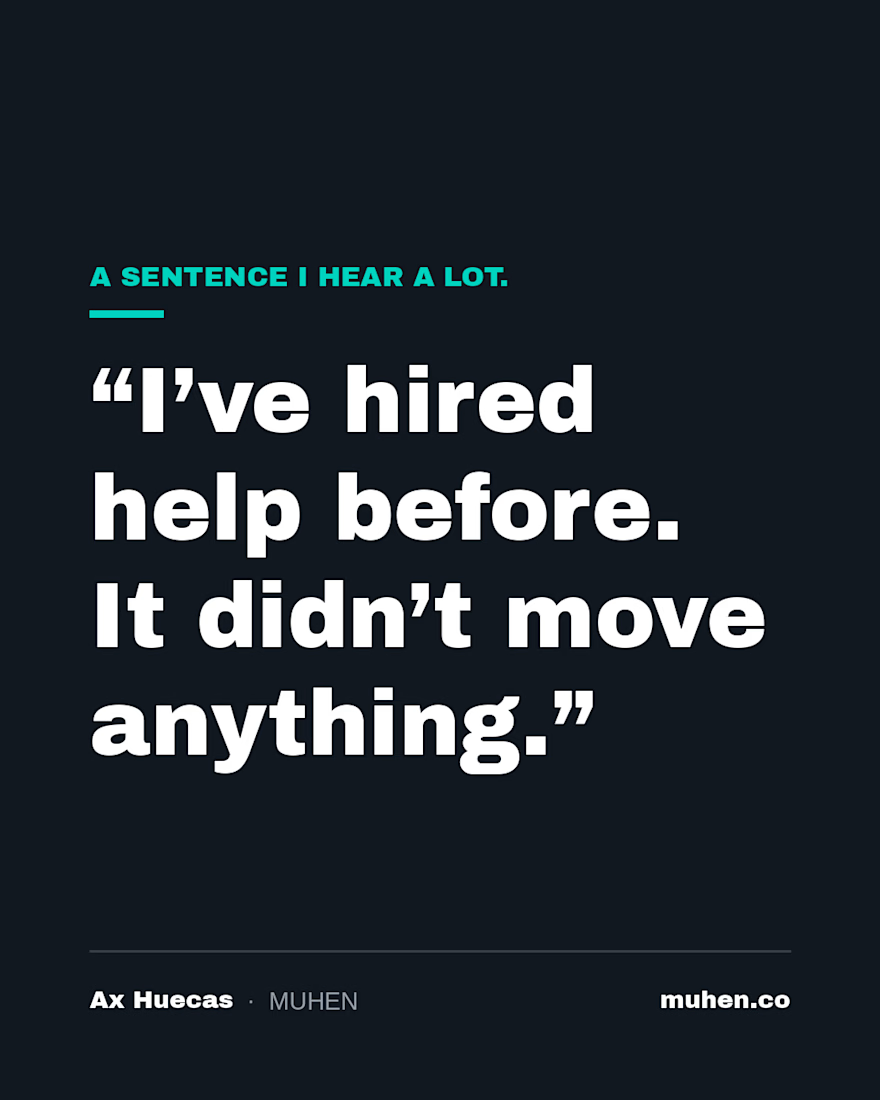
There's a sentence I hear from experts more than almost any other.
"I've hired help before. It didn't move anything."
It shows up in different words from different people. A VA who did the tasks. A designer who made the pages look great. A strategist who handed over a plan and moved on.
Usually everyone did what they were asked. That's the frustrating part.
What was missing was someone looking at how the pieces connect. So the tasks got done, the pages got prettier, the plan sat in a folder, and the founder was still the one holding it all together.
If that's you, there's nothing wrong with you, and nothing wrong with wanting help again. You were handed pieces when what you needed was a system built around how your business actually works.
That's the gap I care most about closing.

This is such a real frustration. The line about everyone doing what they were asked being the frustrating part nails it. Pieces versus systems is the difference between busy and moving. Do you find most clients come to you already knowing this, or is part of the work helping them see the gap?
Bought a New Domain? Do These 15 Things Before You Launch.
Just bought a new domain? Before you launch your website, make sure it’s properly set up for search engines, email, and long-term growth.
In this video, I share 15 essential steps to take after buying a new domain, covering domain security, DNS setup, email authentication, search engine verification, analytics, and SEO planning.
Here’s what you’ll learn:
Check the domain’s history and backlinks before you build
Turn on auto-renew and domain lock
Enable two-factor authentication for your registrar account
Enable WHOIS privacy protection
Point your domain to your hosting with the right DNS records
Set up professional email on your domain
Add SPF, DKIM, and DMARC records
Redirect www and non-www to one version
Install an SSL certificate and enable HTTPS
Verify your domain in Google Search Console
Choose your email marketing tool
Set up Google Analytics
Plan your site structure
Plan your keyword targets
Register the matching social media handles
These steps can help you avoid common domain mistakes, protect your brand, improve email deliverability, and establish a strong foundation for long-term SEO growth.
🙌 Want the Complete Domain Setup Checklist?
✅ Comment “DOMAIN” and I’ll send you the full checklist with step-by-step instructions for each task.