The network for creativity
Join 1.25M professional creatives like you
Connect with clients, get discovered, and run your business 100% commission-free
Creatives on Contra have earned over $150M and we are just getting started
Back to feedPost
Taste Test
Building the landing page for LumaDisk (a disk space analyzer for Mac & Windows).
I'm testing two directions for the "cloud drives" section:
Left: Horizontal icons row
Cloud provider icons in a centered horizontal row, each in a 72px rounded card. Subtle lift + glow on hover. Paragraph copy above, "Read more" CTA below.
Right: Orbit with motion
Cloud provider icons arranged on a ring, each gently floating around its position. Purple-tinted hub at the center. Mouse parallax on hover. Animated particles scattered around the ring.
Context: This section sits between the speed benchmark and the interactive demo.
Which layout sells the feature better: Left or Right
1 voted
20%

4 voted
80%

5 votes
Closed


Orbit with motion wins for me. 🔥 From a CRO perspective, the visual hierarchy of everything feeding into a central 'hub' sells the value proposition of 'all-in-one view' much faster than a row of cards. Both look great though 🙌

Thanks! That's the direction I am leaning too.

Orbit with motion is a win
The network for creativity
Join 1.25M professional creatives like you
Connect with clients, get discovered, and run your business 100% commission-free
Creatives on Contra have earned over $150M and we are just getting started









Related posts


Badge Placement: Consistency or Visual Balance?
Even a small indicator can change how the entire interface feels
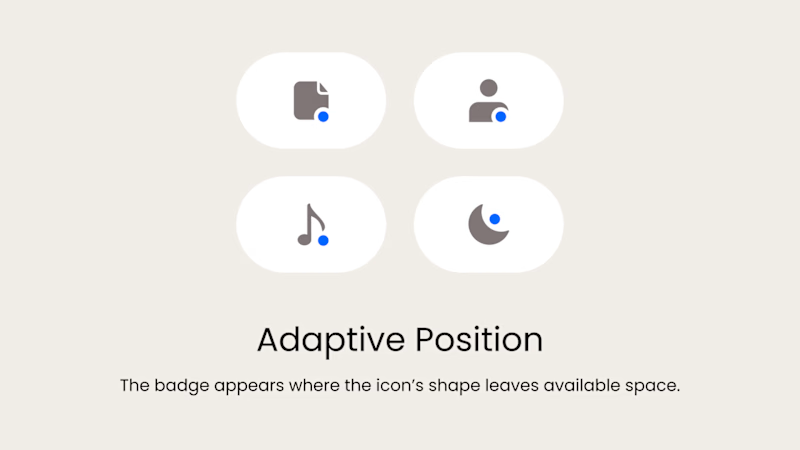
Adaptive Position
The badge placement changes depending on the icon’s shape and available space. The result feels more visually balanced but requires individual adjustments.
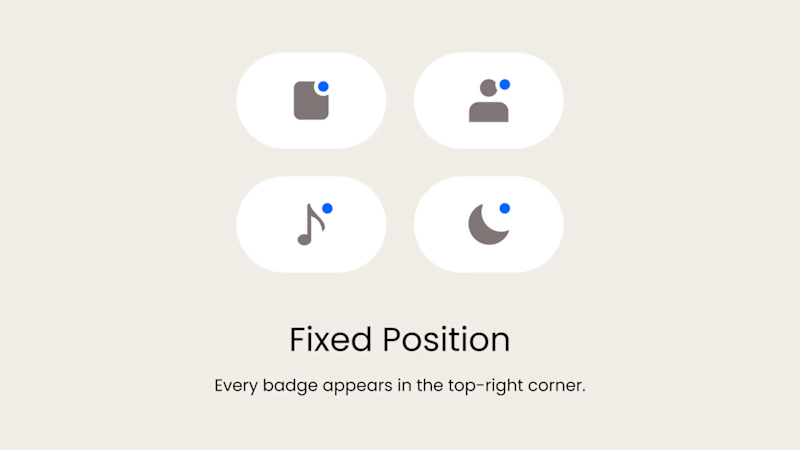
Fixed Position
The badge always appears in the top-right corner. This creates a consistent and predictable system, but on some icons it may feel disconnected or awkwardly placed.
What matters more in a design system: consistency or optical balance?
17 voted
43%
23 voted
57%
40 votes
Closed

Fixed for me. In a system, people learn where to look. I'd tweak the odd icons before breaking the rule.

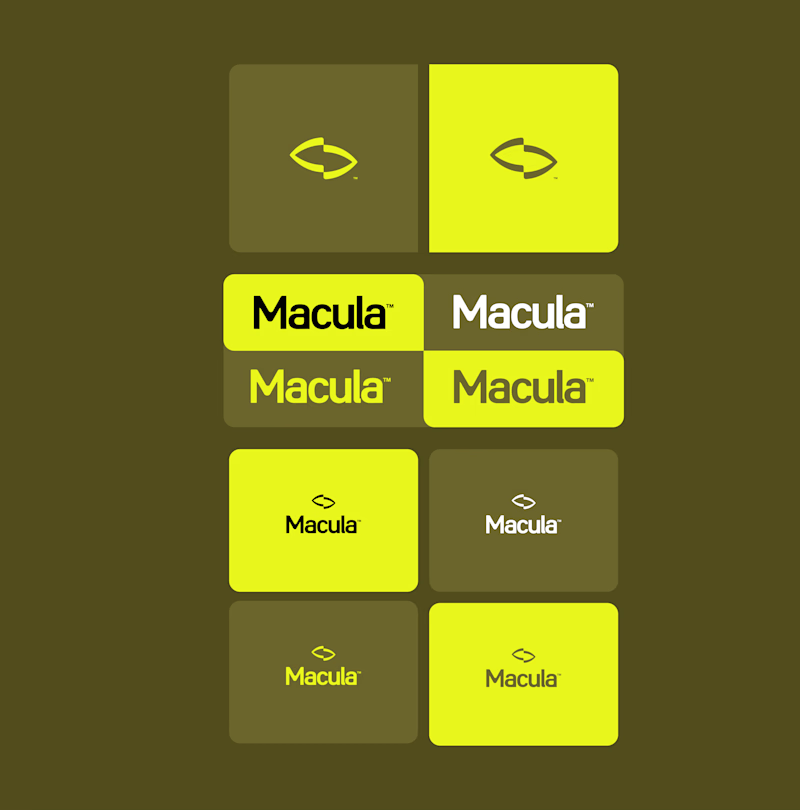
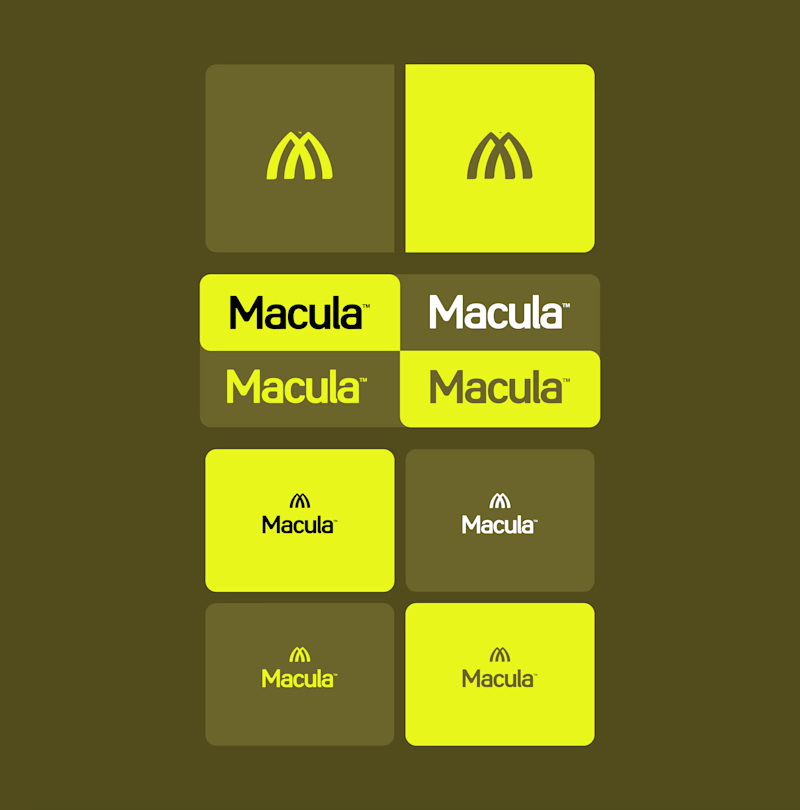
Trying out two symbols for this identity.
The type and colors stay the same, but the feel changes.
Which one would you go with?

6 voted
50%
6 voted
50%
12 votes
Closed

Converge is great but Spotlight feels an updated macdonalds logo ❤️
Great job Gabriel 🎉🎉🔥🔥


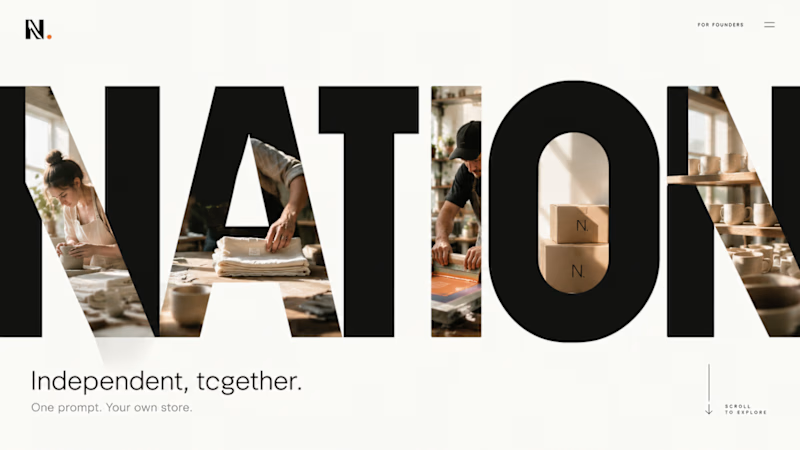
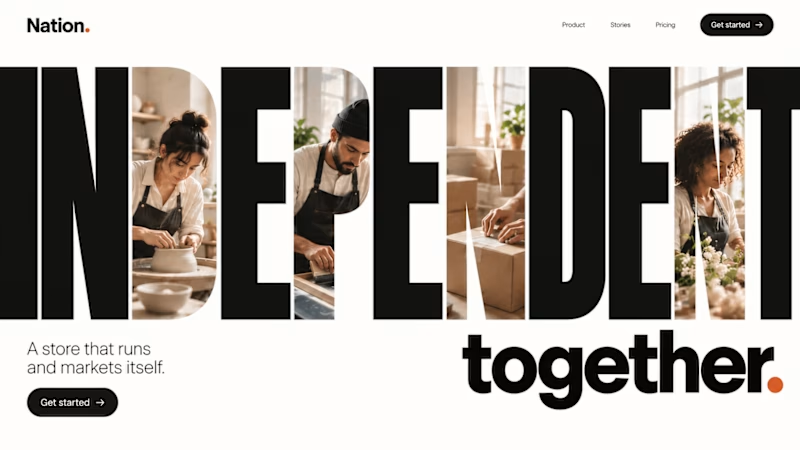
Some ideas I pitched for https://withnation.ai/ New Website.
2 voted
67%
1 voted
33%
3 votes
Closed
Voted for the company name one. The giant NATION letters with the photos inside are hard to forget.