The network for creativity
Join 1.25M professional creatives like you
Connect with clients, get discovered, and run your business 100% commission-free
Creatives on Contra have earned over $150M and we are just getting started
Back to feedPost

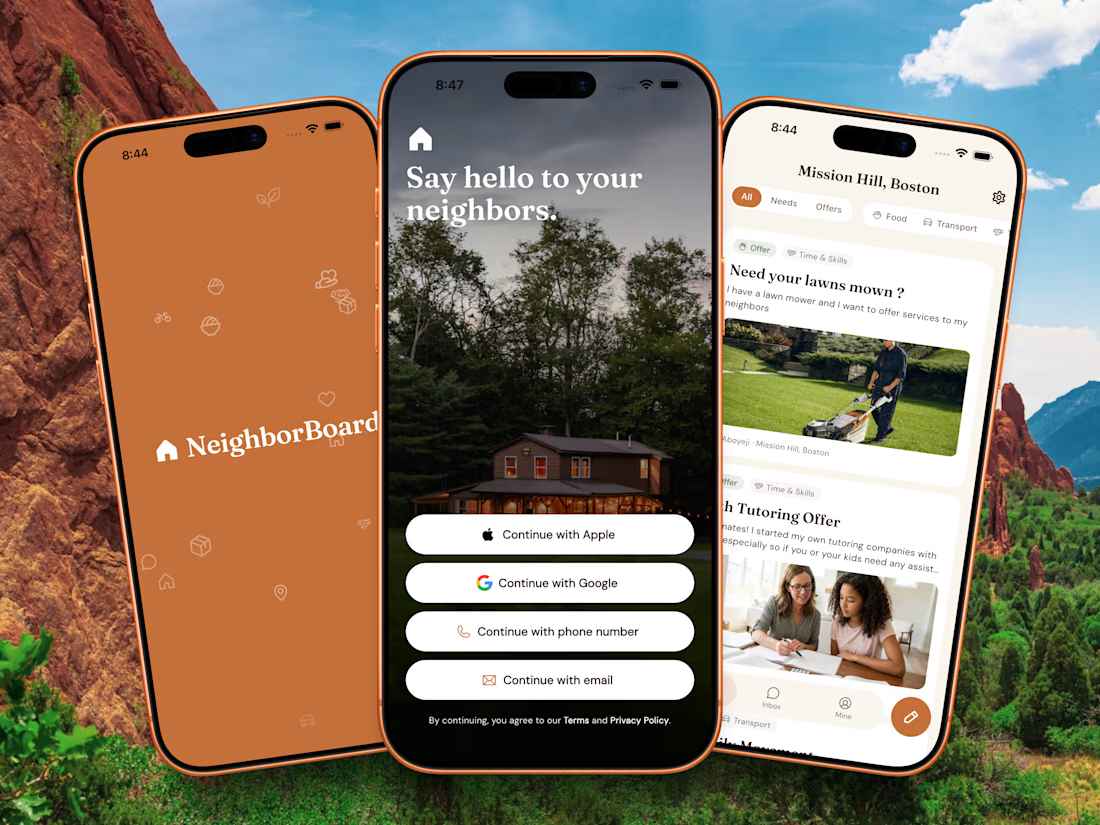
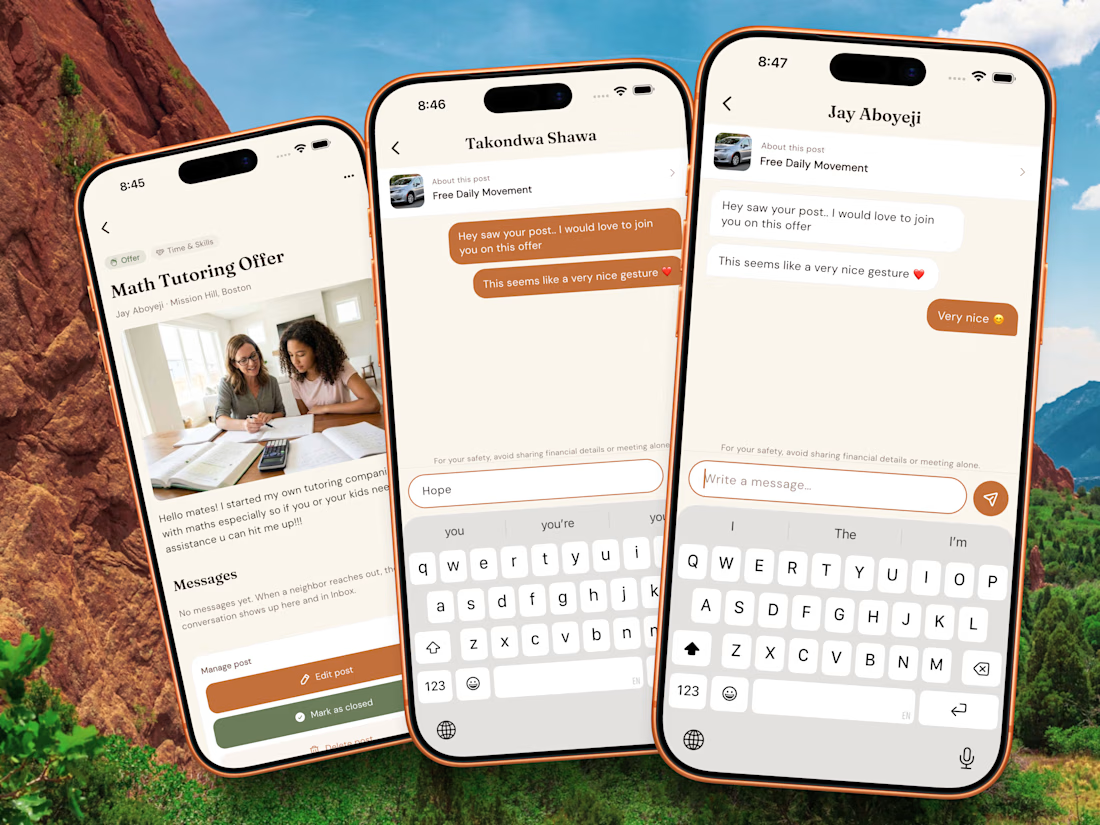
Been working on a new app for a Hackathon (HackSocials2026)
I call it NeighborBoard… it’s a platform that connects neighbors/communities. Any neighbor can offer something to each other like services, foodstuffs and other things… in the other had neighbors can request a need to the community for anything.
Just a platform to make the neighborhood more united and in sync.
Core Stack: Flutter, Firebase, Figma


The network for creativity
Join 1.25M professional creatives like you
Connect with clients, get discovered, and run your business 100% commission-free
Creatives on Contra have earned over $150M and we are just getting started
Related posts

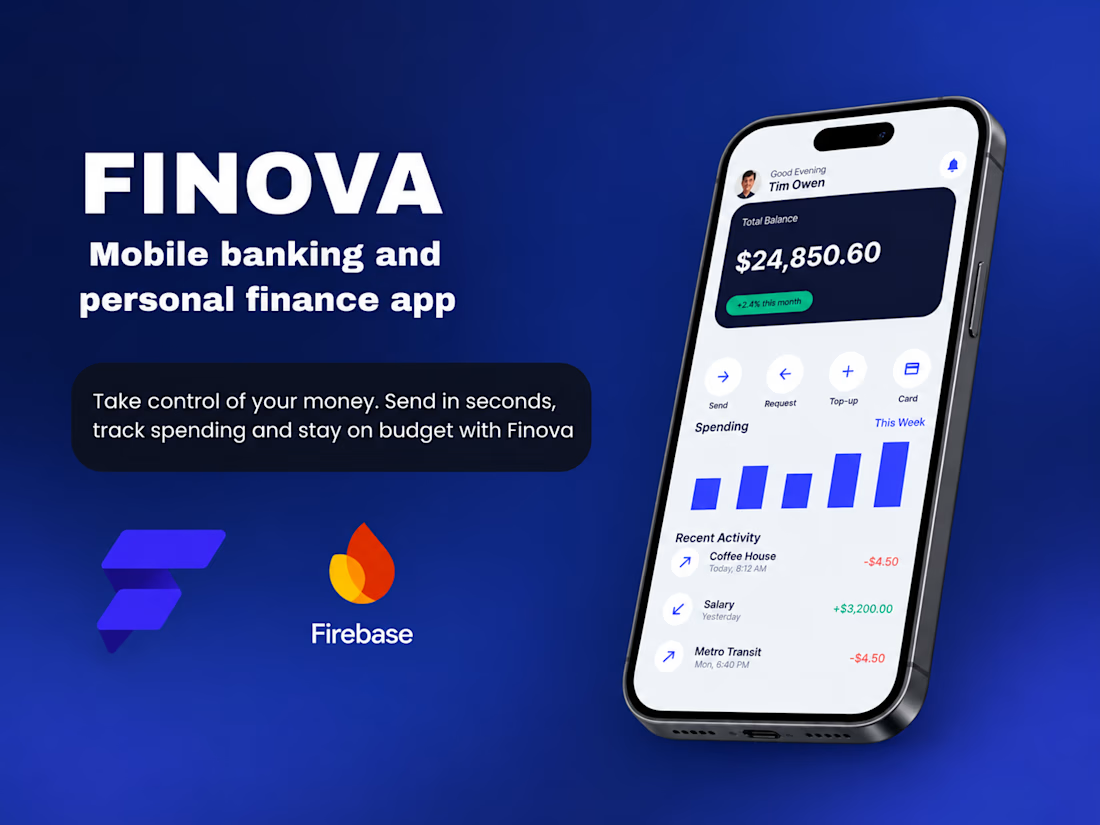
Finova is a mobile banking and personal finance app I built end to end in FlutterFlow, shipping to iOS and Android from a single project. Users can check their balance, send money in seconds and see where every dollar goes. It is a concept project that shows my full workflow, from design to build.
How I built it in FlutterFlow:
1. UI: Home, Send Money and Insights are built with responsive widgets (Column, Row, Stack, ListView) and a shared theme for colours, typography and spacing, so every screen feels consistent.
2. Components: Balance card, quick-action buttons, transaction rows, number pad and bottom navigation are reusable components with parameters.
3. Authentication: Firebase Authentication handles secure sign-up and login.
4. Database: Firestore stores accounts, transactions and budgets, and query-driven ListViews power recent activity and spending breakdowns.
5. Send flow: Action Flows and App State validate the amount and recipient, record the transfer and show a confirmation.
6. Insights: Custom charts turn transaction data into spending categories and a monthly budget bar.
7. Payments: Stripe can be connected for real payment processing.
The result is a fast, polished fintech app with a clean deep navy and blue design, ready for real-device testing and store release.
AI Application DevelopmentDesktop Apps DevelopmentFlutterflow Development FirebaseFirebase AuthenticationFlutterFlow



A push notification model usually breaks in one of two ways: a second phone stops receiving anything, or notifications keep arriving for the account that just signed out. Both come from storing one push address per user. Store one row per app installation instead, with the user ID as a field, and someone with a phone and a tablet has two rows that a single query returns.
The sign-out half has an ordering trap. Delete the installation row while the user is still signed in, then call signOut. A security rule that compares the row owner to the signed-in user refuses the delete once there is no user left to compare against, and the device keeps pointing at the previous account.
The full write-up covers the Firestore rules, the Flutter registration listener, a server cleanup that handles both unregistered error codes, and an acceptance sequence to run on two test installations.

duskolicanin.com
Keep Flutter Push Tokens Correct Across Devices
Fix Flutter push notifications that miss a second device or follow the previous user: store one FCM installation ID per device and prune unregistered IDs.

Great technical breakdown! Handling multi-device FCM tokens and secure sign-out correctly is essential for reliable push notifications. I appreciate the focus on both architecture and real-world edge cases. 👏

Milkinside Gen UI — reimagining the mobile operating system through fluid generative cards and proactive contextual intelligence. I conceptualised and built the mobile launcher experience, replacing static app icon grids with dynamically generated context cards: ethereal frosted-glass aesthetics, soft iridescent refractions and contextual timeline branching surfacing itinerary planning, medical triage prompts or flight transit updates when needed, adapting to voice prompts and ambient situational changes.




