The network for creativity
Join 1.25M professional creatives like you
Connect with clients, get discovered, and run your business 100% commission-free
Creatives on Contra have earned over $150M and we are just getting started
Back to feedPost

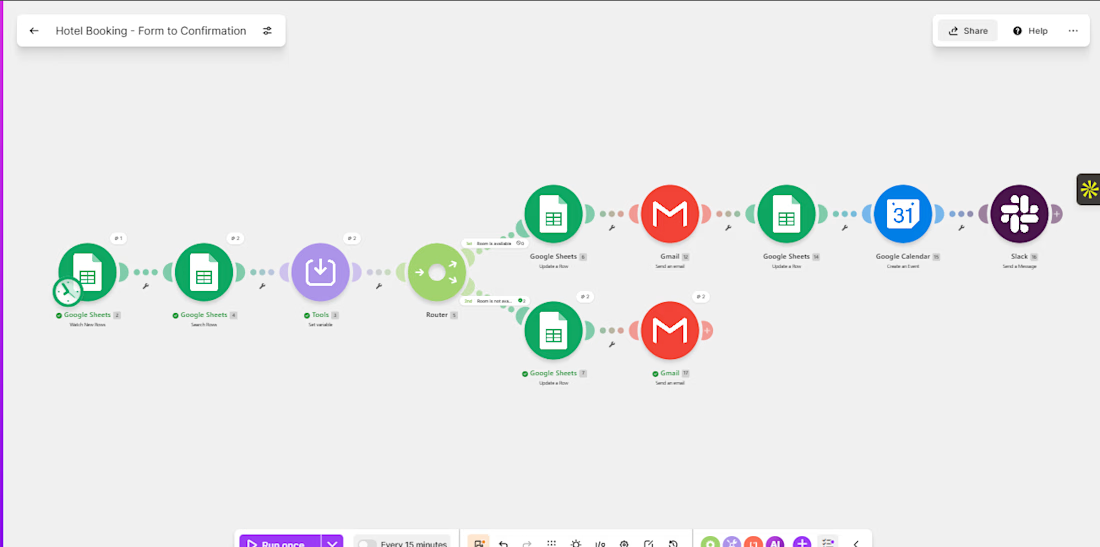
After battling invisible formatting, strict numeric matching, and silent filter blocks, my automated booking flow is finally live and running flawlessly!
An hotel booking automation

The network for creativity
Join 1.25M professional creatives like you
Connect with clients, get discovered, and run your business 100% commission-free
Creatives on Contra have earned over $150M and we are just getting started








Related posts

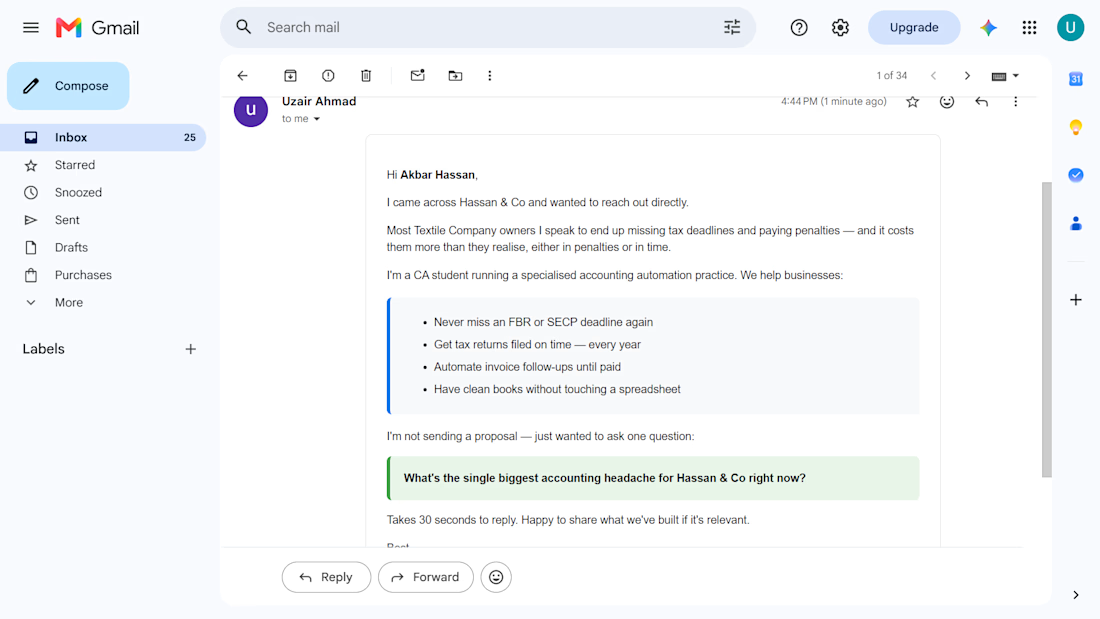
CA Firm Automation Suite — Complete. 5 Stages. 9 Days.
Started with a problem. Finished with a system.
✅ Stage 1 — Client onboarding: form to folder in seconds
✅ Stage 2 — FBR & SECP alerts: 7, 3, 1 day warnings, every client
✅ Stage 3 — Invoice follow-ups: 3 escalating reminders, auto-stop on payment
✅ Stage 4 — Tax data collection: automated document requests with checklist
✅ Stage 5 — New client outreach: personalised emails based on pain point
Built by a 20-year-old CA student who knows this industry from the inside.
Zero per-month cost. Runs free on n8n + Railway.
Looking for the first CA firm to implement this. If that’s you — let’s talk.


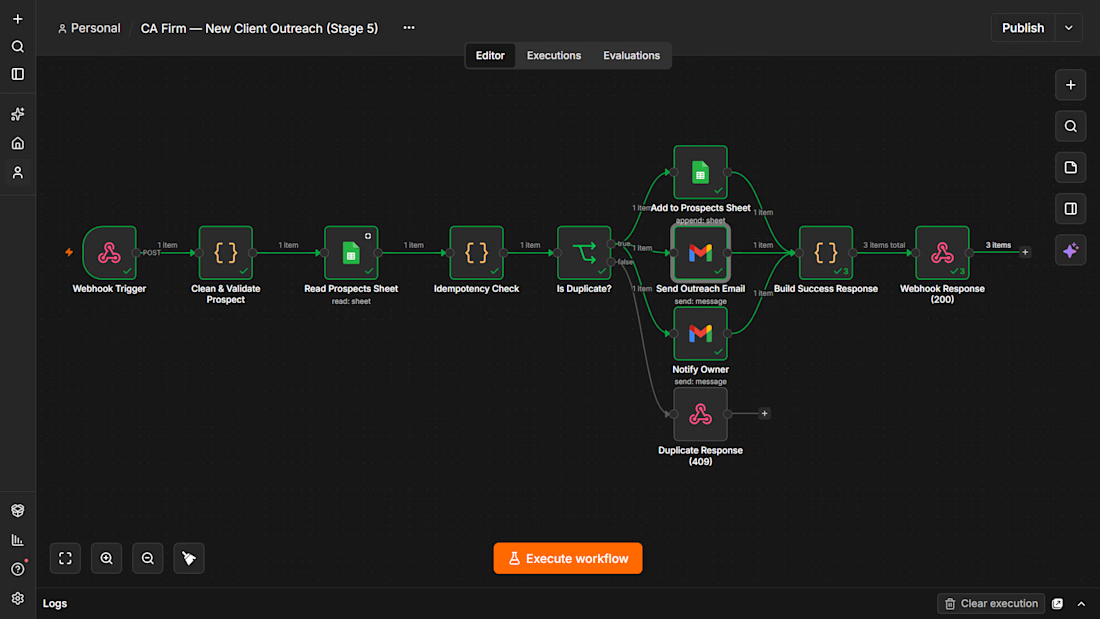
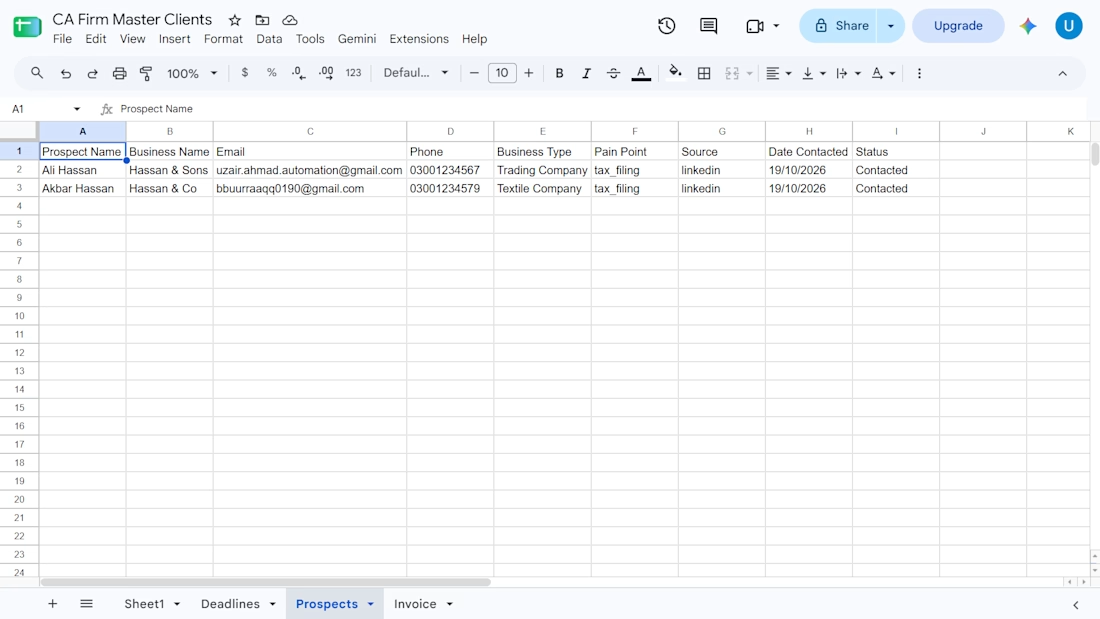
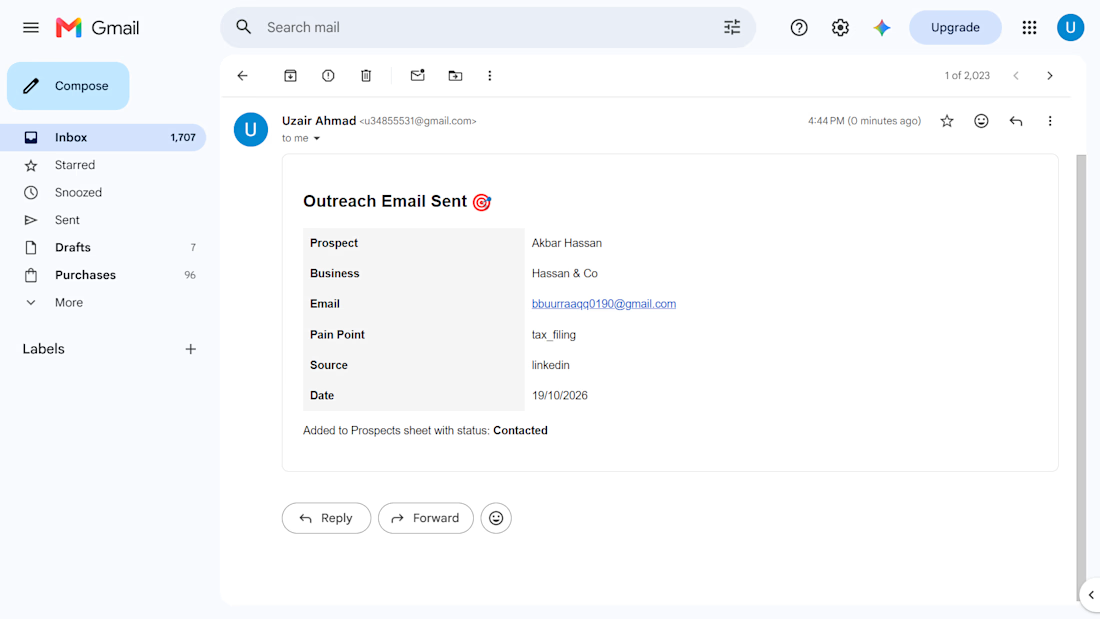

For the tax document checklist, I'd match uploads to both the client and tax period before marking an item complete. How do you handle a client uploading last year's statement or a replacement after the checklist has already cleared?

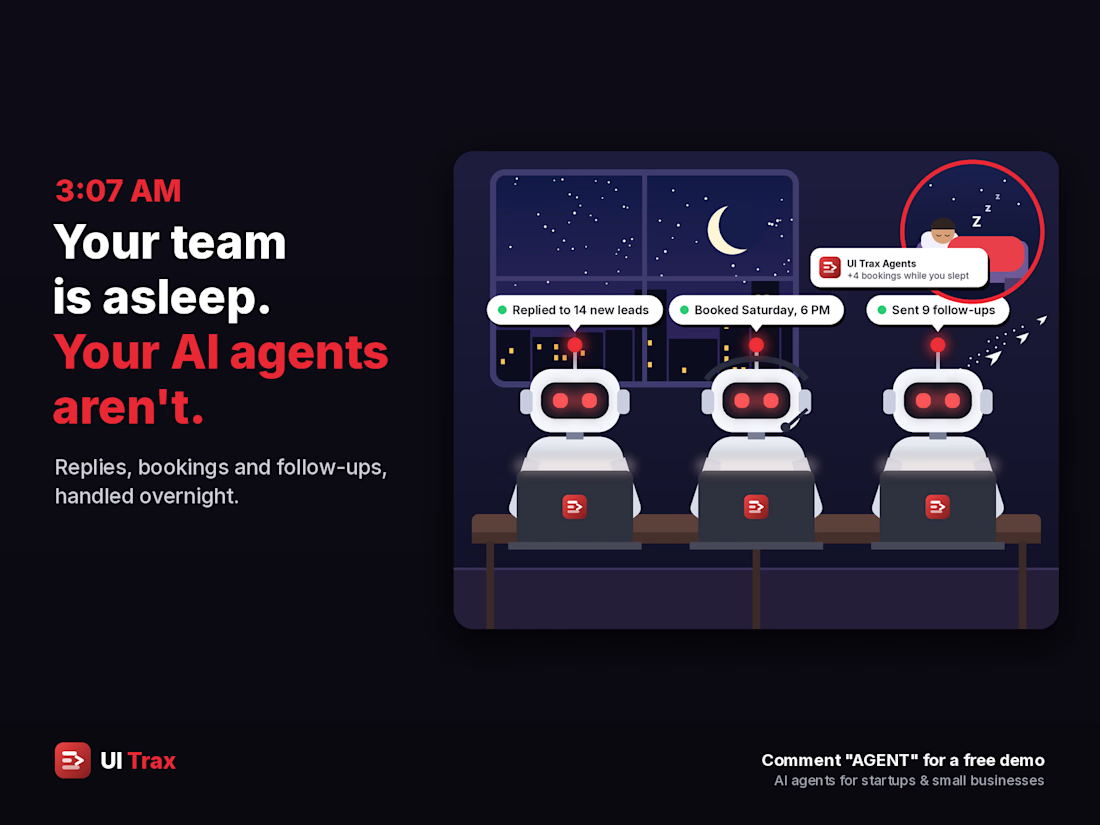
🌙 3:07 AM. Your team is asleep. Your AI agents aren't. 🤖
While you sleep, they:
💬 Reply to every new lead in seconds
📅 Book the slot straight into your calendar
🔔 Follow up before the lead goes cold
📊 Have your morning summary ready
☀️ You wake up to bookings, not missed messages.
🚀 I build AI agents for startups and small businesses.
🎁 Message me for a free of cost demo on your own services and prices 👋

The morning summary is what sells it. Owners want to see what happened overnight before they trust it.

Building a Modern Restaurant Management Dashboard with Lovable (Light ☀️ vs. Dark 🌙)
I’ve been working on the dashboard interface for ReserveTable (Eat Pro Japan), focusing on giving restaurant managers and users a clean, modern, and intuitive interface to manage bookings, tables, and analytics.
Using Lovable, I was able to rapidly prototype and construct a modern UI system complete with smooth component transitions and native theme switching.
✨ Key Design & Tech Highlights:
⚡ Built with Lovable: Leveraged AI-powered design-to-code workflows to assemble clean component hierarchies, responsive search/filter bars, and sleek cards rapidly.
🌗 Seamless Light & Dark Mode: Designed a flexible color system using modern CSS variables / Tailwind tokens so the entire interface gracefully shifts between an elegant light aesthetic and a moody, dark dining ambience.
🎯 Contextual UI Elements: Styled input controls, select menus, and primary CTA buttons to maintain legibility and contrast across both light and dark themes.


For reservation and table states, the same semantic color tokens need to stay clear in light and dark mode. Did you define status tokens once and map both themes to them, or tune those colors per component?