The network for creativity
Join 1.25M professional creatives like you
Connect with clients, get discovered, and run your business 100% commission-free
Creatives on Contra have earned over $150M and we are just getting started
Back to feedPost
Executive Summary
Videmo AI is a production-ready SaaS web application that automates the creation of professional demo videos for software products and web applications. The platform uses AI to transform URLs and product information into polished, narrated demonstration videos through an intelligent 8-step workflow.
Value Proposition: Eliminate the time-consuming manual process of creating product demo videos. Users can generate high-quality demo videos in under 5 minutes, saving approximately 24 hours and a huge cost per video on average.
Fully Functional Prototype:
https://facet-solid-50973065.figma.site
Community URL: https://www.figma.com/community/file/1645008253974628832
Social Post:
https://x.com/usarionagency/status/2063176224382636543?s=20
Product Overview
Core Purpose
Videmo AI enables businesses to quickly create professional demo videos that showcase their software products, web applications, and digital services. The platform is designed for product managers, marketing teams, sales professionals, and UX designers who need to communicate product features effectively.
Key Differentiators
AI-Powered Automation: Intelligent script generation from web app analysis
Complete Control: Full editing capability at every stage (storyboard, script, voice)
Professional Output: 4K video resolution with customizable branding
Credit-Based Model: Flexible consumption-based pricing (~25 credits per video)
User Workflow
The application guides users through an 8-step video creation process:
1. Input (Project Details)
Upload URLs to web applications
Provide product information and walkthrough videos
Organize projects into folders
2. Details (Requirements Questionnaire)
Define target audience
Identify pain points and unique selling propositions
Specify key features and calls-to-action
3. Storyboard (Video Planning)
AI generates scene-by-scene storyboard
Edit scene descriptions, durations, and focus areas
Add notes and action items
4. Processing (AI Generation)
AI analyzes web application structure
Automated screen recording with Playwright/Puppeteer
Credit consumption occurs at this step
5. Script (Review & Edit)
AI-generated narration script
Full editing capabilities
Brand voice customization
6. Voice (Voiceover Selection)
Choose from multiple AI voice options
Adjust stability, clarity, speed, pitch, volume
Custom pronunciation and keyword emphasis
7. Assembly (Video Creation)
Automated video assembly and rendering
Combines screen recordings with voiceover
Progress tracking
8. Preview (Final Result)
Watch generated demo video
Download in multiple formats
Share with team or publicly
Core Features
User Features
Dashboard: Overview of video creation stats, credits, and recent projects
Project Management: Organize videos into folders with tagging and search
Credit System: Transparent credit usage with estimation before generation
Team Collaboration: Share projects and videos with team members
Version Control: Track project history and iterations
Multi-Quality Export: 720p, 1080p, and 4K video output
Admin Features
Admin Panel with 6 management sections:
Dashboard: Analytics (user growth, plan distribution, credit usage)
User Management: User accounts, roles, and permissions
API Keys: Comprehensive API key management with rate limiting
Integrations: AI model and automation tool configuration
Content Editor: Dynamic page management (Terms, Privacy, etc.)
System Settings: Platform configuration and settings
Technical Architecture
Frontend Stack
Framework: React 18.3.1 with TypeScript
Styling: Tailwind CSS v4.1.12
UI Components: Radix UI, shadcn/ui design system
State Management: Custom React hooks
Icons: Lucide React
Charts: Recharts
Animations: Framer Motion (motion package)
Forms: React Hook Form 7.55.0
Routing: React Router 7.13.0
Build Tool: Vite 6.3.5
Component Organization



Hi there, this looks great! Make sure to review the guidelines to include a video walkthrough of your submission to be considered for a prize.

Demo video link: https://www.loom.com/share/7aca9875ed3e48fdbbf54c6a89eb9290
The network for creativity
Join 1.25M professional creatives like you
Connect with clients, get discovered, and run your business 100% commission-free
Creatives on Contra have earned over $150M and we are just getting started
Trending

Claude
Claude has entered the design space. How are you using Claude Design?

Contra University
Learn from expert creatives how to earn more using next-gen AI tools.
creativeaiflow
Creative AI workflows are evolving. What tools do you use, and what are their strengths and weaknesses?
freelancerlife
Freelancer life is wins, pivots, and everything in between. What’s yours right now?








Related posts


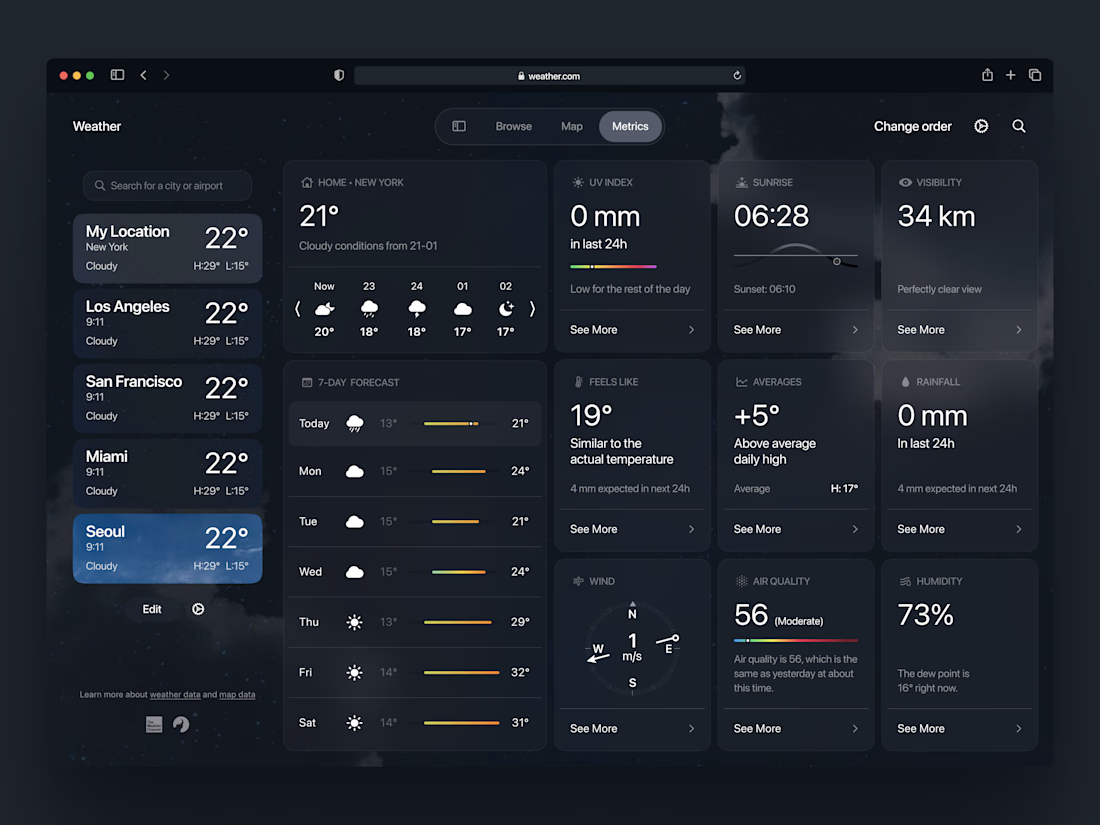
Check out the new weather app concept 🌧️ Would love to hear your feedback!



Hey!
I tried something similar , please check this out , will greatly appreciate your respose




30+, well that's plenty of good work!

The last screen deserves as much attention as the first.
Designed this portfolio footer with a retro-inspired interface, modern UI details, and a stronger project CTA. Every component was built to make the experience feel intentional from start to finish.
#UIUX #WebDesign #CreativeDirection
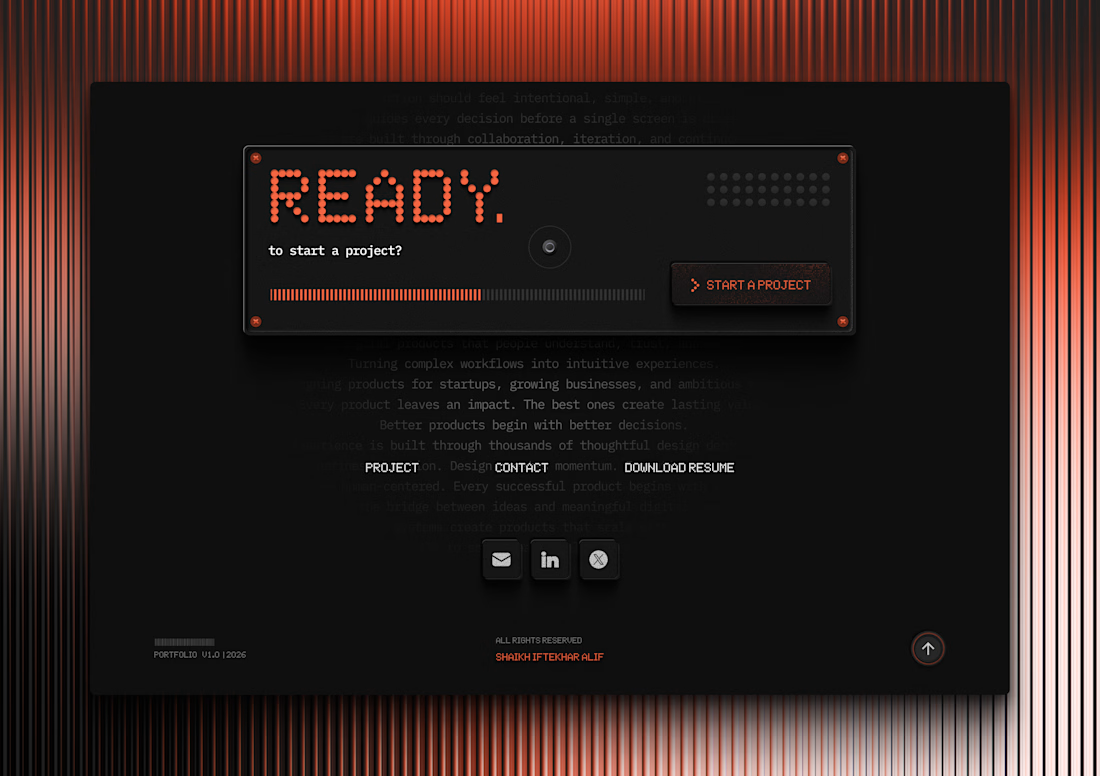

The dot-matrix display aesthetic paired with those subtle orange glow accents gives this footer so much personality.