The network for creativity
Join 1.25M professional creatives like you
Connect with clients, get discovered, and run your business 100% commission-free
Creatives on Contra have earned over $150M and we are just getting started
Back to feedPost

claude running multiple projects for me
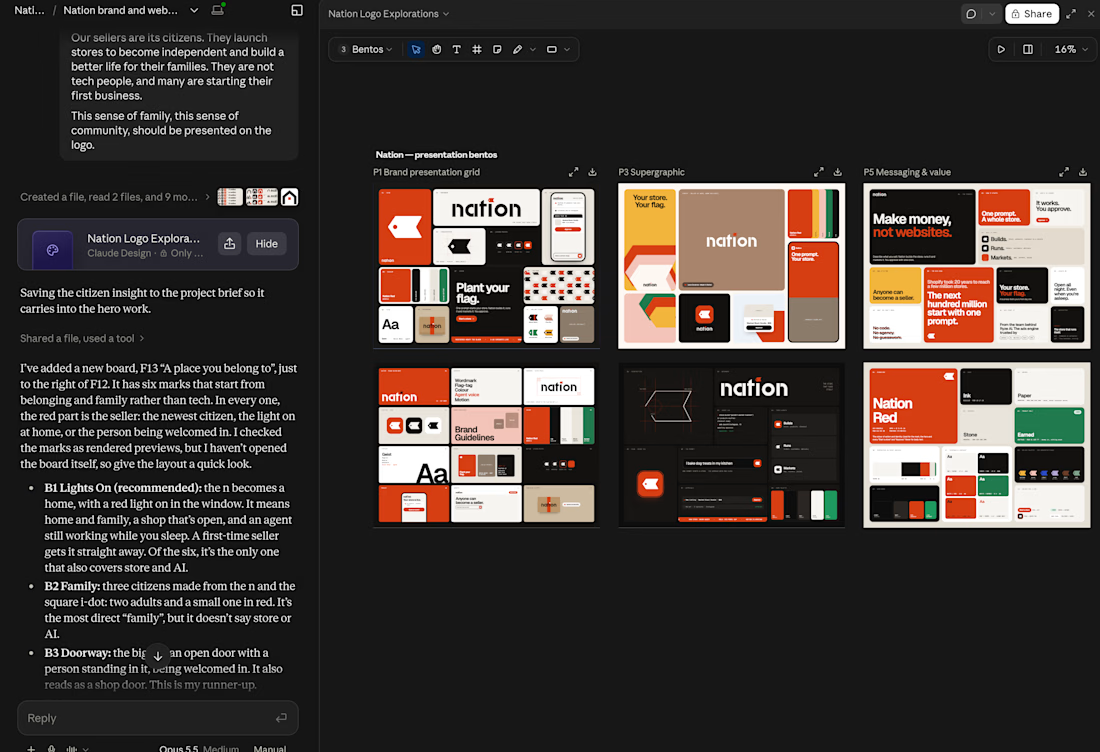

Interesting workflow, Miguel. Using Claude across multiple parallel brand explorations can speed up the messy early-stage thinking, especially when the final judgment still stays with the designer.
We work on AI products, SaaS, web, and mobile platforms at M TECHUB LLC. If you...
The network for creativity
Join 1.25M professional creatives like you
Connect with clients, get discovered, and run your business 100% commission-free
Creatives on Contra have earned over $150M and we are just getting started







Related posts

AI-Powered Motion Graphics & Video Creation
A creative video project exploring how AI-assisted workflows can transform ideas into engaging visual experiences.
Created using Claude AI (Opus 5.5), this project combines AI-assisted generation, dynamic animation, and a modern visual style to create content designed for digital platforms and social media.
Project Highlights
AI-assisted video creation and creative direction
Motion graphics and dynamic visual elements
Visual and engaging scene composition
Content designed for digital marketing and social media
Tools: Claude AI (Opus 5.5), AI-assisted creative workflow.
My Focus: Exploring new ways to combine artificial intelligence and visual creativity to produce engaging, high-quality video content for brands, businesses, and digital creators.
This project is part of my exploration of AI-powered video production and creative visual communication.


I took this dashboard beyond static UI by adding motion and interaction to the experience.
I used Claude to assist with the animation, guiding the process through clear instructions, iterations, and adjustments to achieve the interactions I had in mind.
The tool supported the execution, but the direction came from me.


Another example of why setting up a thorough design system matters in the AI era.
Earlier this week, I started a new Webflow project. I cloned the MAST template and started updating the styling and components to match the mockups. About half of those updates happened through Claude and the Webflow MCP.
I shared the color palette and font sizes. Claude also created a typography scale, which I used to update the typography tokens. The cloneable came with prebuilt AI skills, which really helped.
Then I shared the Figma mockups with Claude and asked it to build three pages, one by one.
It did really well! It followed MAST’s class names, layouts, and components. When it needed a custom class, Claude asked for my approval first. It even got the GSAP animations right.
The pages aren’t production-ready yet. There are still a few things to fix. But I barely needed to open Webflow during the build.
So don’t be afraid to spend time getting the foundation right first. You can go very far when you’ve got that in place.