The network for creativity
Join 1.25M professional creatives like you
Connect with clients, get discovered, and run your business 100% commission-free
Creatives on Contra have earned over $150M and we are just getting started
Back to feedPost

Just tested the new feature and the first impressions are great! 🚀
Prompt:
Build Kaysia Timer, a polished, working mobile timer app for iPhone 14 Pro. Use your supported mobile stack. All UI copy must be US English. Implement the app, including persistent state and working controls.
DESIGN
Light theme only, including when the phone uses Dark Mode.
Background #F5F8FC, pale blue surfaces #E3ECF8, dark navy text #192D4A, secondary text #526581, dividers #C7D5E7, primary buttons #315AB7 with white text.
Use Newsreader serif for “Kaysia,” page titles and large countdown digits. Use the platform sans serif for controls and body text. Countdown 102px, titles 40px, wordmark 31px, body 17px, buttons 16px medium, metadata 13px. Use tabular digits.
Use 24px page margins and generous spacing. Buttons should be compact rounded capsules with at least 44px touch targets. Saved timers are plain rows separated by fine lines.
The main visual is a large apricot glass hourglass mascot against a pale blue architectural shape aligned right, with a strongly rounded top-left corner. Give the mascot roughly 260px of height. Keep the layout airy and asymmetrical.
ATTACHED PNG ASSETS
Preserve their transparent backgrounds and proportions.
kaysia-wave.png: ready screen.
kaysia-think.png: timer creation.
kaysia-idle.png: running timer.
kaysia-sleep.png: paused timer.
kaysia-celebrate.png: finished timer.
kaysia-blink.png and kaysia-love.png: optional brief tap reactions.
Use these exact images. Add subtle floating and state transitions. Respect Reduce Motion. When paused, lower and flatten the pale blue stage over 240ms, like a resting shelf.
FIVE STATES
Ready: “Kaysia” header, add button, waving mascot, “No timers running,” “Saved timers,” and “New timer.”
New timer: “Cancel,” title, thinking mascot, Hours/Minutes/Seconds selectors, Name field with “e.g. Tea,” quick choices 5/15/30/60 min, and “Start.”
Running: timer name, large MM:SS countdown (include hours when needed), “Running,” mascot, “Pause,” “New timer,” saved timers.
Paused: frozen remaining time, “Paused,” sleeping mascot, “Resume.”
Finished: “00:00,” “Time is up,” celebrating mascot, “Stop” and “+5 min.”
BEHAVIOR
Persist named presets. Initially offer Tea 5 min, Laundry 35 min and Break 15 min.
Support at least two simultaneous independent timers. Show selectable name/time chips to switch between them.
Pause, resume, Stop and +5 min affect only the selected timer.
Use stored deadlines so backgrounding or reopening never causes countdown drift. Persist paused remaining time. Reject zero duration and prevent duplicate starts.
IOS
Where supported, implement AlarmKit alarms, Lock Screen countdowns and Dynamic Island. Alarms must work while locked with Silent Mode and Focus. Reconcile system Stop and +5 min with app state. Use readable monochrome system controls where customization permits.
If native APIs are unavailable, explain the limitation in your delivery notes. Never simulate successful integration.
CHECK
Test two timers, independent pause/resume, restart persistence and isolated Stop/+5 min. Check small screens, large text and Reduce Motion. Keep copy concise and show contextual errors only when an operation fails.

The network for creativity
Join 1.25M professional creatives like you
Connect with clients, get discovered, and run your business 100% commission-free
Creatives on Contra have earned over $150M and we are just getting started



Related posts


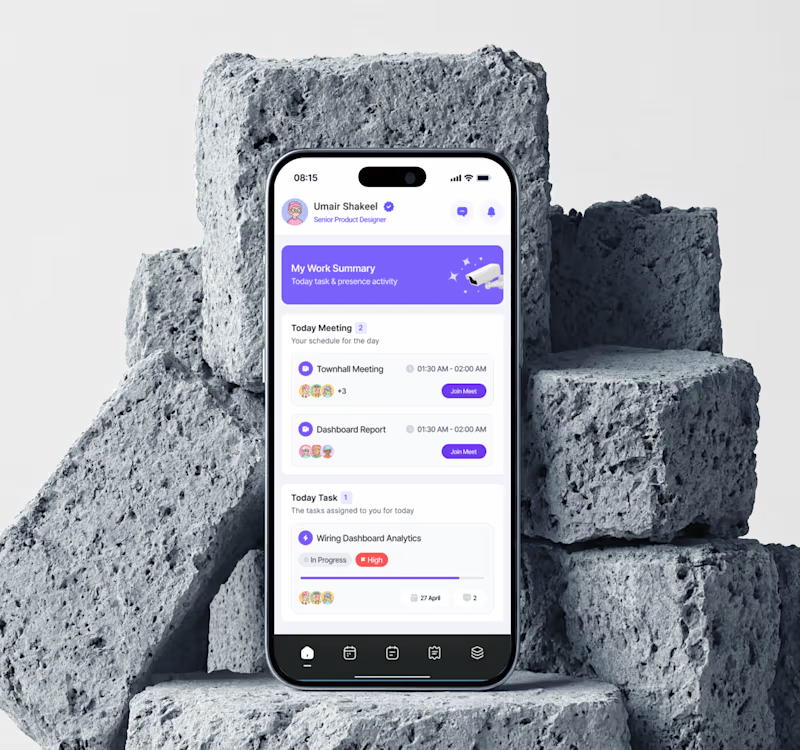
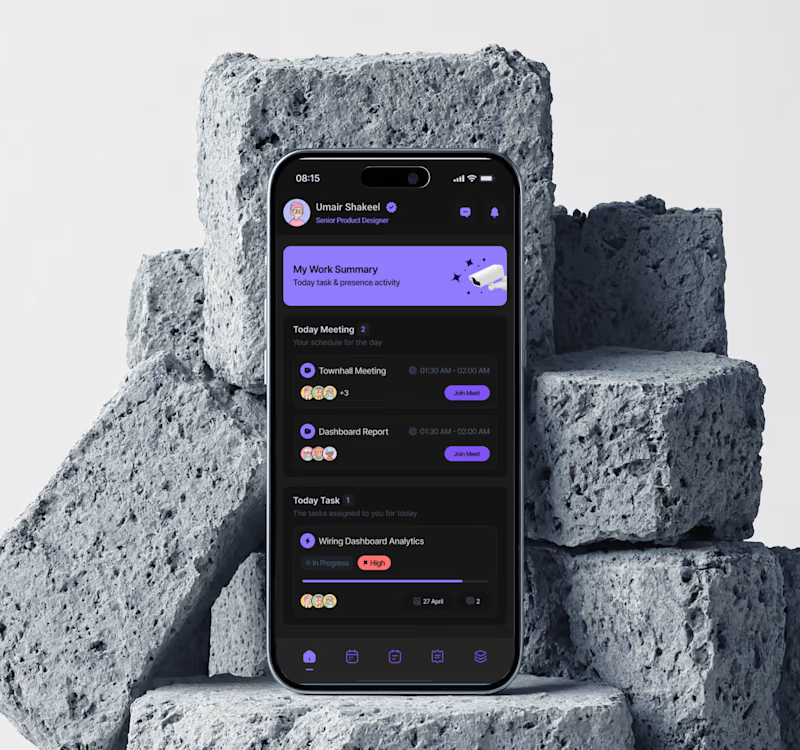

Dark mode for evenings, but light feels easier for daily use. Both look clean though!

Exploring two color palette directions for a women’s health app. Which one feels right to you? 👀
32 voted
56%
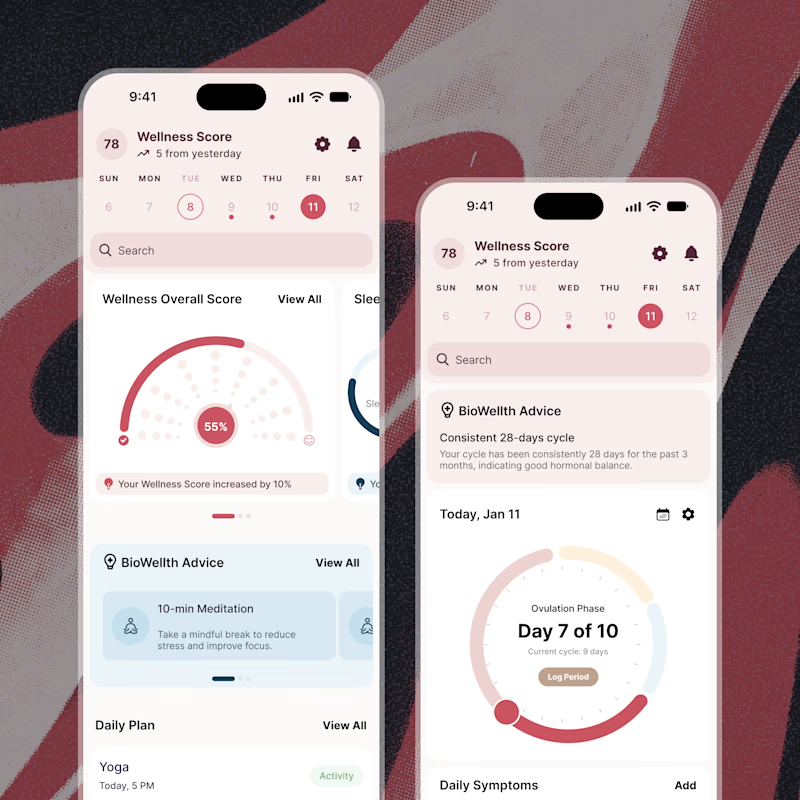
25 voted
44%
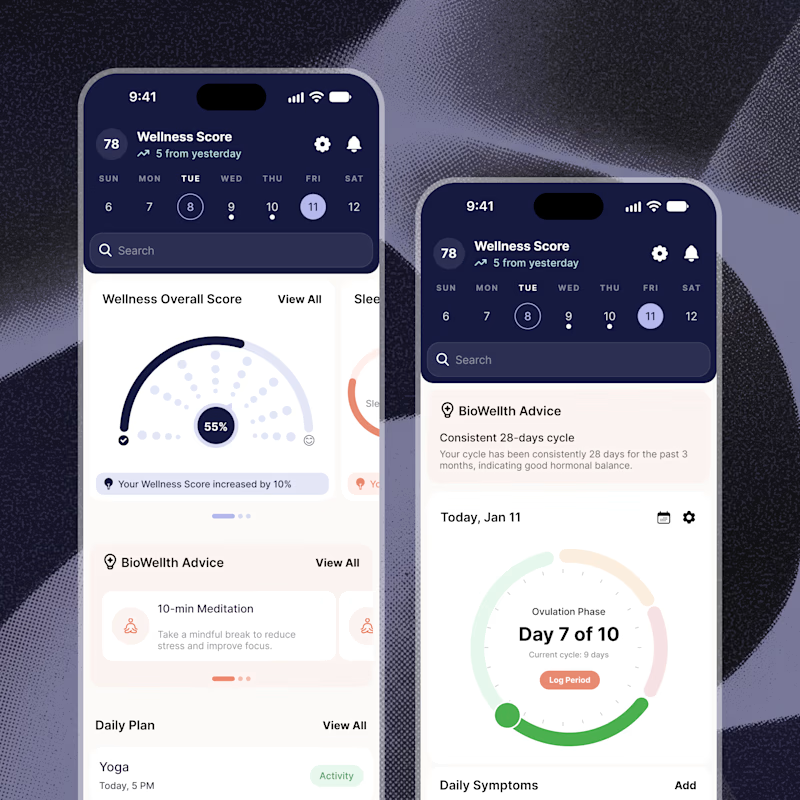
57 votes
Closed

Both are amazing! The purple definitely has better contrast, but I’d still go with the berry one, purely a personal preference

Independent stories deserve to be discovered.
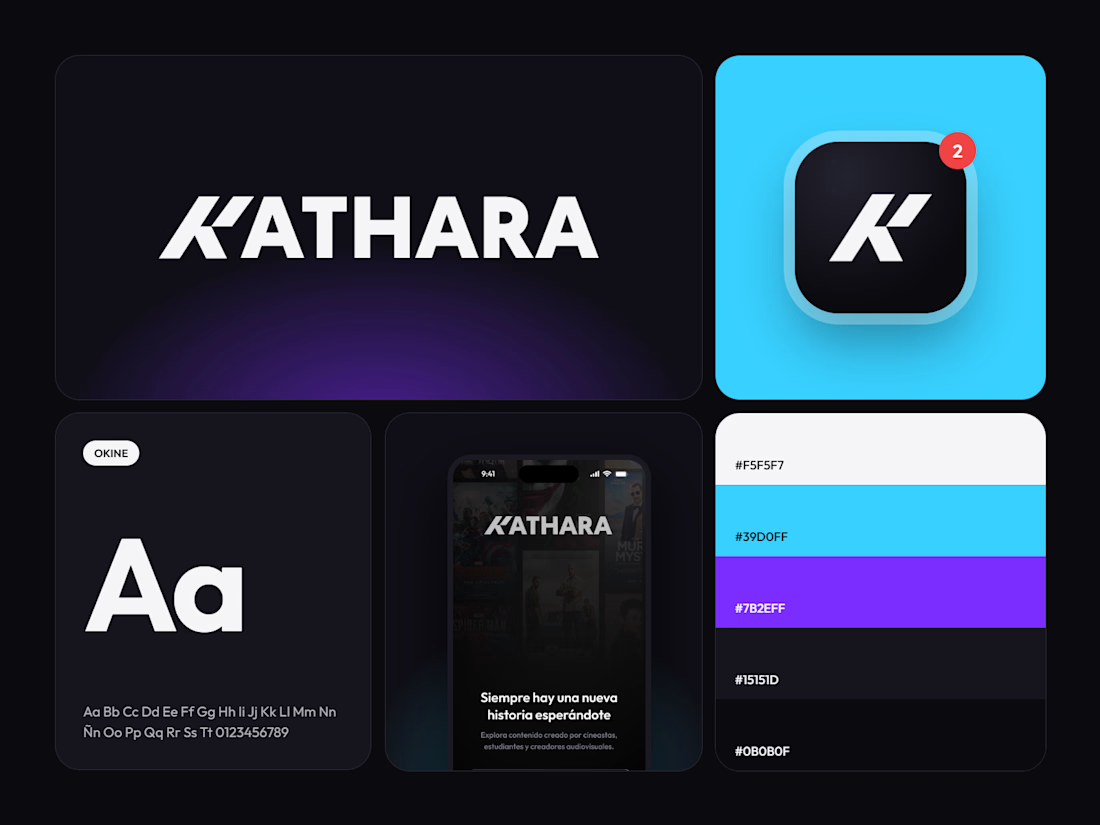
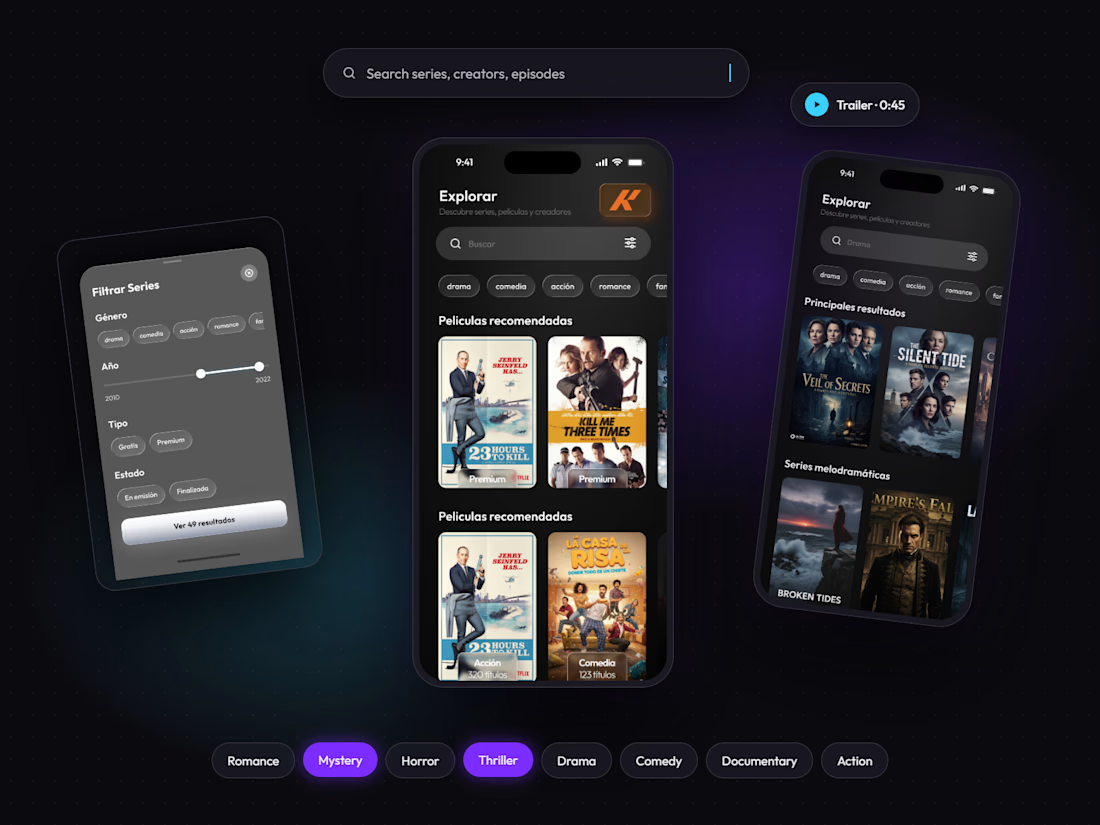
Meet KATHARA, a mobile streaming app concept connecting independent creators with viewers through short, vertical series.
Over five weeks, I designed an iOS experience around two connected journeys: discovering your next series and sharing your own.
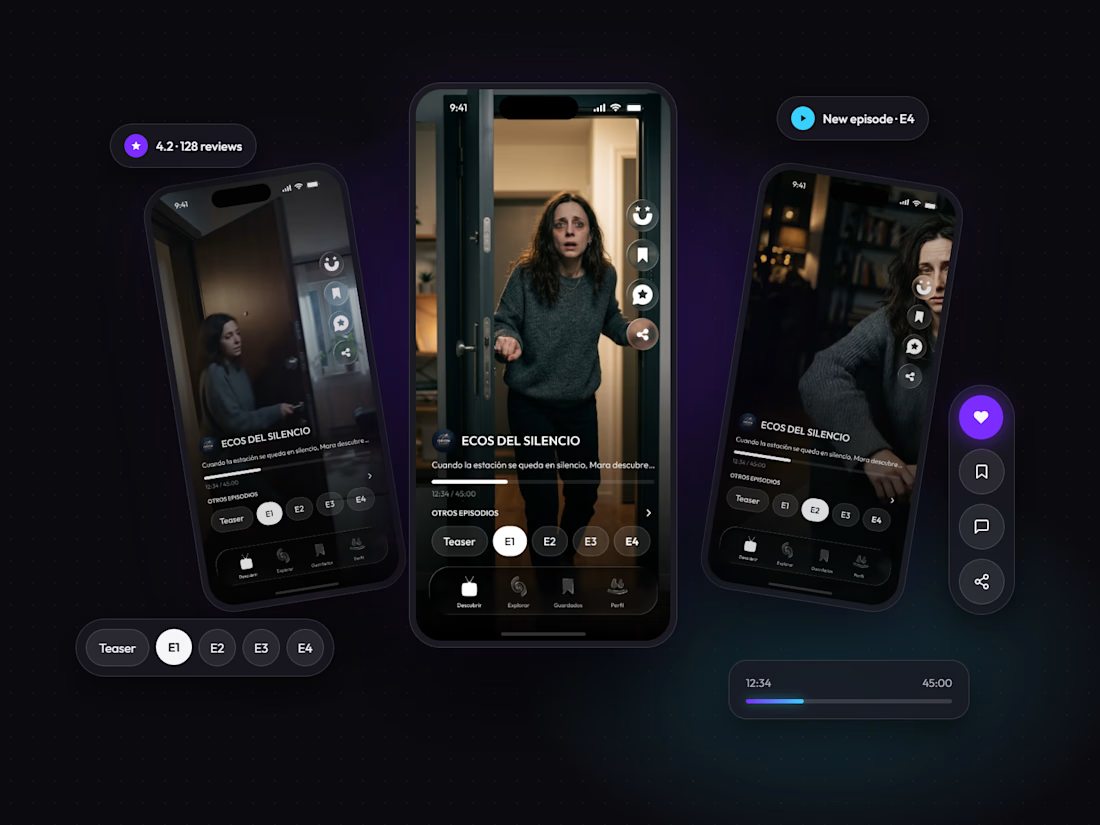
The design brings together a full-screen viewing feed, one-tap episode navigation, personalized discovery, and community conversations with spoiler warnings. For creators, dedicated publishing flows and monetization options support the journey from releasing a first episode to building an audience.
A dark interface with electric cyan and purple accents gives KATHARA its visual character while keeping the stories in focus.
UI/UX & Mobile Design · Figma · 5 weeks
What would make you give an independent series its first watch?