The network for creativity
Join 1.25M professional creatives like you
Connect with clients, get discovered, and run your business 100% commission-free
Creatives on Contra have earned over $150M and we are just getting started
Back to feedPost

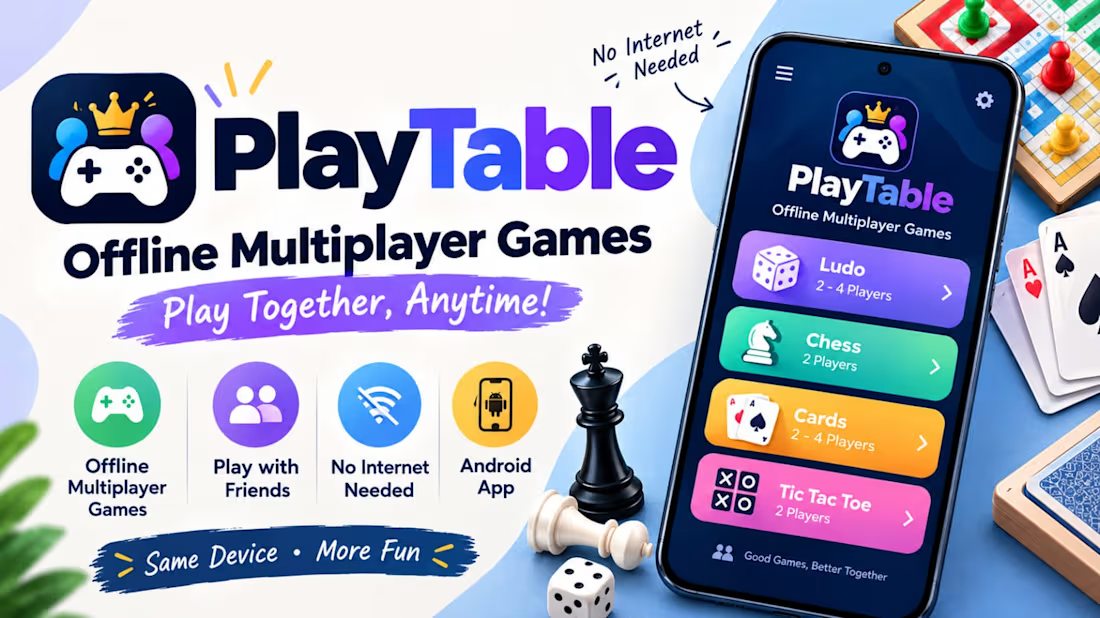
No internet. Two phones. One game. How do you make that work?
When I built PlayTable, an Android app of 2-player games, the goal was simple. Friends should be able to play together anywhere, even with no Wi-Fi or mobile data.
The hard part was connecting two phones without any server. Here is how I solved it
- Bluetooth for direct phone-to-phone play
- Network Service Discovery (NSD), so phones on the same Wi-Fi find each other with no room codes
- Socket connections to keep every move in sync
- Pass and play mode for when there is only one phone
All built natively in Kotlin with Jetpack Compose.
The lesson for me. Not every app needs a backend. Sometimes the best feature is that it keeps working when the internet does not.
Have you ever built something that had to work fully offline? What was the trickiest part?


The network for creativity
Join 1.25M professional creatives like you
Connect with clients, get discovered, and run your business 100% commission-free
Creatives on Contra have earned over $150M and we are just getting started



Related posts

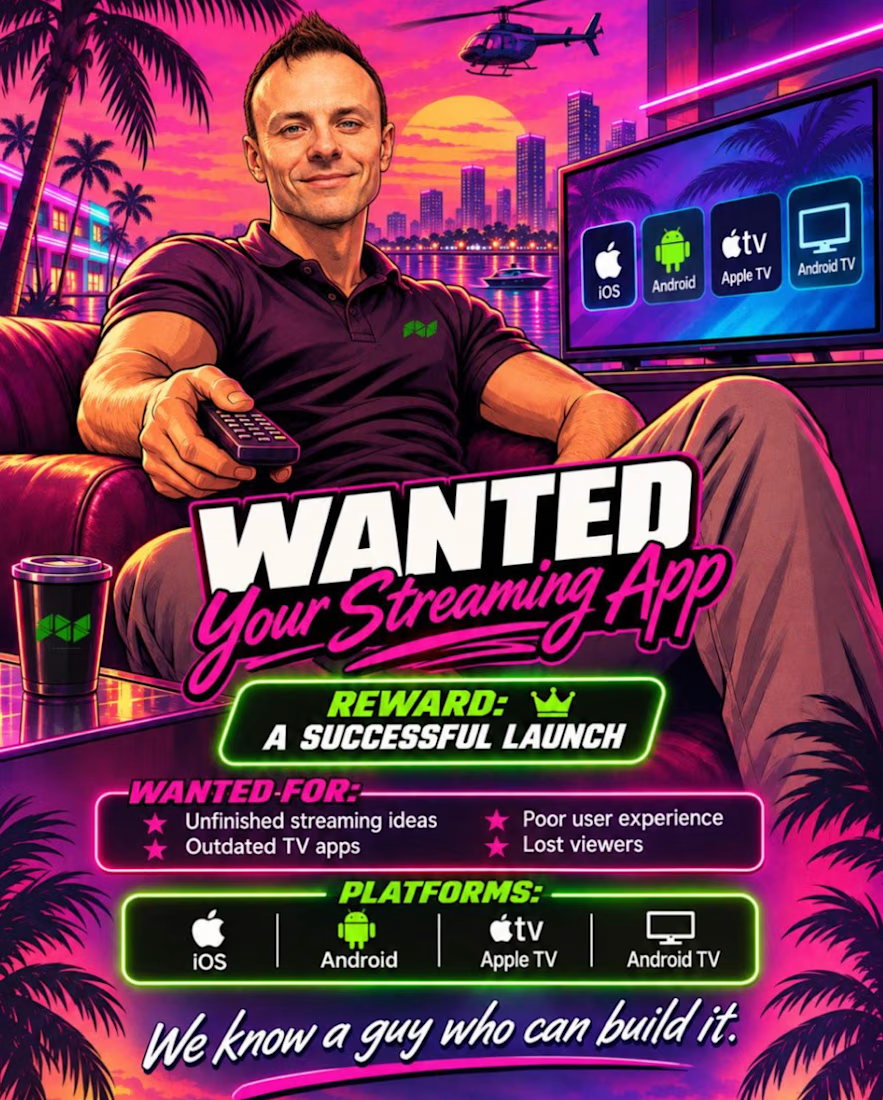
🎯 YOUR STREAMING APP WON’T BUILD ITSELF.
Every streaming business has a mission. Ours is to make sure your app doesn’t stay just an idea.
From iOS and Android to Apple TV and Android TV - we build streaming apps ready for the real world.
No side quests with unnecessary features. Just the technology your business needs.
Got a mission? Let’s talk.

The Flutter App Links cookbook says its adb test command launches your app even when the association file is missing. It proves your router works, and nothing about whether the operating system has checked that your domain trusts that build.
A real tap crosses four layers: the site serves the association file over HTTPS with no redirect, the OS verifies it against the key that signed the installed build, the app receives the URL, and the router maps it to a screen. A forced launch enters at the third one, so a wrong fingerprint or a redirecting host stays invisible until someone taps a link in a chat app.
Play App Signing adds one more mismatch. Google signs the build users install, so a SHA-256 from your upload keystore usually will not match their devices. Take it from Play Console under Release > Setup > App signing.
Tap the link from another app on a release-signed build, with the app closed, open, and uninstalled, and record what opened.
https://www.duskolicanin.com/blog/flutter-deep-links-platform-association-tests


Looking for Expert Mobile App & Website Development? Let's Build Something Exceptional.