The network for creativity
Join 1.25M professional creatives like you
Connect with clients, get discovered, and run your business 100% commission-free
Creatives on Contra have earned over $150M and we are just getting started
Back to feedPost


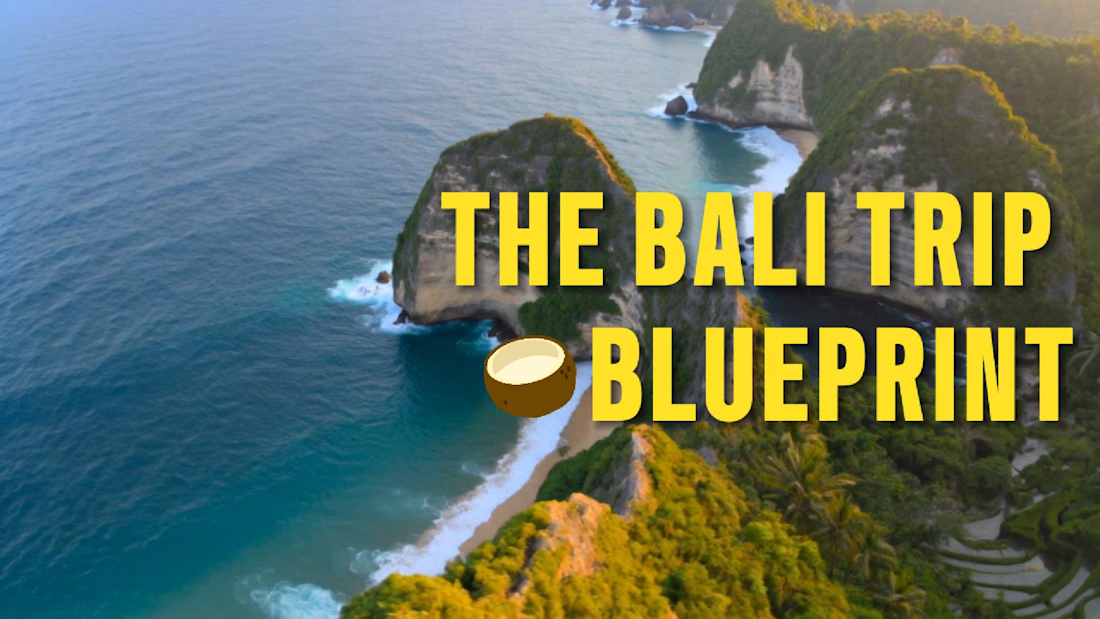
Created this text animation in 𝗙𝗶𝗴𝗺𝗮 𝗠𝗼𝘁𝗶𝗼𝗻, exported it as a GIF, and brought it into 𝗗𝗮𝗩𝗶𝗻𝗰𝗶 𝗥𝗲𝘀𝗼𝗹𝘃𝗲 to finish the reel.

The network for creativity
Join 1.25M professional creatives like you
Connect with clients, get discovered, and run your business 100% commission-free
Creatives on Contra have earned over $150M and we are just getting started


Related posts

its my creation using fully AI of a intro video into my digital products (check the link)



My Last AI Content — Closing One Chapter, Starting Another
After a long delay, I decided to wrap up my final AI content project by cutting it short and keeping the video focused on the finished work.
While working on other projects and beginning my journey with Blender and Unreal Engine, I realized I no longer wanted to keep putting this project on hold. Rather than prolonging production, I chose to finish it, share the result, and move forward.
This marks the end of my AI content creation chapter as I shift my focus toward developing my artistic skills, 3D modeling, animation, and filmmaking through more hands-on creative workflows.
Every experiment has taught me something valuable, and I'm taking those lessons into my next chapter.
One chapter closes. Another begins.
#ComfyUI #DaVinciResolveStudio #Filmmaking #CreativeJourney


Grok inspired animation and sound. I experimented with AI out of curiosity, but it couldn't get it right, so I rolled up my sleeves and did it myself, just like I always do.



