The network for creativity
Join 1.25M professional creatives like you
Connect with clients, get discovered, and run your business 100% commission-free
Creatives on Contra have earned over $150M and we are just getting started
Back to feedPost

This video always makes me think of how commercial real estate deal processes actually work.
A deal moves from sourcing to underwriting, then to investment committee review, documentation, investor communication, and asset management. At every step, context gets passed along — through people, tools, spreadsheets, emails, and documents.
Nothing breaks in one place.
The meaning just slowly drifts.
When I think about automation in commercial real estate, I’m less focused on speed or dashboards, and more on one thing:
how do you preserve intent and context as a deal moves through the system?
Curious where others see meaning getting lost most often.
The network for creativity
Join 1.25M professional creatives like you
Connect with clients, get discovered, and run your business 100% commission-free
Creatives on Contra have earned over $150M and we are just getting started
Related posts

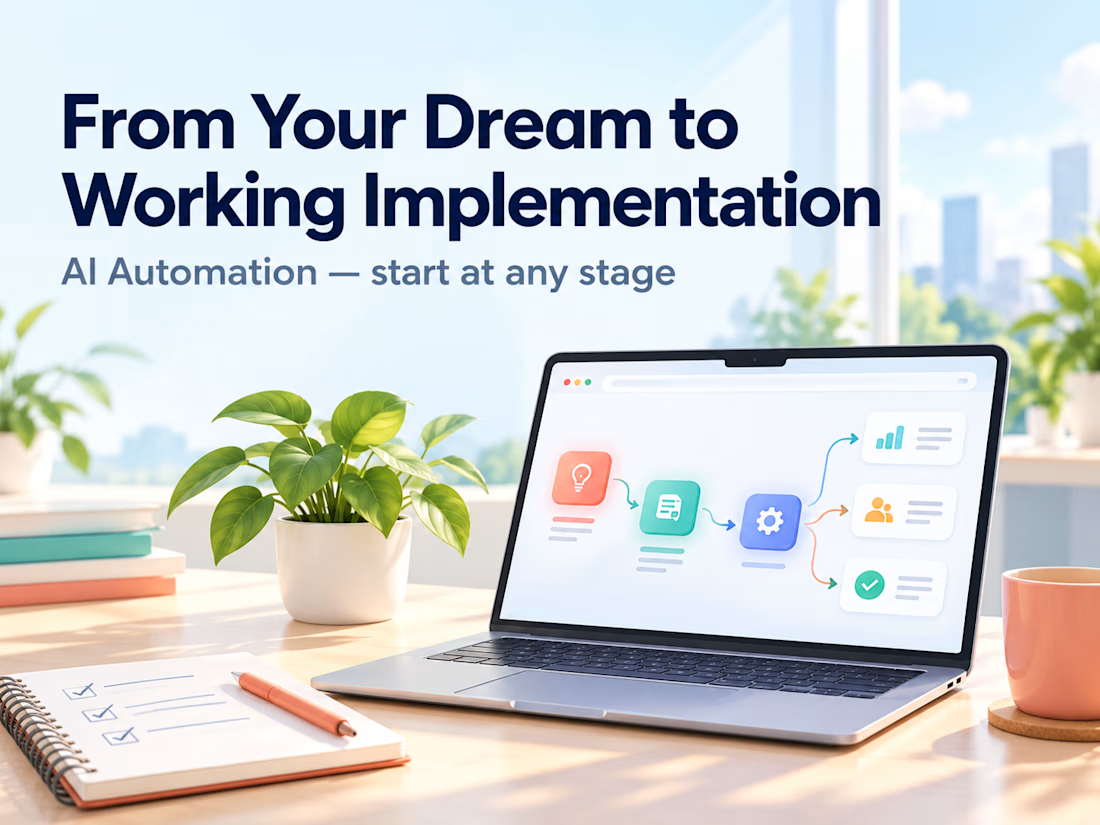
Clients often start with the same request: "Let's build an AI agent."
My counter-question is always: which manual process actually costs you time, errors, or money right now?
My selection rule: remove it first. If it can't be removed, simplify it. If it's still needed, automate it with a plain script. Only then add an integration or an agent. Often the best result is the process that no longer exists.
Safe automation means real scenarios, error handling, and alerts. Without alerts, a workflow can silently lose data for weeks. I always define what stays with a human and what goes to the system.
Question for you: which process would you automate first, and why is it still manual?
Service for audit and implementation: https://contra.com/s/BmWLbgFU-ai-automation-from-your-dream-to-working-implementation?r=auto_booster



🎨 Brand and web design for Nura, the AI tool for real estate
See Case Study here


Amazing work

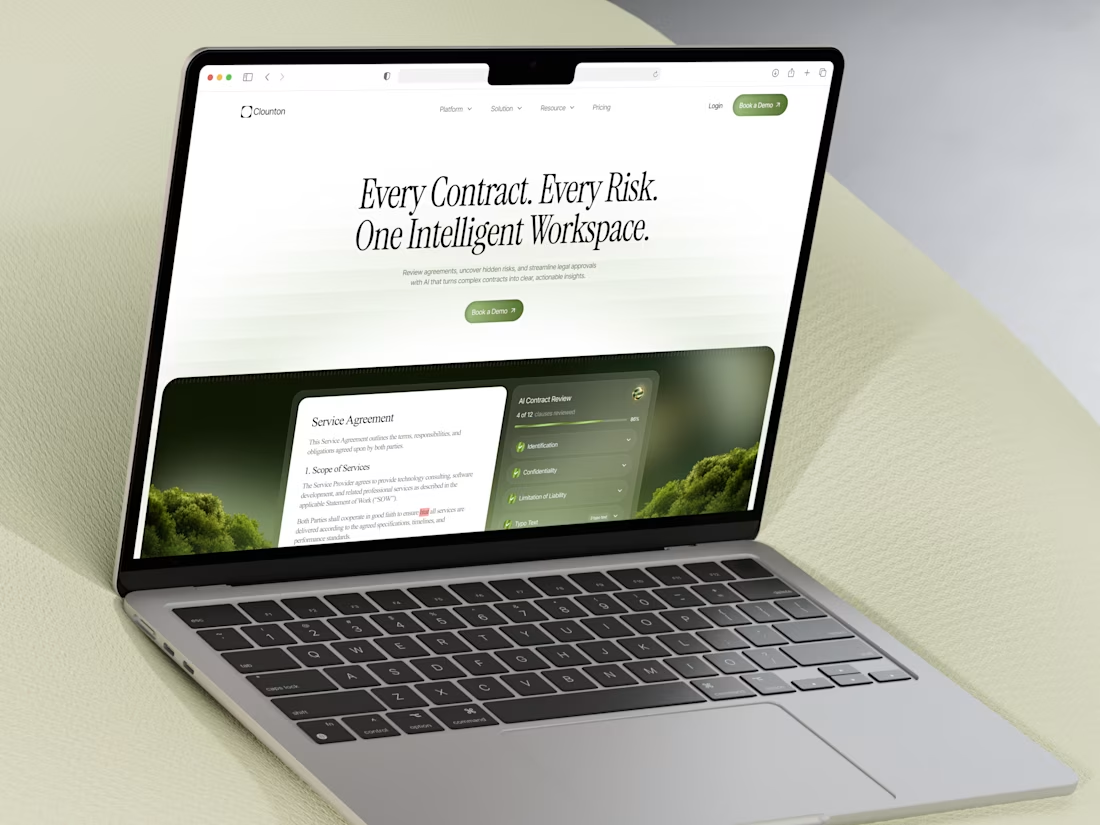
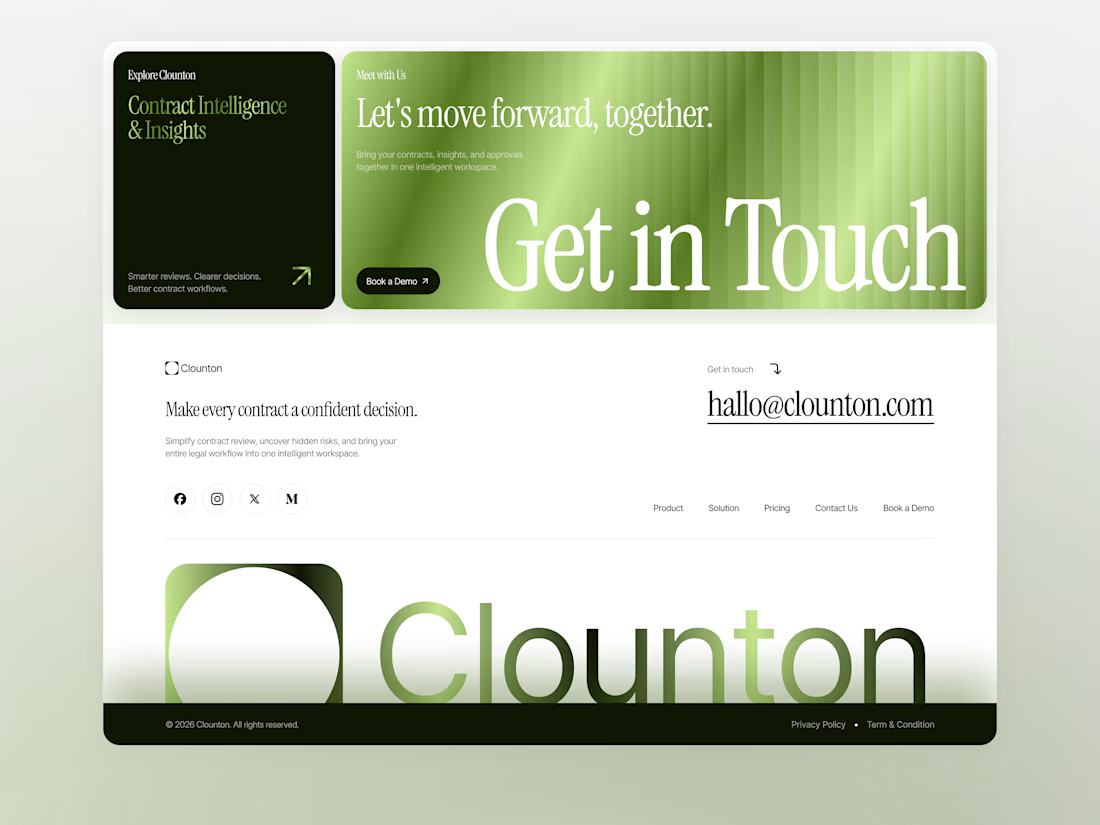
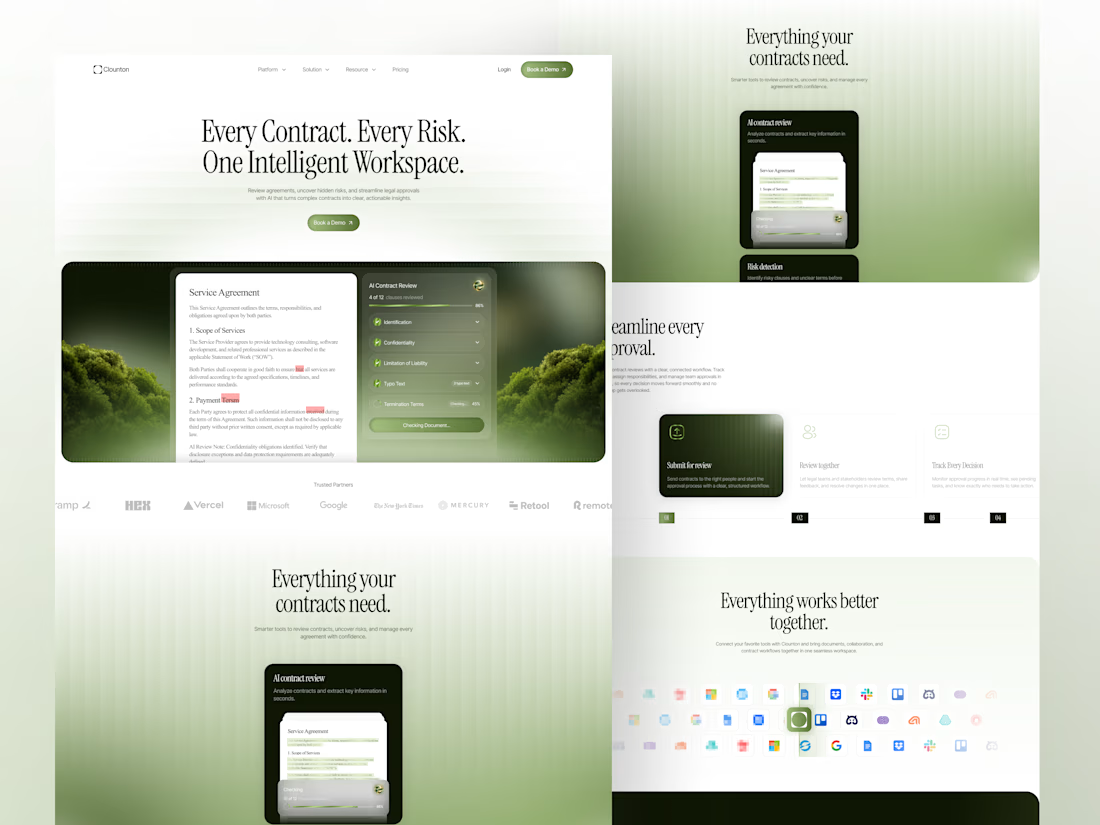
Introducing Clounton — AI-Powered Contract Lifecycle Management.
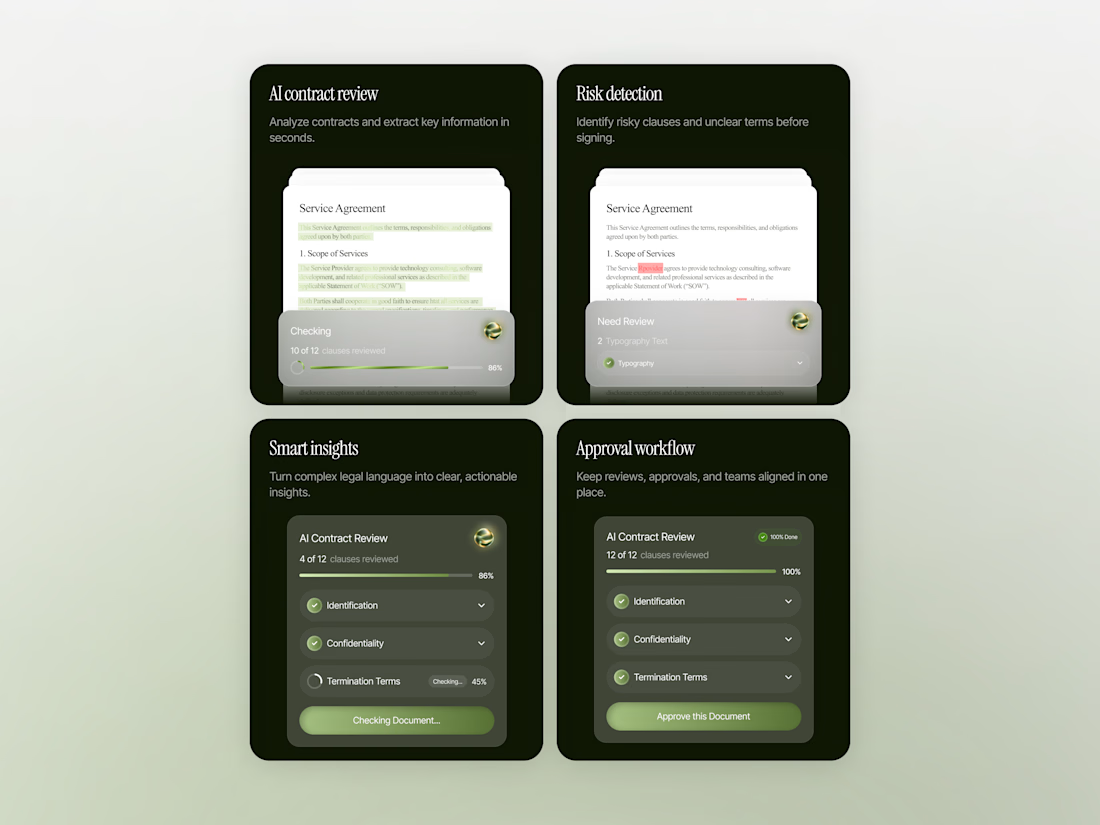
An intelligent platform simplifies contract reviews and detects risk. Turning complex agreements into clear, actionable insights.
Streamlined approvals and smarter workflows in one workspace.