The network for creativity
Join 1.25M professional creatives like you
Connect with clients, get discovered, and run your business 100% commission-free
Creatives on Contra have earned over $150M and we are just getting started
Back to feedPost

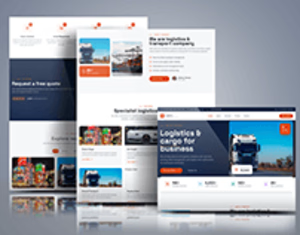
A recent Kajabi project I worked on.
The client had a clear idea of what they wanted, and my job was to turn that idea into a clean and simple online experience.
I worked on the website structure, page design, content flow, and overall Kajabi setup.
The goal was to make it easy for visitors to understand the offer and easy for students to access the content.
Simple. Clear. Easy to use.
That is always the goal.
Have a Kajabi project you want to bring to life? Send me a message.


Amazing work
The network for creativity
Join 1.25M professional creatives like you
Connect with clients, get discovered, and run your business 100% commission-free
Creatives on Contra have earned over $150M and we are just getting started











Related posts


Another project wrapped up! ✨ And this one was a little different for us.
For the first time, we designed and built an entire Kajabi website in Dutch. And here's the thing – nobody on our team speaks Dutch. 😅
Was it a little intimidating at first? Absolutely.
But we had an incredibly patient client who provided all the content we needed, and we focused on what we do best: design, development, and creating a great user experience.
The result? A beautiful website, a fully set-up course platform, and a client who's 100% happy with the outcome.
A little reminder from this project: Don't be afraid to take on something you've never done before.
Trust your skills, trust your experience, and sometimes just say yes to the challenge. You might surprise yourself.


Ohhhhhhh nice work serge
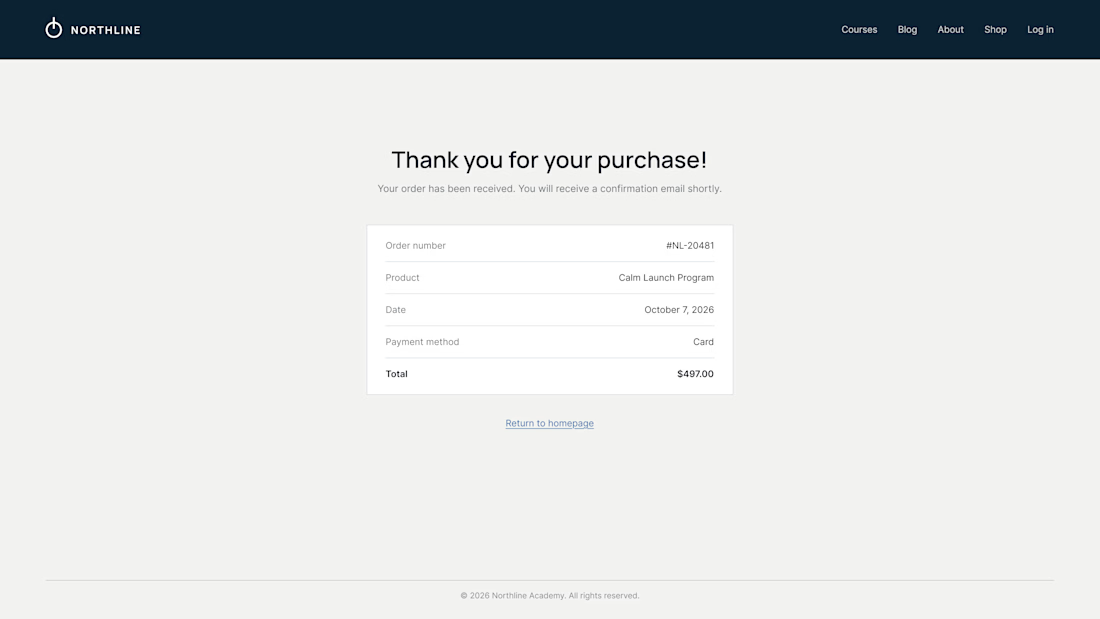
What does your customer see 3 seconds after paying?
On most Kajabi sites it's a plain "Thank you for your purchase" and a receipt. It's the moment of highest trust, and the page offers nowhere to go.
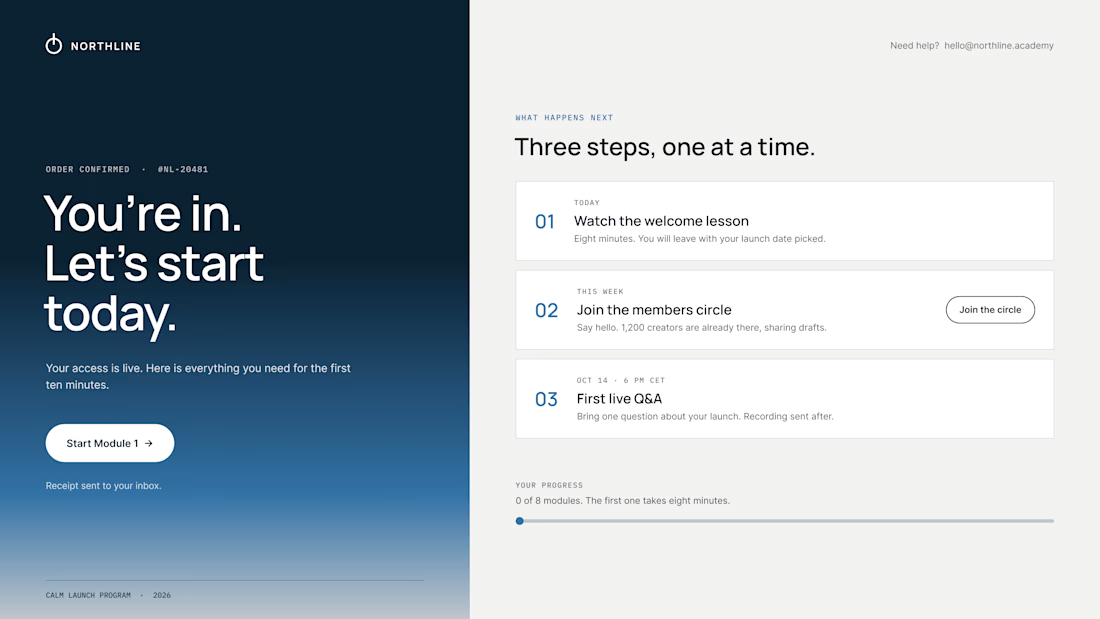
So we design the thank-you page as the first page of the course:
01 – One clear first step. "Start Module 1" sits above everything else. Momentum beats confirmation.
02 – A visible "what happens next". Today, this week, the first live call, with a calendar button. Clear dates calm the doubts that come right after paying.
03 – Proof they're in the right place. A link to the community, a human email they can reply to, progress at 0 of 8.
The receipt still lives in the inbox. It just isn't the headline.
Same brand, same colors. The only difference is where the page leads.
What did the last thank-you page you saw actually ask you to do?

Love the focus on making the experience feel simple for users.


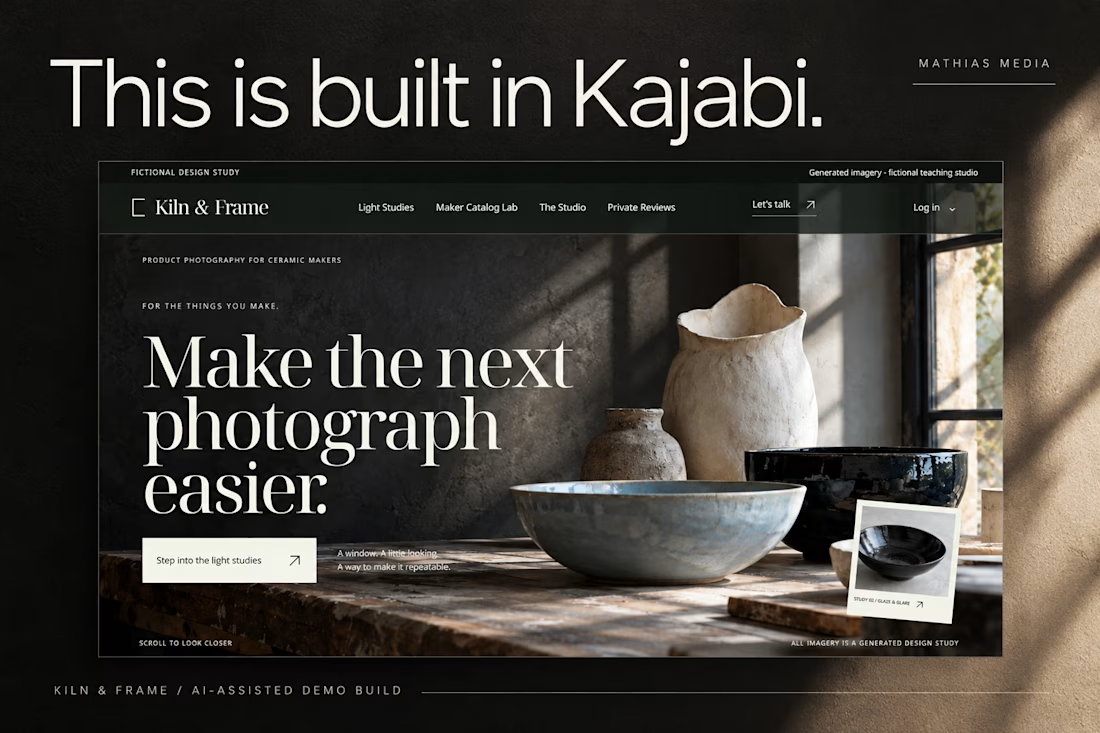
This is built in Kajabi.
Meet Kiln & Frame, a demo brand created to explore what a custom Kajabi website can look and feel like.
Editorial layouts. Rich imagery. Interactive details. And content that remains editable inside Kajabi.
Built through the AI-assisted process I’ve been developing and testing.
Pretty excited about this one.

love the editorial approach for kiln & frame. curious - how did you handle the image grids inside kajabi? i've struggled to make kajabi feel this custom without breaking the cms


