
Mobile App Design - iOS & AndroidNico Ramella
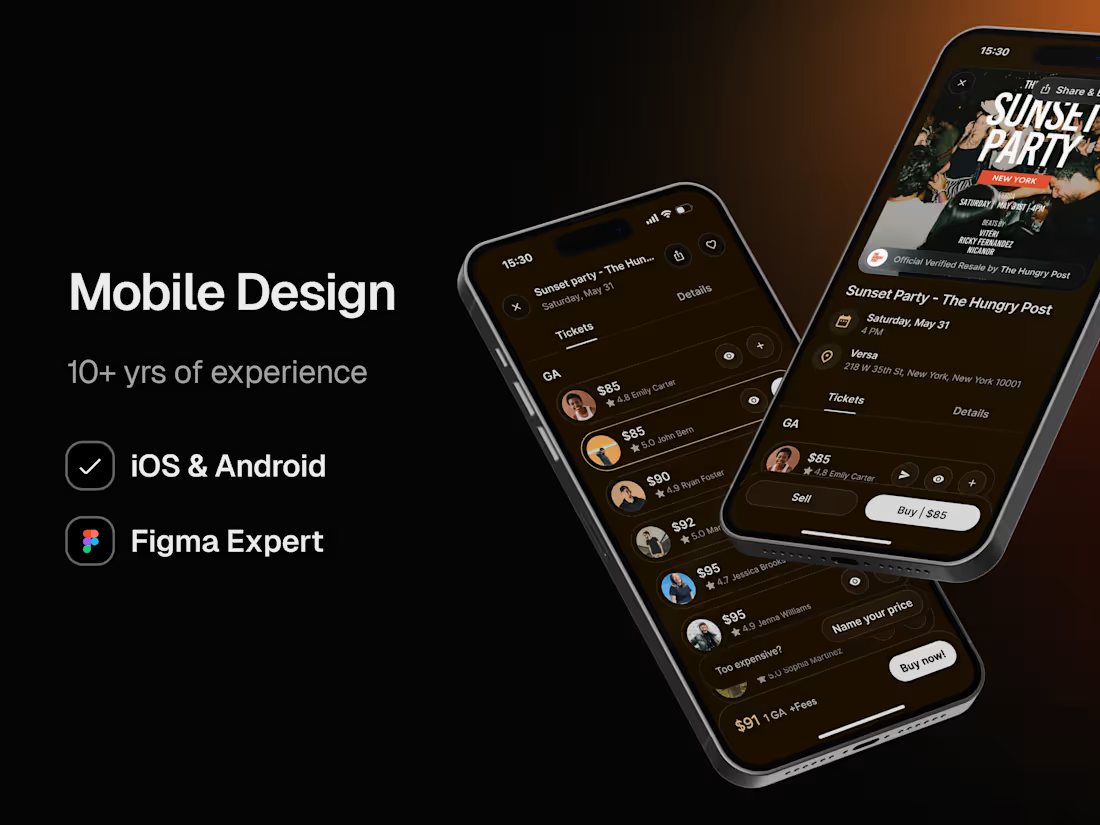
Intuitive, scalable, and efficiently designed mobile apps that hit product–market fit, convert, and retain users through aesthetically pleasing experiences.
I take full ownership of my tasks, diving deep into your company and giving my absolute best to help it succeed as if it were my own. Your mission becomes mine for as long as we work together. I thrive working cross-functionally and proactively, knowing when to take initiative and when to focus on my role. I have no designer’s ego, constantly seeking feedback to create a better product. I work at extreme speed with rapid iteration, while consistently delivering high-quality results.
What's included
UX/UI Design
A Figma file with high-quality, pixel-perfect screen designs for every user interaction. Organized by sections, layers, and frames, appropriately named. Using style guides and reusable components. Ready for the developer's handoff.
UX Research
A research and an audit of all available data to craft our user personas, identify pain points, and opportunities.
UI Library
Color variables and type scales that match your brand, which will be included in the Figma file. I will make any necessary adjustments to ensure the app styles meet both design and usability best practices.
User Flows
A FigJam file with the digital product user flows, including every screen, section, inputs, options, onboarding, dialogs, success/error, empty states, etc. Ready for the developer's handoff.
Design QA (Post-service)
A follow-up on the development process, reviewing each screen until the product is ready for launch. I will be in direct contact with the developers (your team, third-party, or freelancers), and I will respond to any questions and provide detailed feedback on each screen.
Design System (Optional)
A Figma file with consistent, cohesive, and scalable components from foundations, such as icons and buttons, to complex components, including nested components. Designed using Figma's advanced features to ensure the highest quality of exported code. Organized by pages, sections, states, and layers, appropriately named.
Product roadmap strategy (Optional)
An audit of the product strategy, user personas, and data to come up with new features, and organize product versions and launches.
FAQs
Example work
Contact for pricing
Tags
Figma

Mobile Designer
UI Designer
UX Designer
Service provided by
Nico Ramella maxBoston, USA
- $50k+
- Earned
- 17
- Paid projects
- 5.00
- Rating
- 256
- Followers
Mobile App Design - iOS & AndroidNico Ramella
Intuitive, scalable, and efficiently designed mobile apps that hit product–market fit, convert, and retain users through aesthetically pleasing experiences.
I take full ownership of my tasks, diving deep into your company and giving my absolute best to help it succeed as if it were my own. Your mission becomes mine for as long as we work together. I thrive working cross-functionally and proactively, knowing when to take initiative and when to focus on my role. I have no designer’s ego, constantly seeking feedback to create a better product. I work at extreme speed with rapid iteration, while consistently delivering high-quality results.
What's included
UX/UI Design
A Figma file with high-quality, pixel-perfect screen designs for every user interaction. Organized by sections, layers, and frames, appropriately named. Using style guides and reusable components. Ready for the developer's handoff.
UX Research
A research and an audit of all available data to craft our user personas, identify pain points, and opportunities.
UI Library
Color variables and type scales that match your brand, which will be included in the Figma file. I will make any necessary adjustments to ensure the app styles meet both design and usability best practices.
User Flows
A FigJam file with the digital product user flows, including every screen, section, inputs, options, onboarding, dialogs, success/error, empty states, etc. Ready for the developer's handoff.
Design QA (Post-service)
A follow-up on the development process, reviewing each screen until the product is ready for launch. I will be in direct contact with the developers (your team, third-party, or freelancers), and I will respond to any questions and provide detailed feedback on each screen.
Design System (Optional)
A Figma file with consistent, cohesive, and scalable components from foundations, such as icons and buttons, to complex components, including nested components. Designed using Figma's advanced features to ensure the highest quality of exported code. Organized by pages, sections, states, and layers, appropriately named.
Product roadmap strategy (Optional)
An audit of the product strategy, user personas, and data to come up with new features, and organize product versions and launches.
FAQs
Example work
Contact for pricing